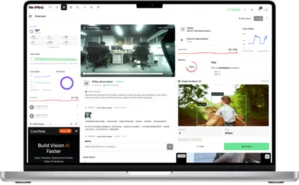
Build a Loitering Detection App on an Edge AI Camera with NE503
Loitering detection is a practical security workload for edge AI cameras: detect a person locally, measure dwell time, publish a structured alert, and trigger a real on-site response without sending every frame to a cloud server.
Updated July 9, 2026~10 min readNE503 / Loitering Detection / Edge AI CameraBy Harry Hua
Loitering detection is not just person detection. A useful system must understand whether a person remains in a monitored area long enough to become an event. That means the camera needs detection, timing logic, event output, and a reliable action path.
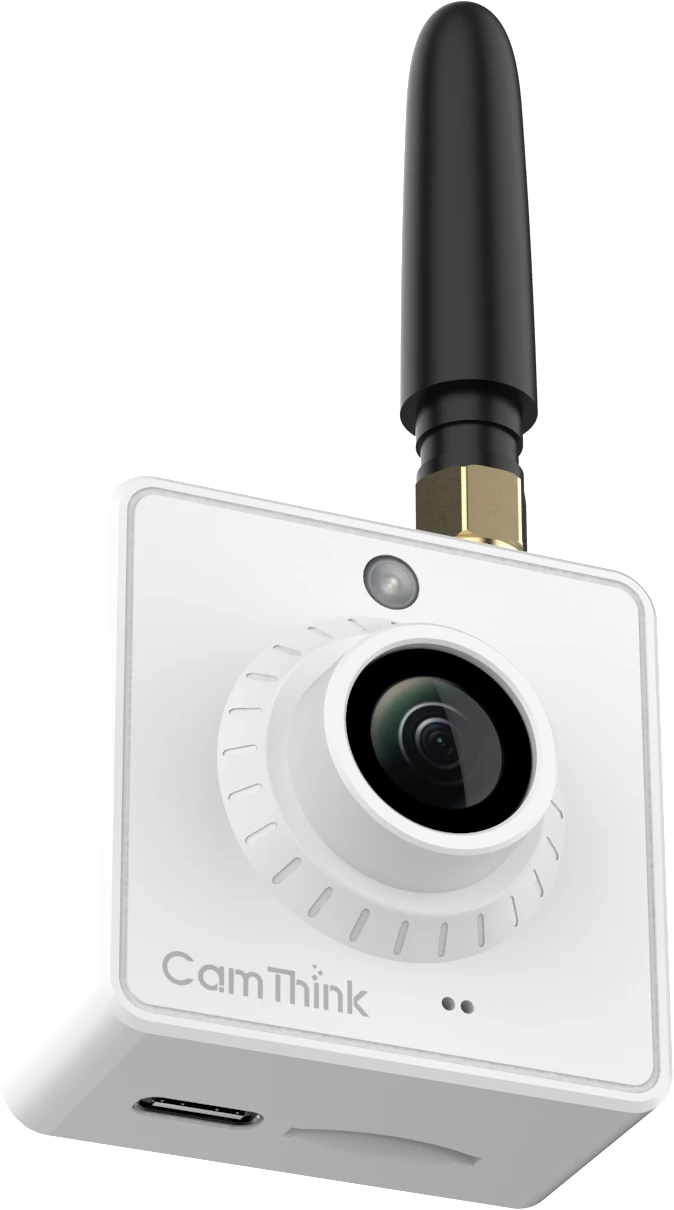
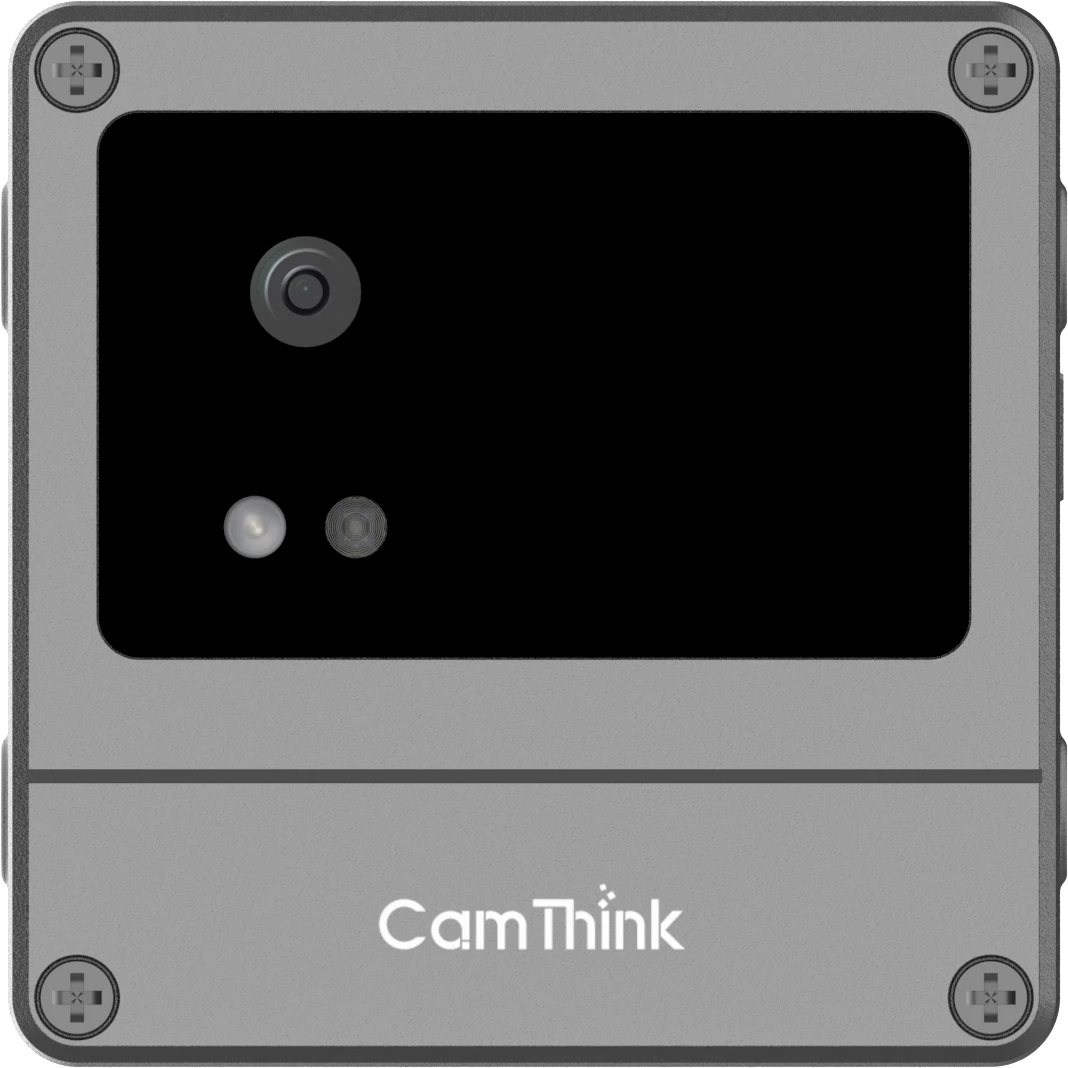
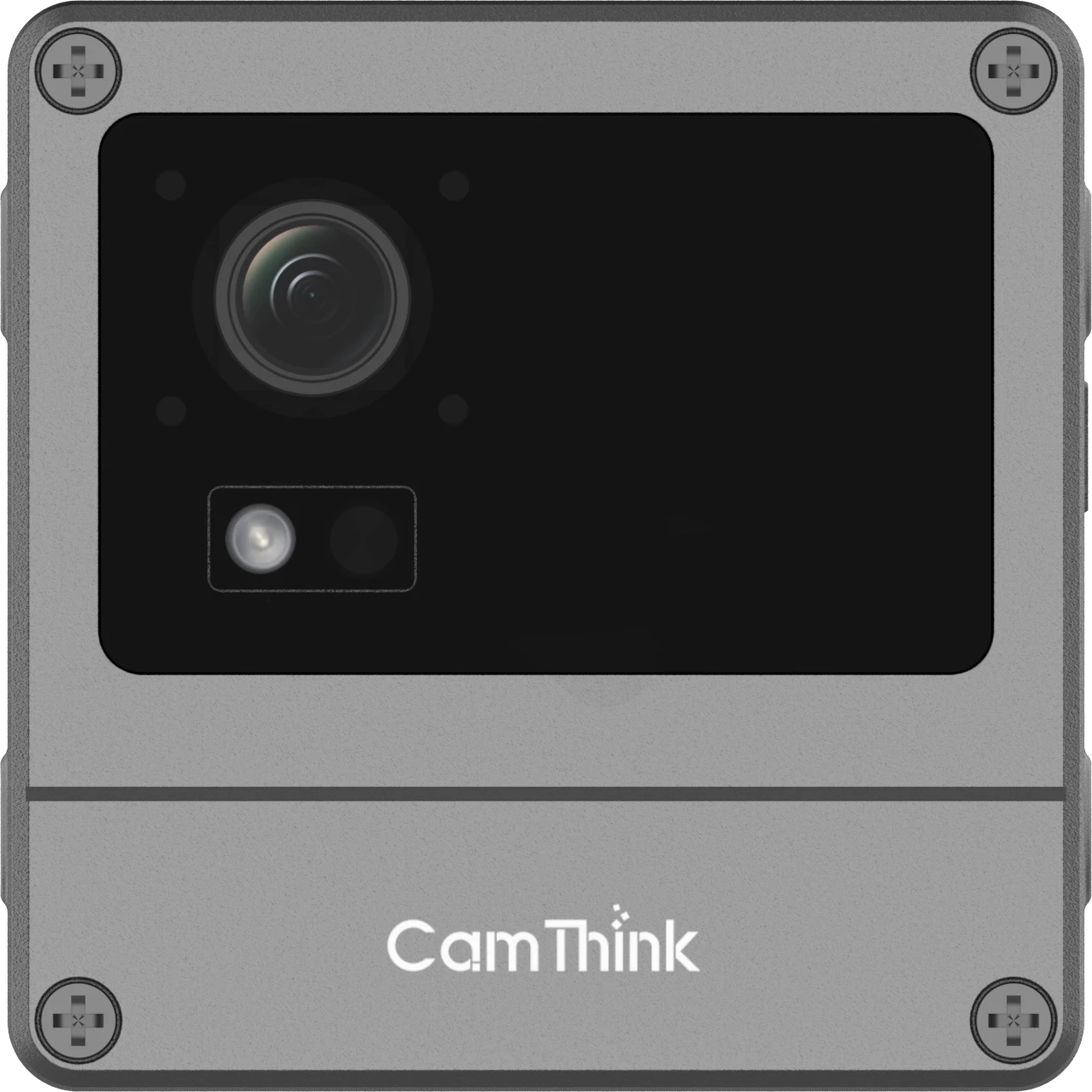
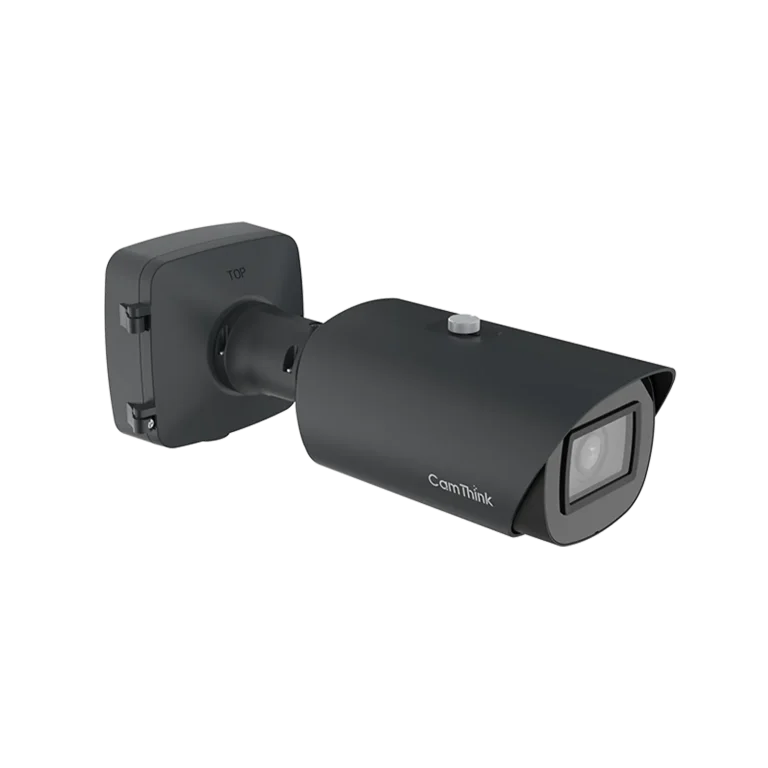
CamThink NeoEyes NE503 is built for this type of fixed-site edge AI camera workload. It can capture the scene, run local inference, execute application logic, publish structured events, and trigger field actions from the camera endpoint.
NeoEyes NE503 combines 4K visual input, Hailo-15H local AI compute, containerized applications, structured event output, and field-ready I/O in one edge AI camera.
Why loitering detection belongs on the camera
In many security scenes, seeing a person is normal. A delivery driver may pass a gate. A worker may cross a yard. A visitor may walk near an entrance. The useful alarm is not always “person detected.” The useful alarm is often “a person stayed in this area longer than expected.”
That distinction is exactly why loitering detection is a good edge AI workload. The camera can make the first decision close to the video source, then send a smaller and more meaningful event to the VMS, alarm platform, IoT system, or site operator.
Lower latencyThe dwell-time rule runs where video starts, so the event does not wait for full upstream processing.
Lower bandwidthThe system can send structured alerts, snapshots, or selected clips instead of streaming every frame for analysis.
Clearer alarmsEvents include object, time, zone, and action context, which helps downstream systems decide what to do.
Better field responseThe camera can trigger a white light, Alarm OUT, or local device action even when cloud connectivity is limited.
For entrances, parking lots, logistics yards, construction sites, industrial perimeters, campuses, and utility facilities, this pattern helps reduce manual video review. Operators spend less time checking ordinary movement and more time responding to events that meet the rule.
Reference project: from one sentence to a verified NE503 app
A recent CamThink project on Hackster demonstrated a useful developer workflow: start from a single requirement, generate the application with Claude Code and a custom NE503 development skill, then build, deploy, and verify the app on real NE503 hardware.
The input requirement was intentionally simple: build an app that fires an alert after someone is detected lingering for 10 seconds, then deploy it to the NE503 device. The important part was not the sentence itself. The important part was turning that sentence into a working edge AI deployment.
The project used the hailo_yolov8n_384_640 model, the NE503 raw sub stream for inference frames, a 10-second dwell timer, Event Bus publication, and white-light control as the physical response. In the reported validation session, the app completed three alert cycles, triggered at about 10.1 seconds on average, and turned on the NE503 white light for each alert.
What this proves
The reference project does not claim that a short demo is a finished commercial security system. It proves something narrower and useful: NE503 can run a camera-side AI application that detects a person, applies dwell-time logic, publishes an event, triggers a local action, and can be deployed through a repeatable developer workflow.
System architecture for an edge AI loitering alert
A practical loitering detection app needs five layers. The exact model, event schema, and integration interface can change by project, but the architecture is consistent.
Camera-side loitering detection flow
INPUT
Video stream
NE503 captures the scene from a fixed monitoring position.
AI
Person detection
A local model detects people on the camera-side AI runtime.
RULE
Dwell-time logic
The app checks whether a person remains long enough to match the rule.
EVENT
Structured alert
The camera publishes object, time, rule, and evidence context.
ACTION
Local response
The app can trigger a white light, Alarm OUT, MQTT, REST, or platform event.
In a production design, the rule layer usually becomes more specific. Instead of a global frame-level timer, the app may use defined regions of interest, object tracking, schedule rules, reset logic when a person leaves, multi-object handling, and different dwell thresholds by zone.
Why NE503 fits this workload
NE503 is not just an IP camera with a detection feature added on top. It is an edge AI camera platform that combines imaging, local AI compute, application deployment, and integration interfaces in one device.
4K visual inputSony IMX678 imaging, Gen2 AI-ISP, and motorized zoom help preserve useful scene detail for detection and evidence.
20 TOPS local AI computeHailo-15H runs local inference so the first decision can happen at the camera endpoint.
Containerized app deploymentDevelopers can package AI models, business logic, and connectors as camera-side applications.
Structured event outputEvent Bus, MQTT, REST API, RTSP, and local I/O help connect alerts to existing systems.
Field-ready fixed-site designPoE, IP67 protection, fanless operation, wide-temperature design, Alarm I/O, and RS-485 support real deployments.
Local physical responseWhite-light control or Alarm OUT can give the site an immediate response path, not just a dashboard notification.
This matters for system integrators and software teams because the app does not have to live on a separate edge server. The camera can host the detection workflow itself, then send structured results to the platform that already owns review, escalation, reporting, and records.
Deployment workflow on NE503
The developer workflow for a loitering detection app usually has two parts: build the application correctly, then prove it is actually running on the device. A build artifact alone is not enough for edge AI. The app must receive frames, run inference, decode output, publish events, and trigger the configured action.
Define the alert rule
Decide what counts as loitering: person class, monitored zone, dwell-time threshold, schedule, reset condition, and action path.
Select the model and input stream
Use a model that is available in the NE503 runtime and subscribe to the stream that provides the frames required by the inference pipeline.
Package the camera-side app
Include application logic, runtime permissions, model references, event publication, and device-control permissions in the app package.
Upload, install, and start
Deploy the package to NE503, start the app, and check logs through the Web Console or command-line workflow.
Verify on real video
Confirm inference output, dwell-time timing, event publication, physical response, and behavior when the person leaves or re-enters the scene.
A simplified event payload may look like this. The exact schema should match your VMS, alarm platform, IoT backend, or customer application.
Loitering detection works best where “presence over time” is more meaningful than a one-frame detection. It is especially useful at defined locations where the camera view, lighting, and response workflow can be controlled.
Scene
Typical rule
Possible response
Building entrance
Person remains near the door outside allowed hours.
Send VMS event, turn on white light, notify operator.
Industrial perimeter
Person stays inside a restricted zone for more than the threshold.
Trigger Alarm OUT, publish MQTT, store evidence snapshot.
Parking lot
Person remains near parked vehicles after closing time.
Escalate alert with scene snapshot and timestamp.
Construction site
Person stays near equipment or material storage during off-hours.
Activate local deterrence and notify site security.
Retail back entrance
Person remains near service door or loading area.
Send event to store security workflow.
The same architecture can also support zone intrusion, after-hours presence, equipment-area protection, gate monitoring, and other security events. Loitering detection is a useful starting point because it combines AI perception with business logic, which is where edge AI cameras become more valuable than traditional video-only cameras.
What to add before production deployment
The Hackster reference app is intentionally small. It is designed to prove the path from requirement to deployed NE503 app. A production loitering detection system should go further.
Region-of-interest rulesUse specific zones instead of the whole frame when the scene requires location-aware alerts.
Object trackingTrack individual people across frames so timing logic stays accurate when multiple people appear.
Reset and re-entry logicDefine what happens when a person leaves, returns, or crosses zone boundaries.
Schedule controlUse different rules for business hours, after-hours, weekends, and maintenance windows.
Evidence policyDecide whether the system should send metadata, snapshots, crops, short clips, or RTSP references.
False-alarm validationTest lighting, weather, camera angle, reflective surfaces, crowd scenes, and edge cases before launch.
These additions are where the project becomes site-specific. NE503 provides the platform. The final system still needs the right model, rule design, event schema, installation angle, privacy policy, and response workflow.
Evaluating loitering detection on NE503?
Share your camera view, target scenario, event output requirements, and integration platform. CamThink can help evaluate whether NE503 is the right edge AI camera for your security workflow, or whether another CamThink architecture fits better.
Use NE503 when the project needs a fixed, powered AI camera that can run local inference and application logic at the camera point. That usually means a PoE camera position, a clear field of view, a stable network, and an existing platform that can receive events or video.
Project pattern
Better starting point
Why
Fixed gate, entrance, perimeter, yard, or parking point with power and network.
NeoEyes NE503
Local AI, 4K evidence, containerized apps, RTSP, MQTT, REST API, Event Bus, PoE, and Alarm I/O.
Remote site with solar, battery, PIR wake-up, cellular networking, or event-triggered capture.
NeoEyes NE301
Better for low-power remote monitoring where continuous AI IPC operation is not the main requirement.
Existing CCTV estate, many camera streams, heavier models, or centralized edge analytics.
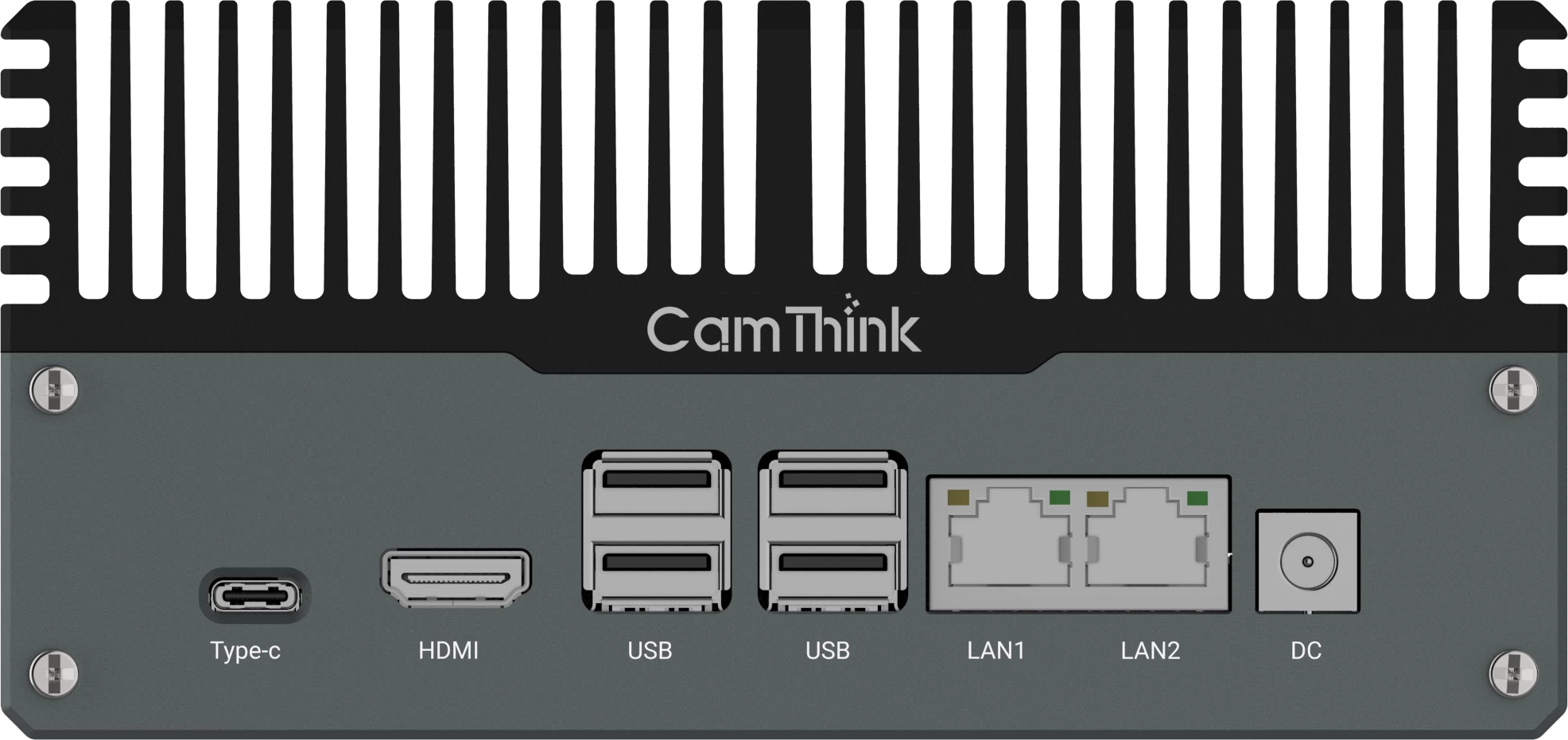
NeoEdge NG4500
Better for multi-camera edge AI box workflows and higher-compute video analytics pipelines.
Conclusion
Loitering detection shows why edge AI cameras matter. The camera is no longer only a video source. It can detect a person, apply dwell-time logic, publish a structured event, and trigger a local response before the rest of the system has to process raw video.
For developers, the NE503 reference workflow shows a path from idea to deployed app. For system integrators, it shows how local AI can reduce downstream noise and connect camera-side intelligence to VMS, alarm, and IoT platforms. For security teams, it creates a more useful alarm: not just movement, but a rule-based event with context.
FAQ
What is edge AI loitering detection?
Edge AI loitering detection uses a local camera or edge device to detect people, measure how long they remain in a monitored scene or zone, and generate an event when the dwell-time rule is met.
Why use NE503 for loitering detection?
NE503 combines 4K visual input, Hailo-15H local AI compute, containerized app deployment, Event Bus, MQTT, REST API, RTSP, Alarm I/O, and white-light control in one fixed-site edge AI camera.
Can NE503 trigger a local alarm?
Yes. A camera-side application can publish a structured event and trigger local device actions such as the camera white light or Alarm OUT, depending on the project design and device configuration.
Is the Hackster demo production-ready?
The Hackster project is a developer reference that proves an end-to-end NE503 deployment path. Production deployments should add project-specific zones, multi-object tracking, reset logic, schedules, event schemas, privacy policy, and field validation.
Can the same architecture support other security alerts?
Yes. The same capture, infer, rule, event, and action architecture can support zone intrusion, after-hours presence, gate monitoring, equipment-area protection, vehicle detection, and other project-specific edge AI security events.
CamThink Technical Director, 10+ years in technical solution design
Harry works with system integrators, OEM teams, and AIoT platform builders on edge vision hardware architecture, product selection, and deployment planning.