Edge and cloud are not opposing product categories. They are places where different parts of a vision workload can run. A camera may detect an event, a site server may process several RTSP streams, and a central platform may manage rules and results across locations. All three can belong to the same system.
The useful question is therefore not, “Is edge AI better than cloud AI?” It is, “Which work should stay close to the cameras, and which work benefits from central compute or management?” That distinction matters when an organization wants to add AI without replacing installed cameras, overloading its network, or creating an operations model it cannot maintain.
Quick Answer: Most Production Vision Systems Are Hybrid
For many commercial and industrial deployments, the practical starting point is local inference with centralized management. Video is analyzed on the camera or on an edge AI box at the site. The system then sends selected events, metadata, snapshots, or short clips to a VMS, IoT platform, or central operations layer.
This keeps time-sensitive decisions near the scene while preserving a central view across sites. It also avoids treating every video stream as if it must follow the same processing path.
| Architecture | Best Fit | Main Tradeoff |
|---|
| Camera-side edge AI | A new or critical point needs a self-contained camera and immediate local output. | Compute, thermal headroom, and model choice are bounded by the camera platform. |
| On-site edge AI box | Several installed IP cameras should remain in service and feed one local processor. | Stream count depends on the model, resolution, frame rate, decoding load, and pipeline design. |
| Cloud video analytics | Central compute, elastic workloads, or services that need broad data access matter more than continuous uplink cost. | Bandwidth, connectivity, data handling, and recurring cost need careful design. |
| Hybrid edge-cloud | Local detection and action are combined with central management, reporting, or heavier analysis. | The system needs clear ownership of models, events, video, and failure behavior. |
Four Places a Video Analytics Workload Can Run
On the AI camera
A camera with onboard acceleration captures and analyzes the same scene. It can produce structured events or trigger local outputs without sending every frame to another computer. This is useful at a new entrance, gate, production cell, or remote point where the camera itself should own the first response.
On an edge AI box at the site
An edge box receives streams from existing IP cameras and runs one or more analytics pipelines locally. It is often the most direct retrofit path because the camera estate, viewing positions, and VMS can remain in place. The box becomes an added compute layer rather than a replacement surveillance system.
On a central server or cloud service
Central processing is useful when a workload benefits from shared compute, cross-site data, elastic capacity, or access by distributed teams. It can also be appropriate for non-urgent jobs such as periodic review, reporting, model evaluation, or selected video search. The design still has to account for upload bandwidth, retention policy, connectivity, and where sensitive video is allowed to travel.
Across a hybrid pipeline
A hybrid pipeline separates the fast path from the management path. Local hardware handles frame-by-frame inference and immediate actions. A central service receives compact event data and only the media that the application needs. This is not a compromise version of edge or cloud. For multi-site video analytics, it is often the cleanest operating model.
Compare the Architecture by Workload, Not by Slogans
Claims such as “cloud is always slow” or “edge is always private” skip the conditions that decide the outcome. A nearby regional service on a strong network may respond quickly. A poorly configured edge pipeline can still miss a deadline. Likewise, local processing can reduce video movement, but security still depends on credentials, software updates, network segmentation, and access control.
| Decision Criterion | Favor Local Edge When | Favor Central or Cloud When |
|---|
| Response path | An alarm, relay, machine, or operator must react at the site. | The result supports review, reporting, or a workflow that tolerates network transit. |
| Bandwidth | Continuous upstream video would be expensive or impractical. | Connectivity and budget can support the selected streams or clips. |
| Data boundary | Policy calls for raw video to remain on premises whenever possible. | The organization can lawfully and securely process the required media centrally. |
| Offline behavior | Detection or local action must continue during a WAN outage. | The application can pause, queue, or degrade when connectivity is lost. |
| Model workload | The model fits the available local accelerator and power envelope. | The task needs compute or memory that is not economical at each site. |
| Operations | A small number of stable pipelines can be managed locally. | Frequent model changes, shared services, or cross-site analysis are central requirements. |
| Cost structure | Predictable on-site hardware and reduced video transport fit the project. | Elastic use and centralized infrastructure outweigh recurring transfer and compute costs. |
These criteria should be applied per workload. PPE detection may need a local alert, while weekly safety reporting can be centralized. Parking occupancy may run locally, while a cloud dashboard combines counts from many sites. One project can make both decisions without contradiction.
Model TCO with Real Project Inputs
A three-year cost comparison is useful only when every architecture is measured against the same workload. Public API prices, assumed camera costs, or one laboratory inference rate are not enough. Start with the number of sites and cameras, then model how often media is captured, how much is transferred, what must be retained, and who will operate the system.
A practical model includes hardware, installation, network service, central compute, storage, platform fees, maintenance labor, replacement stock, and site visits. For an edge system, local hardware and deployment may dominate the first year. For a cloud system, transfer, inference, storage, and platform usage can grow with activity. A hybrid system carries parts of both cost structures but may reduce the amount of media sent upstream.
| Cost Input | Local Edge Impact | Cloud or Central Impact |
|---|
| Camera and compute hardware | AI cameras or site boxes create an upfront equipment cost. | Existing cameras may be reused, but a gateway or frame-extraction service may still be required. |
| Installation | Includes mounting, PoE or DC power, network work, commissioning, and enclosure needs. | Includes camera networking, secure uplink, gateway setup, and cloud account integration. |
| Inference and platform use | No per-call cloud fee for local inference, but capacity must be purchased and maintained. | Usage may be billed by request, compute time, model endpoint, or platform tier. |
| Bandwidth and storage | Events and selected media can reduce upstream traffic; local retention still has a cost. | Images or video must reach the service, then follow its storage and egress model. |
| Operations | Teams need device health, logs, model updates, and recovery procedures across sites. | Teams need service monitoring, API error handling, spend controls, and vendor lifecycle management. |
| Failure and replacement | Budget for spare hardware, site access, and local recovery. | Budget for connectivity loss, service interruption, retry queues, and migration risk. |
A short indoor PoC with stable connectivity and a standard cloud model can have the lowest cost to first result. A frequent or continuous production workload may favor local processing once network, API, storage, and failure-handling costs are included. Neither result should be assumed before the project inputs are known.
Use an Edge AI Box When Existing Cameras Should Stay
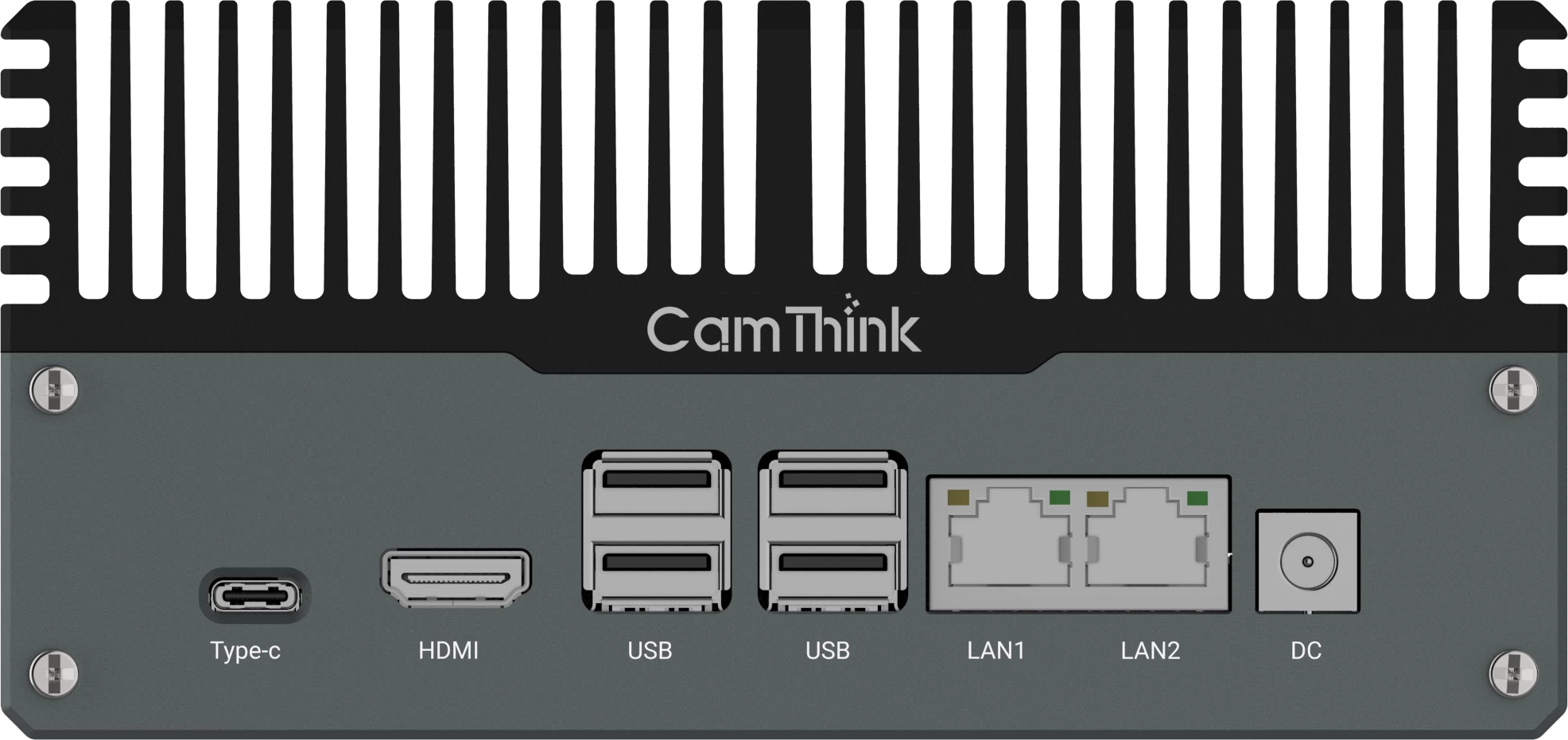
If the installed cameras already provide usable views and stable network streams, an on-site edge AI box is usually the first architecture to evaluate. The NeoEdge NG4500 uses an NVIDIA Jetson Orin platform and supports containerized video analytics built with tools such as TensorRT and DeepStream. It can sit beside the current camera network and consume selected IP streams without requiring a wholesale camera replacement.
The number of cameras that one box can process is not a single hardware specification. It changes with resolution, frame rate, codec, decode path, model size, inference interval, tracking, and concurrent applications. A useful sizing test reproduces the intended streams and pipeline instead of multiplying a headline channel count.
Before choosing hardware, review the existing CCTV upgrade paths and the more focused guide to using an edge AI box with existing IP cameras. If you can share sample streams, target events, and response requirements, ask CamThink to review the processing path and PoC scope.
Use an Edge AI Camera at a New or Critical Point
An edge AI camera makes more sense when the current view is unsuitable or the project needs a dedicated intelligent point. A camera mounted for general surveillance may not show enough pixels on a helmet, face, plate, pallet, or safety zone. Adding compute to that stream will not recover detail that was never captured.
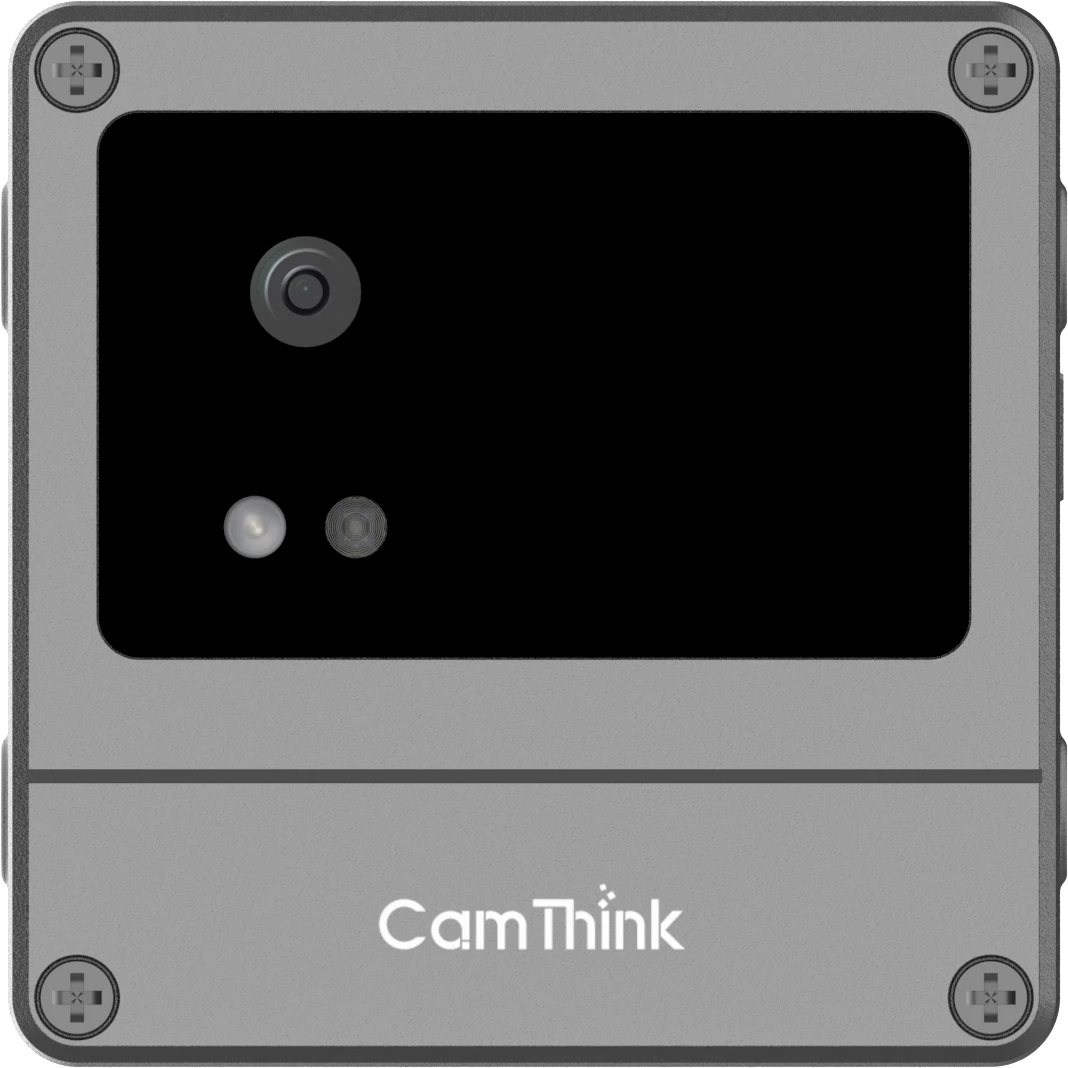
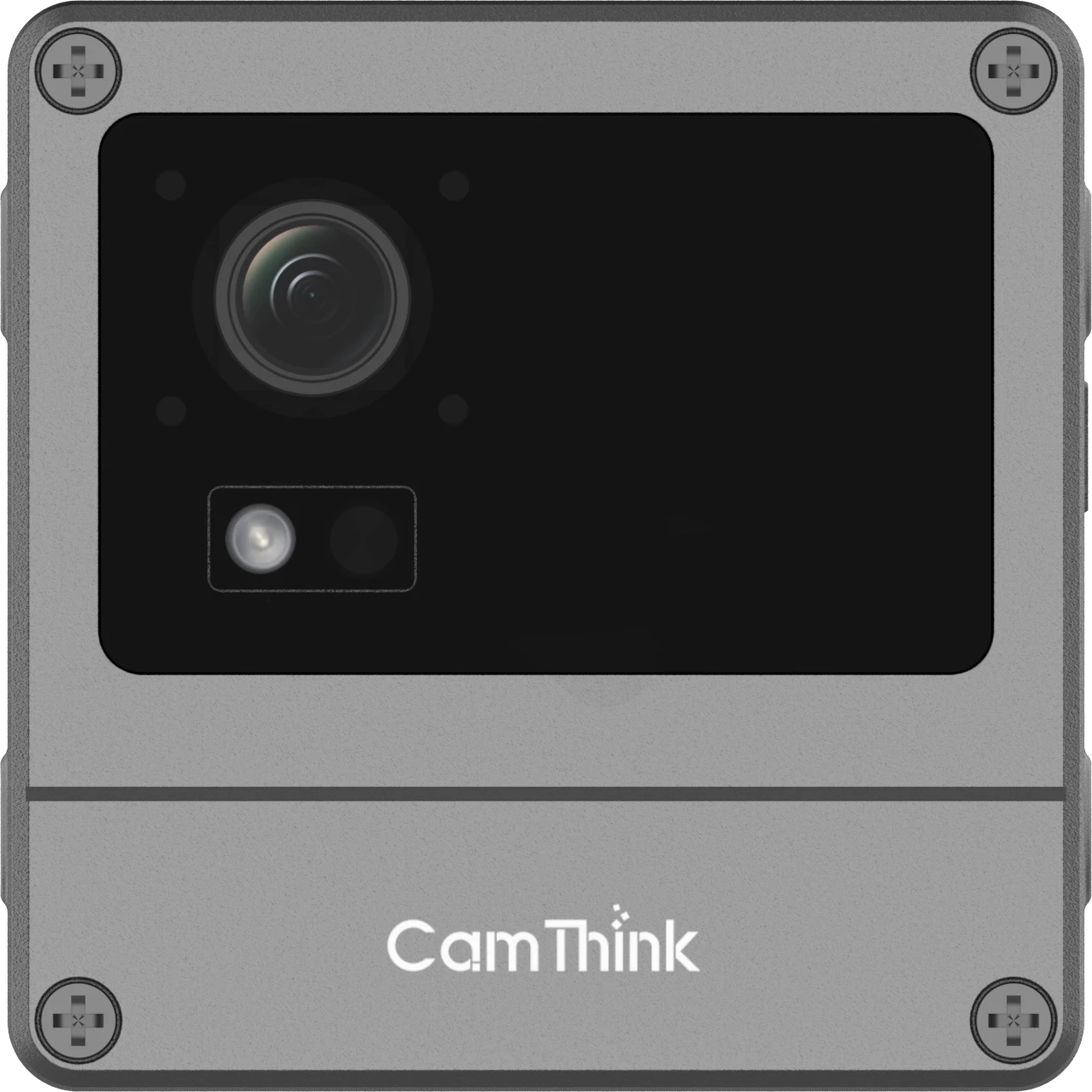
The NeoEyes NE503 combines a Sony IMX678 4K image sensor with a Hailo-15H accelerator rated at 20 TOPS INT8. It supports PoE, an IP67 enclosure, containerized applications, RTSP video, structured events, and local I/O. That makes it a fit for new fixed points where image capture, inference, and on-site action should be designed together.
This path is about fixing the observation point, not declaring every old camera obsolete. The practical comparison is covered in when to add an edge AI camera to an existing CCTV system.
Keep Lightweight Workloads on the Camera
Not every site needs a high-throughput video server or a camera built for larger vision models. A constrained workload can sometimes run on a lower-power camera platform, especially when the scene is controlled and the desired output is a compact event rather than a rich analytics pipeline.
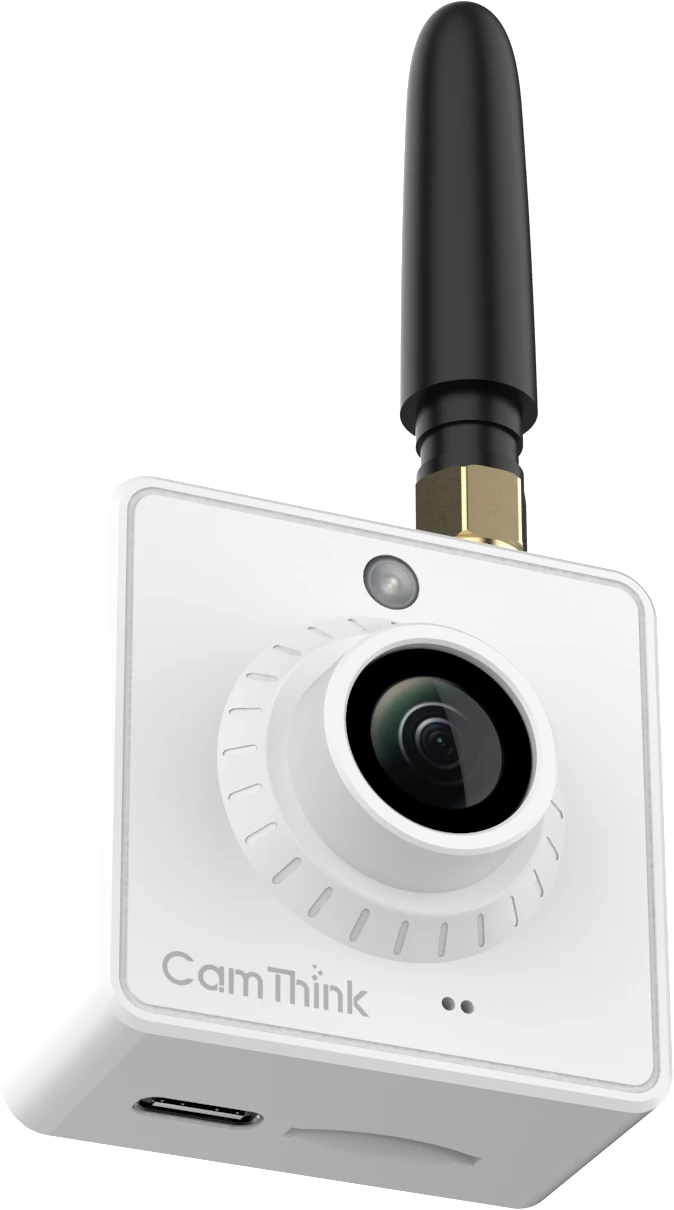
NeoEyes NE301 uses an STM32N6 platform with an integrated neural processing unit. Its PoE configuration is the relevant option for continuous networked operation; battery-oriented configurations serve different capture and duty-cycle assumptions. NE301 can be considered for lightweight, carefully validated models, but it should not be presented as a universal substitute for a Jetson edge box or a Hailo-based camera. Model fit, image geometry, operating mode, and event rate still decide whether it belongs in the system.
Add Central Management Without Sending Every Stream to the Cloud
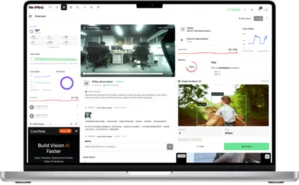
Local inference does not require isolated site operations. The event layer can be centralized even when the video processing layer is not. CamThink NeoMind is an edge-deployed platform for device management, automation, dashboards, and data exchange through interfaces such as MQTT and webhooks. It can help connect device events to a wider operational workflow while preserving local processing where the project calls for it.
NeoMind is not a claim that an existing VMS or enterprise cloud platform should be replaced. Its role depends on the integration boundary. In one project, the VMS remains the operator interface and receives selected AI events. In another, NeoMind coordinates edge devices and forwards event data into an IoT or business system. Define that ownership before implementation so alerts, acknowledgements, media, and device health do not end up split across tools without a clear source of truth.
Decision Matrix for Common Vision AI Projects
| Project Condition | Start With | CamThink Path to Evaluate |
|---|
| Several existing IP cameras have usable views and stable streams. | On-site edge AI box | NG4500 for local multi-stream processing |
| A new critical point needs better capture and immediate local output. | Camera-side edge inference | NE503 for a capable fixed AI camera |
| A controlled scene needs a lightweight event-oriented model. | Low-power camera-side inference | NE301 after model and operating-mode validation |
| Many sites need local operation and one management layer. | Hybrid edge and central management | NG4500 or NE503 at sites, with NeoMind where its integration model fits |
| A periodic or compute-heavy task does not need an immediate local action. | Central or cloud processing | Keep the local capture and event boundary explicit; validate data transfer and cost |
| The project mixes real-time alerts, dashboards, and later review. | Hybrid architecture | Assign each workload to the camera, site, or central layer separately |
Choose the processing location for each decision the system must make. Do not force capture, inference, alerting, storage, and fleet management into one location simply because they share the same video source.
What to Validate in a PoC
A proof of concept should answer operational questions, not just show that a model can draw a box around an object. Test with representative daytime, nighttime, busy, quiet, obstructed, and adverse-condition footage from the intended cameras.
- Confirm that target objects have enough usable pixels and appear at workable angles.
- Measure end-to-end response from frame capture to the action or system receiving the event.
- Record decode, inference, tracking, memory, and thermal load under the intended concurrent streams.
- Test network interruption, stream recovery, event buffering, and duplicate-event behavior.
- Define which media leaves the site, how long it is retained, and who can access it.
- Verify how events enter the current VMS, IoT platform, relay logic, or operator workflow.
- Estimate operating effort for model updates, device health, logs, and remote support.
The result should be a documented architecture and a measured capacity range for that workload. It should not be a universal channel count or latency promise carried from one demonstration into every deployment.
Choose the Processing Path
Use camera-side edge AI when a new point needs purpose-built capture and local action. Use an on-site edge box when existing IP cameras should remain and several streams need shared compute. Use central or cloud processing when the workload benefits from shared resources and can accept the network and data-handling model. Use a hybrid design when local detection and central operations both matter.
That last option is common because a production vision system is rarely one workload. The strongest design gives each function a clear home, then validates the full path with the actual cameras, models, networks, and receiving systems.