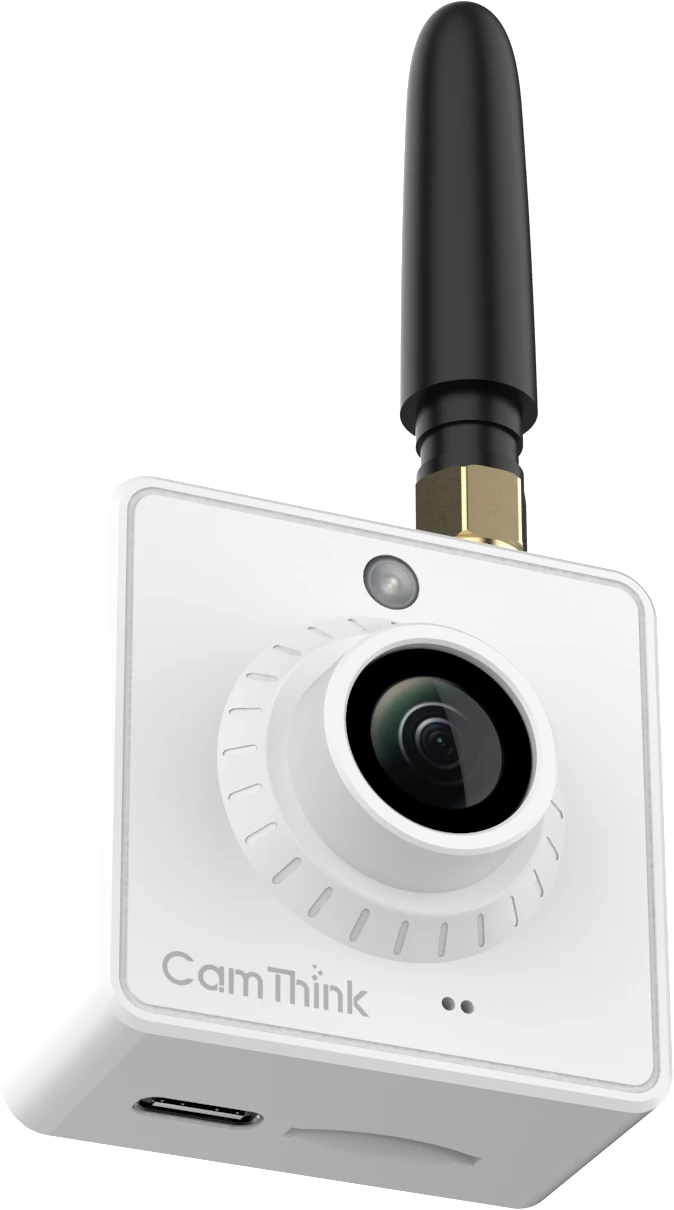
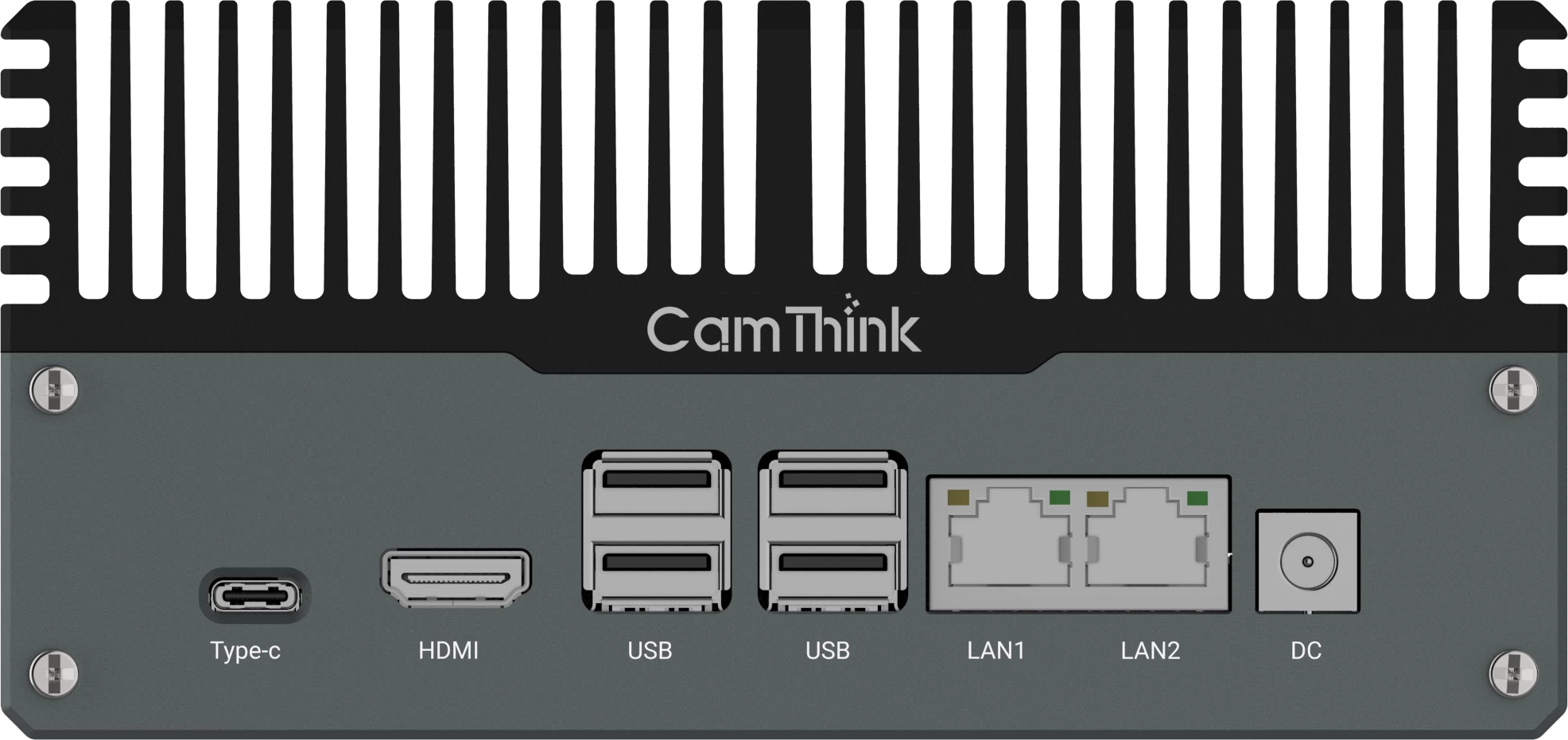
Define a Narrow Prototype
This build targets one shelf or one small fixture with a repeatable camera position. It detects a gap, occupied slot, or visible product count and reports the result to an MQTT consumer. It is not a complete store inventory platform, SKU catalog, or planogram compliance service.
Prerequisites: An NE301, a stable mounting position, network access, an MQTT broker or CamThink AI Tool Stack instance, representative shelf images, and a workstation suitable for model training.
Write the acceptance rule before collecting data. For example: report when fewer than six of eight fixed slots are occupied in two consecutive scheduled captures. A precise rule gives you a measurable pilot and prevents the model from becoming an undefined inventory detector.
Check Optics and Mounting Before Training
Capture quality determines the ceiling of the model. Confirm that the target shelf fills enough of the frame, the nearest and farthest products are in focus, labels or shapes are large enough for the chosen task, and normal customer movement does not block most of the scene.
NE301 supports different camera modules and fields of view, but the correct lens cannot be selected from angle alone. Camera distance, focus range, shelf width, mounting height, and required detail must be checked together. Default module documentation lists different focus distances, so a close shelf installation needs an actual image test before hardware is fixed.
- Lock the mount so the region map does not drift.
- Avoid aiming through strong reflections when possible.
- Record day, night, restocking, partial occlusion, and packaging variation.
- Choose power and capture frequency together. Scheduled battery capture and continuous PoE operation are different designs.
Collect and Label Shelf Images
Use images from the intended camera position. Include full, low, empty, partially blocked, recently restocked, and confusing negative scenes. If the goal is fixed-slot occupancy, labels can describe products or occupied regions. If the goal is visible count, label each target object consistently.
Split training and validation data by capture sequence or time period, not by randomly duplicating nearly identical frames across both sets. The validation set should contain conditions that can fail in the store, such as reflections, hands, price tags, and changed packaging.
Train and Deploy the Model
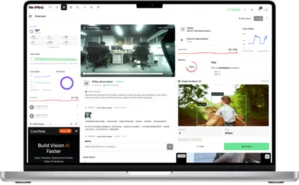
CamThink AI Tool Stack supports project creation, image collection, annotation, training, quantization, testing, and export of an NE301 model package. The tool stack is open source and can be self-hosted. The training workstation or server should be separate from the camera.
- Create the project and register the NE301 for image collection.
- Upload or collect representative images from the fixed view.
- Create the required classes and annotate the complete data set consistently.
- Train the model, then review mistakes on a separate validation set.
- Quantize and export the NE301 model package.
- Upload the package through the NE301 WebUI and verify detections on new images.
Follow the NE301 AI Tool Stack deployment guide for the current interface and installation steps.
NE301 can send detection data and images through MQTT. Configure the broker address, port, uplink topic, downlink topic, client ID, and credentials in Application Management. The consumer should transform raw detections into a shelf event with a stable schema.
{
  "device_id": "shelf-cam-01",
  "fixture_id": "cooler-a",
  "observed_at": "2026-08-05T10:15:00Z",
  "state": "low_fill",
  "visible_count": 5,
  "expected_count": 8,
  "model_version": "shelf-gap-0.3"
}
This example is an application-level schema, not the native device payload. The current NE301 MQTT payload contains device metadata and an ai_result object with detections. Your middleware should map that payload to the retail event your application owns.
If you want a hardware review before training, send CamThink the intended view, capture interval, and event schema.
Verify the Prototype
Test complete workflow behavior, not only a few inference screenshots. Build a repeatable matrix that covers full shelf, low shelf, empty shelf, partial occlusion, restocking, changed lighting, shifted camera, and a network interruption.
| Measure | Question |
|---|
| Event precision | How many reported low-fill events required the intended action? |
| Miss rate | How many actionable low-fill states produced no event? |
| Duplicate rate | Does one shelf condition create repeated tasks? |
| End-to-end delay | How long from capture to a visible task or record? |
| Recovery | Does reporting resume after power or network interruption? |
Troubleshoot the Common Failure Modes
- Close products are blurred: Recheck lens choice, focus distance, and mounting position before changing the model.
- Reflections look like products: Change the angle or lighting and add reflective negatives to the data set.
- Counts change when a customer passes: Add persistence, schedule captures for a quieter moment, or include occlusion handling.
- New packaging is missed: Treat packaging changes as a data-maintenance requirement and retrain with representative examples.
- MQTT events are noisy: Apply confidence, region, persistence, and cooldown rules in the application layer.
Frequently Asked Questions
Can this prototype report store inventory?
No. It reports a visual shelf state. Store inventory requires POS, stockroom, receiving, and reconciliation data outside the camera.
Should I use battery power or PoE?
Use the capture schedule and service model to decide. Battery power fits intermittent low-power capture. PoE is the more natural starting point for a fixed installation that needs stable network and power.
Can one model work in every store?
Only after validation across the intended camera positions, lighting, fixtures, and packaging. A controlled single-shelf prototype should not be treated as proof of fleet-wide generalization.