No products in the cart.
APPLICATION · TECH
Out-of-Stock Detection with Edge AI Cameras
Learn how edge AI cameras detect retail shelf gaps locally, run OOS inference on-device or on a local edge server, and publish structured MQTT alerts to ERP, WMS, inventory, or store task systems.
Scope of this guide
This guide is written for system integrators, retail technology platforms, retail IT teams, AI developers, and hardware evaluators building or integrating out-of-stock detection systems.
It focuses on edge AI camera hardware, local inference, structured MQTT/HTTP output, and deployment architecture — not closed shelf analytics SaaS software.
What Is Out-of-Stock Detection in Retail Shelf Monitoring?
Out-of-stock detection uses computer vision to identify when a monitored shelf section has visible gaps, low fill levels, or missing product facings. The goal is not only to count inventory in the system, but to detect what the shopper actually sees at the shelf.
In an edge AI architecture, a camera captures shelf images, runs a lightweight detection model locally or through a nearby edge server, and sends a structured event when the shelf condition crosses a configured threshold.
A typical OOS event may include shelf ID, gap status, fill percentage, confidence score, timestamp, bounding box coordinates, and optional image evidence for review.
Why Inventory Systems Miss Shelf Gaps
ERP and WMS systems track units; they do not directly observe physical shelf visibility. A product may be available in the system but still unavailable to the shopper if it is misplaced, hidden behind a fixture, left in the stockroom, or placed in the wrong aisle.
This is often described as phantom inventory. The inventory record says stock exists, but the shelf face is empty or inaccessible. Visual shelf monitoring complements ERP and WMS data by adding a physical view of shelf state.
| System View | What It Knows | What It Misses | How AI Cameras Help |
|---|---|---|---|
| ERP / WMS | Received units, sold units, inventory records | Visible shelf gaps, misplaced items, blocked facings | Provides shelf-state events that can complement inventory records |
| Manual shelf walks | Human-verified shelf condition | Real-time changes between audit rounds | Reduces detection lag for monitored shelf sections |
| Edge AI camera | Physical shelf condition from a fixed viewpoint | Back-room inventory and business rules unless integrated | Publishes structured OOS alerts to downstream systems |
How Edge AI Cameras Detect Shelf Gaps
An edge OOS detection pipeline turns shelf images into structured events. The pipeline can run on the camera for lightweight tasks, or on a local edge box when the deployment needs larger models or multi-camera aggregation.
OOS detection data flow
1 · Capture
Fixed shelf image from NE301
→
2 · Infer
Product / gap model runs locally
→
3 · Analyze
Fill level and threshold logic
→
4 · Publish
MQTT/HTTP event to your system
Because the decision is made locally, the system does not need to upload continuous video to a cloud API before producing an alert. On NE301, a typical YOLOv8 Nano OOS model completes inference in approximately 50–60 ms, enabling near-real-time shelf monitoring. Actual latency, frame rate, and throughput depend on model size, input resolution, hardware configuration, and alert workflow design.
Detection Model: Product Present vs Shelf Gap
A common starting point is a two-class model: product_present and shelf_gap. The model detects visible products and empty shelf areas, then post-processing calculates fill percentage within the monitored shelf region.
When the fill percentage drops below a configured threshold, the system publishes an OOS event. Thresholds should be tuned by category. A fast-moving beverage shelf may use a different threshold from a slow-moving specialty item.
Example MQTT payload · shelf_gap_detected (simplified)
{
"metadata": {
"image_id": "shelf01_1766132582",
"timestamp": 1766132582,
"format": "jpeg",
"width": 1280,
"height": 720
},
"device_info": {
"device_name": "NE301-2A207D",
"mac_address": "44:9f:da:2a:20:7d",
"battery_percent": 85,
"communication_type": "wifi"
},
"ai_result": {
"model_name": "YOLOv8 Nano OOS Detection",
"inference_time_ms": 52,
"confidence_threshold": 0.5,
"ai_result": {
"detections": [
{
"class_name": "shelf_gap",
"confidence": 0.91,
"x": 0.45,
"y": 0.32,
"width": 0.15,
"height": 0.72
}
],
"detection_count": 3,
"type_name": "object_detection"
}
}
}// + image_evidence field for review
For the complete MQTT protocol with all field definitions and examples, see the MQTT Data Interaction guide.
Camera Placement for Reliable OOS Detection
Camera placement is usually more important than model choice. A stable, well-framed camera view gives the model consistent images to learn from. A poorly positioned camera can produce false positives even with a strong model.
Position
Mounting Height
Use a fixed angle that keeps the monitored shelf section visible after normal restocking and shopper interaction. Middle-shelf or rail-level placement often gives a practical view, but the exact height should be validated with real images.
Optics
FOV and Distance
Closer placement improves product detail but covers less shelf width. Wider FOV covers more area but may reduce per-product resolution. Match lens choice to the detection target.
Lighting
Consistent Illumination
Avoid glare, hard shadows, under-shelf dark zones, and time-varying reflections. Capture training data under expected lighting conditions before rollout.
Validation
Real Shelf Images
Train and test with images from the actual shelf environment. Include full shelves, partial shelves, empty gaps, restocking states, and edge cases.
Hardware Architecture: NE301, NG4500, or Hybrid?
The right architecture depends on compute location, camera count, and model complexity. OOS detection can start with one edge AI camera, but larger stores may need a local edge server for aggregation and advanced analytics.
| Architecture | Best Fit | Typical Role | Integration Path |
|---|---|---|---|
| NE301 on-camera | Single shelf, refrigerator case, PoC | Capture, local inference, MQTT event | NE301 → MQTT broker → dashboard / task app |
| NG4500 edge server | Multi-camera zones, heavier models | Aggregation, larger models, multi-model inference | Cameras → NG4500 → ERP / WMS / retail platform |
| Hybrid | Full-store or multi-store rollout | NE301 first-pass detection + NG4500 advanced analysis | NE301 fleet → NG4500 / NeoMind → existing systems |
NE301 for Shelf-Level OOS Detection
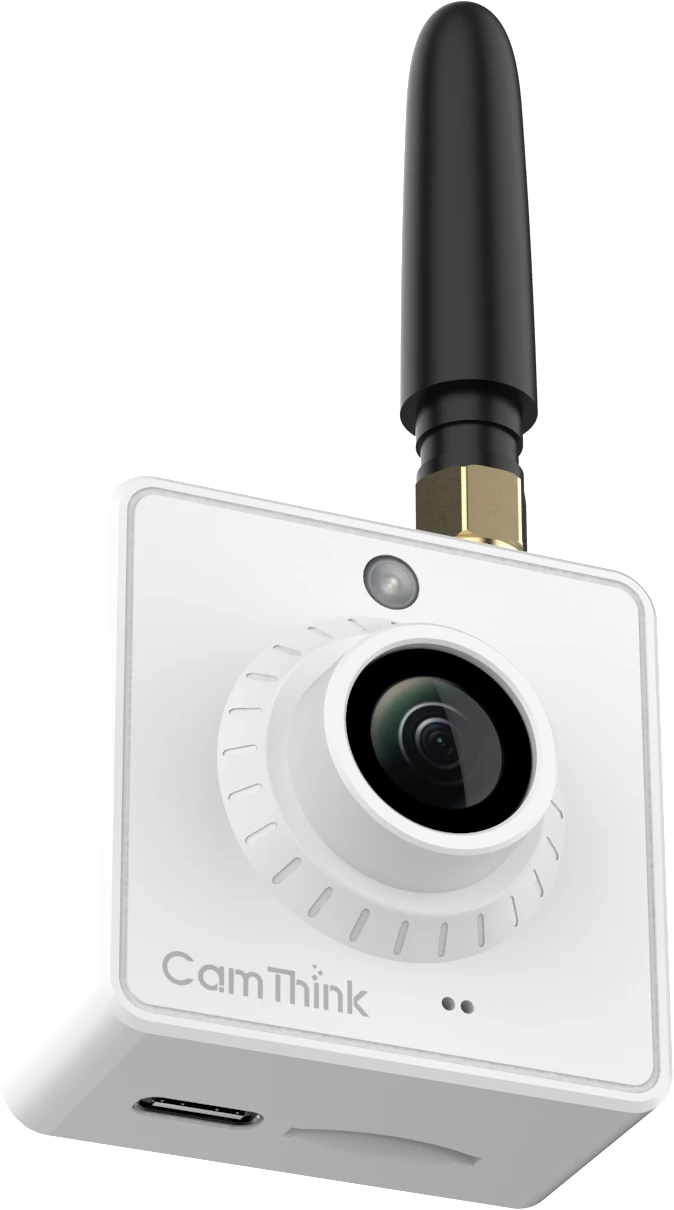
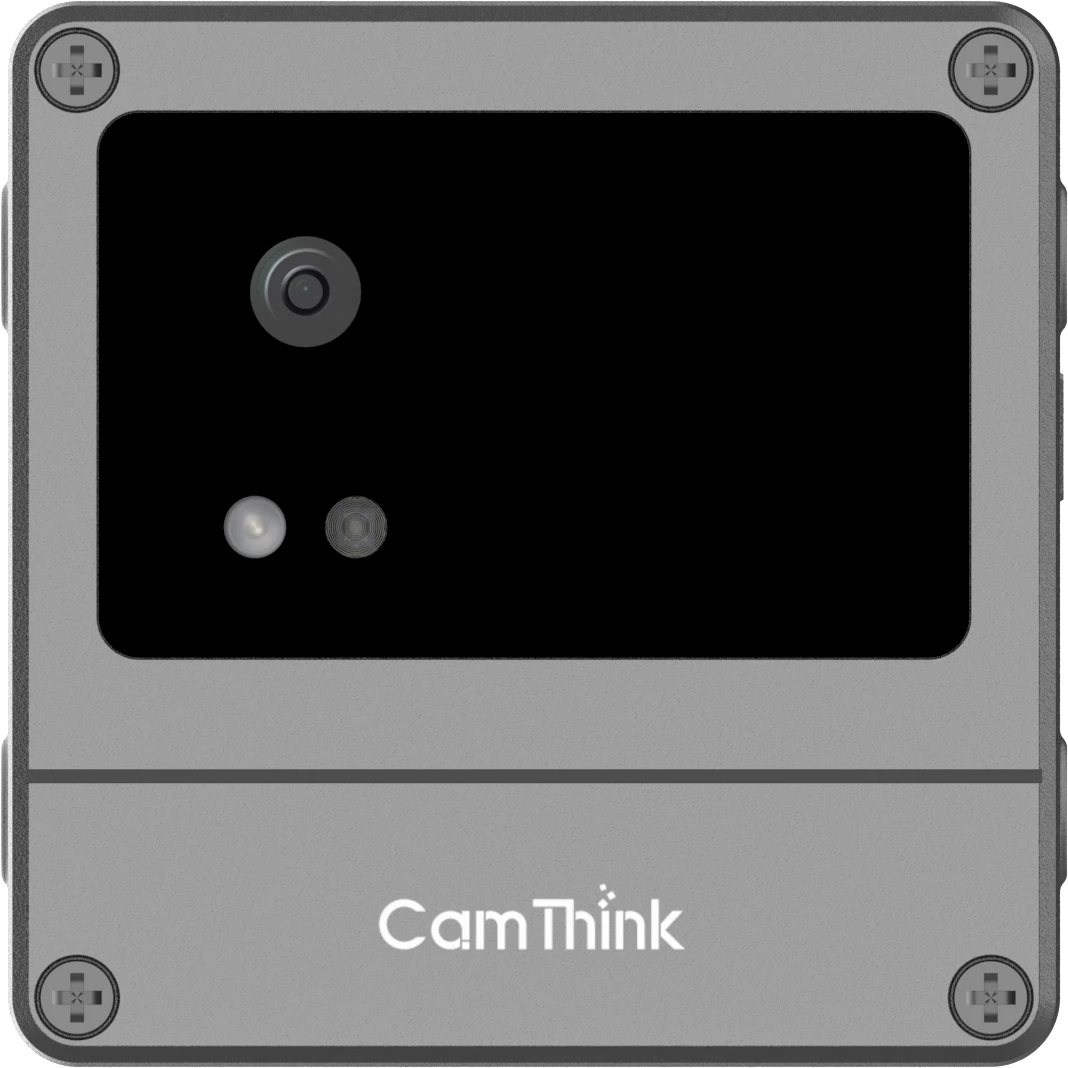
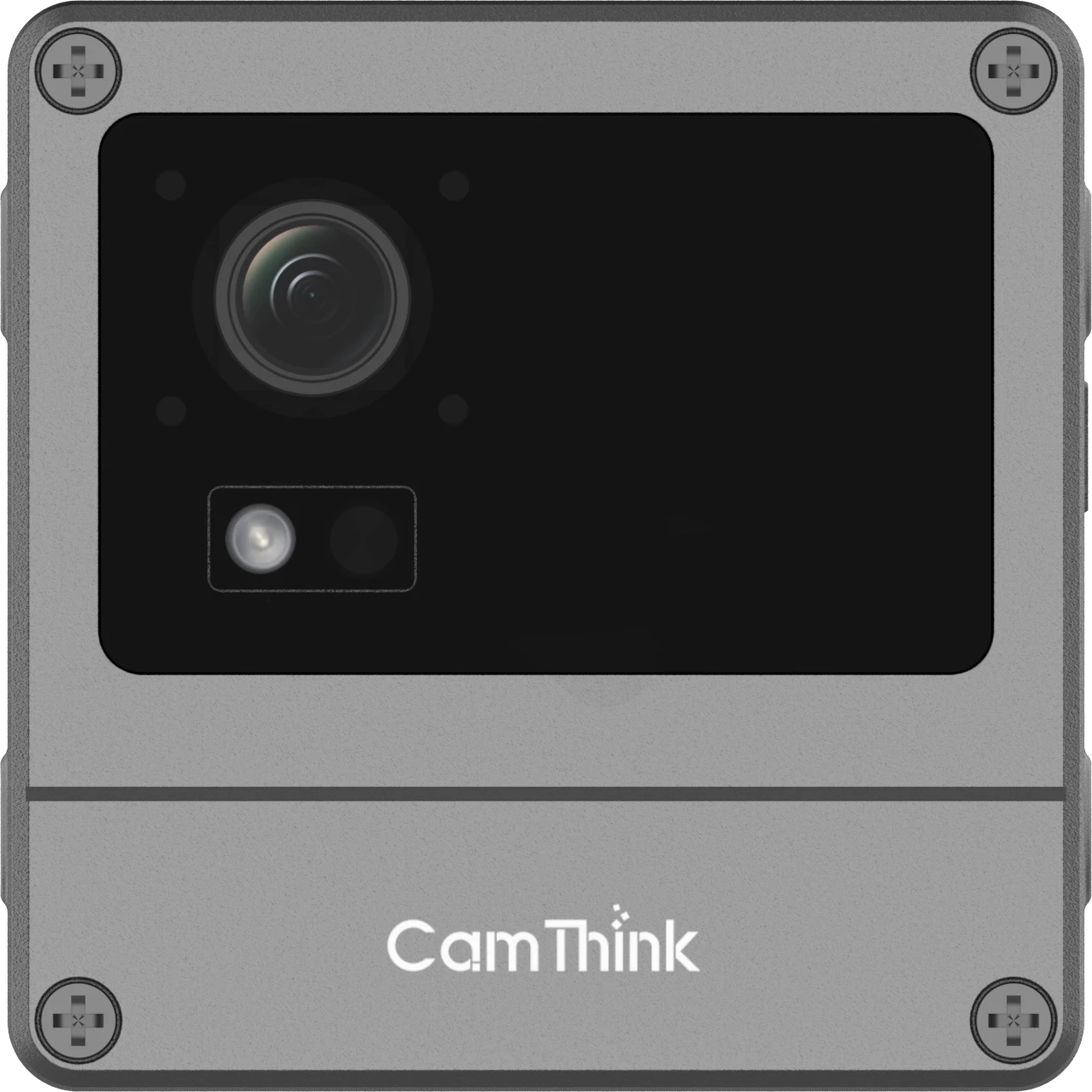
NeoEyes NE301 is the primary on-device AI camera for shelf-level detection. Powered by the STM32N6 with a 0.6 TOPS Neural-ART NPU, it delivers approximately 50–60 ms inference latency for YOLOv8 Nano models—sufficient for periodic shelf monitoring without constant cloud connectivity.
For fixed retail installations, the PoE variant is often the practical choice because it provides stable power and wired networking from one cable. Battery-powered or USB-C setups may be useful for pilots, demos, or temporary shelf sections.
NG4500 for Store-Level Edge Compute
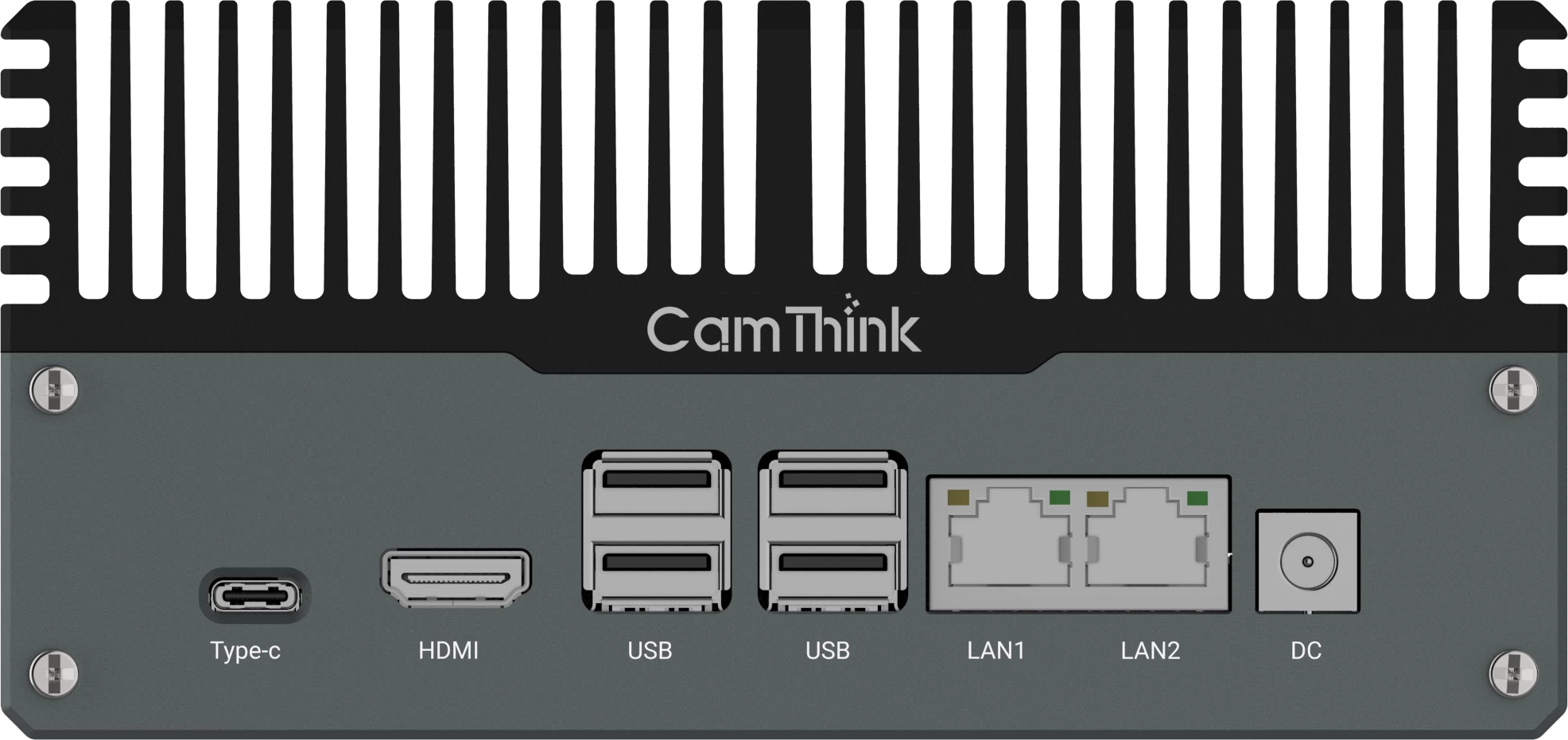
NeoEdge NG4500 is better suited when multiple camera streams, larger models, or combined OOS and planogram workflows are required. It can act as a local edge compute hub for a store zone or full-store deployment.
Planning an OOS detection pilot? Start with a small shelf section, validate camera placement and model reliability, then scale only after the MQTT alert workflow is proven.
Building a Pilot OOS Alert System
A good pilot should validate the image, the model, and the alert workflow together. Do not evaluate hardware only by specifications; evaluate whether the shelf event reaches the right system in a usable format.
1
Define the detection target
Decide whether you are detecting empty shelf gaps, low fill level, missing product rows, or a specific SKU category.
2
Mount the camera and capture test images
Validate FOV, shelf distance, lighting, and object visibility before training or tuning the model.
3
Collect deployment-specific data
Capture full, partial, low-stock, and empty shelf states under real store lighting conditions.
4
Train or fine-tune the model
Use a model and input size that match the target hardware. Validate on held-out images from the same shelf environment.
5
Configure MQTT or HTTP output
Set topic structure, payload fields, threshold logic, and optional image evidence.
6
Route the alert to the workflow
Send events to Home Assistant, Node-RED, ERP/WMS middleware, a custom dashboard, or a task management system.
MQTT Alerts and ERP/WMS Integration
For production systems, the key integration problem is workflow routing. An OOS event must be deduplicated, mapped to the correct shelf or SKU, and delivered to the system that can trigger replenishment.
A middleware layer such as Node-RED, a local service, or an existing retail platform can handle three tasks:
- Event deduplication: suppress repeat alerts within a cool-down window.
- Payload transformation: map camera JSON to ERP, WMS, or task system schemas.
- Routing logic: direct alerts by store, aisle, category, or replenishment team.
Example Home Assistant automation · OOS mobile alert
alias: "Shelf OOS Alert — Aisle 3" trigger: - platform: mqtt topic: "shelf/aisle-3-bay-2-left/events" condition: - condition: template value_template: "{{ trigger.payload_json.ai_result.ai_result.detection_count | int < 3 }}" action: - service: notify.mobile_app_store_associate data: title: "Low Stock — Aisle 3, Bay 2" message: "Fill level below threshold. Please verify shelf."
For a complete Home Assistant integration walkthrough with MQTT setup and value templates, see the Refrigerator Inventory Monitoring guide.
What CamThink Provides — and What You Need to Integrate
CamThink provides the edge AI hardware and integration building blocks. A complete retail OOS monitoring deployment may still require business-system integration, SKU mapping, task workflows, and deployment-specific data.
CamThink provides
- Edge AI cameras
- Edge AI compute boxes
- On-device and local inference options
- Model deployment workflow
- MQTT / HTTP structured output
- NeoMind device management options
- OEM / ODM and custom model support for qualified projects
You may need to integrate
- SKU or product master data
- ERP / WMS / inventory workflows
- Store associate task system
- Replenishment rules
- Alert escalation logic
- Deployment-specific training images
- Store IT and network configuration
What to Validate During an OOS Pilot
A pilot should produce evidence, not just a demo. Instead of assuming a universal accuracy or payback number, measure performance under the actual shelf conditions you plan to deploy.
| Validation Area | What to Check | Why It Matters |
|---|---|---|
| Image quality | Object visibility, glare, shelf coverage | Determines model reliability |
| Model performance | False positives, missed gaps, confidence scores | Prevents alert fatigue or missed stockouts |
| Threshold logic | Fill-level trigger by category | Different product types need different alert rules |
| MQTT delivery | Payload format, topic naming, broker reliability | Ensures events reach downstream systems |
| Workflow response | Who receives the alert and what happens next | Detection only matters if replenishment happens |
Frequently Asked Questions
How does an AI camera detect out-of-stock items?
An AI camera captures shelf images, runs a detection model to identify products and empty shelf areas, calculates fill level or gap status, and publishes a structured event when the result crosses an alert threshold.
What is phantom inventory?
Phantom inventory occurs when a system records stock as available but the shopper-facing shelf is empty or inaccessible. AI cameras help by adding physical shelf visibility that ERP and WMS systems do not directly capture.
Do I need cloud video analytics for OOS detection?
No. If the system is designed for local inference, the camera or local edge server can detect shelf gaps without streaming continuous video to the cloud. Remote dashboards or multi-store reporting may still use cloud systems if required.
When should I use NE301 versus NG4500?
Use NE301 for shelf-level or refrigerator-case OOS pilots and localized detection. Use NG4500 when you need multi-camera aggregation, larger models, combined OOS and planogram analytics, or store-level edge compute.
Can I use my own trained model?
Yes. CamThink hardware is designed for custom model workflows. Model compatibility depends on format, input size, compute requirements, and target hardware. Validate your model with real deployment images before rollout.
What accuracy should I expect?
Accuracy depends on camera placement, shelf layout, lighting, product category, model design, and training data quality. Run a pilot with held-out images from the actual deployment environment before scaling.
How does this connect to ERP or WMS systems?
OOS events can be published through MQTT or HTTP and routed through middleware such as Node-RED, a local service, or your retail platform. The middleware maps shelf events to ERP/WMS schemas, deduplicates alerts, and routes tasks to the correct team.
Conclusion
Out-of-stock detection is most useful when it becomes part of an existing retail workflow. Edge AI cameras make this practical by detecting shelf gaps locally and sending structured events to the systems that already manage inventory, replenishment, tasks, or reporting.
For a first pilot, focus on one shelf category, stable camera placement, a clear threshold, and a working MQTT alert path. For larger deployments, combine shelf-level cameras with store-level edge compute and device management.