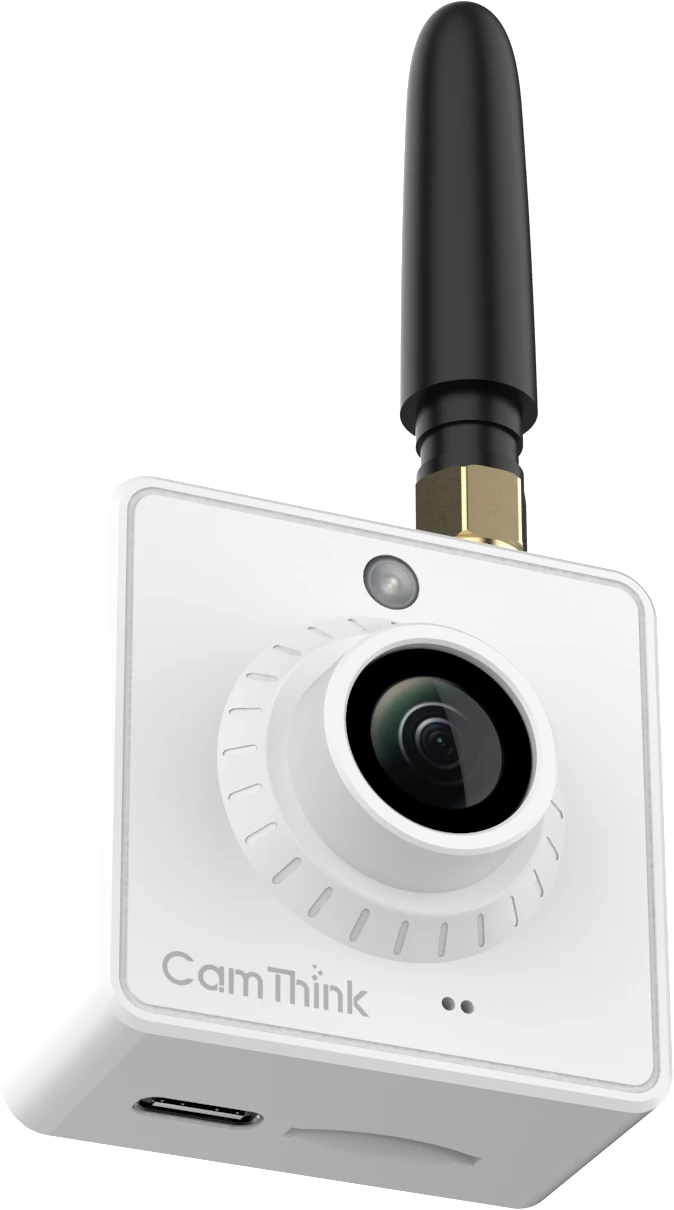
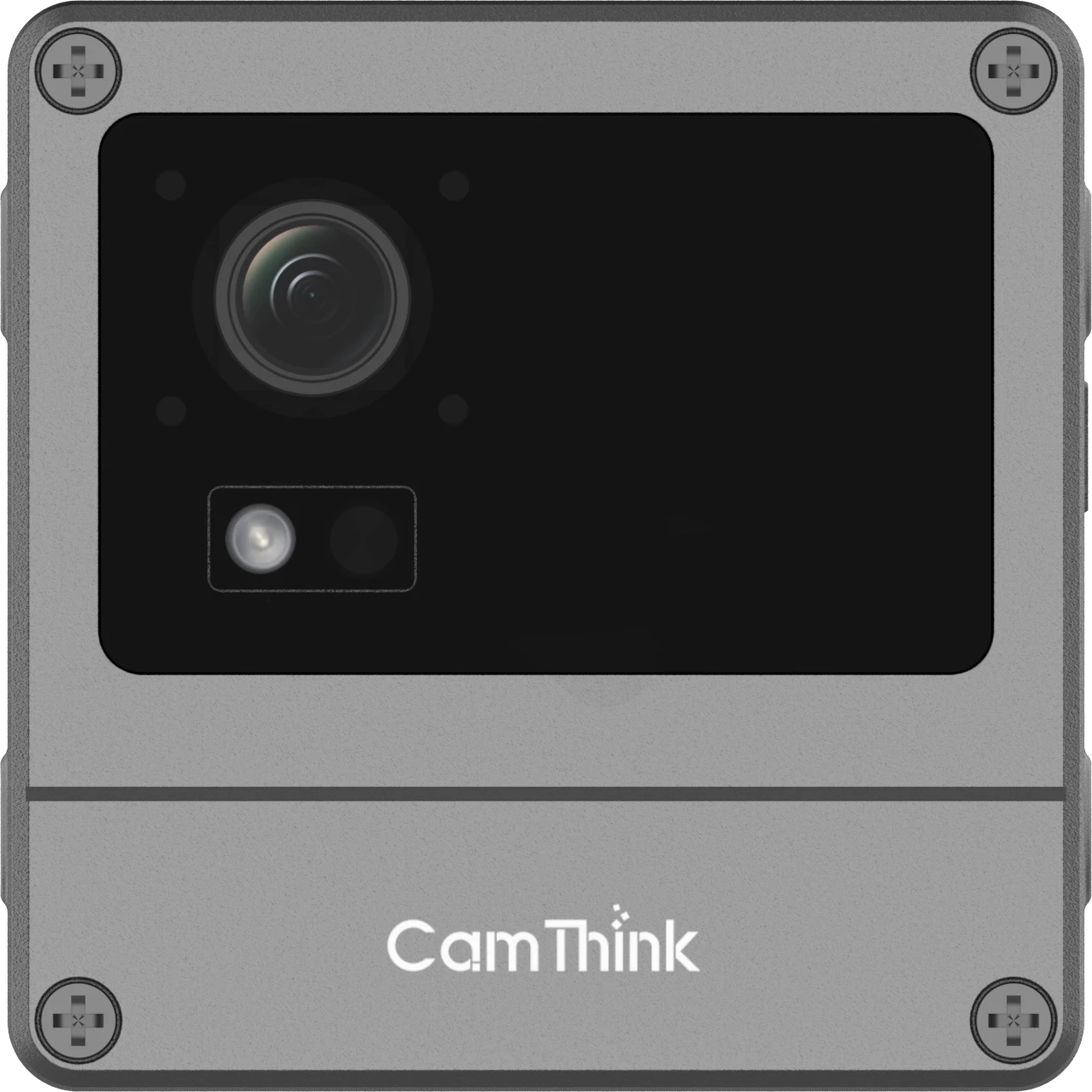
Deploy a Custom YOLO Model on NE503: From ONNX to a Verified Camera App
See how a trained safety helmet model moved through a static ONNX export, Hailo-15H HEF compilation, NE503 model loading and an on-camera application that produced live PPE detections.
Updated July 22, 2026 · 9 min read · Harry Hua · NE503 Technical Guide
CamThink trained a two-class YOLOv8n safety helmet model, exported it as a static ONNX model, compiled it for Hailo-15H, loaded the resulting HEF on NE503 and connected it to an on-camera application.
The model reached 0.931 mAP50 on its validation set. The deployed application then passed a live NE503 verification with nine people in the scene: six labelled Helmet and three labelled No Helmet.
The verified NE503 application used the custom safety_helmet_yolov8n_384_640 model for live Helmet and No Helmet detection.
What each result proves
The validation metric measures the trained model on a held-out dataset. The device test confirms that the compiled model, NE503 AI Runtime and application can work together on the camera. A production project should still test its own scene, lens, lighting and event rules.
What You Need Before Starting
A trained object detection model and the class definitions used by the application.
Representative images for calibration and later site testing.
A Linux x86_64 environment with a Hailo Dataflow Compiler version compatible with the target NE503 software.
Access to the NE503 Web Console for model and application deployment.
An ARM64 container application that can consume NE503 inference results and apply business logic.
The reference workflow used YOLOv8n and Hailo DFC v5.3.0. Treat those as a tested baseline, not a universal compatibility promise for every model or software release.
The Path from Trained Weights to a Camera Application
Lock the model contract. Define the input shape, class order and output behavior that the application will consume.
Export a static ONNX model. The verified example used [1,3,384,640], opset 11 and dynamic axes disabled.
Compile for Hailo-15H. Parse ONNX into HAR, optimize and quantize it with representative calibration images, then compile the optimized HAR into HEF. The tested helmet workflow used 2,048 calibration images.
Register the HEF on NE503. Import the file in Model Management, assign the model ID expected by the application and confirm that the model reaches Loaded status.
Deploy the application independently. Upload its app.yaml and ARM64 image.tar through the Web Console.
Close the application loop. The container subscribes to inference results, applies PPE logic and produces detection events that another service or system can use.
ONNX is the portable model handoff. HEF is the Hailo-15H deployment artifact. The application turns inference output into product behavior.
Why the HEF and Application Stay Separate
The Safety Helmet Detection package does not embed the custom HEF. The model is loaded through NE503 Model Management, while the application is installed as its own package.
This separation gives each layer a clear job:
Layer
Deployed item
Job
AI model
safety_helmet_yolov8n_384_640.hef
Run the compiled Helmet and No Helmet detector on Hailo-15H.
Camera application
app.yaml and image.tar
Subscribe to results, apply project logic and emit application events.
NE503 platform
AI Runtime, application service and Web Console
Load the model, run the container and expose the platform services used by the app.
A model can be updated without rebuilding the base camera firmware. Application logic can also evolve without treating the model file as the complete product. The model and application still need a compatible contract: model ID, input stream, classes and output handling must agree.
How the Helmet App Closes the Loop
The verified app connects four working parts:
NE503 provides a camera stream to the loaded helmet model.
Hailo-15H runs the two-class detector and returns inference results.
The container application consumes those results and distinguishes Helmet from No Helmet detections.
The application outputs detection events for PPE monitoring logic.
This is the last mile that a model export guide does not cover. A HEF can prove that inference runs. The matched camera application proves that the inference can become a useful device behavior.
The application is deployed separately from the HEF and runs against the loaded model on the camera.
Static input shape, expected class count and a known image that produces a correct result.
HEF compilation
Successful Hailo parser output, expected NMS and class configuration, and the final HEF checksum.
NE503 model load
The exact model ID appears with Loaded status in Model Management.
Application startup
The container reaches Running status and its logs show a valid inference subscription.
Live inference
A known scene produces the expected Helmet and No Helmet detections.
Business output
The application produces the event or application result expected by the consuming workflow.
If ONNX inference works but the camera returns no detections, check the compiled output contract and the custom-model output handling documented for the current NE503 release. If accuracy drops after quantization, review the calibration images and optimization settings. If the application starts before finding its model, confirm that the separately deployed HEF is loaded under the exact model ID expected by the app.
Use the Wiki for Commands and Files
This article explains the deployment logic and verified outcome. The CamThink Wiki maintains the version-specific training commands, ONNX export settings, Hailo compilation steps, downloadable artifacts and current custom-model output handling.
The verified Hailo-15H path uses ONNX as the compilation input and HEF as the device deployment artifact. The ONNX model therefore needs to be compiled for the target accelerator before it is loaded on NE503.
Is a HEF file enough to create a complete camera application?
The HEF provides accelerated inference. The container application adds project-specific behavior such as filtering, counting, temporal rules and event output. NE503 keeps these layers separate so the team can manage them as distinct assets.
Can one application work with a different model?
It can when the replacement model preserves the contract the application expects. Confirm the model ID, input stream, class order, output tensors and post-processing behavior before treating two models as interchangeable.
Does the helmet verification prove performance in my site?
It proves the reference model-to-app chain on a real NE503. Your acceptance test should use the intended camera position, image conditions, people, PPE types and event rules.
What NE503 Lets Your Team Ship
A trained model is only one part of an edge AI product. On NE503, the model can move through a defined accelerator path, run beside a separately managed container application and produce results at the camera endpoint.
For algorithm companies and solution teams, that changes the deliverable. The work no longer ends with weights or a demo script. It can become a camera application with a repeatable model, runtime and event path.
HH
Harry Hua
Technical Director, CamThink
Harry works on edge AI camera platforms, model deployment and application integration for industrial and enterprise vision projects.
Share the source model, input shape, class definitions and expected output. CamThink can help map the steps from your current asset to a working NE503 camera application.