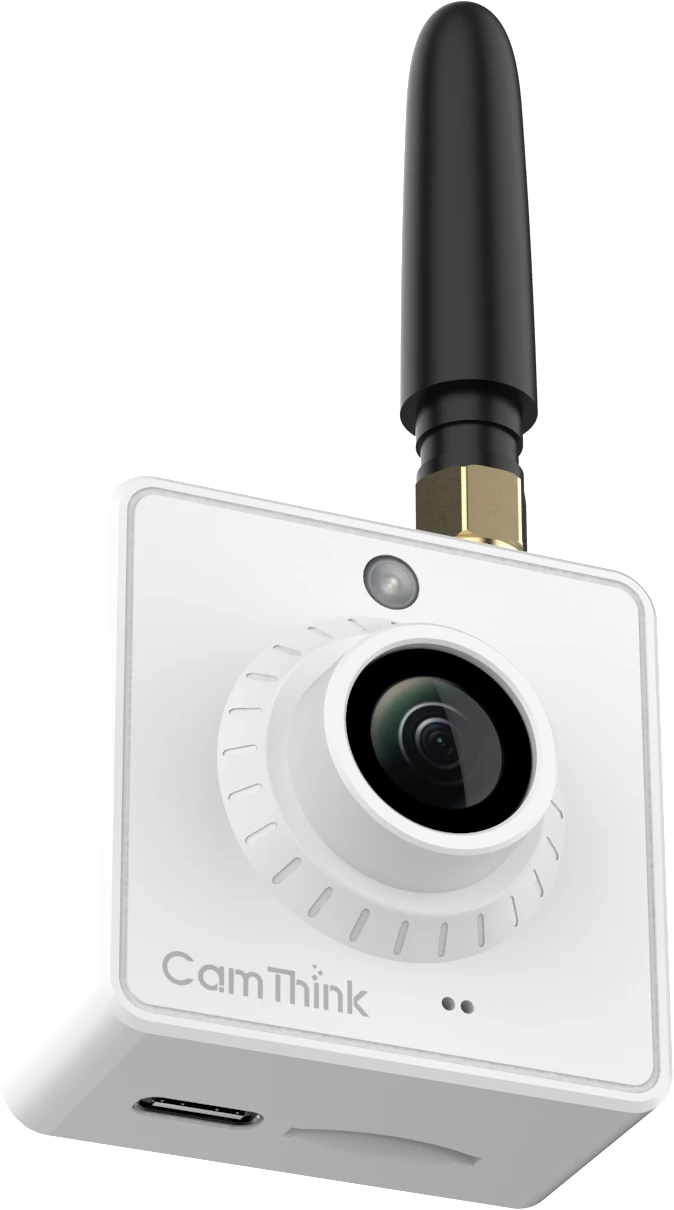
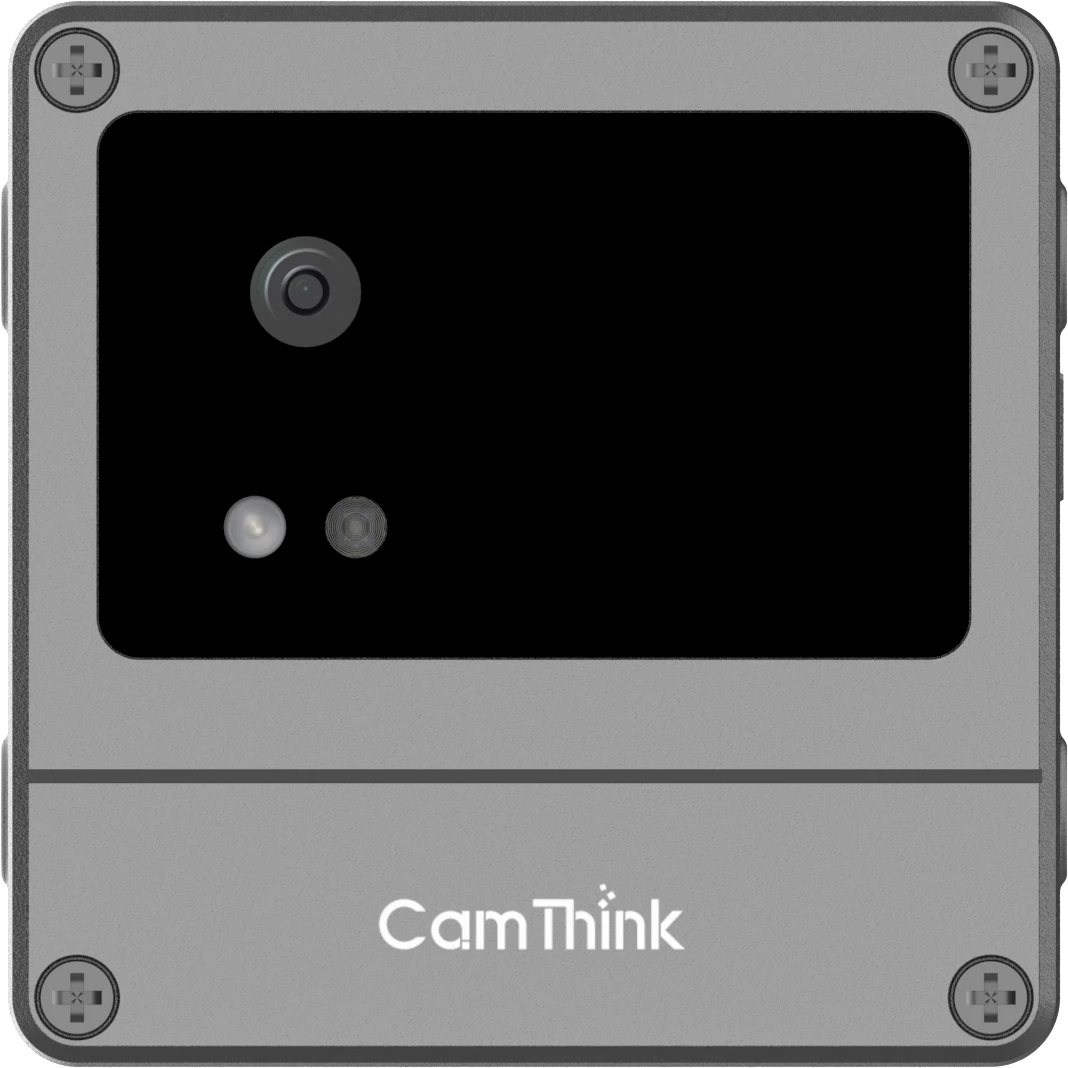
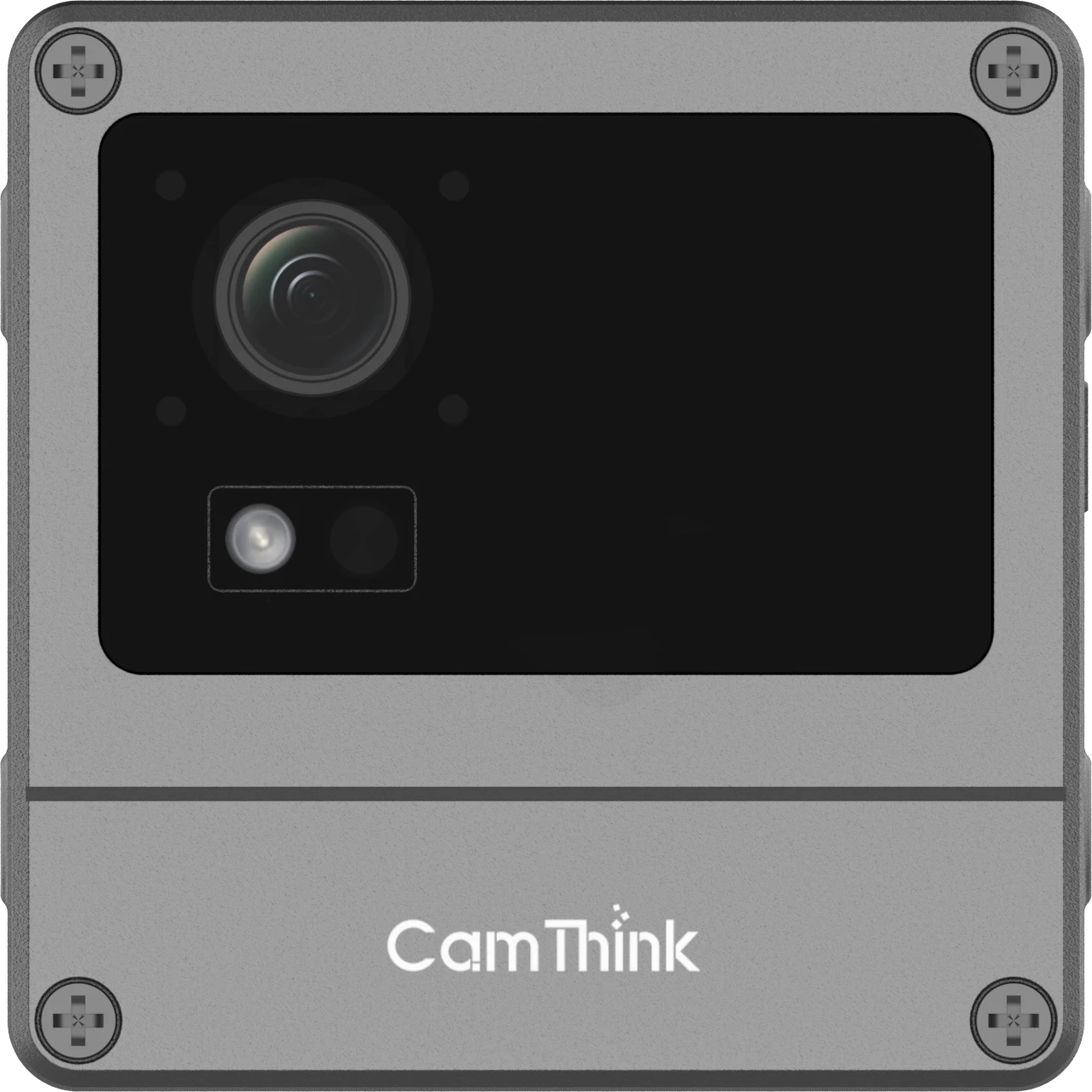
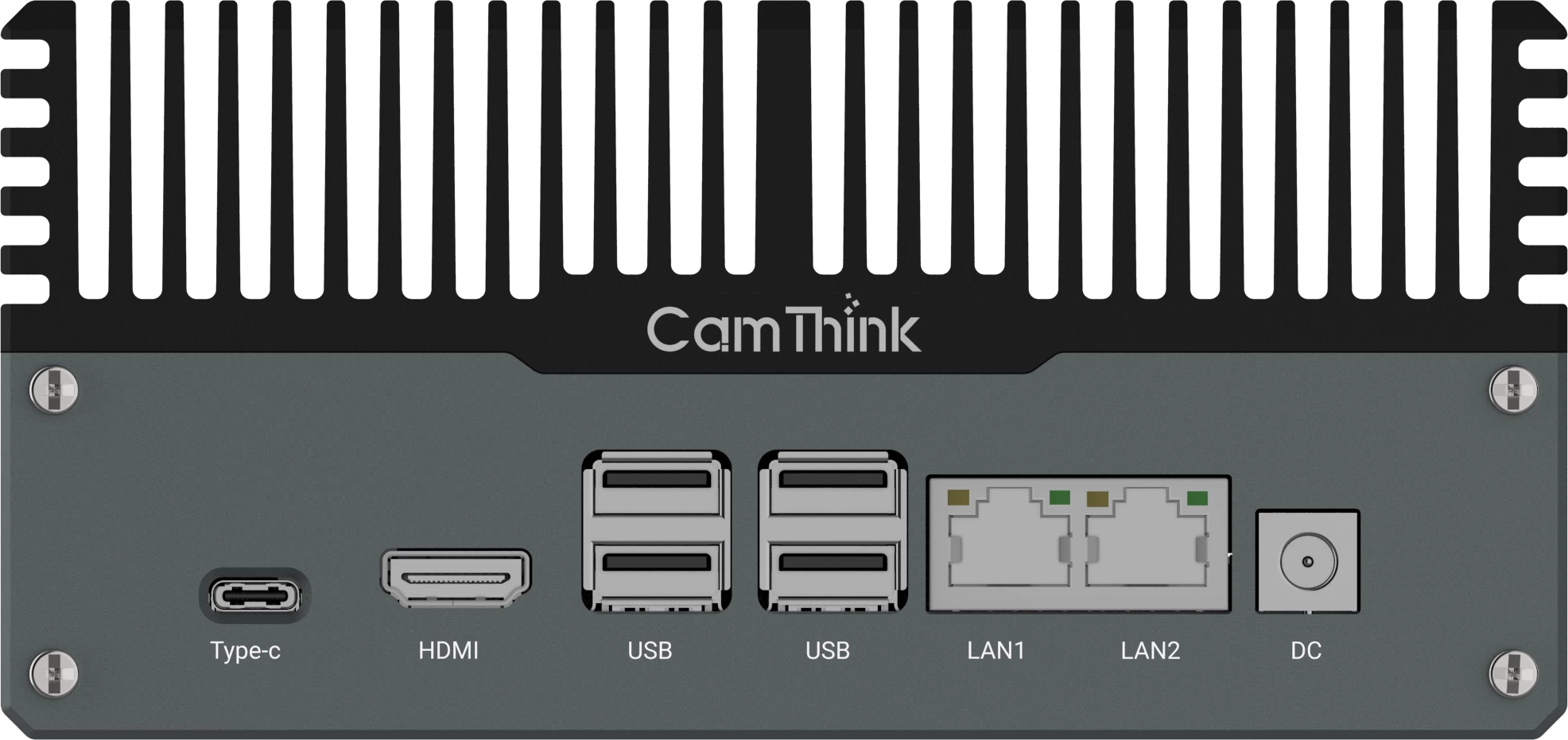
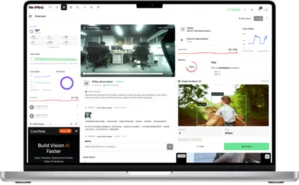
NE503 is an open edge AI camera platform for teams that need to own more than a detection feature. It is intended for companies that already have an AI model, application logic, management platform or product concept and need an edge camera that can run those assets close to the video source.
NE503 separates the compatible Hailo HEF model, platform AI Runtime, customer application and external system. This architecture gives each team a clear place to build, update and own the parts that differentiate its solution.
What You Have
NE503 Path
What It Enables
Source AI model
Compile it for the Hailo-15H runtime.
Run your own vision model at the edge.
Compatible Hailo HEF
Register it and connect your application.
Move directly into application development.
Python or C++ application
Package it as an ARM64 container.
Keep post-processing and business logic on the camera.
Existing VMS or IoT platform
Connect video, events and device functions.
Add edge AI without replacing your backend.
Product or ODM concept
Build on the standard NE503 platform.
Shorten the path from prototype to a deployable product.
Can Your Existing AI Stack Move to NE503?
Usually, yes. A source model can enter the Hailo compilation path, an existing Hailo HEF can connect to the NE503 AI Runtime, and Python or C++ logic can move into an ARM64 application container. The resulting video, events and device functions can then connect to the system your team already operates.
A retail analytics company can keep its own tracking and dwell-time logic. A security platform can send detections into its existing alarm workflow. An OEM can combine the camera, edge compute, connectivity and its own software into one maintained product. The same NE503 platform supports these different outcomes without reducing the project to a fixed detection feature.
The practical migration path depends on which assets you already own, but the architecture remains consistent: your model performs inference, your application shapes project-specific behavior, and your backend continues to manage the wider workflow.
A Platform for Existing AI Assets
NE503 lets teams bring a compatible AI model, keep project-specific logic in their own application, and connect the resulting events to an existing backend or product.
What “Open” Means on NE503
For NE503, openness is practical control over the parts that differentiate the customer solution. It should not be read as a claim that every firmware component is open source.
Area
Your Control
What It Enables
AI Model
Bring and register a compatible Hailo HEF.
Use your own trained intelligence at the video source.
Application
Run your own logic in an ARM64 container.
Adapt one camera platform to different projects and use cases.
Data and Events
Define event payloads and backend integration.
Fit edge results into your existing data model and workflows.
Device Control
Use supported services and control interfaces.
Coordinate AI, video and field actions from one edge node.
Product
Configure or customize the solution.
Turn a validated application into a repeatable product or ODM program.
Model, Runtime, Application and Backend Boundaries
The model is only one layer of the deployed solution. NE503 provides the accelerator and core camera services as a stable platform layer while the customer application owns project-specific behavior.
Layer
Primary Job
Typical Owner
HEF model
Defines the neural network executed by the Hailo-15H NPU.
Customer algorithm team or agreed model provider.
NE503 AI Runtime
Loads the HEF, schedules inference and returns platform-level results.
Platform-provided service.
Customer container
Applies ROI, thresholds, tracking, dwell time, deduplication, event shaping and backend calls.
Customer or solution partner.
External system
Stores events, manages users and devices, presents workflows, or triggers wider actions.
Customer platform team.
The application manifest makes that boundary explicit. It names the model and the platform services the container may use:
This excerpt explains the contract, not a complete application package. The separate NE503 Container App Tutorial covers the build, install, log and rollback steps.
What Your Team Owns and Controls
Most of the solution-specific intellectual property can remain in the customer layer. That includes application source code, model assets owned by the customer, business rules, event fields, backend credentials and the release pipeline for the container.
Choose which compatible model the application requests.
Change confidence thresholds, ROI definitions, tracking and temporal rules.
Define event topics, payload fields, deduplication and escalation logic.
Connect to a VMS, IoT backend, sensor platform or customer API through the agreed interface.
Version the container, keep a known-good package and decide when an application release enters the field.
This control matters because many NE503 projects serve more than one end scene. The same platform can support different customer applications without turning every change into a camera firmware project.
When to Involve CamThink Engineering
Most application-layer changes can remain with your team. Involve CamThink when the project affects model compatibility, NE503 platform services, production hardware or long-term product support.
Area
Involve CamThink When
Model Compatibility
HEF conversion, model I/O or target-device performance needs platform validation.
Platform and Device
The project affects AI Runtime, App Manager, camera services, firmware, device control or hardware interfaces.
ODM and Production
The scope includes connectivity variants, enclosure changes, certification, production configuration or long-term firmware support.
CamThink involvement does not transfer ownership of the customer model, application or backend. It identifies which changes depend on platform compatibility or an agreed engineering scope.
Map the existing stack. Identify the model, application logic and connection to the customer system.
Move the AI assets. Prepare the compatible HEF and package the application for ARM64.
Connect the workflow. Send the required video, events or device actions to the existing platform.
Validate and scale. Prove the complete application on NE503, then keep the validated software and configuration as the deployment baseline.
Specific versions, dependencies, permissions and interface details are confirmed during the integration review. The NE503 Container App Tutorial covers the hands-on application workflow.
From Evaluation Unit to Production
NE503 supports a clear path from a working application to a repeatable edge AI product.
Stage
Focus
Outcome
Evaluate
Run the model and application on NE503.
A working edge AI application.
Validate
Connect the complete camera-to-system workflow.
A field-tested solution baseline.
Deploy
Standardize software, configuration and provisioning.
A repeatable deployment package.
Scale
Apply production, support or ODM requirements.
A maintained edge AI product.
ODM work can begin after the standard platform proves the software architecture, keeping product customization focused on a validated application.
Information to Prepare for a PoC
You do not need a finished specification to start a PoC discussion. Four inputs are usually enough to define the first path:
Model: the source format or existing HEF and the expected AI output.
Application: the language, dependencies and project-specific logic.
System: where video, events or device actions need to go.
Scale: the deployment environment, expected unit volume and any product customization goals.
CamThink can use those inputs to outline the model, application, integration and product work without asking you to rewrite the whole project brief.
FAQ
Can We Deploy Our Own AI Model on NE503?
Yes, when the model is available as a compatible Hailo HEF and passes verification on the target NE503 software. ONNX, PyTorch and TensorFlow training files are not direct deployment artifacts.
Can Our Existing Software Run on the Camera?
Often, but it must run on ARM64 Linux and fit the container and permission model. Direct access to a desktop GPU, host devices or unrestricted system services usually requires code changes.
Where Do Tracking and Business Rules Run?
The customer application normally handles ROI, thresholds, tracking, dwell time, deduplication, event shaping and backend calls. The platform AI Runtime loads the HEF and schedules NPU inference.
Can NE503 Connect to Our Existing Platform?
Yes. The integration design must define whether the system consumes RTSP video, structured events, REST calls, MQTT messages or supported control interfaces, along with authentication and failure handling.
Who Owns the Custom Application and Model?
Customer-owned model and application assets can remain in the customer layer. The commercial agreement should still state who maintains conversion, releases, compatibility and field support.
When Should We Discuss ODM?
After a standard NE503 unit proves the model, application and backend path. This keeps enclosure, connectivity and hardware changes from obscuring basic software compatibility.
HH
Harry Hua
Technical Director, CamThink
Harry works on edge AI camera platforms, system integration and deployment workflows for industrial and enterprise vision projects.
Share your model, application, target system and deployment goals. CamThink can help define the shortest path from your existing AI assets to a working NE503 application and a scalable edge product.