Event-Triggered vs Continuous Video Monitoring: Choose the Right Edge AI Camera Architecture
Compare event images, short clips and continuous video by output value, power, bandwidth, storage, review workload and the CamThink hardware role each mode requires.
Start with the Output, Not the Camera Mode
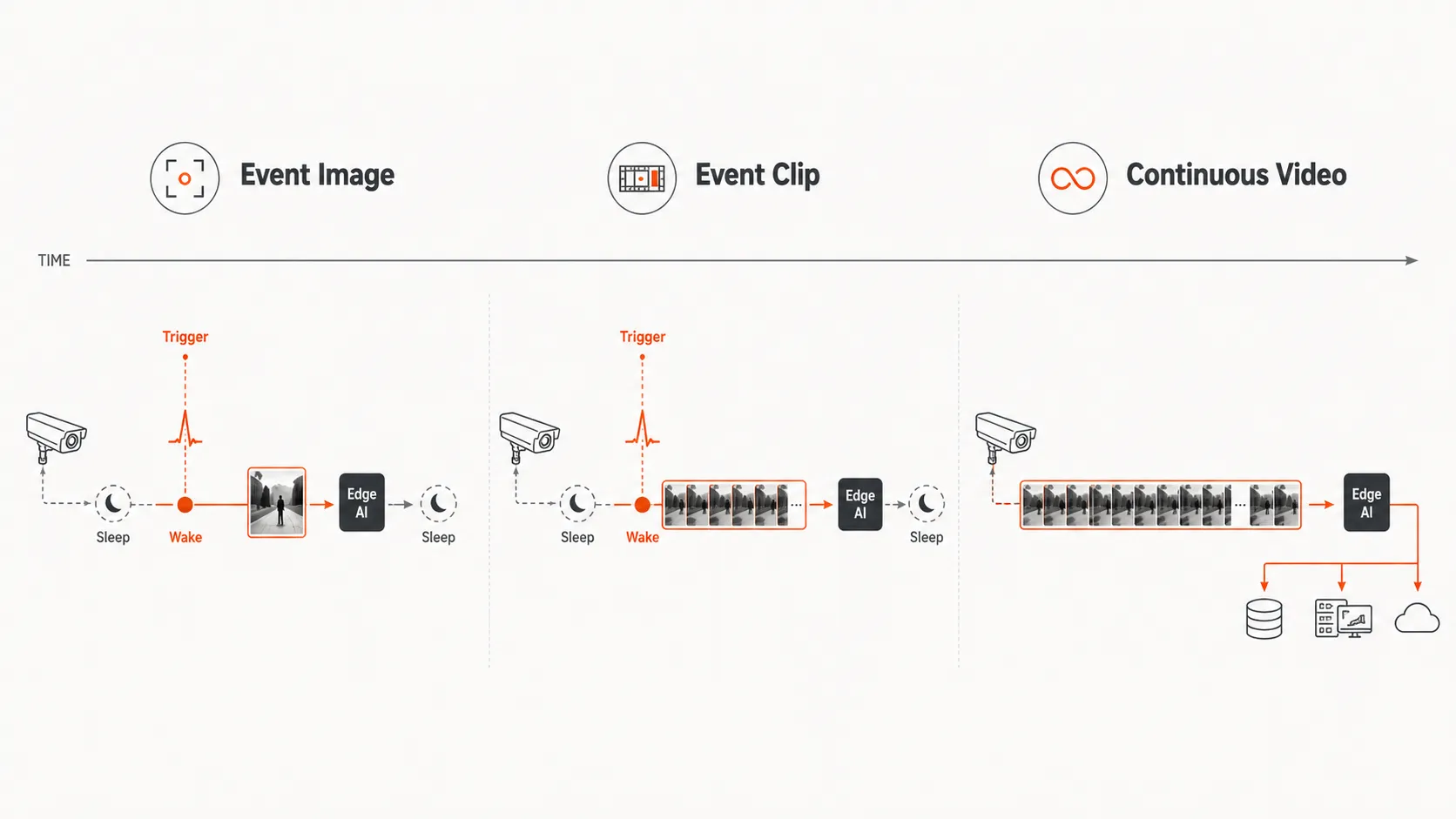
Event-triggered images, event clips and continuous video are not three quality levels of the same system. They create different evidence, cost profiles and hardware requirements. A still image can prove that a condition existed at a time. A short clip can add movement context. Continuous video preserves the sequence before, during and after an event.
That distinction matters in more than wildlife monitoring. A remote meter project may only need a scheduled image. A waste bin or field asset project may need an event image plus a structured result. A restricted zone may need an AI event with a short evidence clip. A factory gate, parking entrance, wildfire lookout or VMS upgrade may need continuous video with edge-side event extraction.
The three capture outputs compared: an event-triggered image, a short event clip and continuous video.
What Event-Triggered Images Do Well
Event-triggered image capture works well when the useful result is a compact visual record. The camera can sleep between captures, wake from a PIR, radar, GPIO input, schedule or remote command, then store or transmit a JPEG and return to low-power operation. The trigger starts capture; it should not be treated as proof that the correct object or condition was present unless the downstream logic confirms it.
Remote meter, gauge or equipment inspection where a timestamped image is enough for OCR or human review.
Waste, agriculture, livestock or wildlife points where the target appears intermittently.
Field assets where battery service, cellular traffic or HaLow airtime must stay low.
Dataset-building pilots where images are more useful than a continuous video archive.
The weakness is context. A trigger may fire late. One image may not show direction, duration, sequence or cause. A burst can improve the chance of a useful frame, but it increases active time, storage and network transfer.
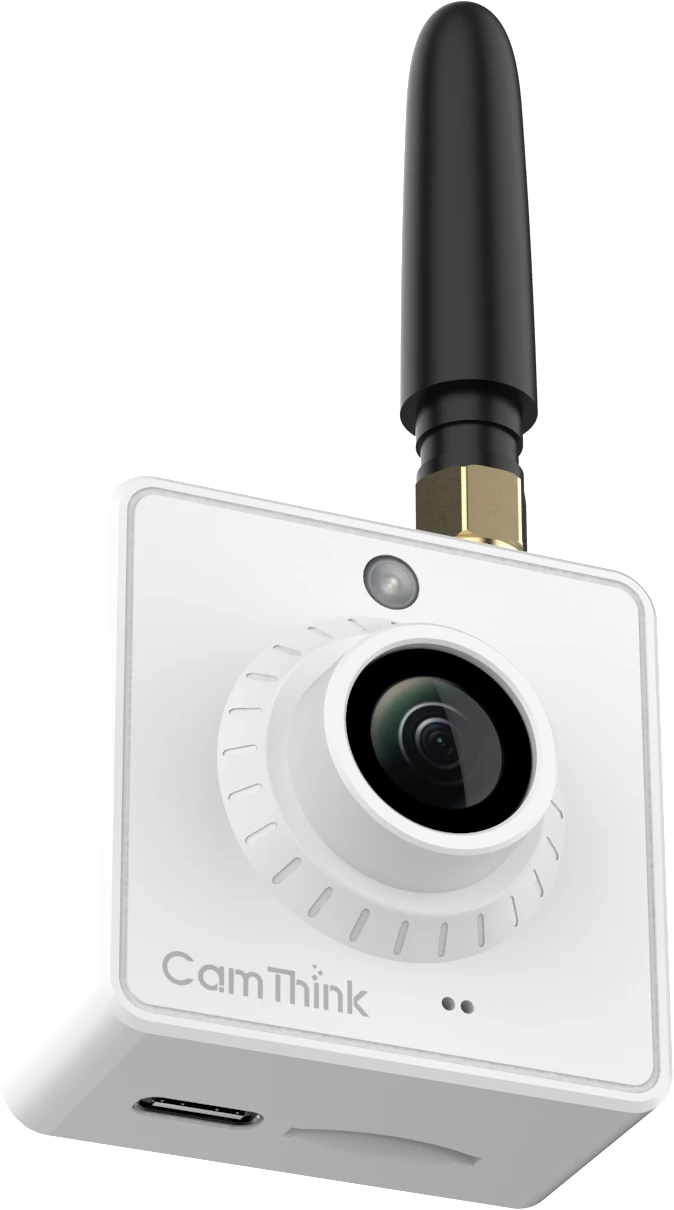
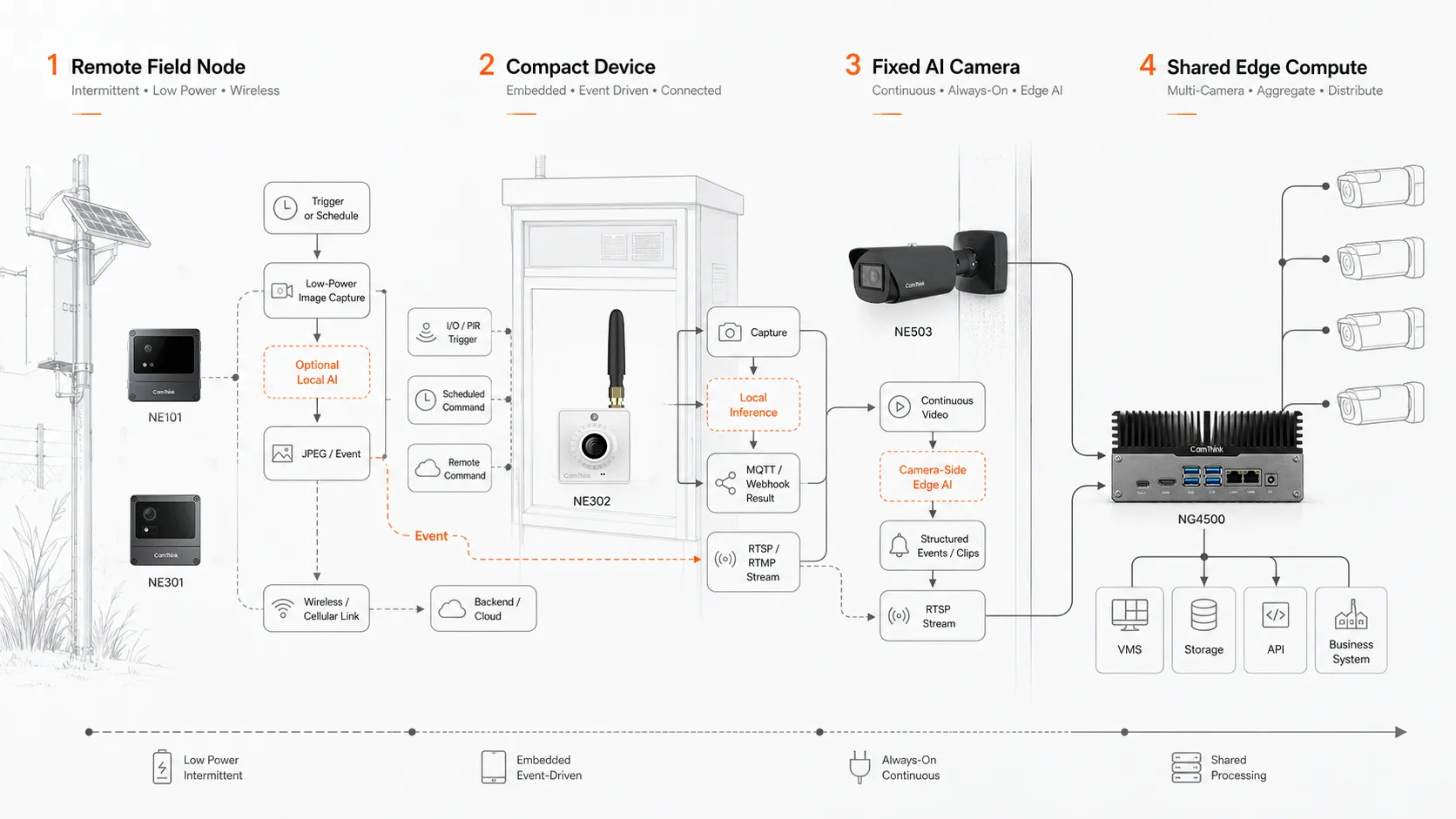
NE101 is CamThink’s low-power capture role for scheduled or event-based imaging, local Micro TF storage and modular communication paths. NE301 adds 0.6 TOPS of on-device AI compute when the node should filter obvious non-target events or publish a structured result before upload.
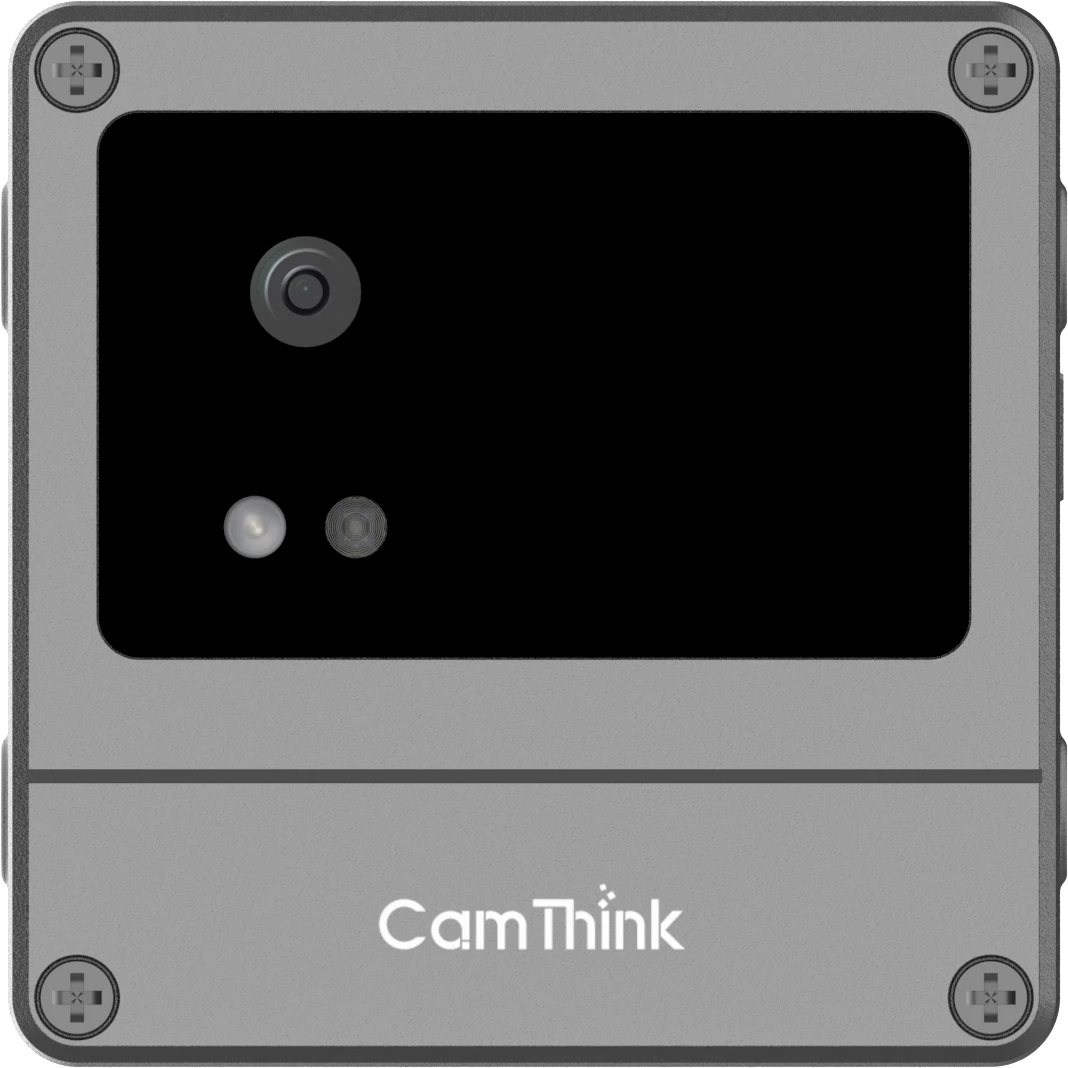
NE302 brings a different event role to compact indoor equipment. It can start a capture from IO/PIR, an MQTT remote command or a schedule, run compatible INT8 inference locally, and retain or deliver the result through MicroSD, MQTT/MQTTS or Webhook. This suits terminals and fixed workstations with planned power and installation space. It does not replace the outdoor or distributed field-node roles covered by NE101 and NE301.
When an Event Clip Is the Better Compromise
A short event clip keeps the event boundary but adds a few seconds of motion. It is useful when a still image is too thin, yet continuous recording is too expensive. Typical examples include a person crossing a restricted line, a vehicle entering a yard, a short animal interaction, a machine action, a loading event or a safety incident that needs visual confirmation.
The tradeoff is active time. The camera, illumination and radio may stay awake longer. Files are larger, weak networks take more time to upload and review changes from scanning images to watching clips.
Use event clips when the project can define the action and its likely duration. If the action often starts before the trigger or continues after the clip ends, the system is cutting away the evidence the operator or model needs.
What Continuous Video Preserves
Continuous video is the right source when sequence, dwell time, handoff or later investigation matters. It can show arrival, approach, duration, direction, repeated interaction and departure without relying on a trigger to define the beginning of the event.
Fixed observation points are the natural fit: parking entrances, factory gates, warehouse zones, equipment rooms, security perimeters, wildfire lookout points, waterholes, crossings or any location where the same scene deserves repeated analysis. Continuous video also lets a team change the event definition later, provided the media has been retained.
The cost is operational. Continuous cameras need stable power, sustained storage, network planning and a way to extract the useful events. In research settings, a US Forest Service study of continuous nest-cavity video illustrates the review burden: automated motion detection can help tag events, but human review may still be required for final interpretation.
NE302 can also provide RTSP video or push RTMP from a compact indoor device. That makes it useful when the same terminal or workstation may switch between triggered records and a live stream. Its STM32N6 platform and maximum 1080p30 H.264 mode suit focused device-level tasks; multi-camera analysis, heavier applications and outdoor exposure call for a different route.
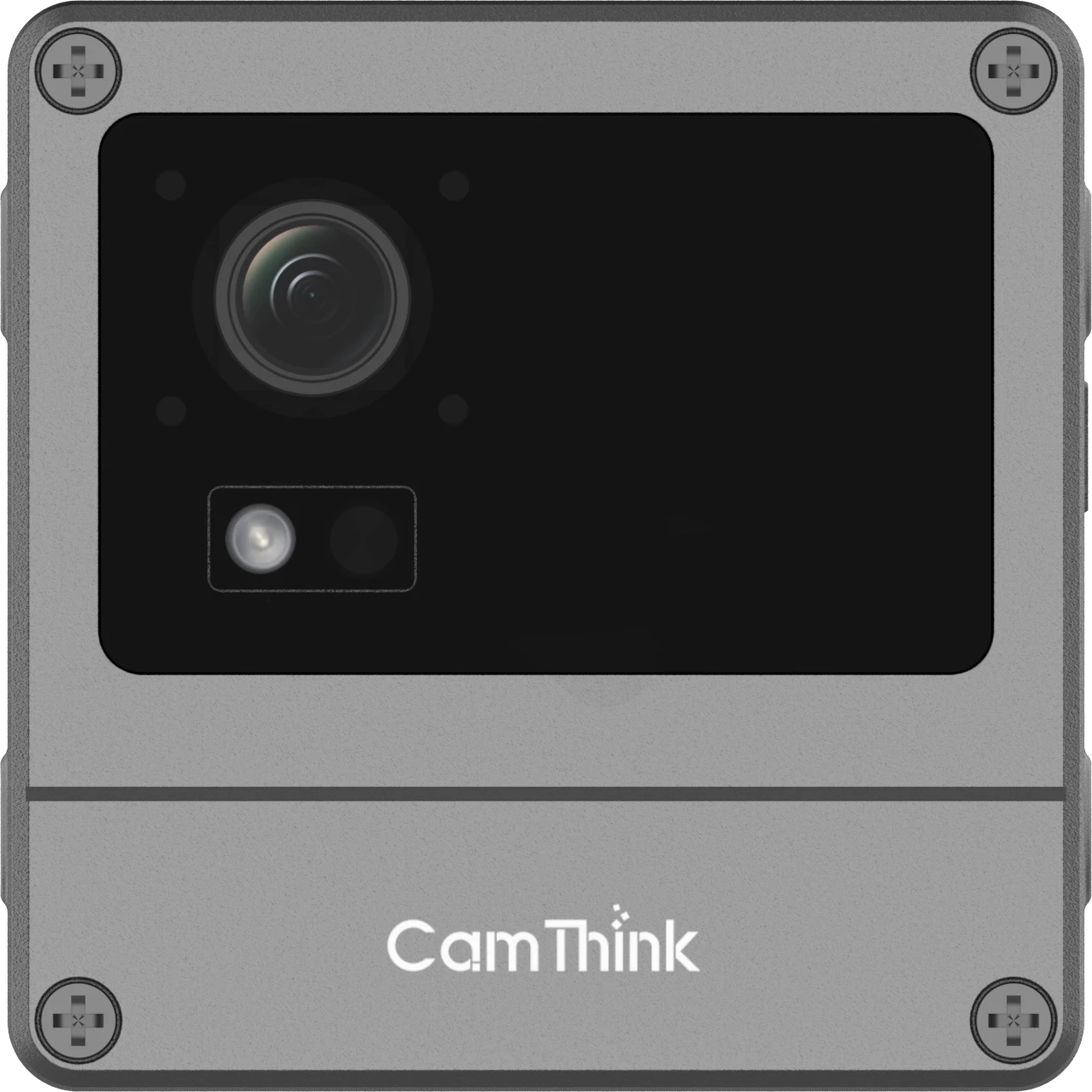
NE503 fits the fixed video role when outdoor protection, 4K input or more application headroom matters. It combines 20 TOPS INT8 Hailo compute, containerized applications, RTSP and structured event paths in an IP67 camera powered by PoE 802.3at or DC 12 V. It can run detection close to the image source and send selected events, clips or data upstream.
Compare the Three Capture Modes
Decision
Event images
Event clips
Continuous video
Best evidence
Presence, condition, timestamp
Short action, direction, visual confirmation
Dwell, sequence, handoff, repeated interaction
Power pattern
Sleeps between events
Sleeps, then remains active for the clip
Sustained camera and processing load
Storage and network
Lowest per event
Moderate per event
Highest unless processed locally
Trigger dependence
High
High at clip start
Low for capture, AI can define events later
Review workload
Fast image triage
Clip review
Requires event extraction or large review effort
Typical CamThink role
NE101 or NE301 for remote points; NE302 for compact indoor equipment
NE301 for remote event workflows; NE503 for fixed points
NE302 for one compact indoor device; NE503 or NG4500 for fixed or multi-camera systems
The table is a routing tool, not a ranking. Continuous video is not a better version of event capture. It solves a different evidence problem and brings a different infrastructure requirement.
Capture modes mapped to hardware roles, from low-power image nodes to fixed edge AI cameras and shared edge processing.
Route the Workload to the Right Hardware
01
NE101 for low-power image capture
Choose NE101 when the point is distributed, capture is infrequent and the node should spend most of its time asleep. It fits scheduled images, event-triggered stills, remote inspection, field image collection and server-side AI workflows.
02
NE301 for event-side AI filtering
Choose NE301 when an event-based site benefits from local lightweight inference. It can reduce blank media, publish structured detections over MQTT and support pilots where Wi-Fi, LTE Cat.1 or PoE variants match different site constraints. The model and threshold still need validation on the project dataset.
03
NE302 for compact indoor trigger and stream workflows
Choose NE302 when vision is being added to an indoor terminal, equipment panel or fixed workstation. The same compact node can capture on IO/PIR, remote or scheduled triggers, run a compatible model locally, report results through MQTT/MQTTS or Webhook, and expose RTSP or RTMP video when a live view is needed. Use it for one focused device workflow, not as an outdoor IP camera or a multi-camera analytics server.
04
NE503 for fixed continuous or frequent video
Choose NE503 when the camera point has stable power and the output depends on continuous video, higher-resolution evidence, local applications, RTSP or structured event delivery. It is a fixed-site edge AI camera, not a deep-sleep battery node.
05
NG4500 for shared site inference
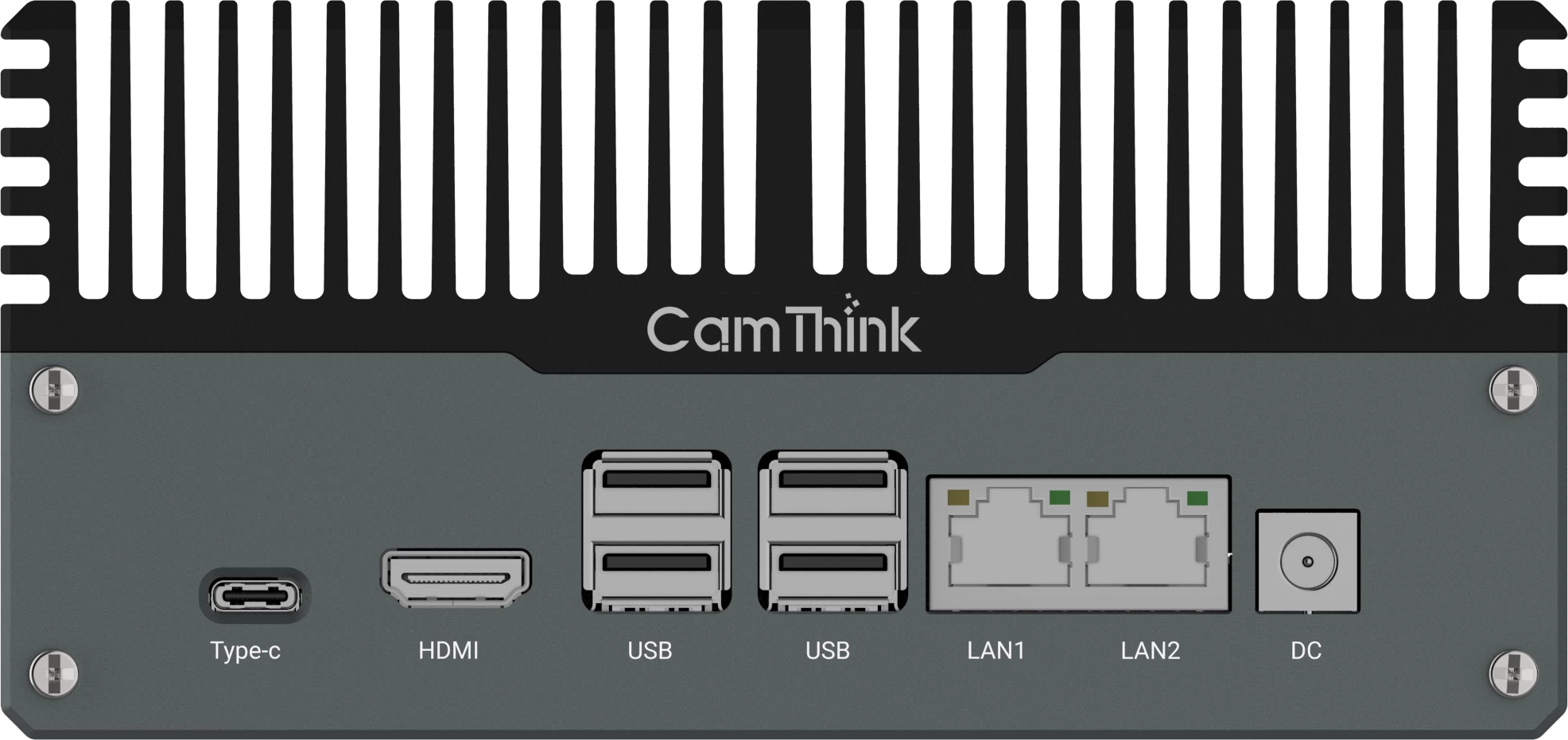
Choose NG4500 when several camera feeds or uploaded image sets need shared local processing. It fits existing IPC upgrades, multi-camera AI, heavier models, local storage and integration workflows. NG4500 is an edge AI box for a cabinet, station, vehicle or equipment room, not an outdoor camera by itself.
A real project may combine roles. NE101 can collect scheduled images from remote assets, NE301 can filter low-power event points, NE302 can add triggered or streaming vision to indoor equipment, NE503 can watch fixed high-value zones, and NG4500 can process several camera feeds at the site. That product mix is often more realistic than forcing every point into one camera model.
Write the output as a measurable record: image evidence, count, condition, alarm, dwell time, direction, clip or full sequence.
Estimate the shortest event that must be captured and whether its beginning matters.
Decide whether a trigger can reliably define that event.
Check the site’s sustained power, storage and backhaul capacity.
Calculate the review workload for images, clips or full video.
Place AI where it reduces media movement without hiding uncertain results.
This order keeps the operating result ahead of the product. It also prevents common mismatches: streaming 24/7 video when a timestamped image is enough, or trying to prove dwell time from isolated trigger images.
Scenario Routing Examples
Scenario
Usually start with
Typical CamThink route
Remote meter, gauge or equipment inspection
Scheduled image or event image
NE101 for image capture; NE301 when local AI/OCR filtering is required
Indoor terminal, equipment panel or fixed workstation
Triggered image or local inference, with RTSP/RTMP only when a live view is needed
NE302 for compact device integration and MQTT/MQTTS or Webhook result delivery
Remote intrusion, gate or field asset alert
Event image, event clip or structured AI event
NE301 for low-power AI event reporting; NE503 when the site is fixed and powered
Factory gate, parking entrance or warehouse zone
Continuous or frequent video with event extraction
NE503 for camera-side AI; NG4500 when multiple streams are processed together
Existing CCTV or VMS upgrade
Continuous RTSP streams into local inference
NG4500 for multi-camera edge AI, with NE503 for new high-value camera points
Wildlife, agriculture or environmental field point
Event image, scheduled image or short clip
NE101 for low-power capture; NE301 for lightweight filtering; link to the wildlife system guide for full remote design
Wildfire lookout or fixed risk zone
Scheduled image, event evidence or continuous video depending on power
NE301 for low-power remote pilots; NE503 or NG4500 for fixed powered observation
Design the Pilot Around One Decision
An event-capture pilot should measure how many usable records arrive per service interval, how many files are blank, how long the node stays active and whether the backend receives a clean event contract. A continuous-video pilot should measure whether the event extractor preserves the beginning and end of useful events, how much footage is stored and how much review time remains.
Do not combine every requirement in the first test. A small pilot that answers one capture decision creates a better basis for camera count, power design, data plan, storage budget, model placement and integration scope.
Recommendation by Deployment Goal
Use event images when the business value is a compact visual record. Add short clips when a bounded action needs motion context. Use continuous video when sequence, dwell, later investigation or operator review is the actual result.
CamThink supports the transitions between those modes. NE101 collects low-power images, NE301 adds event-side AI filtering, NE302 covers compact indoor devices that may use either triggered records or a live stream, NE503 handles fixed video and local camera applications, and NG4500 provides shared on-prem processing. The products are not substitutes on a single performance ladder. Each one belongs at a different point in the edge AI camera architecture.
HH
Harry Hua
CamThink Technical Director
Harry writes about edge AI camera hardware, system integration and the deployment choices that move field prototypes into repeatable projects.
Share your output goal, camera count, installation environment, power, network path and AI workload. CamThink can help map the project to a low-power image node, compact device-integration camera, fixed AI camera or local edge gateway before you commit to hardware.