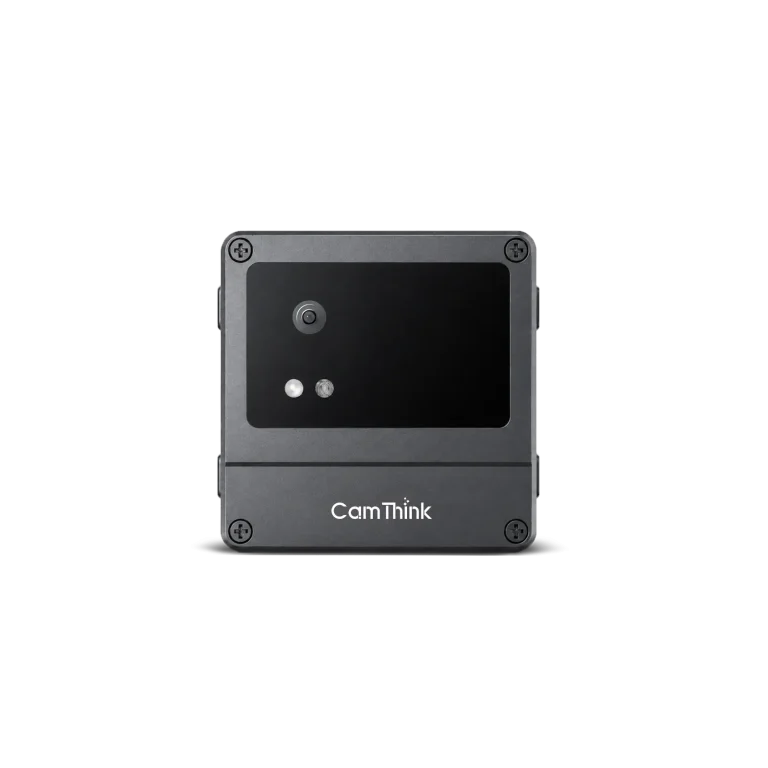
NeoEyes NE101 Camera Expansion: Choosing OV5640 or a USB Module
See how NE101 adds SC200AI USB camera options alongside its OV5640 module, then compare actual images, firmware support, shared pins, and power at your installation.
Choose USB Expansion by Imaging Requirements
A meter face eight centimetres from a cover and a yard scene two metres away need different optics. On NeoEyes NE101, the OV5640 connects through the FPC camera interface; a selected SC200AI module uses the USB camera connector on the same ESP32-S3 board. This expands the choices of working distance and field of view, but it also changes firmware requirements, occupied GPIOs, and active-cycle power. Choose the camera against the detail the application must actually read at its final mount.
We provide an OV5640 FPC camera with the configured NE101, and offer the SC200AI USB camera module as a separate option. The dedicated four-pin camera port gives developers another imaging path without replacing the ESP32-S3 board. It does not mean that every generic UVC module works with NE101: host firmware, connector wiring, mechanical fit, and the module’s power needs still have to match.
USB is useful when the available FPC lens choices do not give the required framing or when a project needs to evaluate the 51°, 88°, or 137° USB options. The photographs later in this article show the difference in framing across earlier setups. Without matched capture settings, they cannot establish that one module always produces a better image.
Compare the Documented Lens Options
The OV5640 FPC module offers 60° and 120° fields of view in close-focus and standard-distance versions. The SC200AI USB module offers 1080p imaging at 51°, 88°, or 137°, each paired with a specified fixed-focus distance. A 137° module intended for a target around two metres away is not the same tool as a close-focus OV5640 aimed at a meter face eight centimetres from the lens. All currently listed lens options here have preset focus; choose the working distance when ordering.
Documented option
Field of view
Nominal focus setup
First fit question
OV5640 close-focus
60° or 120°
15 cm (60°) or 8 cm (120°)
Will a cabinet or meter face fill enough of the frame?
OV5640 standard-distance
60° or 120°
4 m (60°) or 3 m (120°)
Is the target still legible across the required scene?
SC200AI-51-4M USB
51°
4 m
Is the narrower view suitable for a distant target?
SC200AI-88-3M USB
88°
3 m
Does the wider view retain the needed detail?
SC200AI-137-2M USB
137°
2 m
Is broad coverage worth smaller targets and edge distortion?
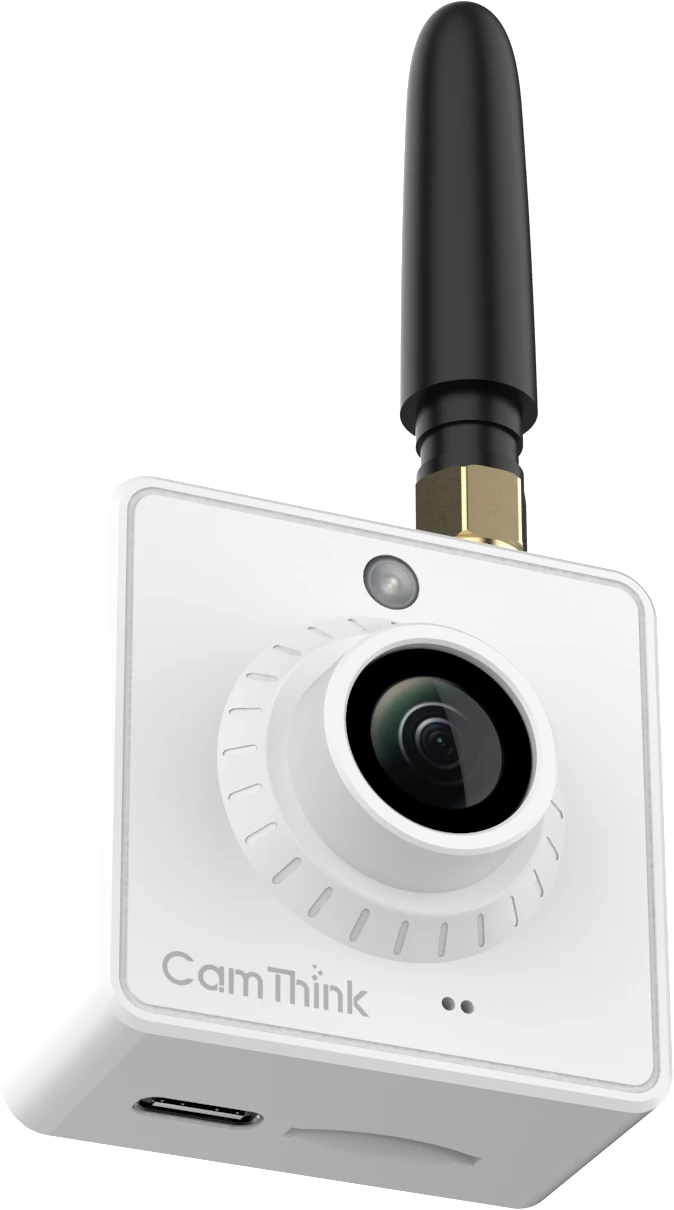
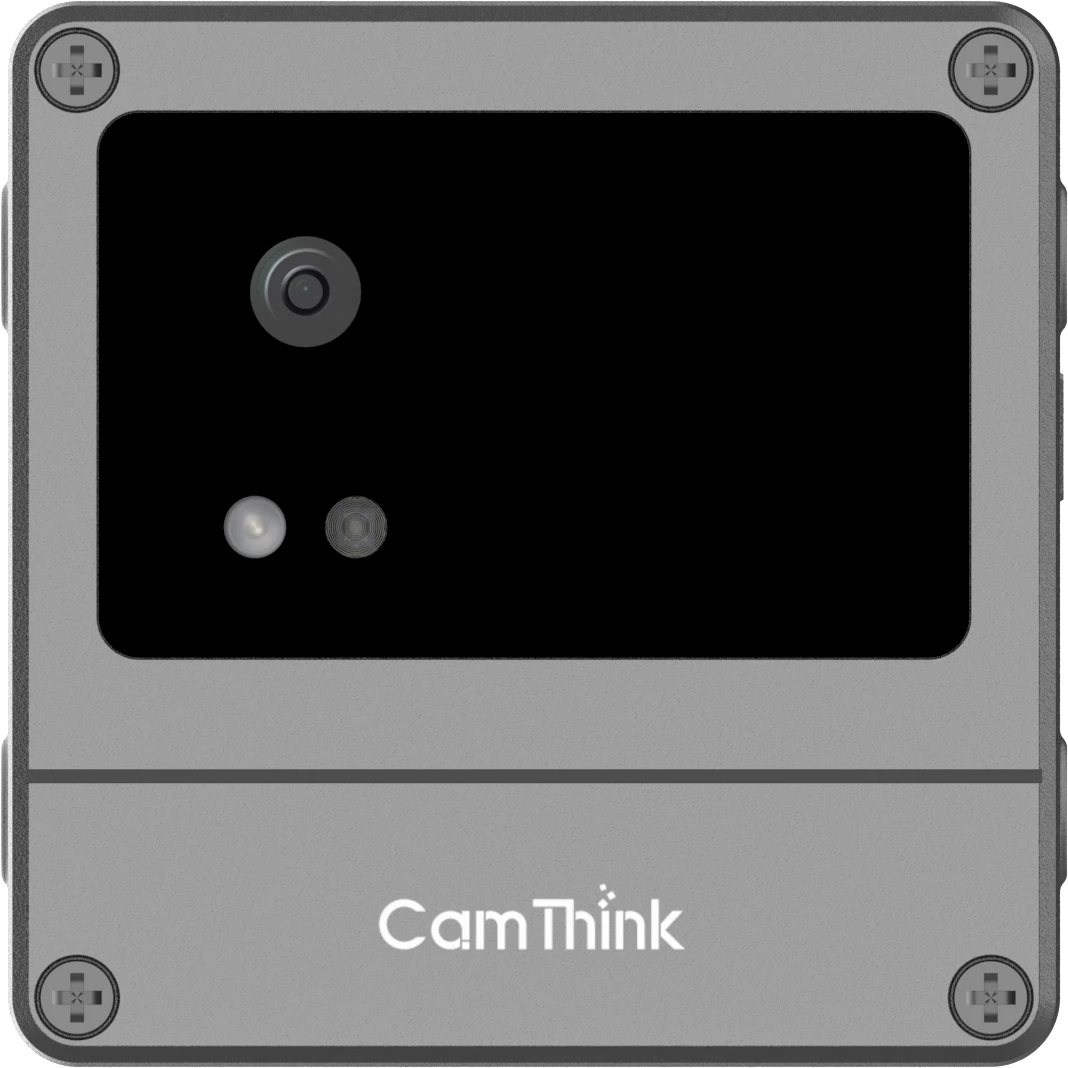
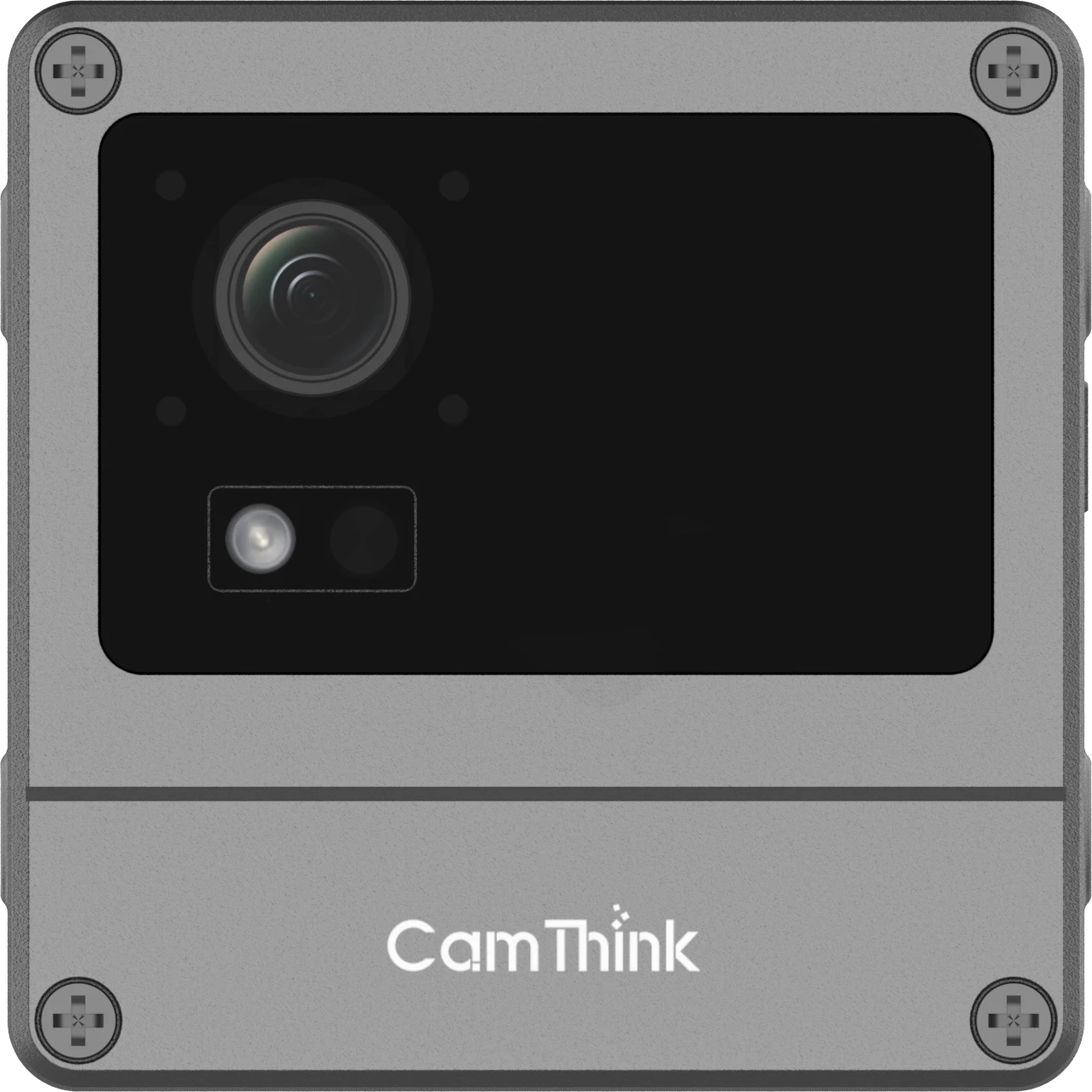
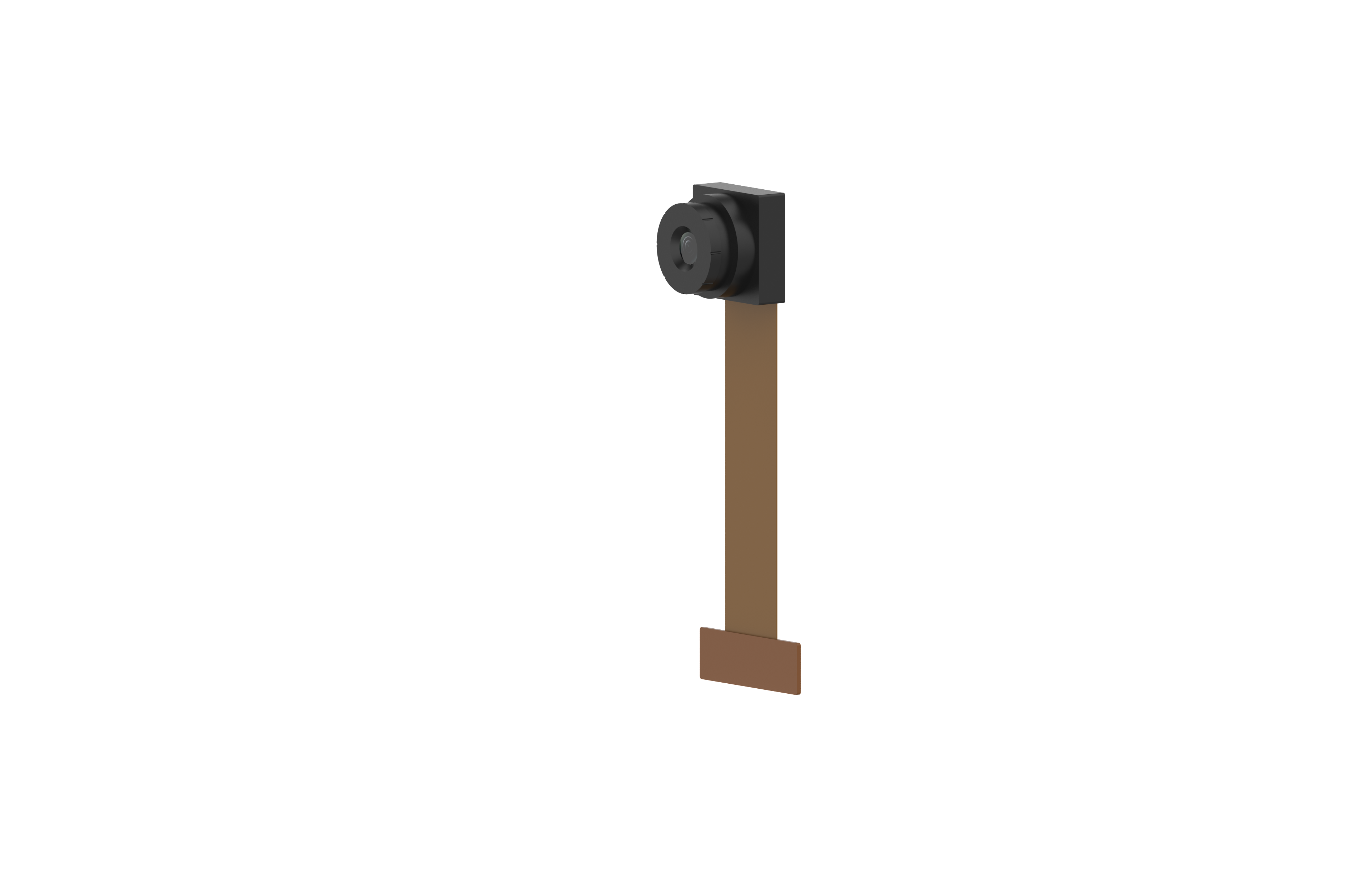
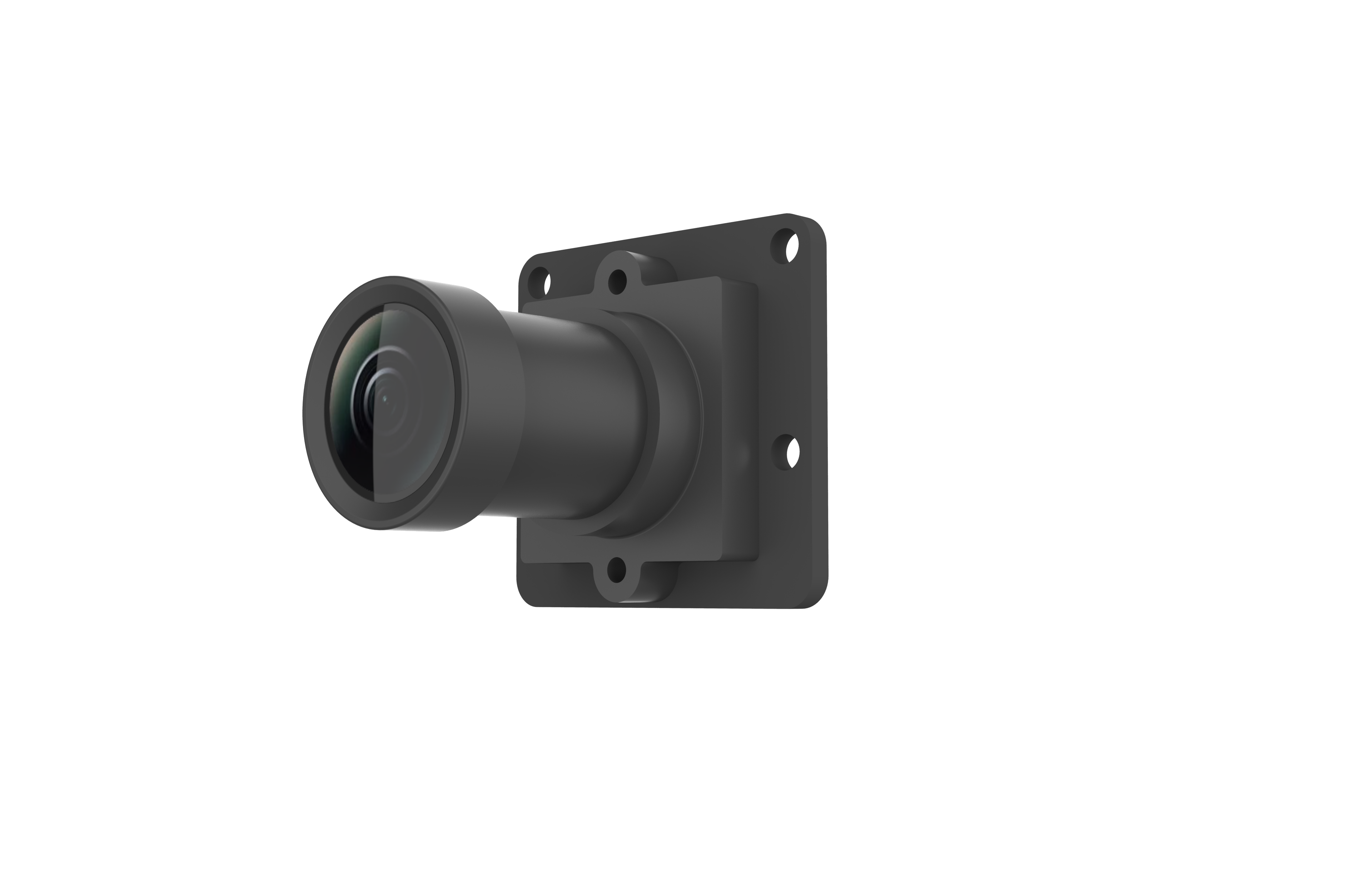
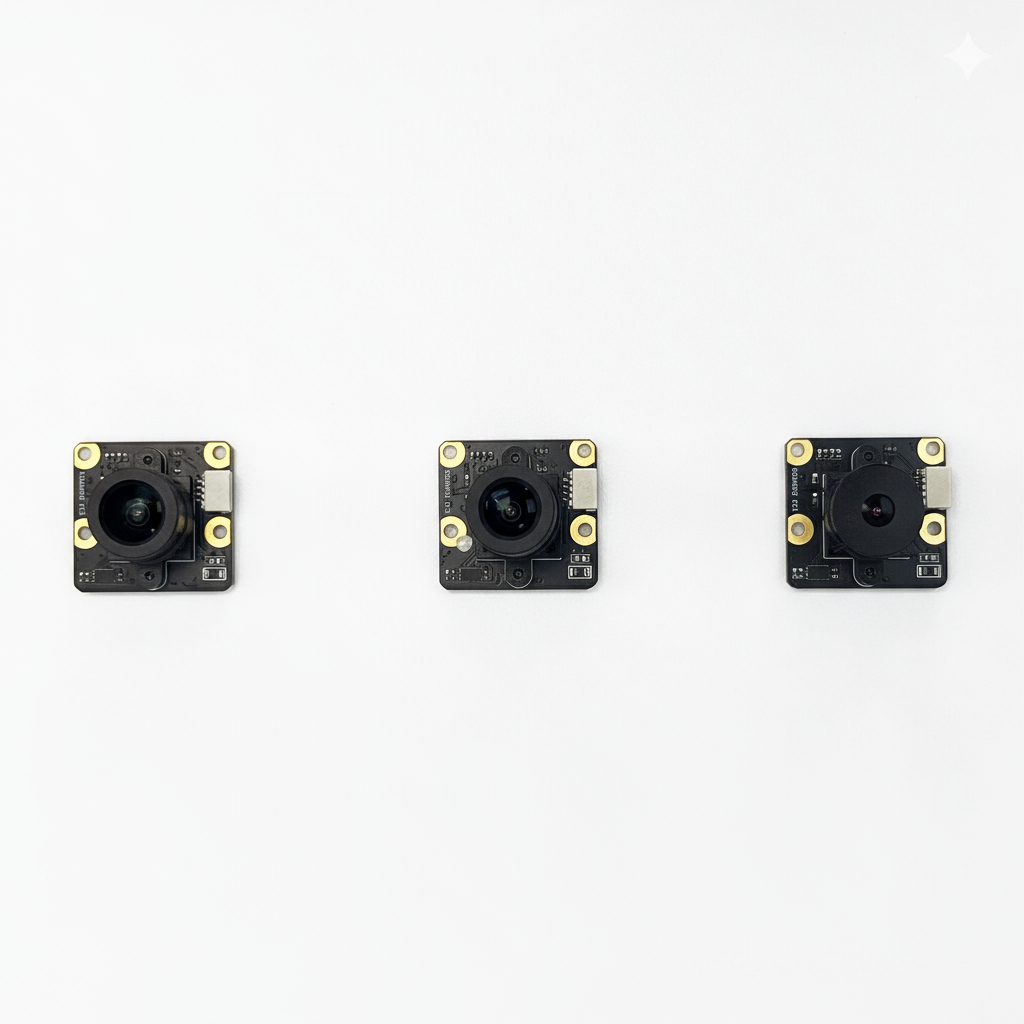
OV5640 FPC module (left) and SC200AI USB module (right). The configured NE101 camera includes an OV5640 lens; the USB module is a separate accessory.Three USB-module lens assemblies from the original NE101 article. Their appearance helps identify the hardware family, but the current order options are defined by field of view and preset focus, not by the apparent lens size in a photograph.
These are catalogued module configurations, not guaranteed sharp-focus distances in every enclosure. Verify the exact delivered module and lens marking, because a suffix or replacement lens can change the field of view or focus. Side-by-side samples taken under undocumented distance, exposure, and lighting conditions cannot show that one sensor family is universally clearer; compare candidates with the method described later in this guide instead.
Check the Board Connector and Shared I/O Before Ordering
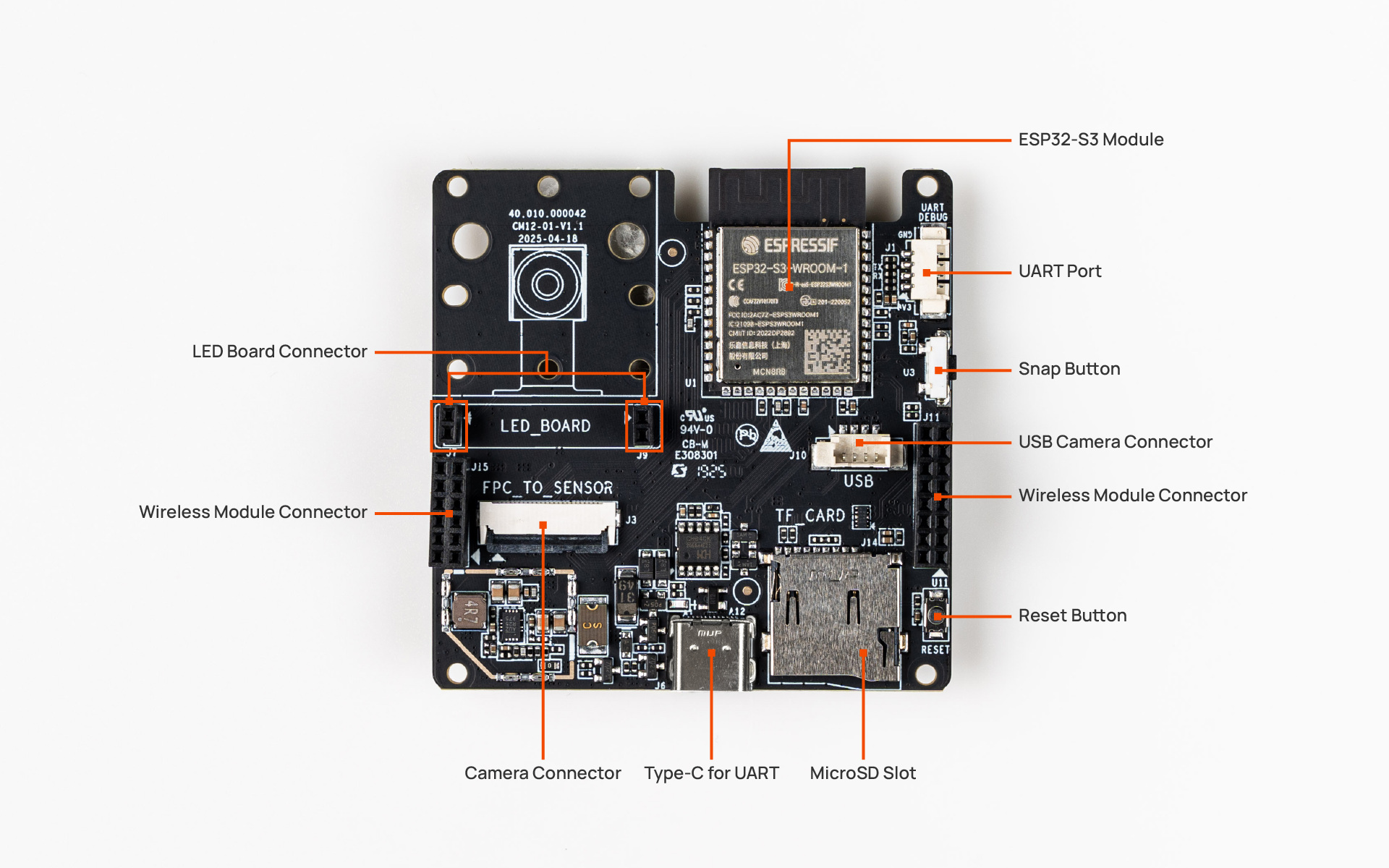
The four-pin USB camera connector carries power, ground, D−, and D+. On the NE101 pin map, USB data uses GPIO19 and GPIO20, exposed again on pins 13 and 15 of the 16-pin expansion header. These same GPIOs are assigned communication-module functions in the Wi-Fi HaLow configuration. A USB camera therefore competes with more than an optional sensor: a design that calls for USB imaging and HaLow connectivity needs a board- and firmware-specific compatibility check before either module is ordered.
Top-side interfaces of the NE100-MB01 main board; the four-pin USB camera connector is among the marked interfaces. The 16-pin GPIO expansion header sits on the bottom side.
Make a pin budget before choosing the module. List the camera, PIR or alarm input, communication board, debug method, any SPI or UART device, and the pins or power rails each consumes. If a design needs USB imaging and a sensor on a shared pin, the sensor wiring or firmware assignment may have to change. Do not assume a software pin reassignment resolves the HaLow overlap; confirm the electrical routing and supported combination on the exact board revision.
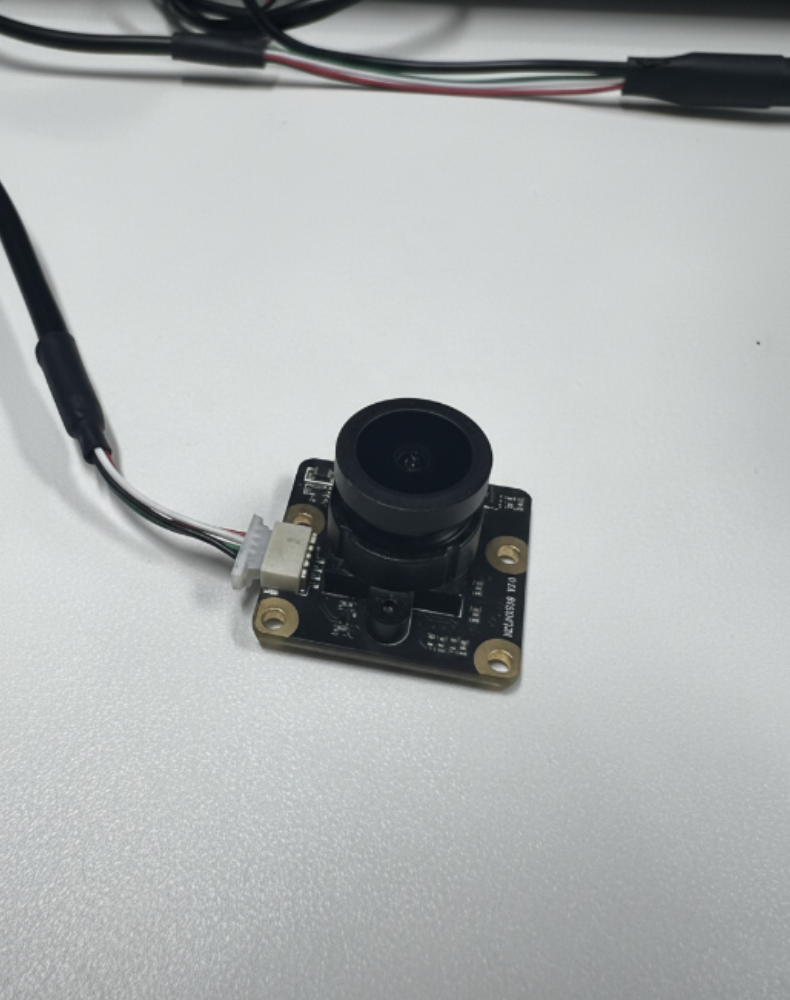
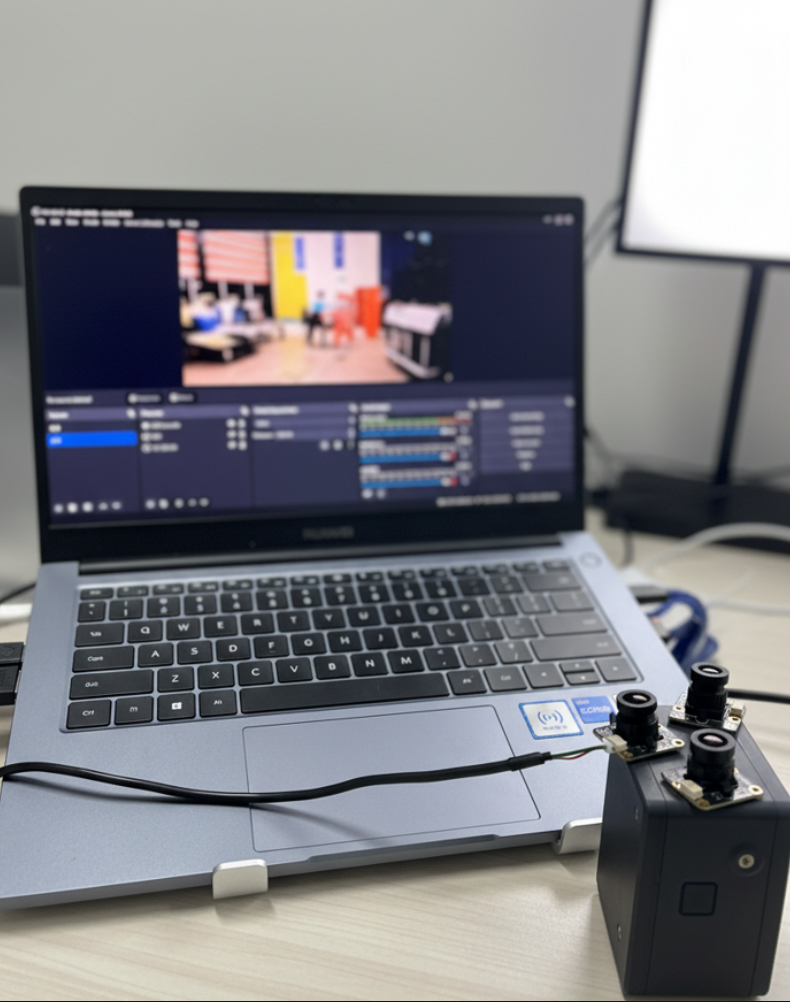
Original hardware photographs: the USB module and its cable, then modules alongside an NE101 enclosure on a bench. These show physical parts, not a validated sealed outdoor assembly. Open either image for the full-size original.
Treat Firmware Support as Part of the Module
Camera selection is not purely mechanical. The firmware must initialize the specific module, expose the required resolution and controls, and keep the capture path stable through sleep and wake. An indoor or outdoor firmware label is not a version: ask for the supported build for the chosen SC200AI module and verify its behavior rather than assuming the label applies to every release.
Record board and module revision, firmware commit or release, image format, resolution, exposure mode, and any USB-specific setting. After changing a module, capture the same target under the same light and compare the resulting files. A camera that previews correctly but fails after repeated deep-sleep cycles has not passed an NE101 deployment test.
Run a Fair Image Comparison at the Final Mount
Place the target at the planned working distance, keep the enclosure closed, and use the same lighting, viewpoint, output size, and compression setting for each candidate. Include a measurement target or known detail at the centre and near the edge of the field. Measure whether the target the application must read remains legible after the crop or resize that the downstream OCR or classifier will receive.
Test daylight, low light, backlight, and motion only if they occur at the site. Record exposure time, gain, focus, fill-light state, and whether any automatic image processing changed between captures. Wider optics can cover more area while shrinking an object in pixels; a high-quality sensor cannot undo that geometry. Conversely, a narrow view can lose the context needed to decide what happened. Select the module from the task’s acceptance image, not a subjective “clearer” impression.
NE101 OV5640 and USB Image Samples
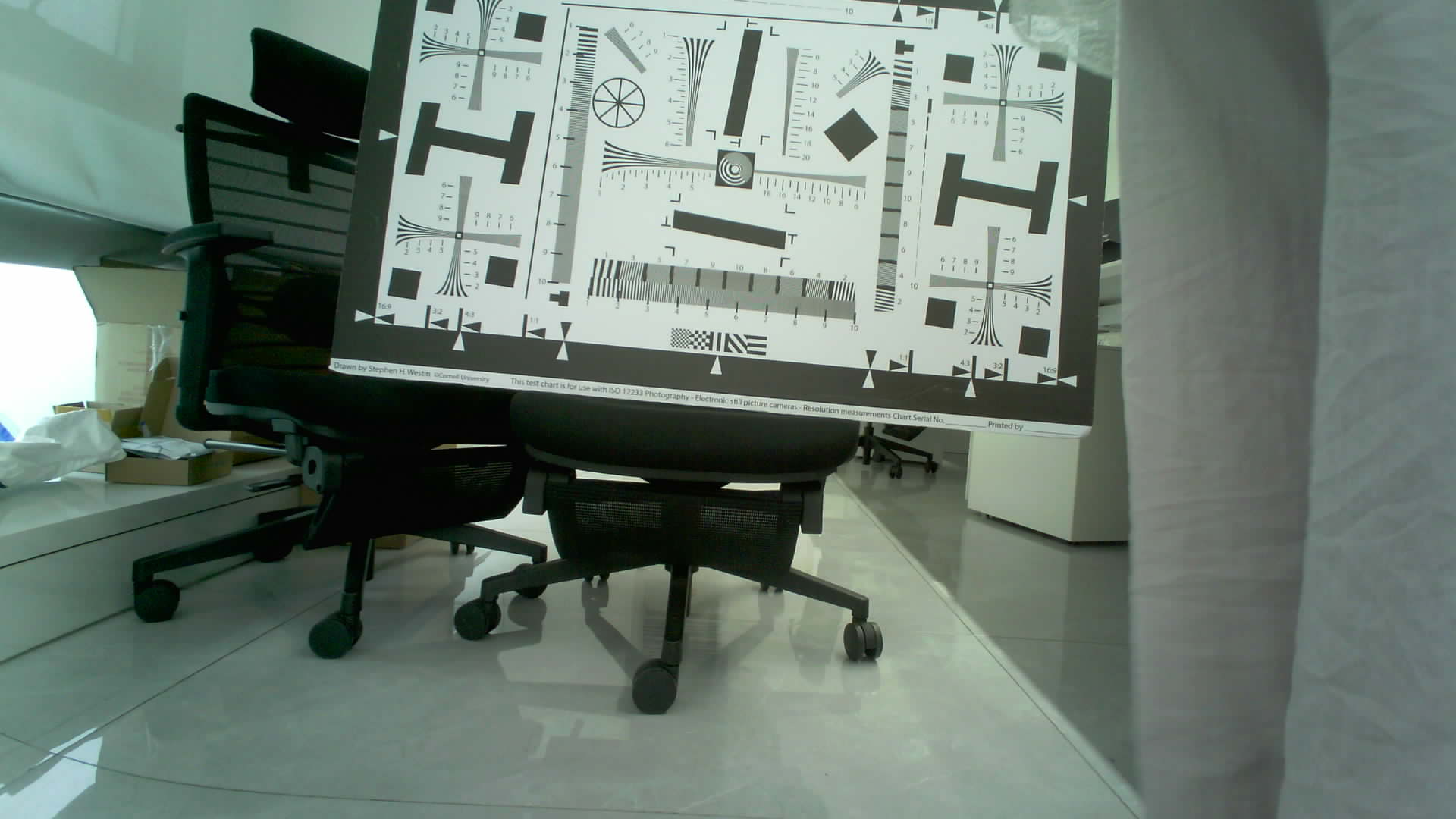
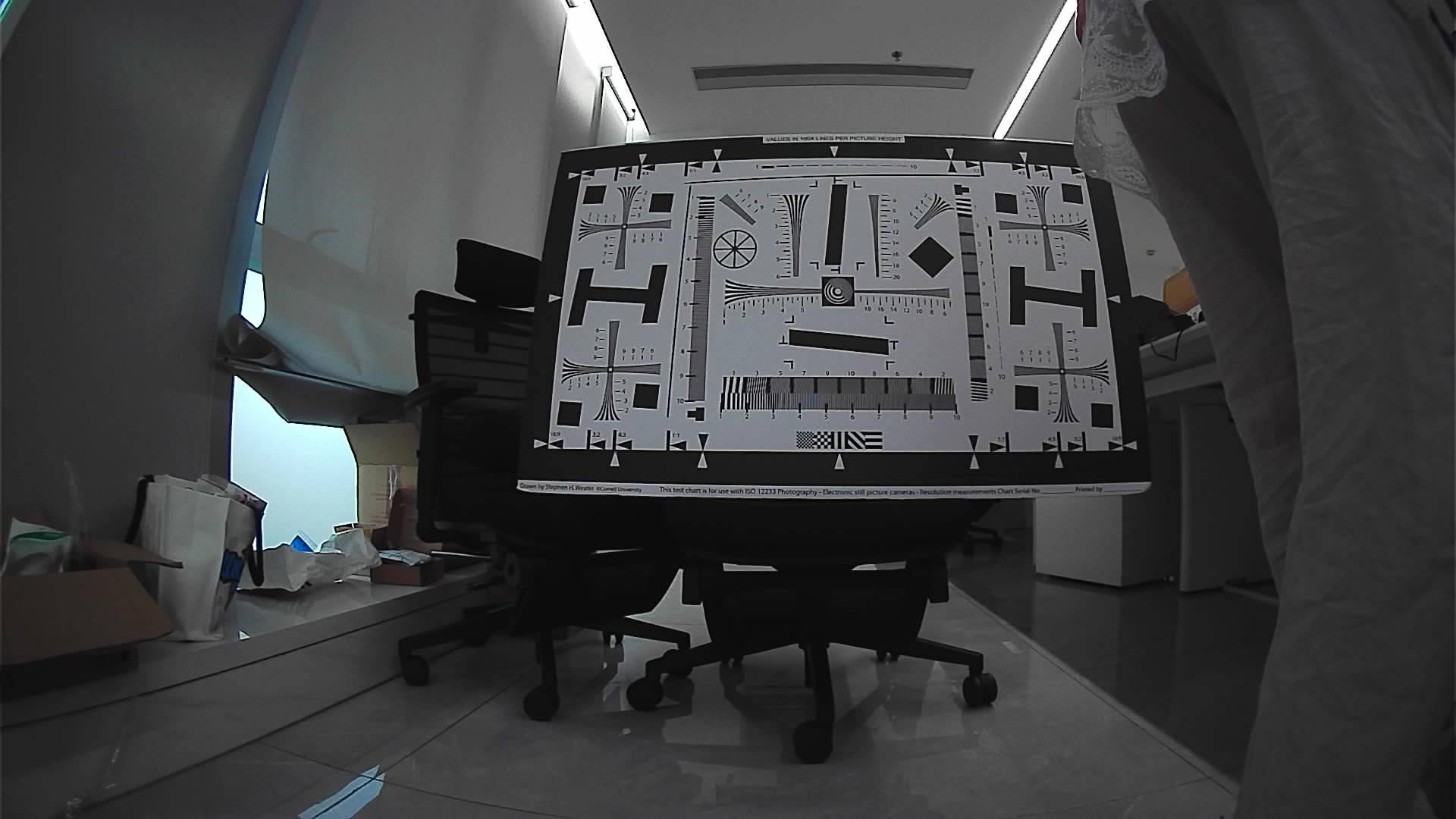
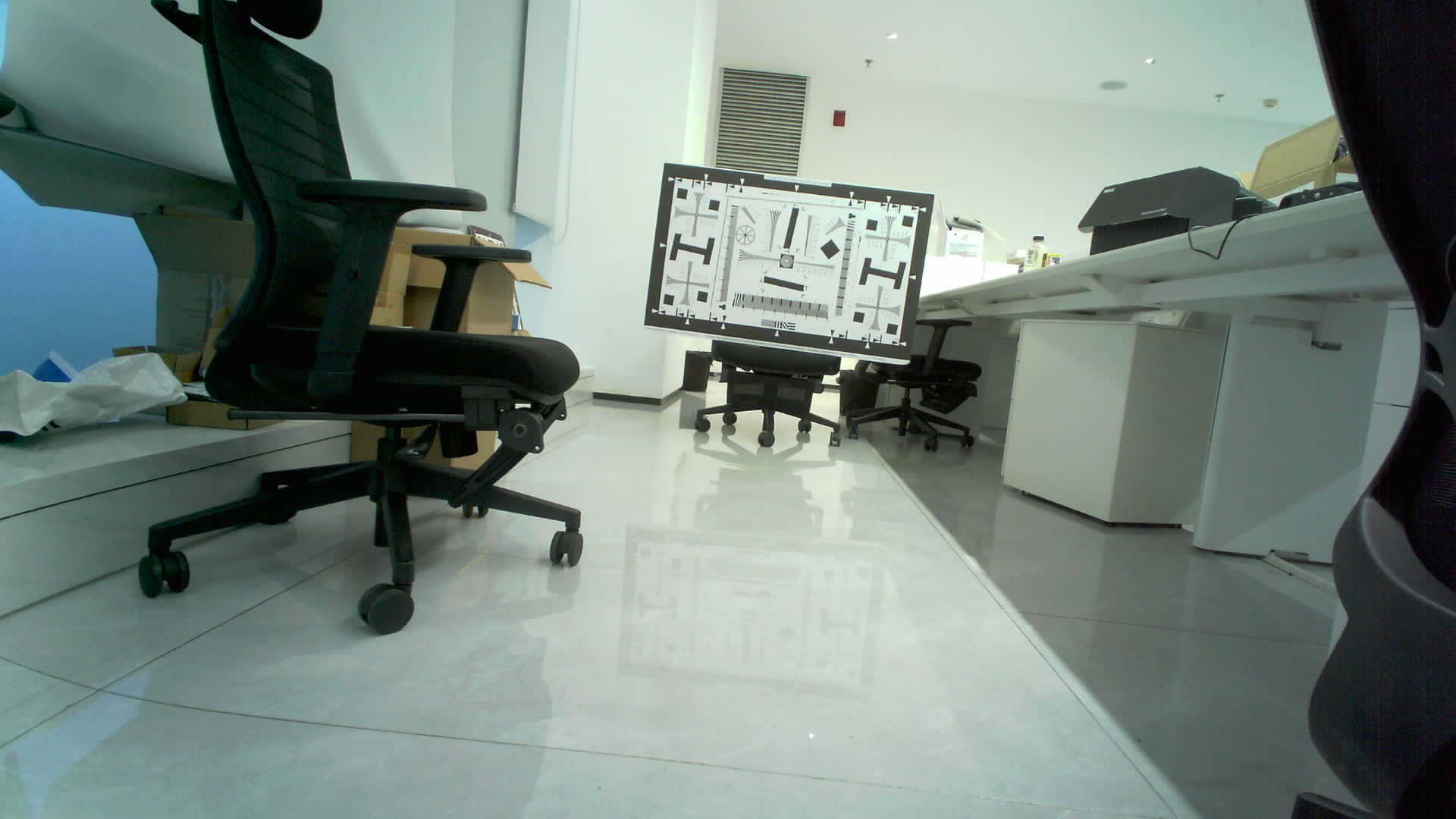
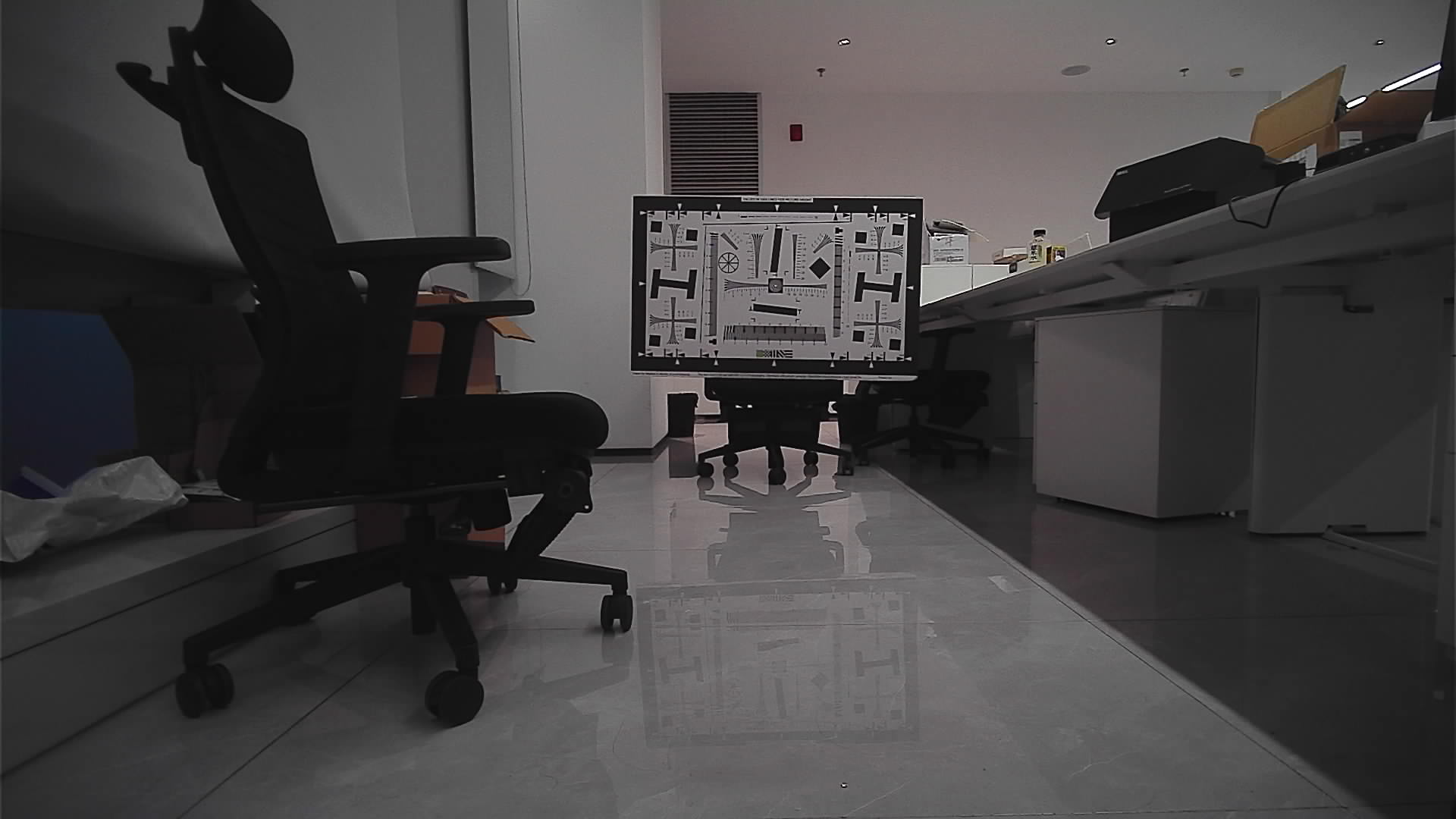
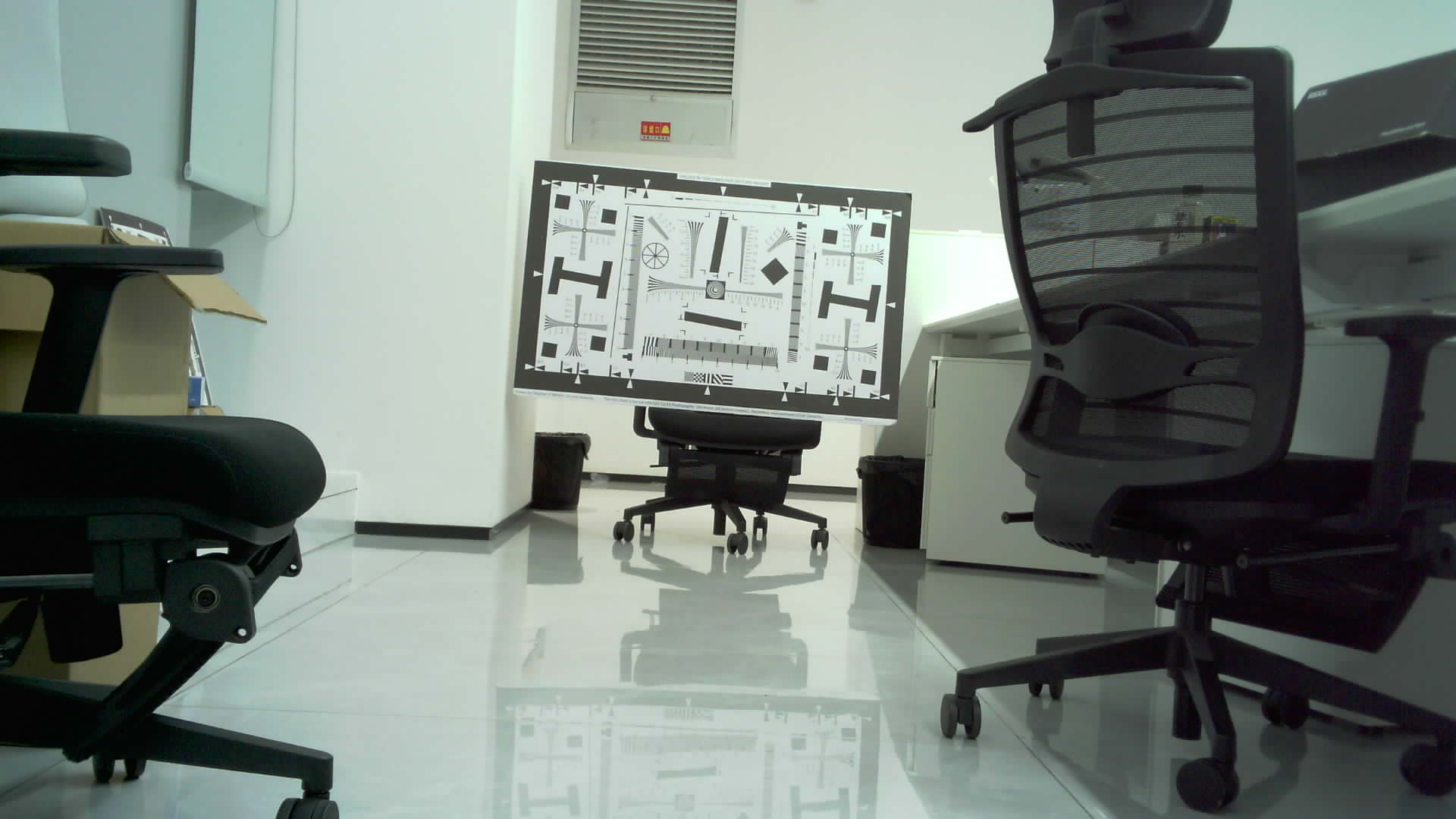
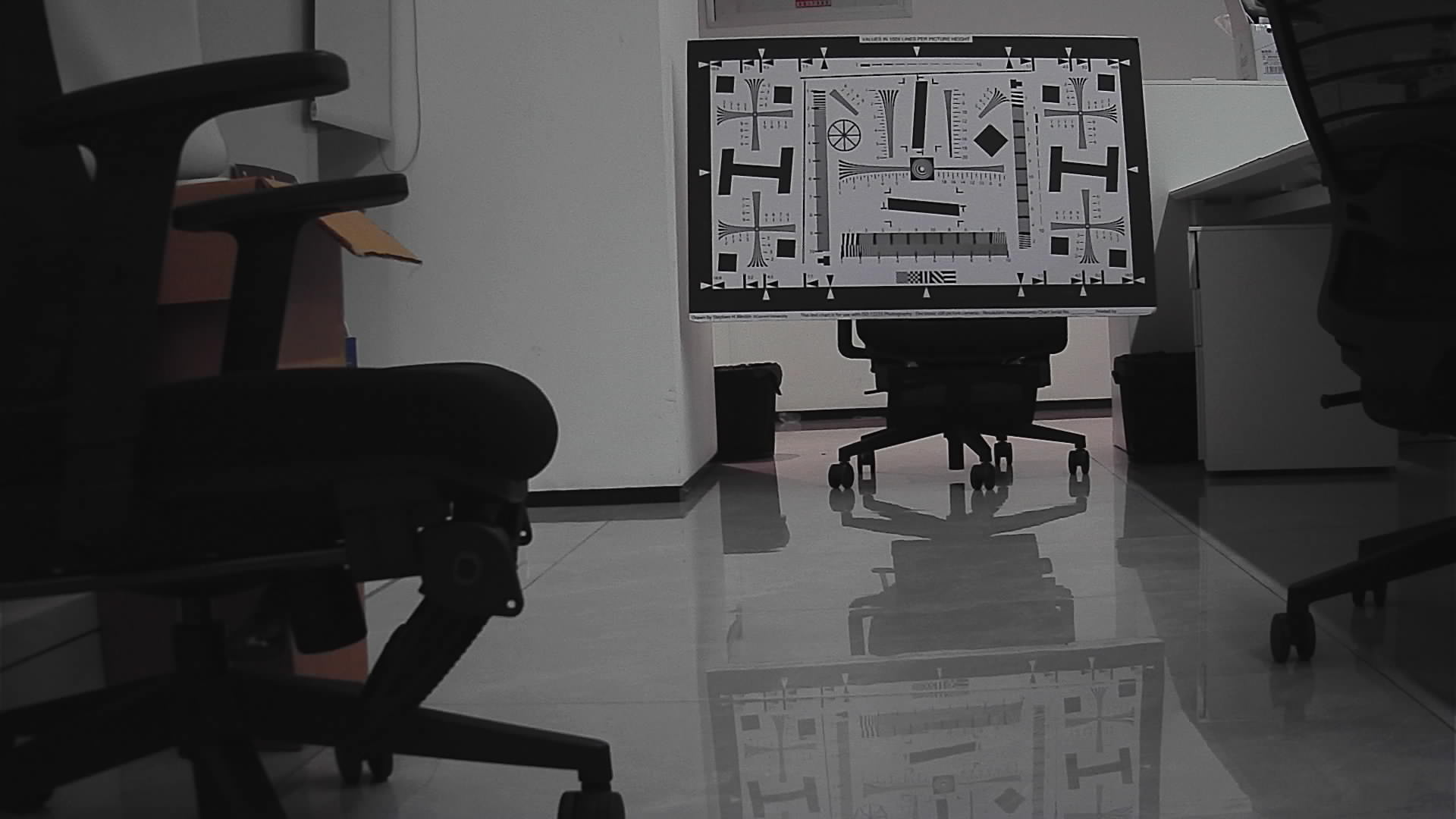
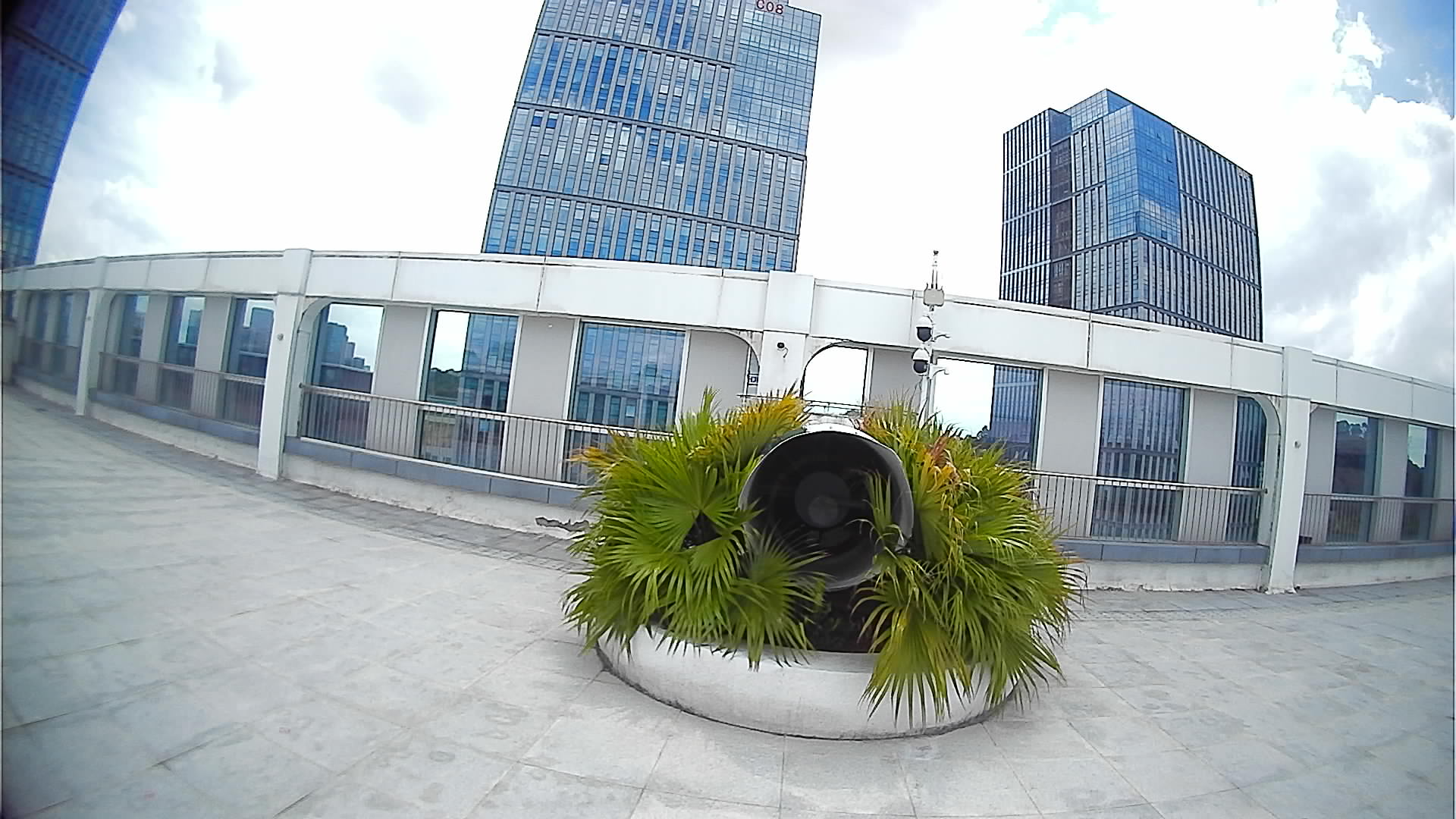
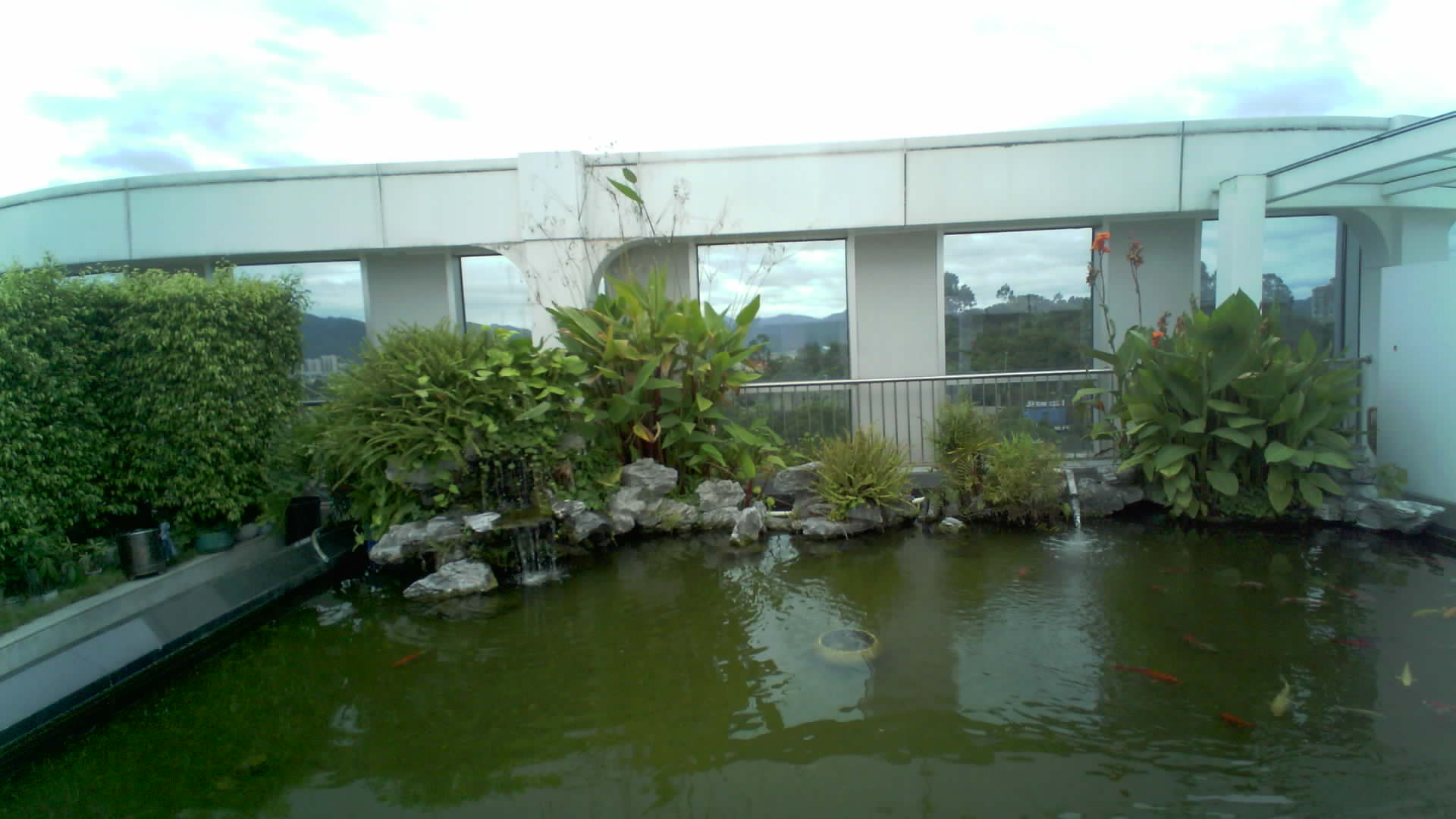
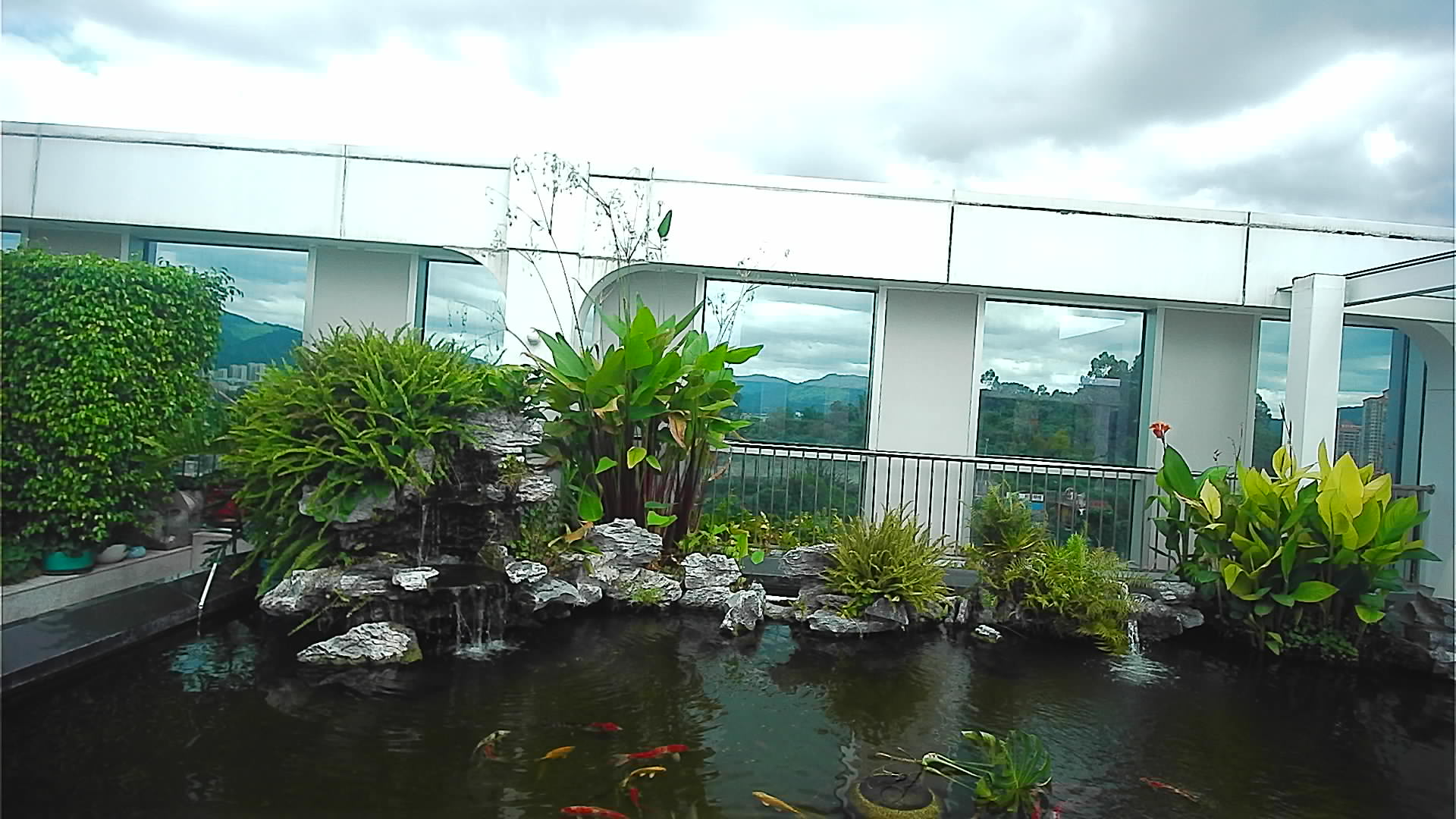
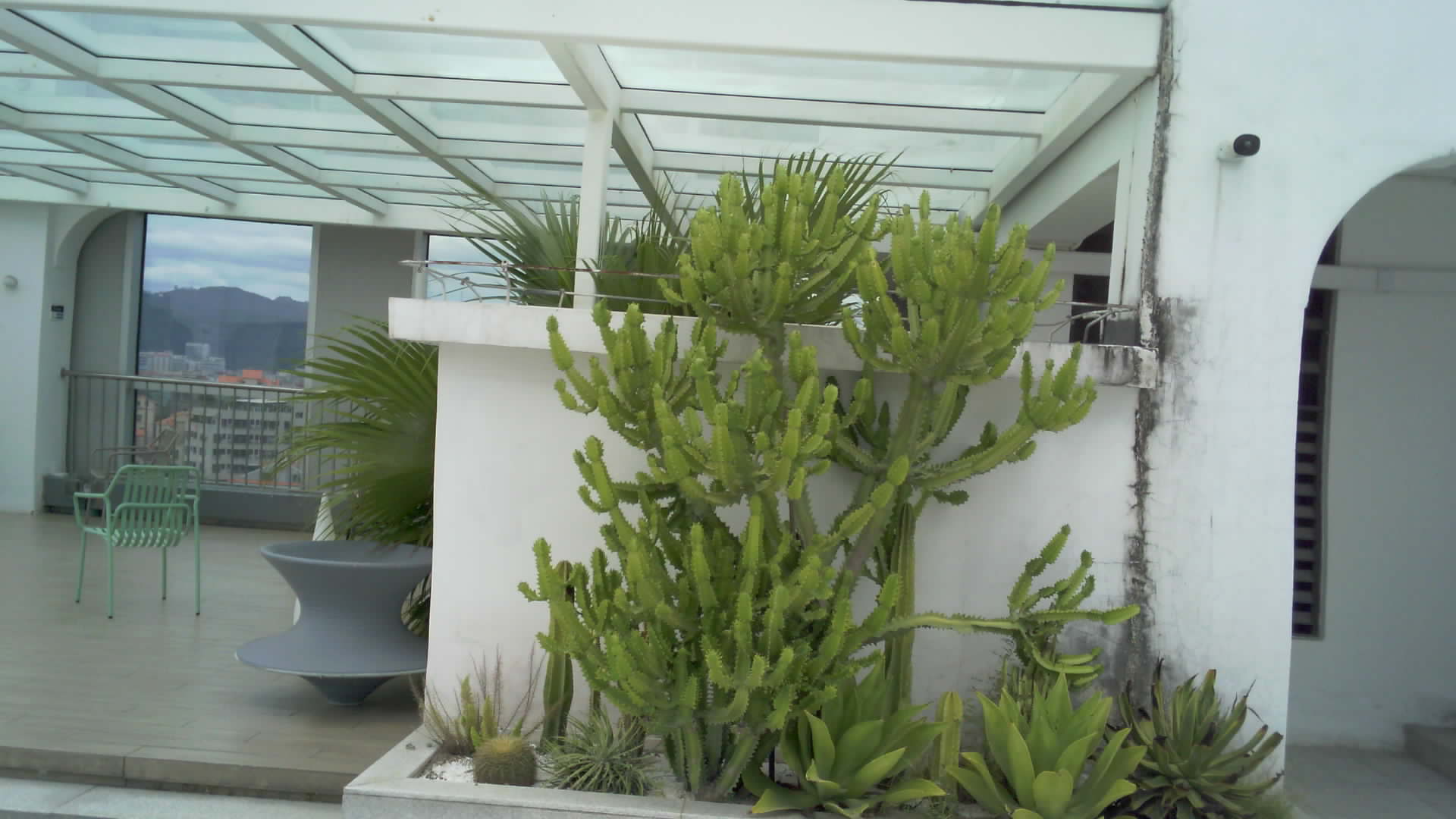
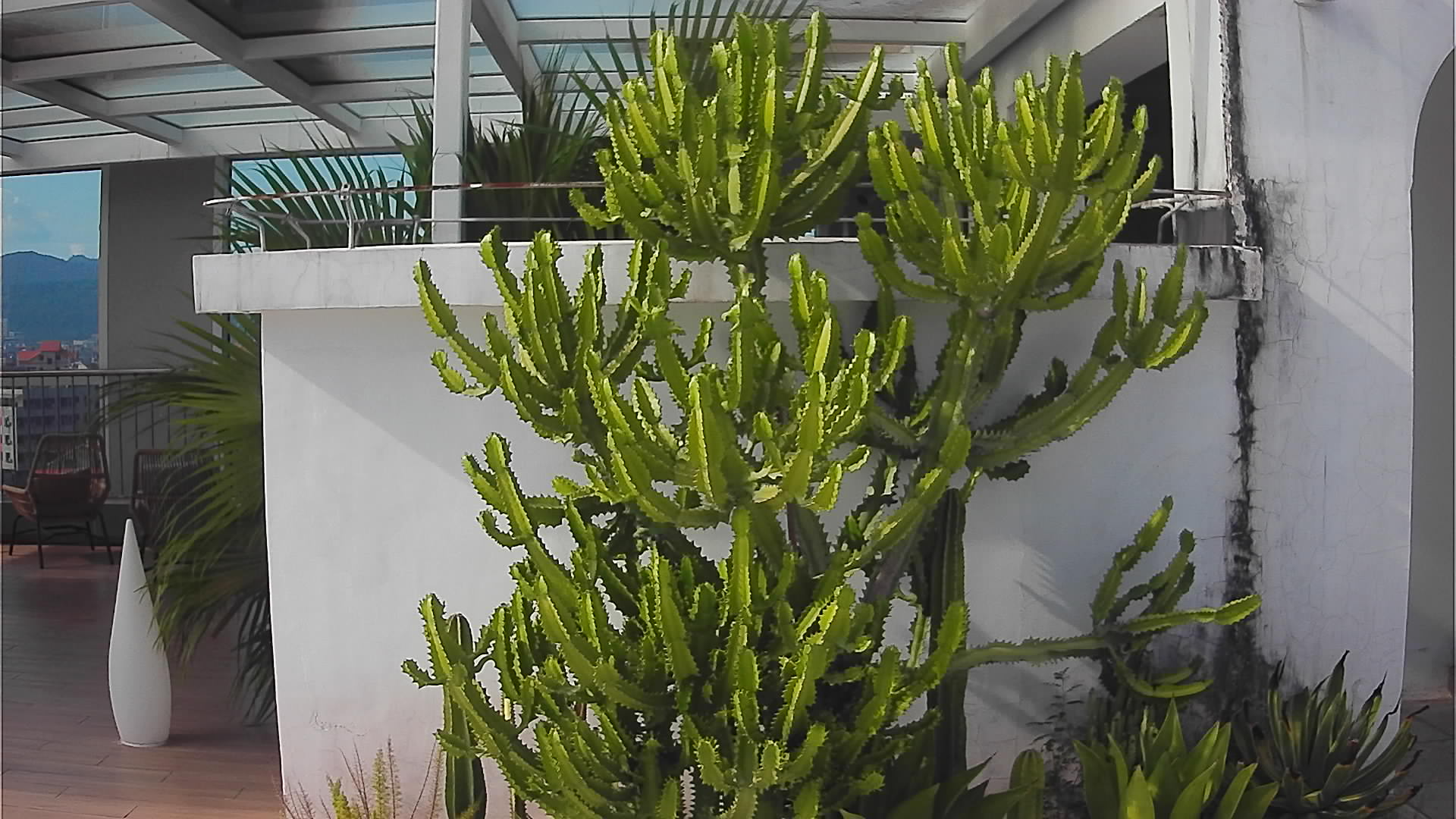
These archived NE101 captures pair an OV5640 image with a USB-module image. The two groups were labeled as indoor- and outdoor-firmware captures. Camera-to-target distance, matched exposure, output settings, and firmware revisions were not recorded alongside the pictures; framing and illumination visibly differ in some pairs. Use them to inspect what each setup included in the frame, not to rank the sensors. Some lens-angle labels in the archived material also differ from the current orderable configurations.
Set A, previously labeled indoor firmware: OV5640 on the left, USB module on the right. Select an image to inspect its original resolution.
Pair 1: older OV5640 sample and USB sample. Different framing and exposure prevent a controlled sharpness comparison.
Pair 2: another OV5640 and USB view from the original indoor-firmware set.
Pair 3: the last OV5640 and USB views in the original indoor-firmware set.
Set B, previously labeled outdoor firmware: the same left/right family order. One OV5640 source file is already lower-resolution.
Pair 1: outdoor views differ in framing; the OV5640 original is itself a small image.
Pair 2: original OV5640 and USB outdoor-firmware views.
Pair 3: final sample pair; use the full-size files to inspect the target, not to infer a sensor ranking.
The reusable lesson is in the geometry. A 137° lens shows more of a room or yard but makes a fixed-size target occupy fewer pixels. The close-focus OV5640 variants solve a different problem. For an actual purchase decision, repeat the comparison with the current orderable parts, the same mount and target, and logged firmware and exposure settings.
Include the Camera Module in the Energy Budget
NE101 is usually evaluated as a scheduled or event-triggered camera. Changing the camera module may change sensor initialization time, USB power draw, exposure settling, and active-cycle duration. Measure at the battery input with the final communication board and upload policy attached. A module that improves one image but doubles active time may still be the right choice if it prevents retakes; the answer depends on the required capture frequency and maintenance interval.
During a comparison, measure current from wake until the device has safely stored or acknowledged the image, then allow it to return to sleep. Note whether the camera module remains powered between captures and whether a failed USB initialization causes another wake cycle. A power trace should be paired with the image it produced; otherwise an apparent energy saving may simply reflect a failed acquisition. Repeat the trace after choosing a different exposure or fill-light policy, because those choices change both image quality and active time.
Select One Module and Record Why
For a close meter, begin with a documented OV5640 close-focus option. For a farther or wider scene, compare the appropriate OV5640 and SC200AI choices at the real distance. If USB is selected, retain a pin map and supported firmware version. In all cases, save representative original images and state the minimum detail the task needs.
The selection is complete when the mounted camera produces usable images across required conditions, survives repeated wake cycles, leaves the necessary I/O available, and meets the measured energy budget. If those constraints conflict, ask CamThink to review the NE101 module combination before purchasing or cutting an enclosure.
HH
Harry Hua
CamThink Technical Director
Harry Hua works on embedded vision hardware, edge AI integration, and field deployment architecture at CamThink.
Check Your NE101 Imaging Configuration
Share target distance, field of view, light, module choice, and the intended firmware build.