Define the Waste Recognition Task Before Choosing a Camera
A smart bin camera can support several different decisions. A collection team may need a fill-state update. A recycling service may need to flag a visible item that belongs in another waste stream. An equipment OEM may need a photograph tied to a specific disposal event. Each task requires its own view, capture timing and result.
For a recycling bin, define contamination against the materials that the local service accepts. A visible bag or container becomes useful information only when your system can relate it to the correct bin and waste stream. An image showing the top layer also has a different scope from a record of every deposit. Choose a scheduled inspection when the current visible state is enough. If the business needs to identify an individual disposal event, design the trigger and viewpoint around that event.
For example, a facilities platform could ask an operator to review a visible bag in a recycling bin. The first useful output is the bin identity, observation time and a clear image. A classification model can then help prioritize which observations need attention. That workflow gives the camera a defined job and the platform a defined action.
Prove the View at the Actual Mounting Distance
The lens must keep the relevant waste visible and in focus as the bin fills. Take sample images from the proposed mounting position with the lid and camera window in their normal operating state. Check the base of an empty bin, a partly filled bin and material close to the camera. These distances can differ enough to change which lens is useful.
A wide field of view helps cover a large opening, while a narrow one can preserve more detail on a particular inspection area. Focus needs its own check. Our NE301 weather-shield configurations include fixed-focus lens options specified at metre-scale distances. For a camera mounted close to waste, verify the target detail at the proposed distance before choosing that SKU. Usable close-range detail requires the lens to focus at that distance.
Keep the lens window away from material that can press against it. Allow room for the lid mechanism, liner changes and emptying. In dark containers, test lighting on shiny packaging, black bags and wet surfaces. If the first images are blurred, blocked or dominated by glare, adjust the optics, lighting or mount before collecting a training dataset.
Match the Camera to Your Existing Recognition System
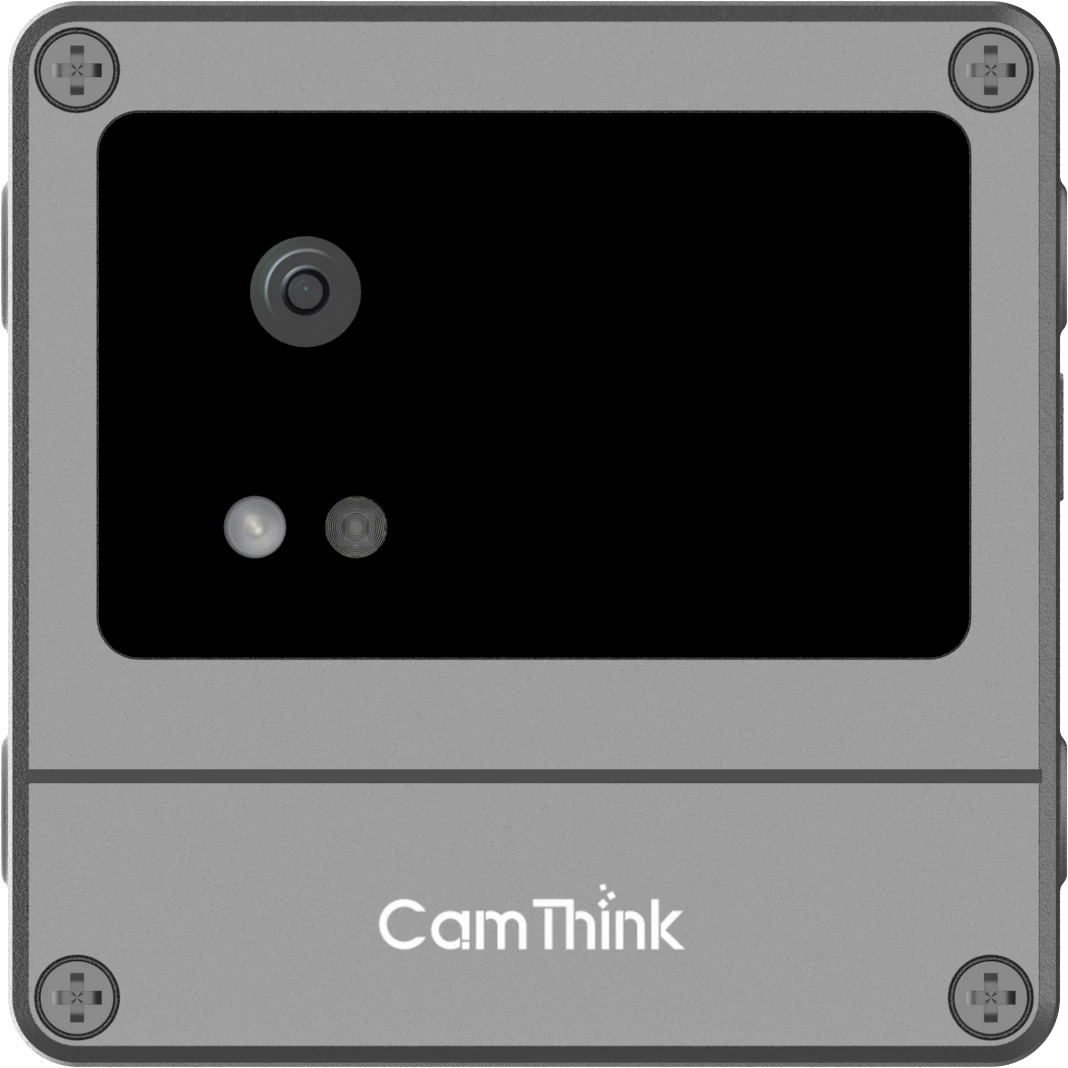
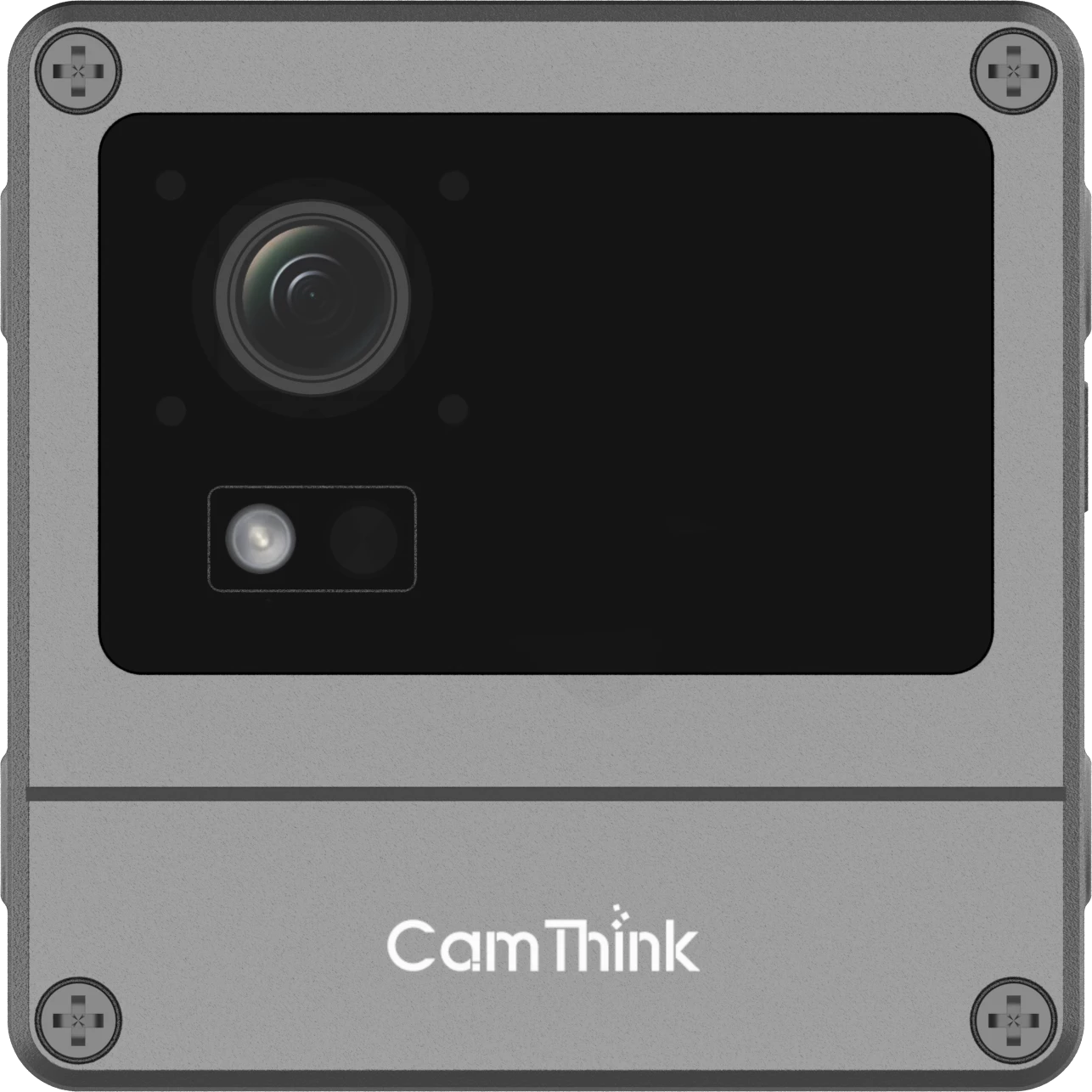
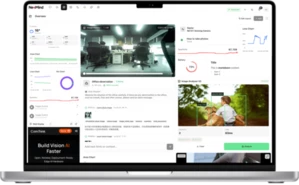
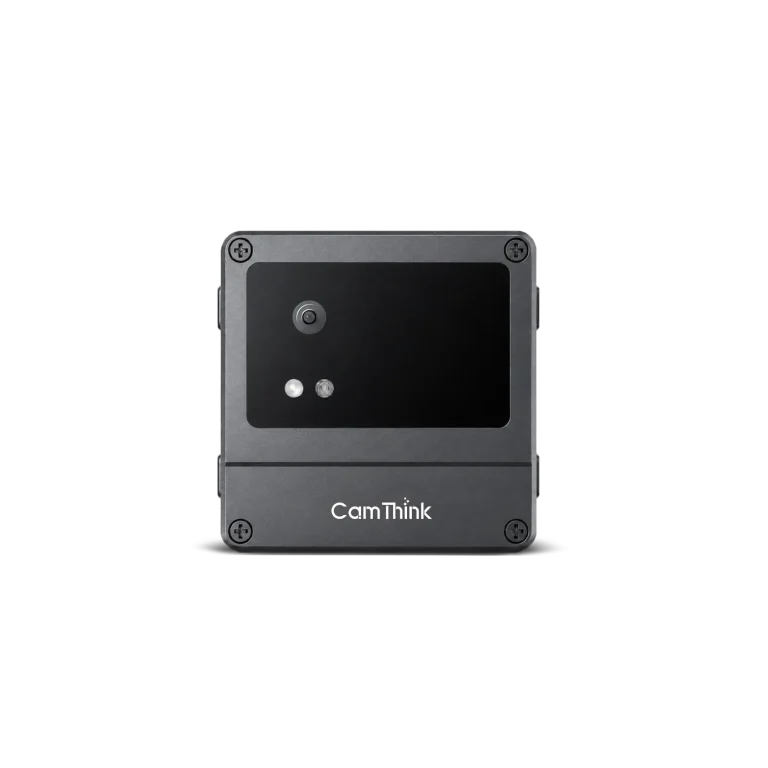
We recommend NeoEyes NE301 when the project needs a lightweight model to run at the bin. Its STM32N6 platform includes the Neural-ART accelerator, and the Web UI supports model deployment and validation. The development path lets an OEM evaluate a waste-specific model on actual images while keeping the customer’s platform responsible for alerts, review and reporting.
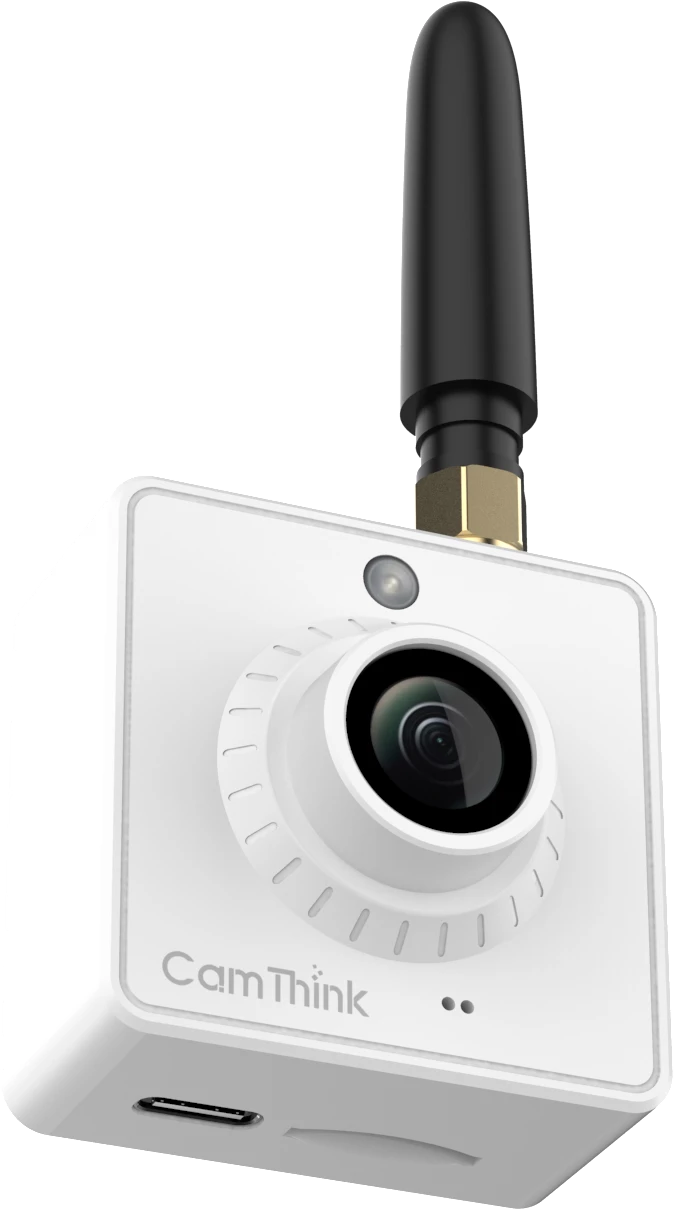
Choose NeoEyes NE101 when the receiver needs photographs for its own classifier or for human inspection. Its low-power capture workflow sends images through MQTT, so an existing image-processing system can remain in charge of recognition. This is also a practical way to collect site images before deciding whether to move an appropriately sized model onto NE301.
| Project Starting Point | First Hardware Evaluation | What to Prove |
|---|
| Your platform already processes images | NE101 image capture | Readable material detail and image delivery to your receiver |
| A lightweight model should produce results at the bin | NE301 on-device inference | Waste-specific model fit, usable images and the required output |
| The model needs a larger runtime or shared compute | Image source plus a compatible host | Image ingestion, processing delay and how results return to the bin record |
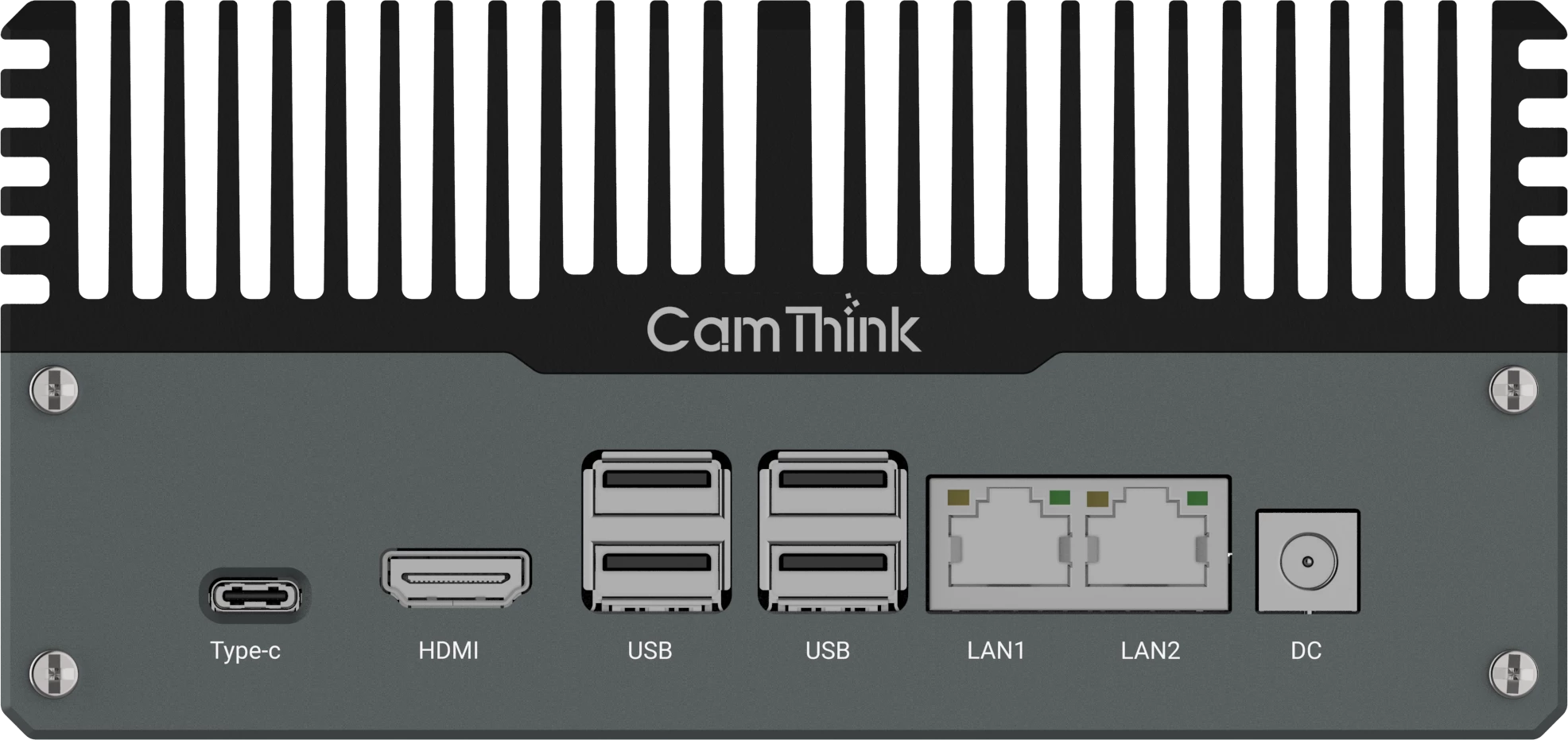
For a local host built around NVIDIA Jetson, NeoEdge NG4500 is an evaluation option. The receiving application and waste model form part of that design. Start with a real image transfer and one inference result, then measure the busiest expected arrival pattern before sizing the host.
Use the standard camera as an evaluation starting point. Where the bin requires a different working distance or mounting arrangement, take the sample images and mechanical constraints into an application-specific configuration discussion.
Build Recognition Around the Actual Waste Stream
A waste-recognition model needs images from the installed view and labels that lead to useful decisions. Begin with a small, clearly defined set of visible targets. A project might ask whether an image contains a particular kind of bag or a recognizable container. Write down how reviewers should label mixed scenes and when the evidence is too weak to decide.
Our NE301 waste-bin implementation guide demonstrates collecting images, defining full and partial states, training and quantizing a model, and deploying it to the camera. For material or contamination recognition, use that development workflow with a dataset and model designed for your own targets. The full/partial example establishes a fill-state task. Material recognition needs separate labels and validation.
Keep images from different bins, collection rounds and lighting conditions in the evaluation set. A model that sees nearly identical pictures in training and evaluation can give a misleading impression of field performance. Record missed target items and false flags separately. Allow an “unreviewable” outcome for an obscured or dirty image, and give the operator enough evidence to correct a result.
Design the receiving record around a bin observation. In a reference workflow, the camera captures an image, a model or reviewer assigns a result, and the customer platform attaches that observation to a container and site. The platform then decides whether to request a review, contact a site manager or create an operational task.
NE301 supports MQTT/MQTTS and Webhook delivery in its current Web UI workflow. For the NE101 route, the image-acquisition firmware provides MQTT transmission. Use the selected device’s actual message to map incoming data into your application. Add business identifiers and review status in the receiver where necessary.
| Receiving Record | Purpose |
|---|
| Observation ID, device ID and bin ID | Match the report to the right container and recognize repeated delivery |
| Capture time and receiving time | Distinguish a recent observation from a delayed upload |
| Visible target, model version and review status | Explain the proposed result and whether someone has confirmed it |
| Image reference and site waste stream | Let the operator check the evidence against that location’s acceptance rules |
This table describes a proposed application record. Map it to the device fields and store the additional context in your backend. During the pilot, disconnect the link, restore it and check which observations arrive. Confirm local storage and retry behavior in the delivered firmware and receiving application. The operator needs to recognize a delayed report before acting on it.
If you already have a broker or receiving service, discuss your bin images and target data flow with CamThink to choose the first hardware configuration to evaluate.
Choose Power and Connectivity for a Maintainable Installation
Choose capture frequency from the action the service can take. A periodic image can support a scheduled inspection or a review queue. A requirement to examine each deposit needs an appropriate trigger, a reliable view of that moment and a different operating budget. Supported sensor triggering may require additional hardware and firmware integration.
For a battery-powered installation, measure a complete cycle that includes waking, lighting, capture, inference where used, connection and upload. Repeat under the intended network conditions. A signal check with the lid open can hide a problem that appears when a metal container is closed. The Wi-Fi, LTE and HaLow selection guide helps compare the access point, cellular and gateway paths.
Mounting and maintenance belong in the purchase decision. Check whether the camera and antenna stay clear of liners and the emptying mechanism, whether cleaning fluid can reach the window, and whether staff can replace power or clean the view. Match the enclosure and installation to chemical exposure, impact and washing at that site. The pilot should reveal how often the image needs attention and whether that work fits an existing service visit.
Evaluate One Bin Type Before Ordering for a Fleet
Start with one representative container type and a defined recognition task. Agree on what a successful observation allows the team to do. A useful trial could ask whether an operator can verify a flagged visible item and assign the right follow-up to the correct site. Have reviewers compare the captured evidence with field observations under the same acceptance rules.
- Check capture coverage. Include empty, partly filled and nearly full states, along with lid positions, shadows and the most difficult allowed installation.
- Check the decision. Keep a review log of missed targets, false flags and unusable images. Separate image problems from model errors.
- Check the full handoff. Verify device-to-bin mapping, capture time, evidence retrieval and behavior after a connection loss.
- Check servicing. Record window cleaning, mounting movement, capture energy and upload attempts through a normal service cycle.
For a capture-only pilot, order the lens and communication configuration that passes the image and delivery checks. For on-device recognition, include the model package, firmware revision and output mapping in the evaluation record before expanding the order. A fleet with several bin shapes may need a separate view and model check for each shape.
That first record gives your team a reusable basis for the rollout and gives us the information needed to discuss the next configuration. Keep the sample images, mechanical constraints and intended workflow together so a larger order preserves the conditions that made the pilot useful.