Smart Waste Management with NeoEyes NE301: Edge AI Bin Overflow Detection Guide
1. Why Demand-Driven Waste Management Matters
In modern urban environments, inefficiency is often hidden in plain sight. Most sanitation vehicles follow fixed schedules, frequently stopping at empty bins and wasting fuel, labor, and time.
CamThink, the developer-focused brand from Milesight, is dedicated to making Edge AI accessible. By leveraging the CamThink NeoEye NE301, we demonstrate how to shift from “Scheduled Cleaning” to “Demand-driven” operations. This solution prioritizes local AI inference, ultra-low power consumption, and data privacy.
2. System Requirements
To replicate this deployment, you will need:
2.1 Hardware
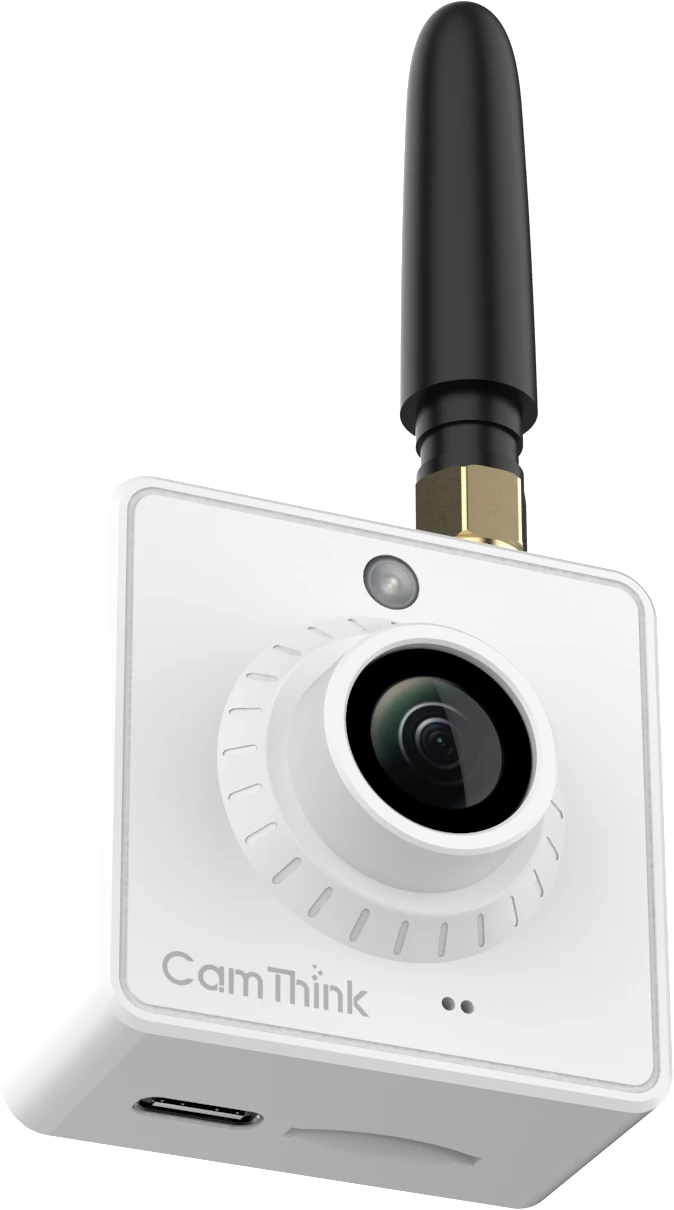
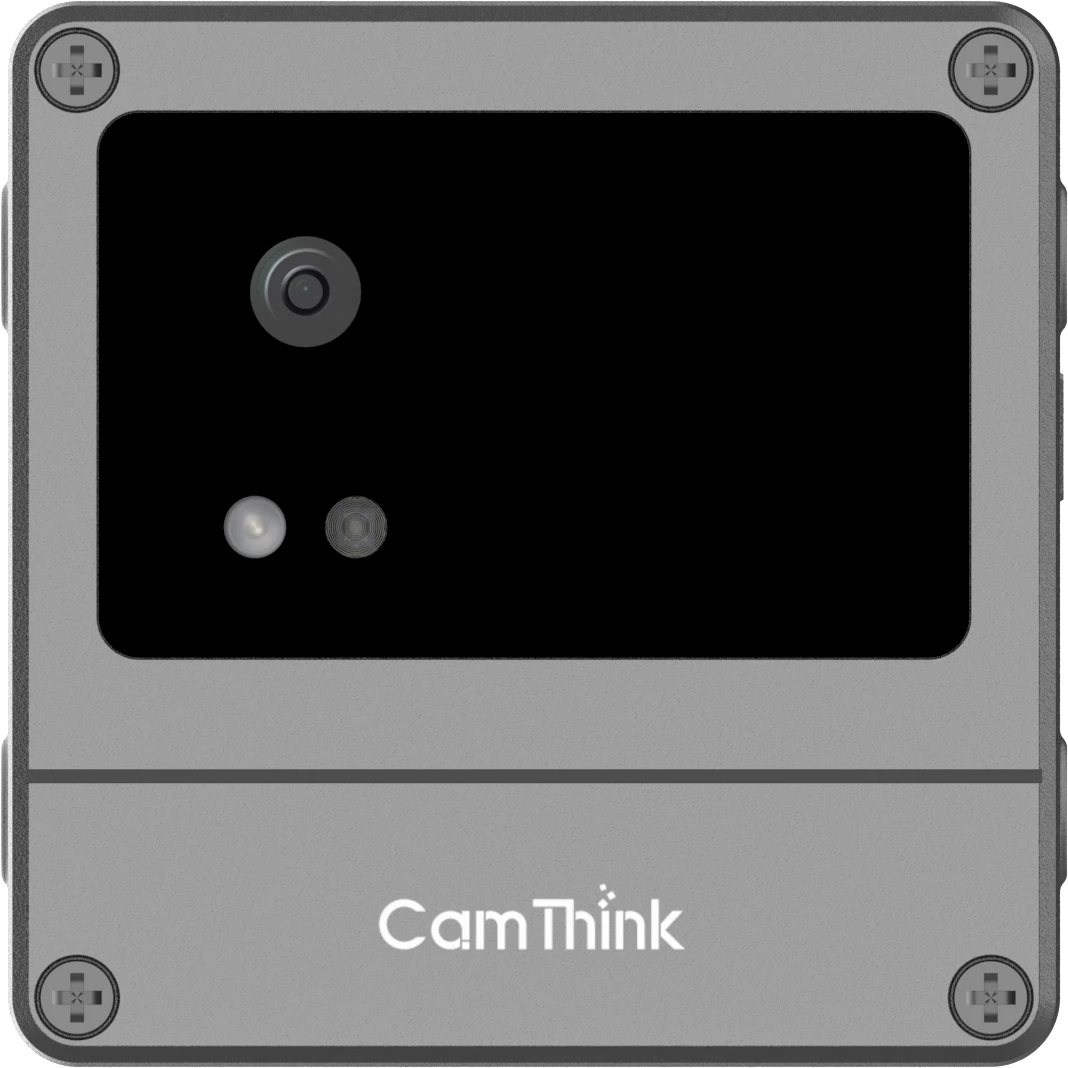
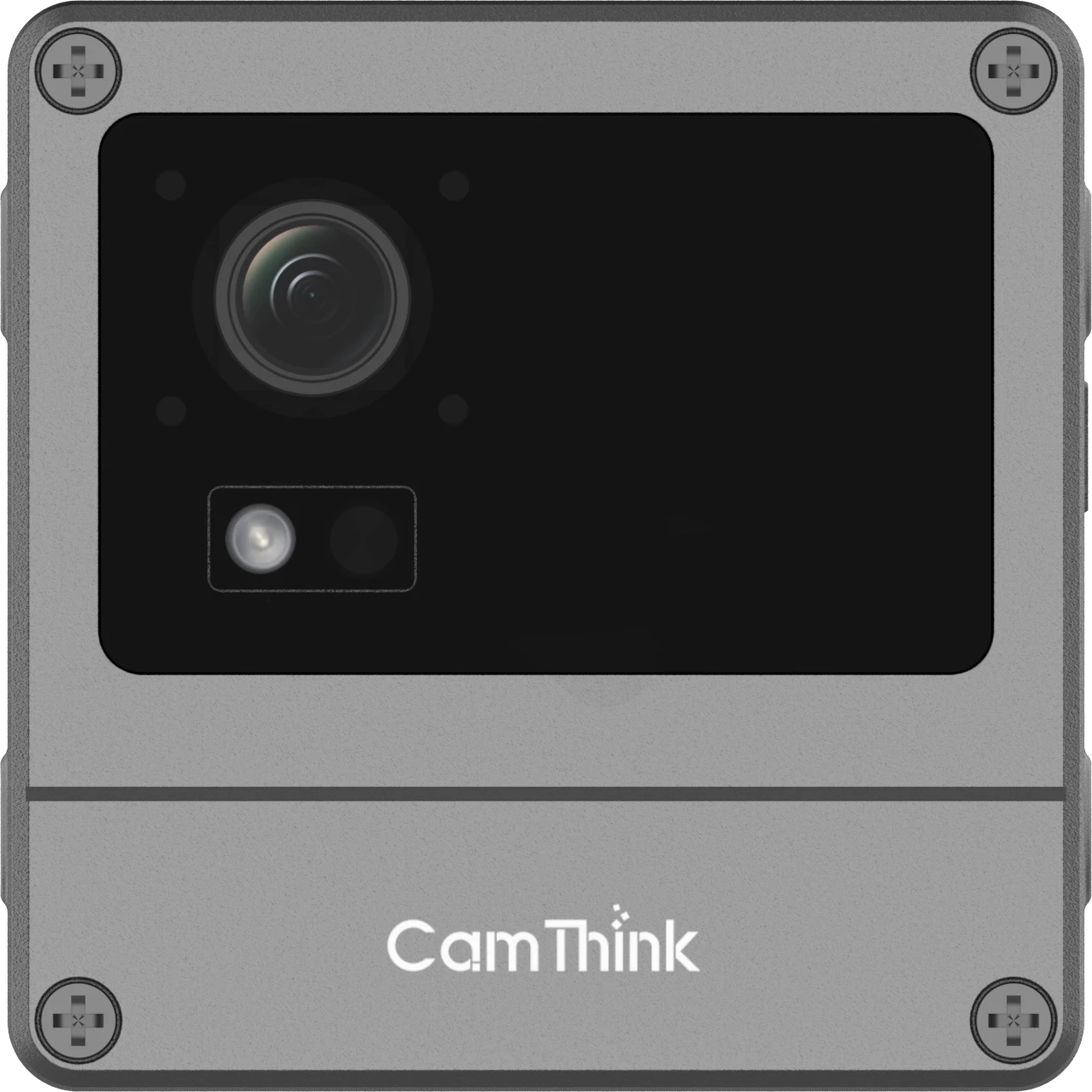
CamThink NeoEye NE301: Powered by the STM32N6 (Cortex-M55) processor with Neural-ART™ NPU.
Note: For outdoor urban deployments, the LTE Cat.1 version is highly recommended
2.2 Software Stack
CamThink AI Tool Stack: An end-to-end toolset for data collection, annotation, training, and quantization.
Home Assistant: The central “brain” for automation, ensuring local control and seamless data visualization.
3. Step-by-Step Implementation
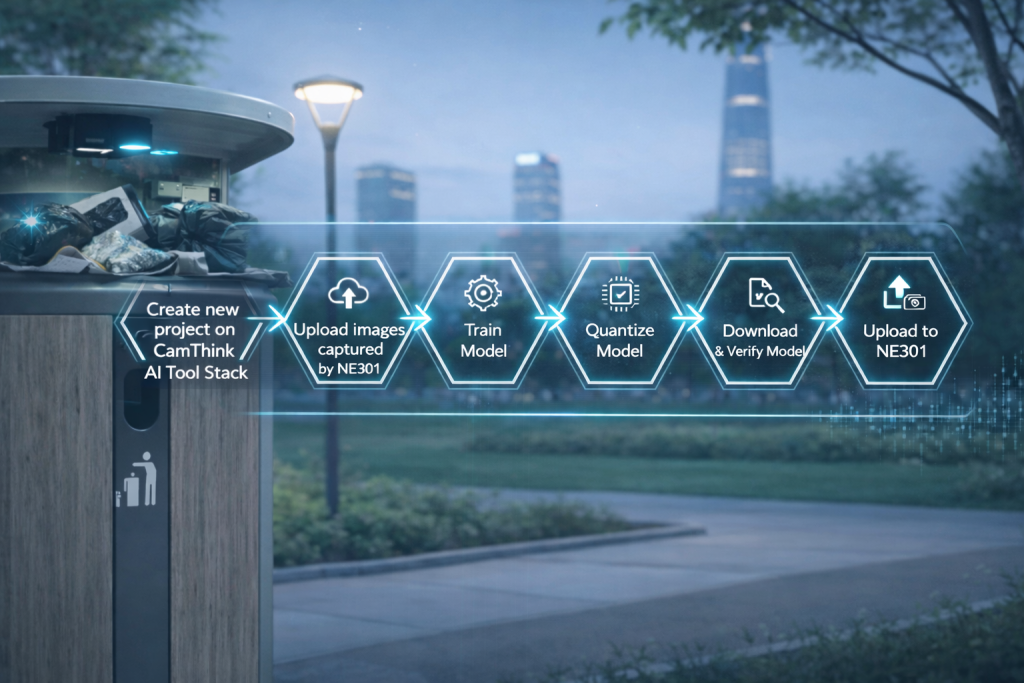
Phase 1: AI Model Development
Project Setup: Create a new project in the CamThink AI Tool Stack titled “Trash Bin” (or “Urban Waste Monitoring”)
Labeling: Define Full_level and Partial_level classes.
Training & Quantization: Use the automated pipeline to train your model.
Expert Tip: To maximize performance on the STM32N6 chipset, select an Input Size of 320 during the quantization process. This balances detection accuracy for small-to-medium objects with the NPU’s efficiency.
Phase 2: Device Configuration
Deploy the generated .bin model file to the NE301 via the web interface.
Configure the MQTT settings to point to your Home Assistant broker.
Phase 3: Home Assistant Integration
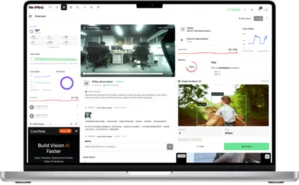
Integrate the device by adding a template sensor to your configuration.yaml. This allows you to track real-time bin status and battery health.
Instead of a basic template, the NE301 integrates via MQTT. You will need to configure an MQTT Sensor in Home Assistant to parse the device’s JSON payload, allowing you to track bin status and battery life in real-time.
4. Key Benefits of Edge AI Monitoring
Feature
NE301 Edge AI Camera
Traditional Ultrasonic Sensors
Accuracy
High (Visual confirmation of volume)
Moderate (Prone to errors from irregular trash shapes)
Intelligence
Can distinguish between trash and obstacles
Only measures distance
Battery Life
Ultra-low power with event-based wake
Variable
Privacy
100% Local Inference
–
5. FAQ
Q: Why use the STM32N6 for this application?
A: The STM32N6 with its Neural-ART™ NPU allows for complex YOLOv8-style object detection at a fraction of the power required by traditional Linux-based gateways.
Q: How do I handle thousands of bins across a city?
A: By using the MQTT protocol and Home Assistant’s “Collective Intelligence,” you can scale the dashboard to monitor entire districts from a single command center.
Q: Can I use the same MQTT broker and CamThink AI Tool Stack for model training and quantization?
A: The server in this guide is for internal use. You need to install your own AI Tool Stack on your own