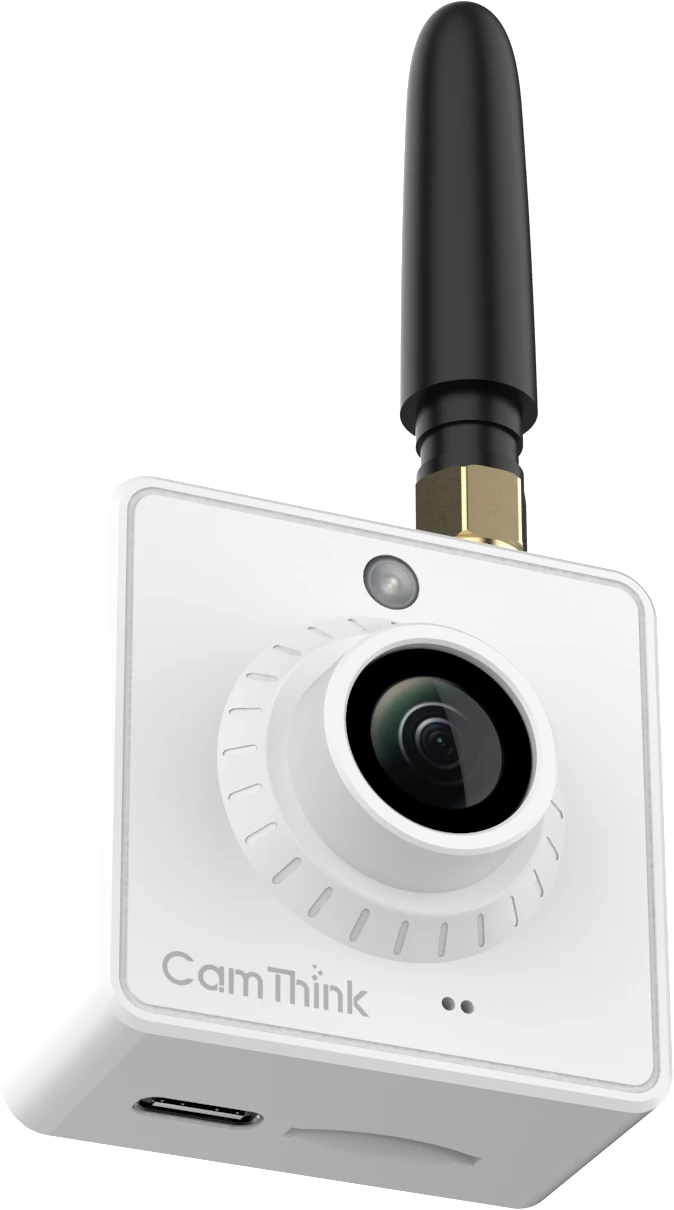
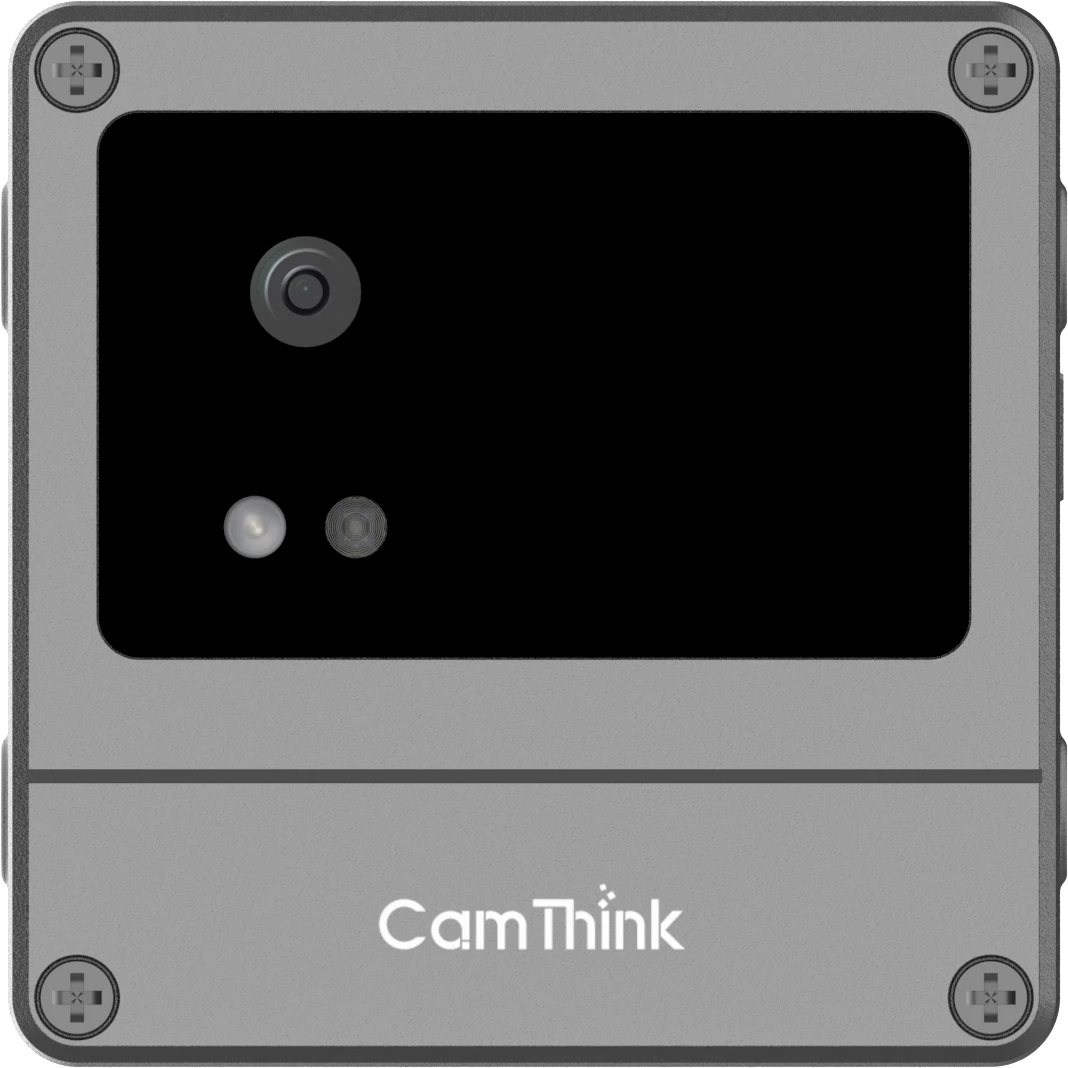
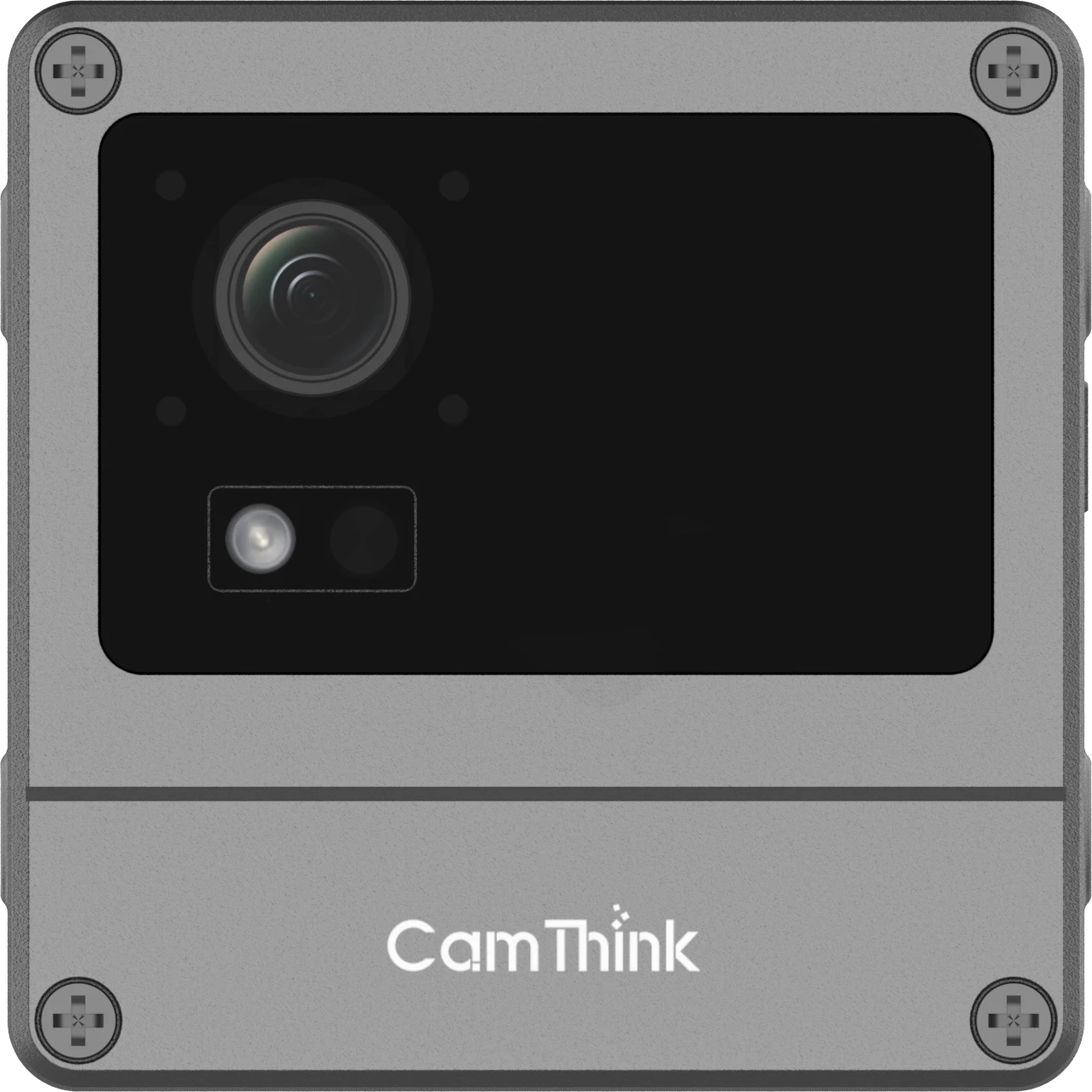
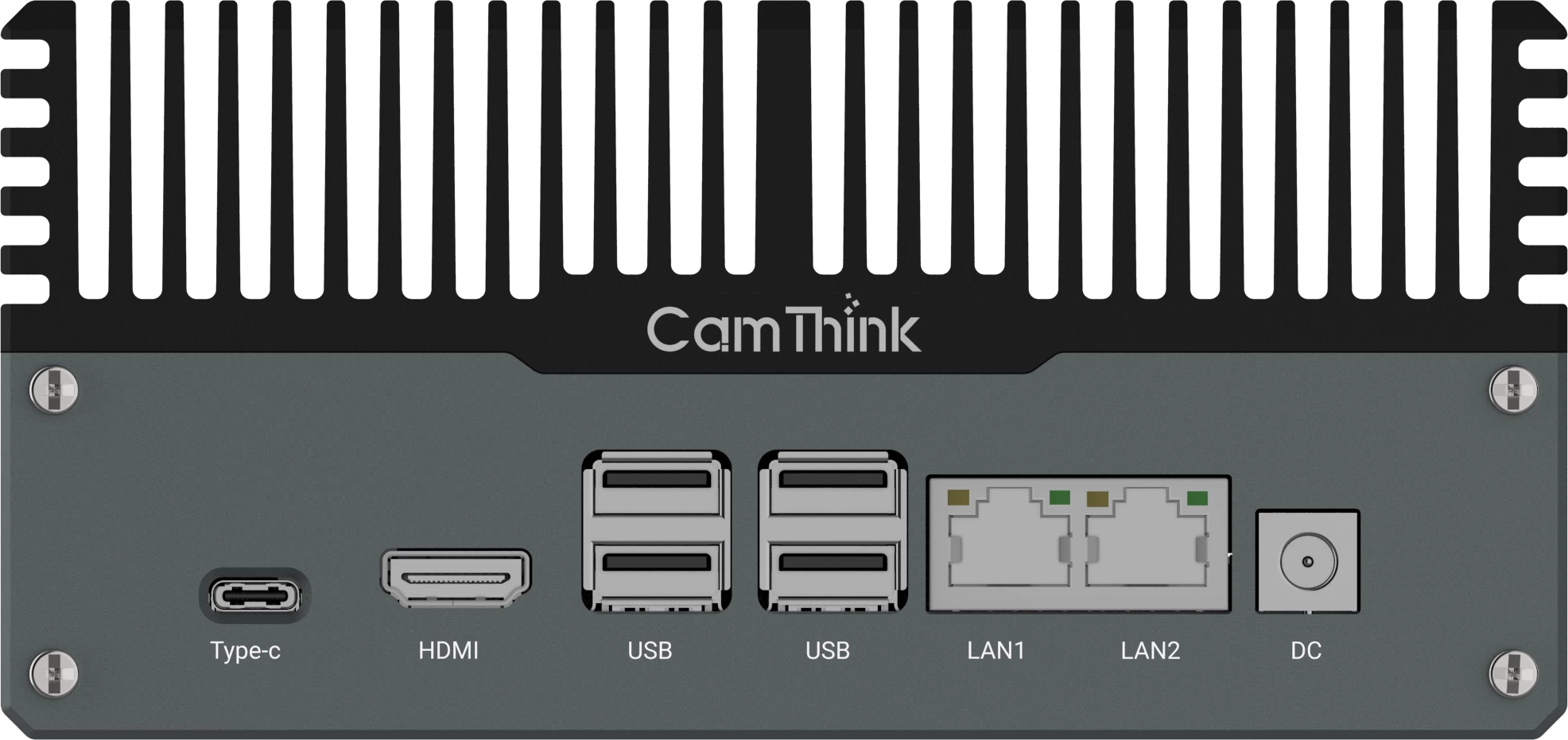
Five ways to put NE301 to work, from local AI and event capture to a field camera configured for battery, solar, or PoE power.
What Can the NeoEyes NE301 Help You Do Today?
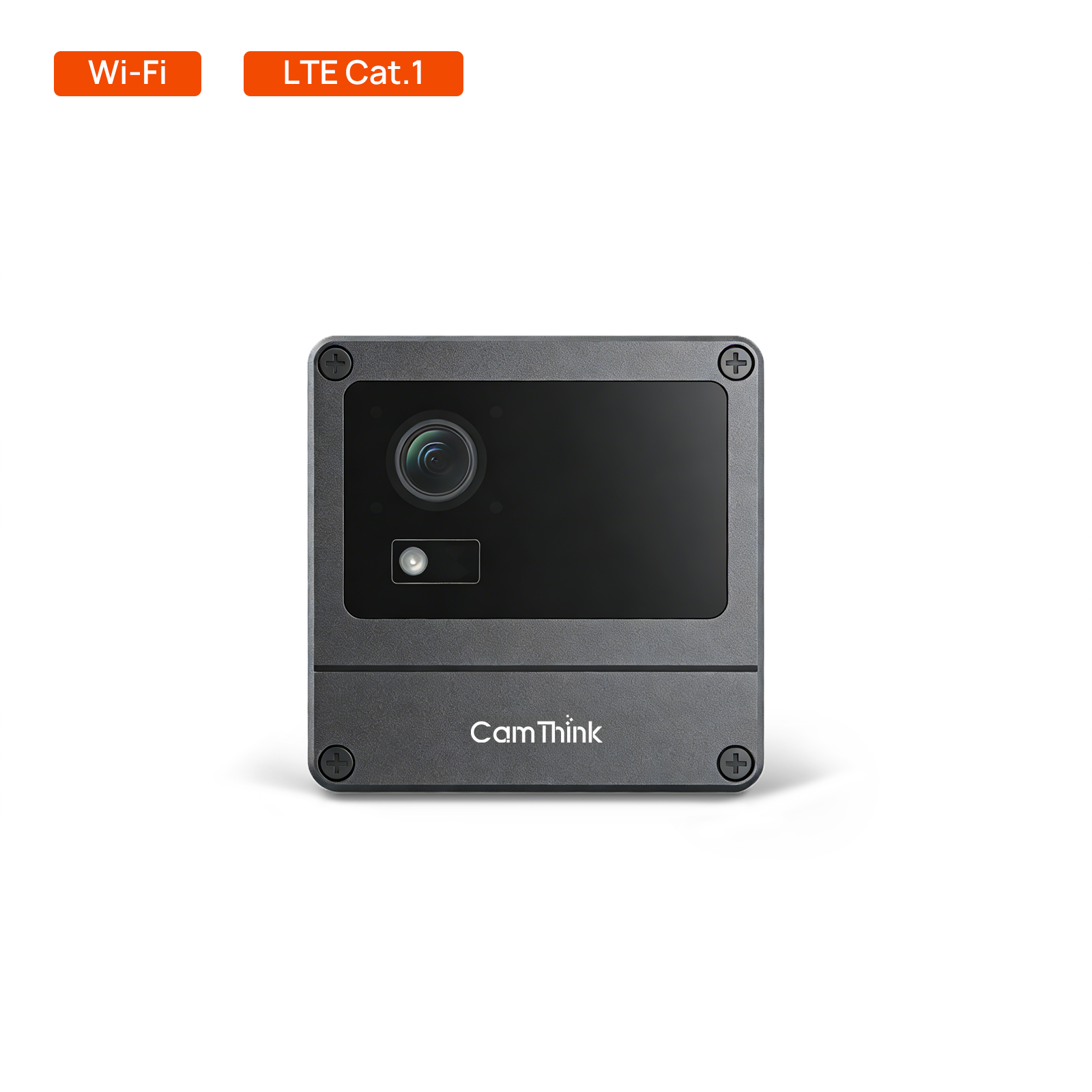
NeoEyes NE301 is a camera for a particular kind of job: observe a scene, make a local visual decision, and send a useful image or event when the application needs one. CamThink combines an STM32N6 with a Neural-ART accelerator, a separate low-power controller, and interchangeable camera, communication, and power options. That combination lets a team begin with a working camera rather than a bare development board.
Here are five practical ways to put those capabilities to work: monitor an outdoor location, run object detection on the camera, bring a trained model onto the device, capture on a schedule or trigger, and adapt the camera to a site. These are application patterns, not claims that every named use case works out of the box. The distinction matters most when the target object, light, network, and duty cycle are still unknown.
1. Monitor an Outdoor Location Without a Permanent Power Cable
Consider a gate at the edge of a farm, a water-level marker, or a remote equipment cabinet. Each is a visual question at a fixed position, but none necessarily needs a live video feed. The NE301 enclosure has an IP67 rating and a stated operating range of -20°C to +50°C. The battery-based camera can take scheduled or sensor-triggered images; a Cat.1 module is an option when the location cannot rely on Wi-Fi. Those product facts make a field trial possible where pulling Ethernet and power would be the first obstacle.
The first power route is four AA batteries for infrequent scheduled captures or sensor events. The STM32U0 controller watches for wake events while the STM32N6 sleeps. What determines service life is the complete awake cycle: image capture, inference, radio connection, transfer, retries, and return to sleep. A daily image of a fixed asset and dozens of night-time triggers are therefore different deployments. Published battery-life estimates help frame the calculation, but the installed camera still needs a measured cycle on its chosen network.
For an off-grid site that needs more frequent captures, consider the 10 W solar panel and 7 Ah battery kit. This is a separate power configuration; it does not plug straight into every AA-powered NE301. The kit supplies 5 V over USB-C. It requires a compatible USB-C NE301 configuration or, for a battery-version camera, the kit option with a USB-C cable and back cover. Confirm the camera and back-cover combination before ordering, then preserve the enclosure seal where the cable enters. Size the system in watt-hours across the camera, power conversion, local sunlight, and cloudy-day reserve. A panel rating alone cannot promise uninterrupted operation.
The third route is the NE301 PoE variant, which supplies wired power and Ethernet where the site needs a persistent connection or continuous video. AA, solar with storage, and PoE answer different operating patterns; none is a universal battery-life claim.
2. Detect an Object on the Camera Before Sending Data
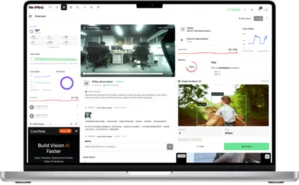
The NE301’s STM32N6 runs supported vision models on the device. Its documented pre-installed YOLOv8 Nano detector gives a developer a concrete first test: point the camera at a person or another class in the supplied model, inspect the bounding boxes in the Web UI, and decide whether the result is good enough for the intended scene. For a gate, that might mean a person detection and one associated image rather than an all-day stream.
Local inference changes the data path. The camera can evaluate an image without waiting for cloud inference; it can then report a result through configured MQTT/MQTTS or a webhook when a network is available. It does not make the entire deployment “offline” if a remote operator still needs alerts, nor does it guarantee that images never leave the site. Those choices depend on the configured reporting path. The NE301 Web UI exposes an inference preview and reporting controls so a developer can inspect both sides of that path.
Look at the actual miss pattern before calling the detector useful. A box around a person in a bright demo image says little about a backlit entrance or a distant subject at night. If the business question is a gauge reading, a fall, or an animal behavior, a generic object detector is not the finished application. That is a different model and validation problem.
3. Put a Trained Vision Model on the Device
Teams with a specific target can replace the demonstration model. The workflow runs from training and export through quantization and conversion to an NE301 package, followed by upload and validation in the Web UI. The model training and deployment guide gives the supported steps; a model produced by any training framework still needs conversion and target-device validation.
Start with a narrow class definition. For example, “door open” is not the same visual task as “person present near door”; the latter might work with a detector while the former needs images and labels for the door’s actual states. Train with representative camera images, convert the model for the target firmware, and use the Web UI’s model validation page to inspect class, confidence, and coordinates on held-out images. Then test captures from the installed position. This sequence exposes wrong labels, preprocessing differences, tiny targets, and night illumination before anyone treats an uploaded file as a field-ready model.
The camera’s advantage is that the training result can be evaluated in a complete capture-and-report pipeline. The conversion workflow remains a real engineering step. The NE301 firmware guide covers the configuration and update path in more detail; this page stays with the applications that path enables.
4. Capture the Moment That Matters Instead of Recording Everything
A scheduled photograph works for slow changes such as a tank marker or crop growth. A PIR sensor is more useful when the question is whether something entered a space. NE301 supports scheduled capture, PIR/IO wake, and remote capture through MQTT configuration. With an appropriate sensor and firmware setup, the device can wake, take a picture, run inference if enabled, report the result, and return to sleep.
That sequence makes a wildlife or perimeter experiment easier to review: a person gets a small set of relevant frames instead of searching through hours of empty footage. It also makes false triggers visible. A PIR detects a change in infrared energy, not a species or an intruder. Point it at moving vegetation or a heat source and the camera may wake too often; the image model still has to answer what appeared. Adjust sensor placement and trigger settings against the actual site before estimating storage or battery replacement intervals.
When reporting matters, decide whether the receiver needs an image, a model result, or both. NE301 offers MQTT/MQTTS and webhook reporting configurations. The device can make a local decision with no upstream connection at that moment, while delivery of a remote alert still depends on the chosen link.
The event-driven cycle: a schedule, PIR, I/O, or MQTT trigger wakes the camera to capture, run inference on-device, report the result, and return to sleep.
5. Adapt the Whole Camera to the Site
What makes a modular camera useful is the ability to change the image and the installation together. The standard NE301 kit uses an OS04C10 camera module; the platform also supports USB camera modules, and the lens choices cover 51°, 88°, and 137° horizontal fields of view. A wide lens can include a whole entrance, while a narrower one gives a distant target more pixels. Choose from the image the model must actually see, not from the widest advertised angle. The NE301 Store page pairs those views with different working distances.
The same site may need a PIR sensor to initiate capture, a Cat.1 version when Wi-Fi does not reach the mount, and a bracket that holds the view after installation. Choose a suitable wall, pole, or meter mount for the surface and target distance: a pole mount solves placement, while a meter bracket helps keep a close target consistently framed. A correct model cannot recover detail lost to a moving mount or unsuitable optics.
Build the configuration as one camera system: lens and target distance, trigger, regional network module, mounting position, storage, and power entry. Not every accessory fits every assembled variant without checking connectors, I/O use, and the enclosure seal. The standard NE301 gives a practical starting platform; if its configuration does not fit the site, CamThink can review a suitable hardware and integration path rather than treating the exposed interfaces as a promise of plug-and-play compatibility.
A Sensible First NE301 Project
Pick one fixed view and one question. A gate that needs a photo when someone enters is a reasonable start: mount the camera where the subject is large enough in the image, choose PIR or scheduled capture, check a supported detector against day and night samples, and send a test event to the system that will use it. Start with the power route that matches the expected capture frequency, then measure the installed cycle before moving from AA to solar or PoE. The first useful result is a repeatable event with an inspectable image, not a list of industries the camera might someday serve.
For this kind of project, CamThink provides the complete camera, the Web UI, documented model deployment, and sensor and reporting guides. That shortens the route from an AI model on a workstation to a device at the site, while leaving room to tune the optics, duty cycle, and integration around the real task. If you already know the target and site constraints, discuss the NE301 configuration with CamThink.
HH
Harry Hua
Technical Director, CamThink
Harry works on edge AI camera platforms, model deployment, and field integration for vision projects.