
No products in the cart.
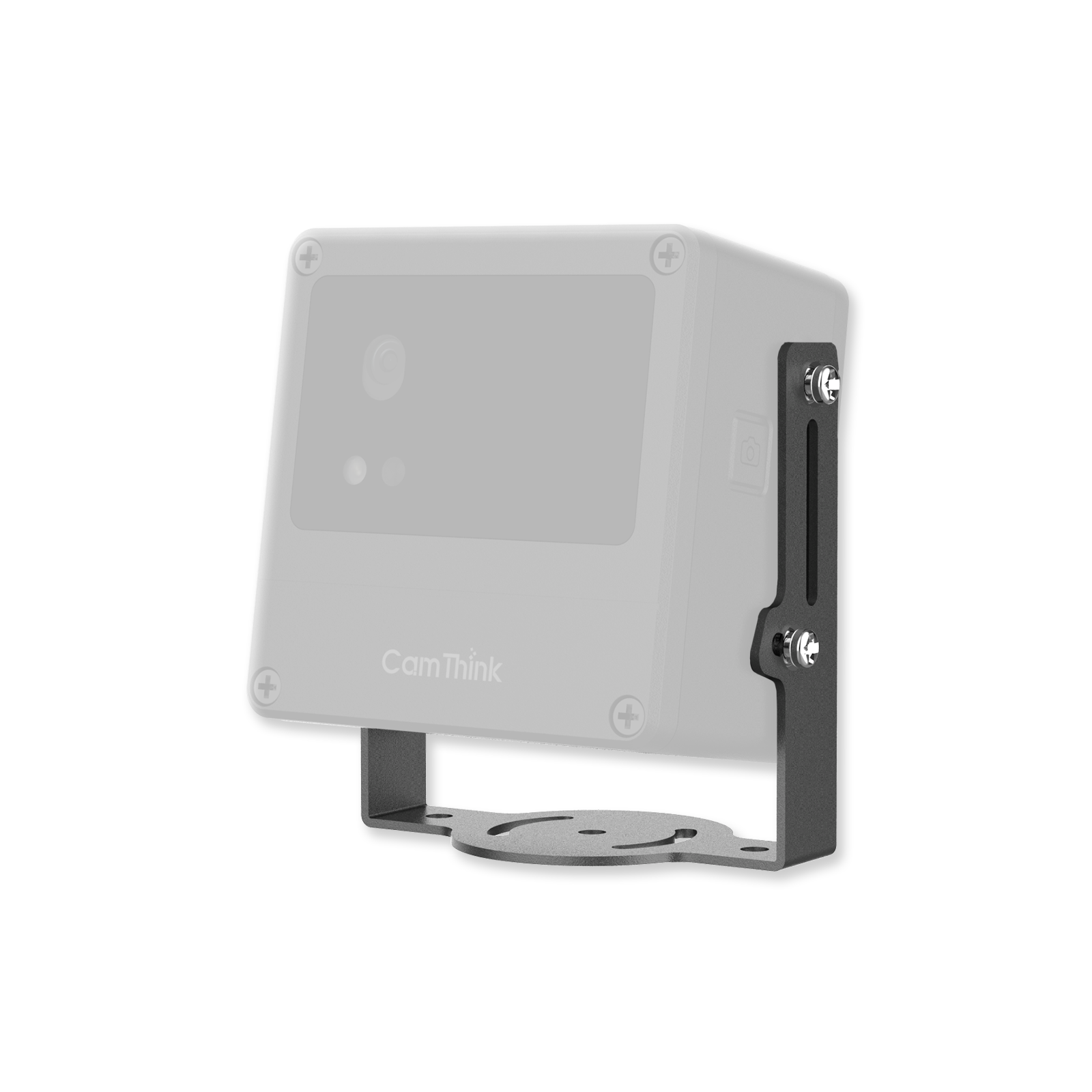
Mounting Brackets for NeoEyes NE101 and NE301 Series
Price range: $9.90 through $45.00
Mounting brackets for NeoEyes NE101 and NE301 cameras support wall, meter dial, pole, adjustable shaft and ball, and flat-surface installation. Choose the bracket that matches the mounting surface and viewing angle required by your site.
- Five mounting formats: Wall, Dial, Pole, Shaft & Ball, and Base Mount.
- Uses the same mounting scheme across NeoEyes NE101 and NE301 cameras.
- Adjustable Pole and Shaft & Ball options help align the camera after installation.
- Dial Mount is intended for meter-facing deployments where stable positioning and low ambient light interference matter.
- One selected bracket is supplied with mounting hardware; site-specific fasteners may still be required.
SKU: N/A
Category: Accessories
Tags: NE101, NE301
Pay with Ease
- Customization Service
- OEM / ODM Support
- Bulk Order Pricing
- Worldwide Express Delivery
- Warranty Coverage & Lifetime Support
Contact us at sales@camthink.ai
Overview
NeoEyes cameras are used in different places, so the mounting method needs to match the site. This accessory family provides five bracket formats for NeoEyes NE101 and NE301 cameras: Wall Mount for fixed wall installation, Dial Mount for meter-facing deployments, Pole Mount for round supports, Shaft & Ball Mount for adjustable viewing angles, and Base Mount for stable placement on a flat surface.
The NeoEyes NE301 documentation states that its optional accessories share the same mounting scheme as NE101. This lets teams select a bracket by installation condition instead of maintaining a separate bracket set for each camera series. For the full accessory overview and reference diagrams, see the NeoEyes NE301 product accessories documentation.
The bracket is an installation accessory, not a replacement for the camera enclosure or the mounting structure. Check the substrate, available clearance, camera orientation, and access to ports before fixing the bracket. The product page describes the brackets as weather-resistant, but the final installation still needs suitable fasteners and site protection for the selected surface and environment.
Key Features
Camera-specific mounting scheme
The brackets follow the NeoEyes mounting scheme used by NE101 and NE301 cameras. The fit is intended for the camera enclosure and leaves practical clearance for ports and connectors, subject to the selected bracket and installation orientation.
Five ways to install the camera
Select the bracket according to the surface and the required field of view:
| Mount Option | Best For | Installation Benefit |
|---|---|---|
| Wall Mount | Walls and other flat vertical surfaces | Fixed camera placement for building, equipment, or site monitoring |
| Dial Mount | Industrial meters and dial-facing inspection | Keeps the camera aligned with the meter face and helps limit ambient light interference |
| Pole Mount | Poles, streetlights, and similar round supports | Uses two rods and adapters; rod length can be customized for the project |
| Shaft & Ball Mount | Installations that need angle alignment | Supports tilt and rotation adjustment for field-of-view setup |
| Base Mount | Desks, shelves, equipment tops, and other flat surfaces | Provides a stable freestanding position without a wall or pole fixture |
Fixed or adjustable positioning
Wall, Dial, and Base Mount are suited to fixed placement. Pole Mount and Shaft & Ball Mount provide more installation flexibility when the camera needs position or viewing-angle adjustment. Confirm the desired field of view before locking an adjustable bracket.
Separate accessory for deployment planning
The camera and bracket are selected separately. This allows a project team to choose the mounting format after deciding where the camera will be installed. The bracket does not change the camera’s power, network, lens, or AI configuration.
Weather-resistant bracket design
The current product page describes the brackets as weather-resistant for outdoor and semi-industrial settings. The bracket does not increase the camera’s own ingress rating. Use suitable fasteners and installation practices for the wall, pole, meter, or equipment surface.
What’s In the Box
-
1 × Mounting bracket (choose your model)
Compatibility
All models are fully compatible with CamThink NeoEyes NE101 / NE301 Camera
The camera, pole, meter, wall, desk, shelf, and other installation structures are not included. Confirm the selected mount option before adding the product to your order.
Installation Notes
-
- Select the bracket by mounting surface first, then confirm the camera viewing angle and target distance.
- For Wall Mount and Base Mount, keep the camera’s ports and controls accessible after fixing the bracket.
- For Dial Mount, align the lens with the meter face and check reflections before tightening the mount.
- For Pole Mount, confirm the support geometry and required rod length. Contact CamThink if a customized rod length is needed.
- For Shaft & Ball Mount, set the viewing angle before final locking and check that the bracket remains stable under vibration.
- The included screws and anchors may not suit every substrate. Use site-appropriate fasteners when the mounting surface requires them.
- Installation Guide on Youtube: How to Install 5 Types of Camera Brackets | CamThink Setup Guide
- Wiki documentation Installation Guide
Q: Are these brackets compatible with NE101 and NE301?
A: Yes. The brackets use the NeoEyes mounting scheme documented for NE101 and NE301. Compatibility with other models or modified enclosures should be confirmed before ordering.
Q: Can I use the brackets outdoors?
A: The brackets are described as weather-resistant for outdoor and semi-industrial installations. Use fasteners suitable for the mounting surface and deployment environment.
Q: Is angle adjustment available?
A: It depends on the selected mount. Pole Mount and Shaft & Ball Mount support viewing-angle adjustment. Wall Mount, Dial Mount, and Base Mount are intended mainly for fixed positioning.
Q: Are screws and anchors included?
A: Mounting hardware is supplied with the selected bracket configuration. Site-specific fasteners may still be required for some mounting surfaces.
You may also like…
-
NG4500 Jetson Orin Nano/NX AI Box
Price range: $1,269.00 through $1,869.00Select options This product has multiple variants. The options may be chosen on the product page -
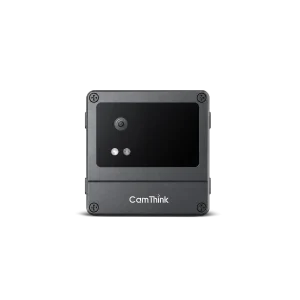
NeoEyes NE101 Modular Sensing Camera
Price range: $69.00 through $112.00Select options This product has multiple variants. The options may be chosen on the product page -
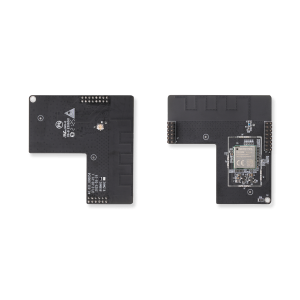
Wi-Fi HaLow Communication Board
Price range: $37.00 through $38.00Select options This product has multiple variants. The options may be chosen on the product page
Related products
-
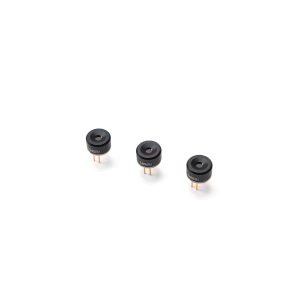
Thermal IR Array Sensor MLX90642 32×24
Price range: $39.00 through $40.00Select options This product has multiple variants. The options may be chosen on the product page -
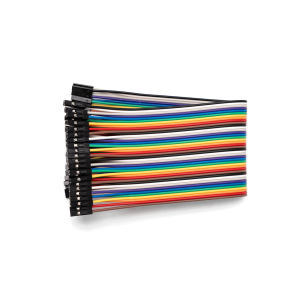
2.54mm 40P Dupont Jumper Wires – 20cm
$2.00Select options This product has multiple variants. The options may be chosen on the product page -
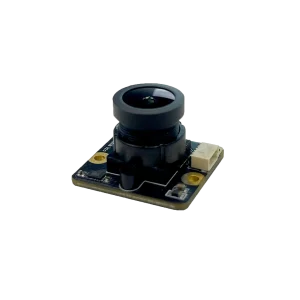
SC200AI USB Camera Module for NE101
$25.00Select options This product has multiple variants. The options may be chosen on the product page -
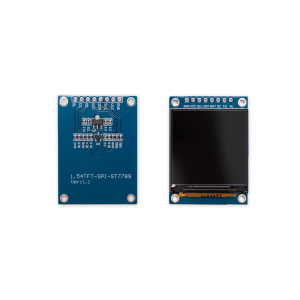
1.54-inch TFT Color LCD Module, IPS Full Viewing Angle, SPI Interface, 240×240 Resolution, ST7789 (3.3V / 8-Pin)
$4.50