Define the Result Before Choosing the Processor
The best hardware candidate is one that can turn your image into the result the application needs, within its available time and power. Describe that result before choosing an accelerator. A defect label for one still image, a tracked crossing event and a description of an entire scene create different workloads even when they share a camera.
Write down the trained model, its image input and what happens after inference. An object detector may produce boxes and scores. A counting application adds tracking and line-crossing logic. A production system may then attach the result to an item, store a picture and send a message. Those additional stages affect memory, processing and application development.
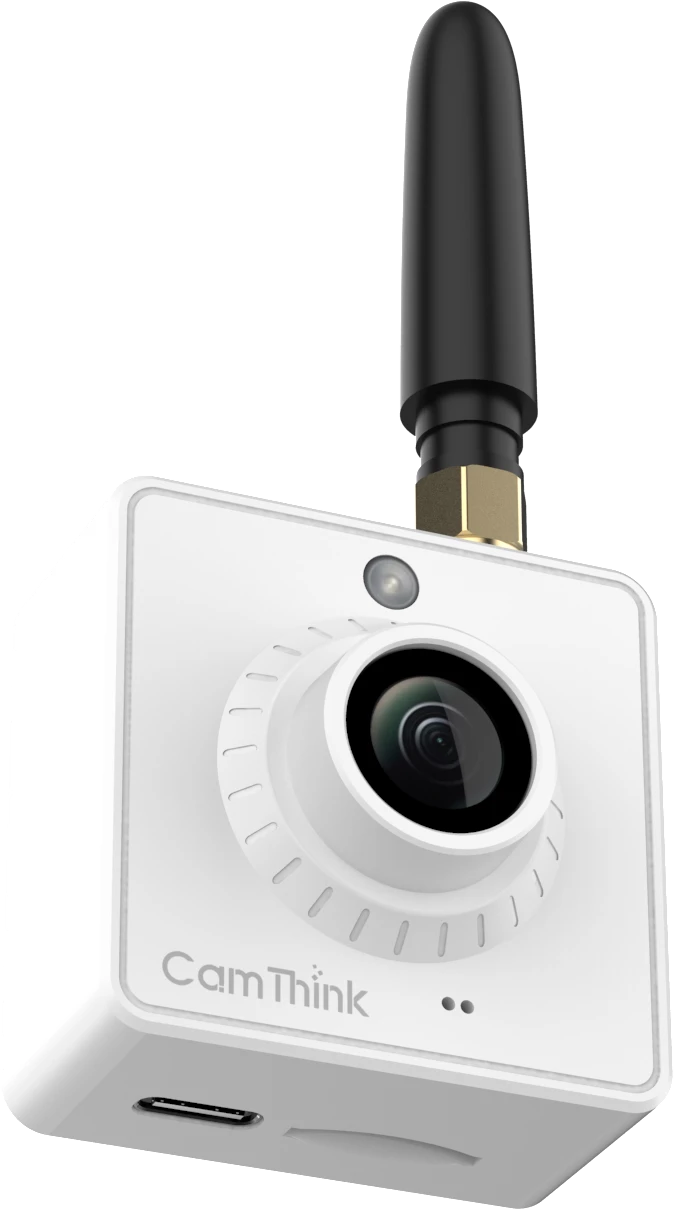
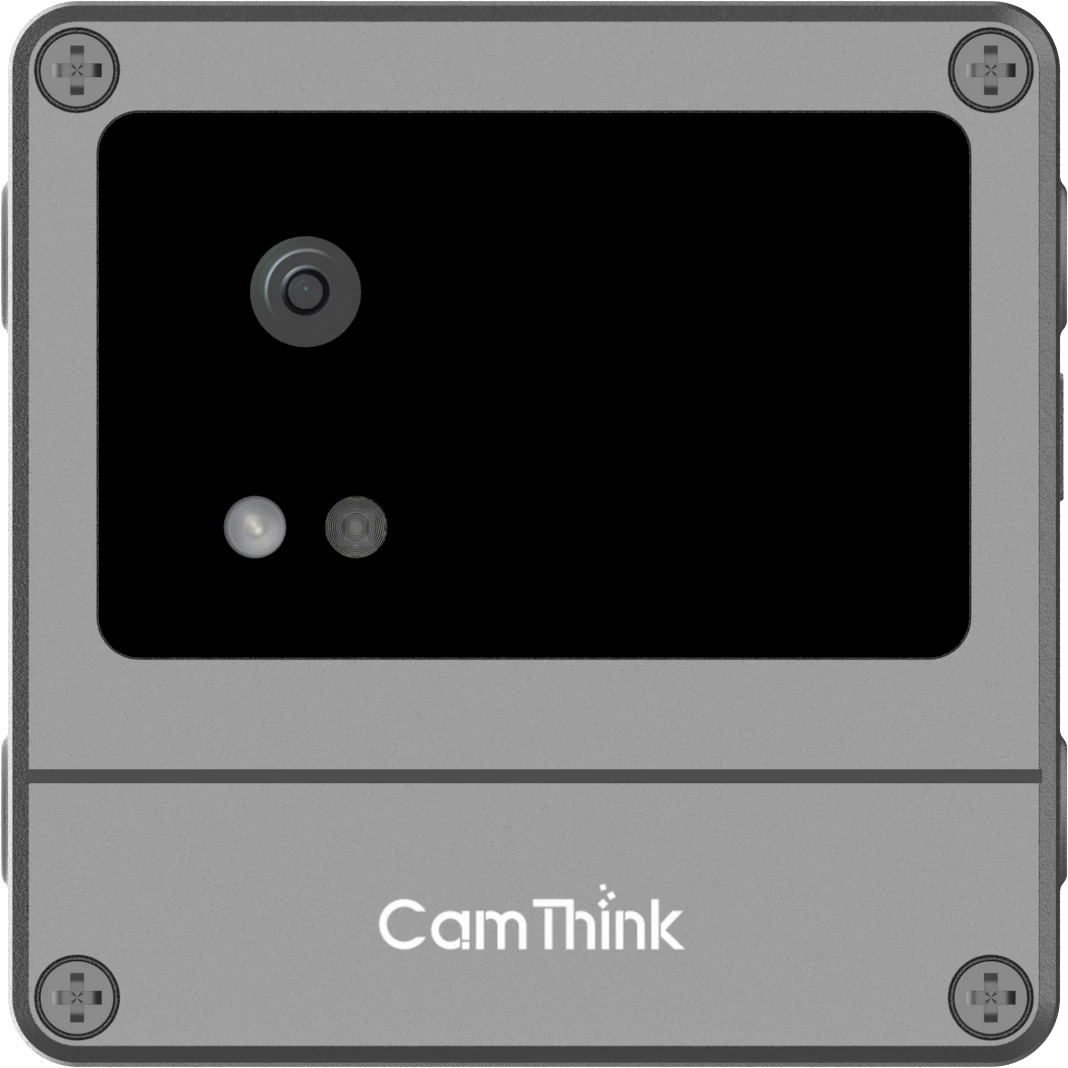
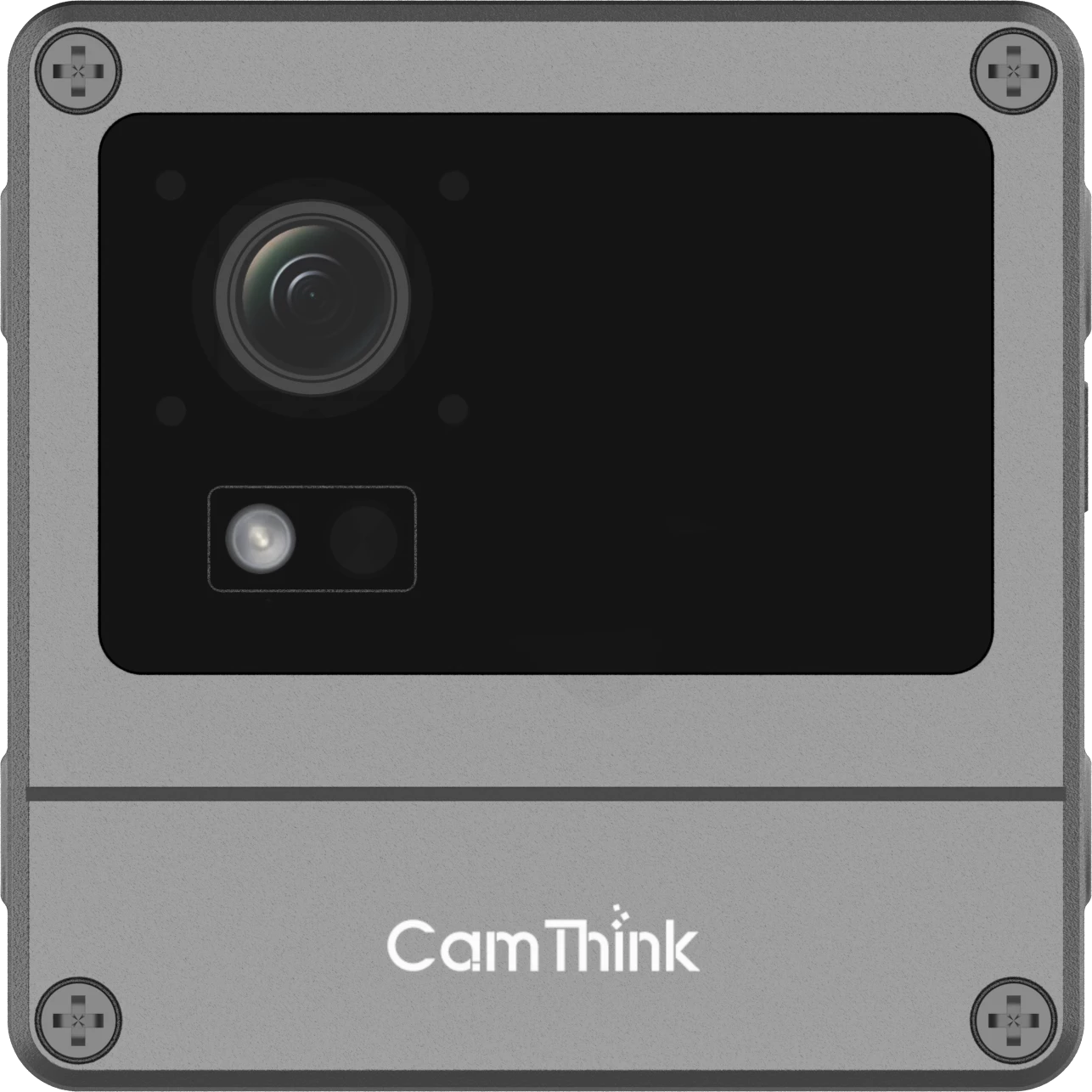
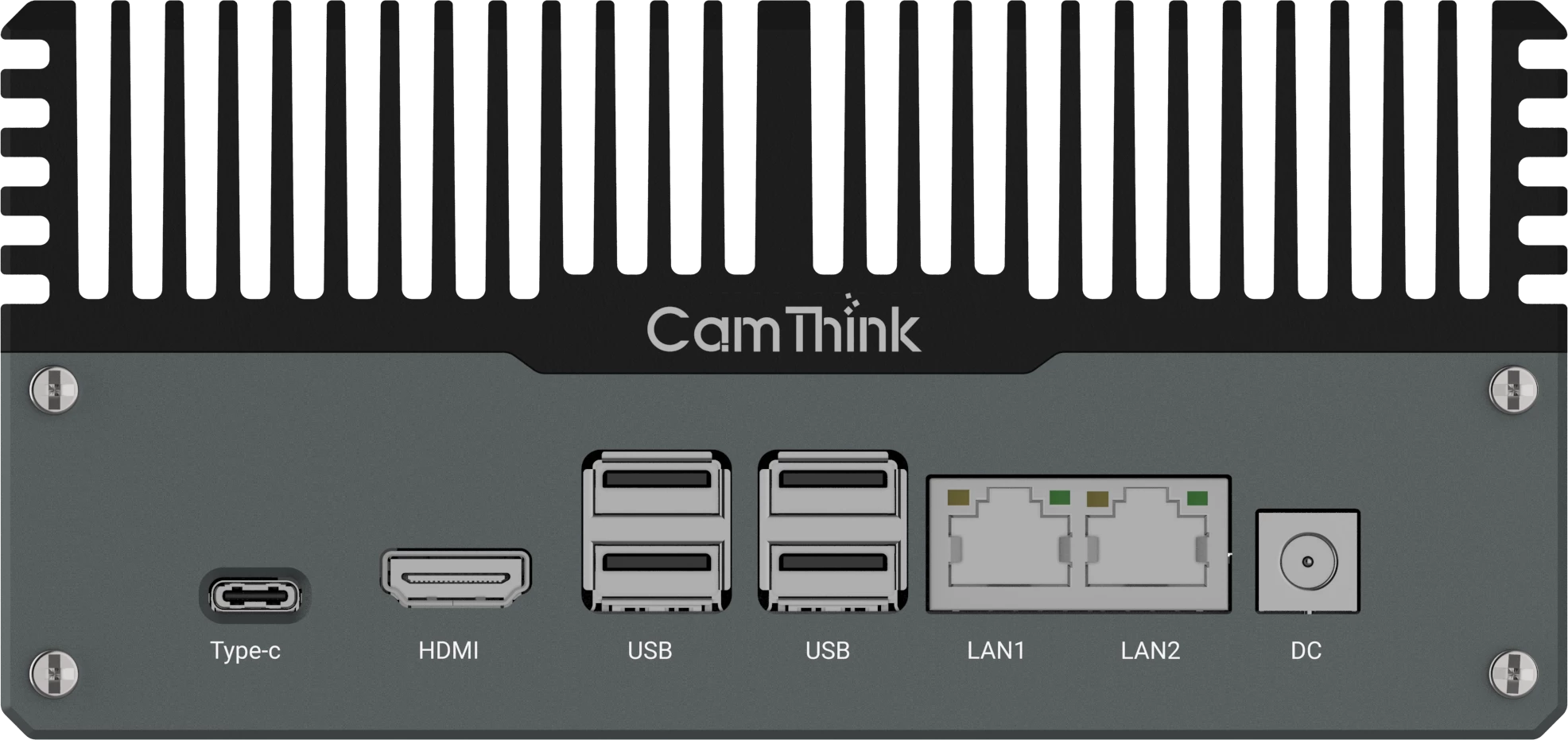
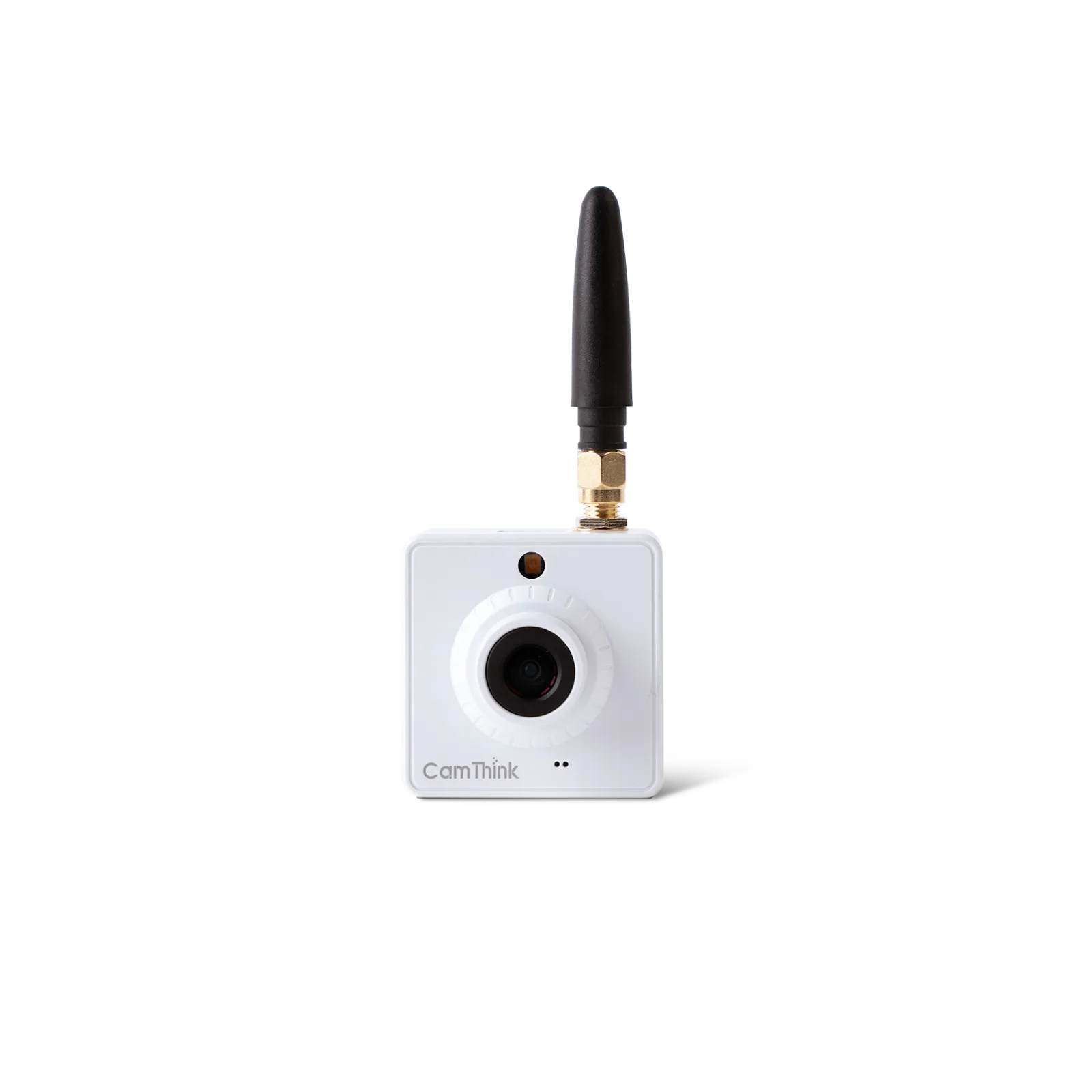
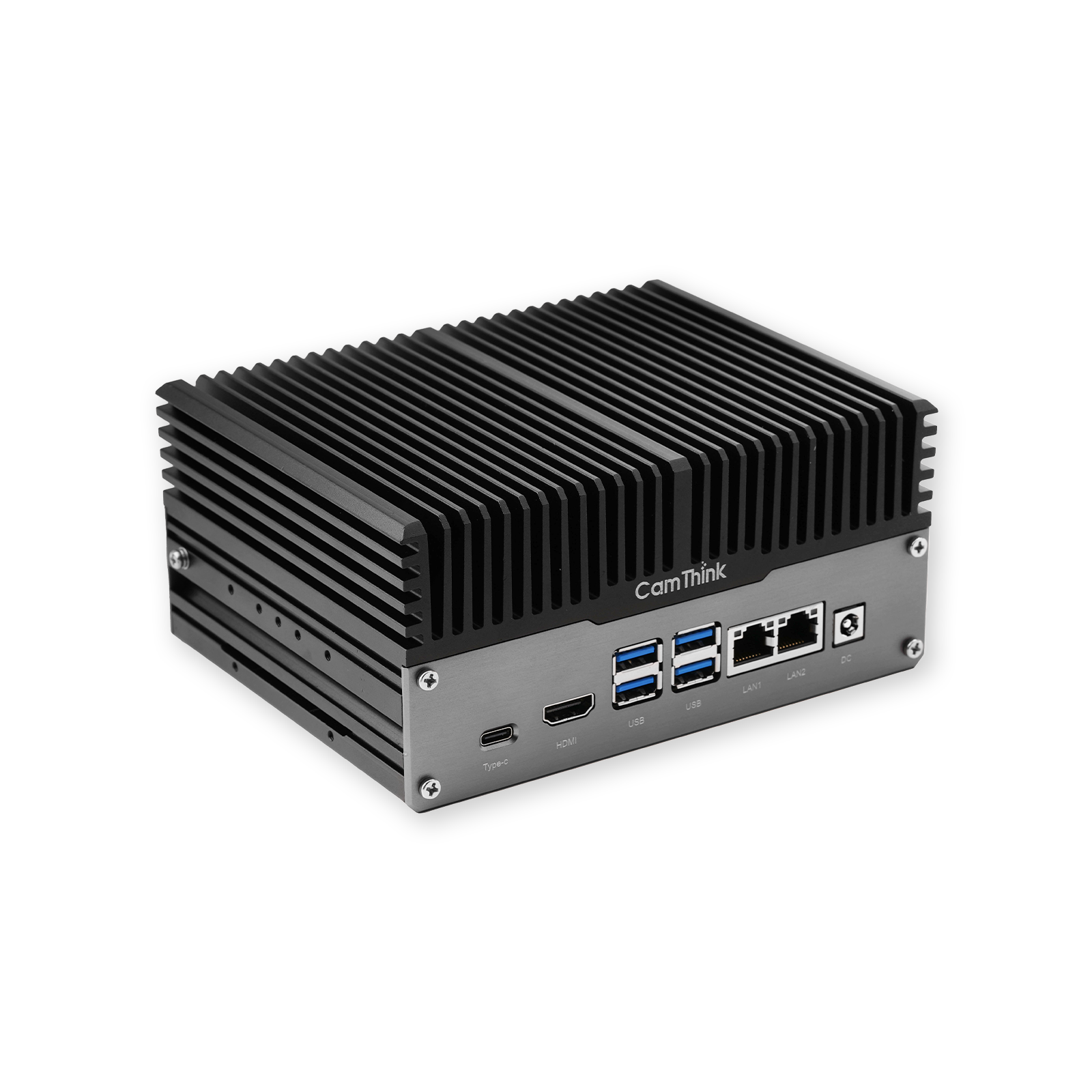
CamThink’s product family gives these projects several entry points. NE301 and NE302 provide compact STM32N6 on-device vision paths. NE503 combines a fixed camera with a programmable Linux application platform. NG4500 provides Jetson compute for workloads that benefit from a separate processing node. Start with the task, then reduce that list to the platforms that fit its physical and software requirements. CamThink development resources
Model compatibility is the first useful filter. A training framework export is the beginning of a deployment pipeline. Each target needs supported operations, tensor shapes, preprocessing and a package its runtime can load. A successful conversion is evidence that a candidate is worth testing on images.
| Platform | Deployment Starting Point | Selection Question |
|---|
| NE301 | Supported model conversion and NE301 packaging | Can the model fit the target input size and memory budget? |
| NE302 | A model package with the NE302 configuration | Does the packaged model produce useful results on device images? |
| NE503 | A Hailo-compatible model and the camera application | Can conversion and application logic support the required task? |
| NG4500 | A Jetson-compatible model runtime and application | Does the complete workload fit the selected module and memory? |
The NE301 Model Converter provides a supported conversion path, while NE302 model validation starts with a device-specific package. For NE503, the HEF compilation guide gives a concrete YOLO conversion example. Use those target-specific workflows to assess a model before purchasing around a compute number.
Keep the Target Visible at the Model Input
A hardware change can alter the image the model sees. The camera image is cropped, resized or padded before inference. A small feature that is clear in the original photograph can become too small at the deployed input size, which can reduce recognition quality even when inference runs quickly.
Consider an illustrative image that is 1,920 pixels wide and a target that spans 24 pixels. If the full image is resized to a width of 320 pixels, the target becomes about four pixels wide. Cropping a smaller relevant region before resize can preserve more detail, provided the crop still contains the context needed by the model. This geometric change deserves attention alongside quantization.
Choose representative images from the intended lens, working distance and mounting position. Include examples of the smallest target your application must recognize. Compare the training image, the deployment input and the returned result. If the model is successful on tightly framed samples, that provides a practical reason to adjust the optics or view before moving to a larger processor.
For an embedded product, NE302 lets teams evaluate image capture and local inference in a compact device. For a fixed point needing a different imaging and application path, evaluate NE503 against the same target detail. NE302 integration overview · NE503 camera platform
Compare Working Memory and Converted-Model Quality
The deployment memory requirement includes more than the saved weights. Intermediate tensors, input buffers, decoded images and application processes need space while the task is running. A model that exports successfully can still require a smaller input or a different execution approach to fit the chosen device.
For a compact MCU camera, inspect the conversion result and test the packaged model under the intended operating mode. For a Linux camera or a Jetson box, include the application, media processing and additional services in the memory observation. Concurrent models or inputs should be measured together if they are expected to operate together.
Quantization also changes the decision. Run the original and converted models on the same held-out images with the same labels. Examine useful task outcomes, such as a missed small object or an incorrect class, alongside the aggregate score. Calibration samples should represent the lighting and target appearances the deployed camera will encounter.
This comparison tells the hardware buyer whether the compact platform can preserve the required result. It also shows when additional resources would support a meaningful benefit, such as a larger image input, another model or more application logic. Keep the exported model and converted package versions with the comparison so the result can be repeated.
Match the Platform to the Software and Installation
We recommend an MCU camera when the deployed model fits and the application benefits from compact, self-contained visual sensing. NE301 serves projects that select a field deployment configuration around a lightweight local task. NE302 gives OEMs a compact camera and a Main Board integration path for an existing product. The workload remains part of the decision after a candidate has been chosen.
Choose NE503 when a fixed imaging point needs local inference together with custom application logic. Its container-based application platform gives teams a place to interpret results and connect them to existing systems. Choose NG4500 when shared inputs, larger working memory or a Jetson software environment are central to the project. NG4500 compute options
A periodic single-image task may fit a compact camera. A project running several models beside video processing may benefit from the separate compute node. For a vision-language model, evaluate the actual model and runtime on the target platform, including memory and response time. Parameter count and advertised accelerator throughput alone do not establish that result.
A standard camera or box is a practical development starting point. Once the workload is understood, the same evaluation can guide a discussion of an application-specific hardware or integration configuration.
Measure the Complete Input-to-Result Path
Compare platforms at the point where the application can use the answer. The elapsed time can include capture, image preparation, inference, postprocessing and delivery. For a sleeping camera, wake-up and network activity may also matter. For video, the input pipeline and frame selection can affect which moments the model sees.
As an illustrative timing budget, a one-second response target could be divided among capture, analysis and delivery. Measure those stages with a common event reference so a quick inference time cannot hide a delayed image or a long queue. The useful result is the application receiving the correct event within the required window.
Test the expected busy condition as well as the usual condition. Several images arriving together or a second model starting can change latency and memory. If the device runs on a limited energy budget, measure the operating cycle used by that task. Continuous streaming and periodic capture are different electrical workloads.
CamThink’s evaluation discussion can start with this complete path. If you have an existing model and representative images, review the hardware route with our team and select the first platform that can prove the business result.
The first evaluation unit should answer a clear question about the model and installation. Select a candidate with a defined package path, images from the intended view and a receiving application that can show the outcome. That makes the purchase useful to the engineering team and gives the product owner a concrete decision at the end.
For NE302, begin with a packaged model and fixed-image validation. For NE503, bring the model into the camera’s inference and application workflow. For NG4500, test the model beside the input and services the site will run. Each route can use the same representative test set, while its workload and power measurements follow the intended deployment.
Record what the selected hardware enables your product to deliver. A smaller node may reduce the physical work inside a terminal. A programmable camera may keep application logic at a fixed point. A shared compute box may reuse multiple image sources. Those are purchasing reasons that the team can carry forward into a pilot and, once the result is repeatable, a deployment plan.