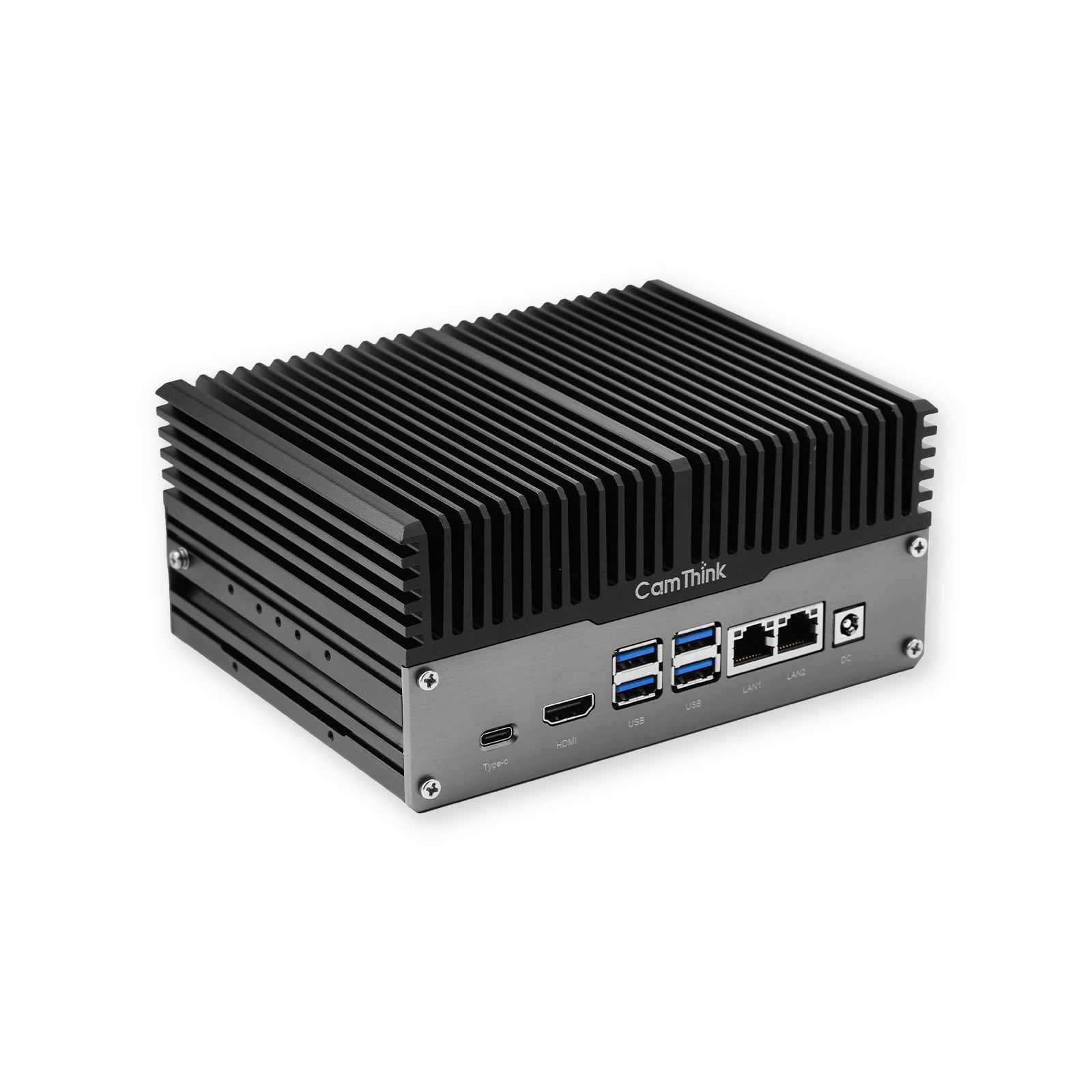
You can run a small reasoning model locally on a NeoEdge NG4500 with Ollama, but a successful chat reply is only the first checkpoint. The useful result is a repeatable test: a known Jetson configuration, an identified model, a local API response, and a record of where inference actually ran.
This guide uses deepseek-r1:1.5b, Ollama’s tag for DeepSeek-R1-Distill-Qwen-1.5B. It is a distilled text model, not the full DeepSeek-R1 model and not a vision model. The path below starts with the service and CLI, tests an application request, and leaves the browser interface until those basics work. The commands are a documented starting path, not a claim of measured NG4500 throughput.
Choose the Hardware and Model
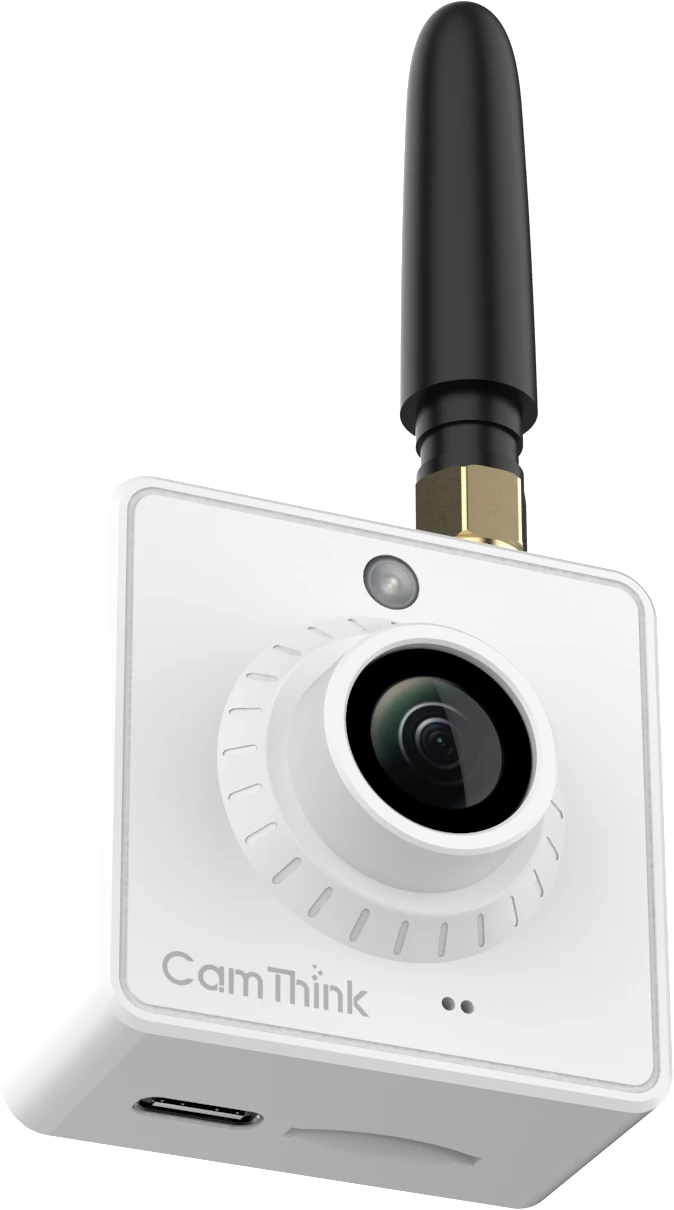
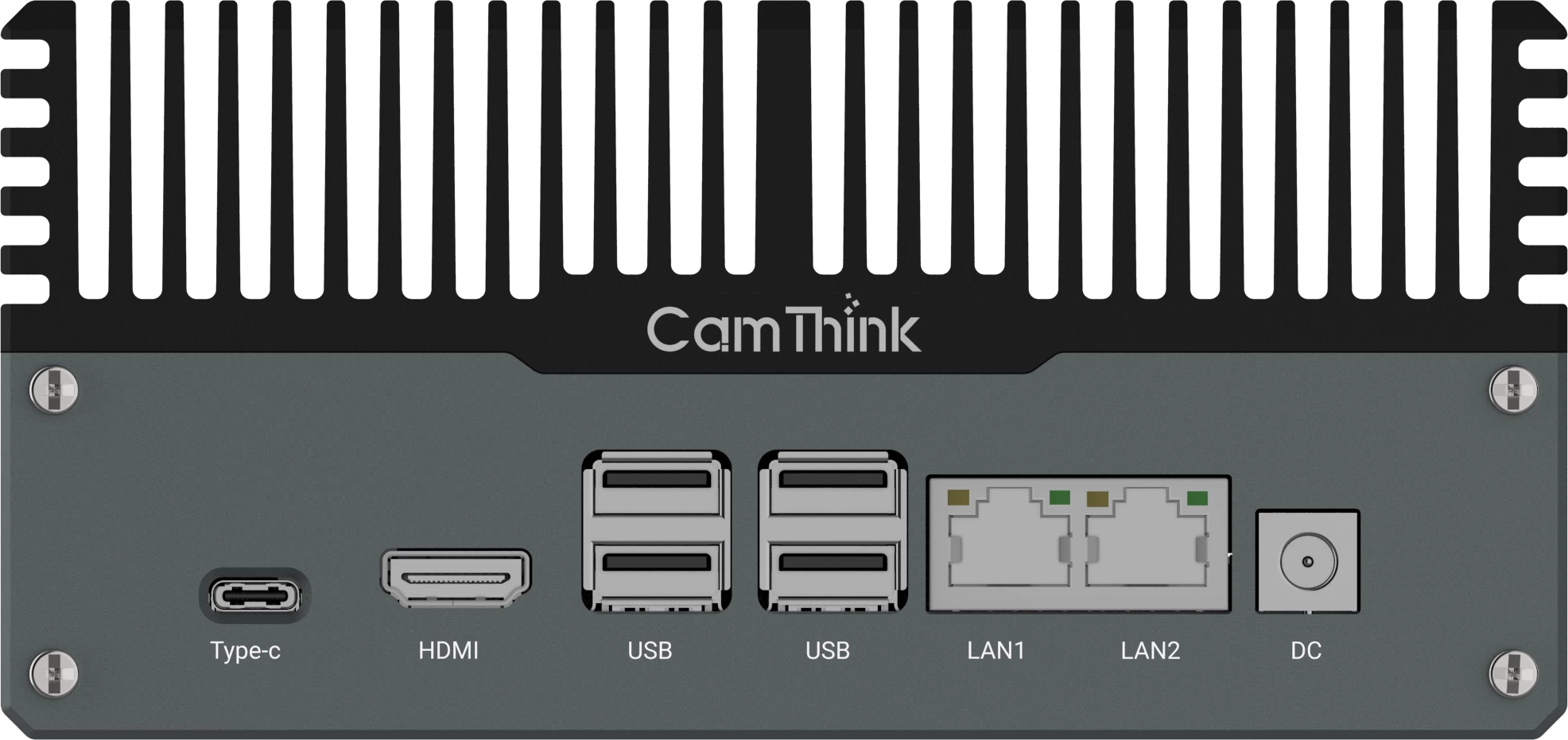
The NG4500 family uses Jetson Orin Nano and Orin NX modules. Identify the actual module before interpreting any memory or speed result; the NG4500 configurations include:
| NG4500 Variant | Jetson Module | Memory |
|---|
| NG4510 | Orin Nano | 4 GB |
| NG4511 | Orin Nano | 8 GB |
| NG4520 | Orin NX | 8 GB |
| NG4521 | Orin NX | 16 GB |
Use an 8 GB or 16 GB unit for this walkthrough. The 4 GB configuration is outside this walkthrough’s scope; that does not mean no model can run on it. The 1.5B model package is approximately 1.1 GB at Q4_K_M quantization. That is the downloaded artifact, not the total runtime memory requirement. The model, context cache, Ollama service, operating system, and any concurrent camera workload share the device’s RAM.
Do not treat a larger parameter tag as an automatic upgrade. Start with the 1.5B package, measure its answer quality and headroom on your own prompt set, and move up only if the task gains enough to justify longer loads and higher memory pressure.
Check the NG4500 Environment
Use a supported NG4500 image with its JetPack and CUDA components intact. The NG4500 software specification identifies JetPack 6.0+; write down the release on your unit rather than assuming an Ubuntu version tells you the CUDA or L4T version. The native Ollama route is simpler to diagnose than adding a container before the first model run.
The architecture should be aarch64. Record the L4T release, free memory and free disk space. Some images lack an optional JetPack meta-package; its absence alone does not diagnose the CUDA installation. If the release file is absent or the image is unfamiliar, establish the supported image and driver stack before proceeding. You need network access for the installer and the first model download; an offline field test comes later.
Check the filesystem that will hold Ollama’s model data, not just the root volume if your deployment uses a separate SSD. Keep room for another model version and logs. The 1.1 GB download figure is not a complete storage budget. For a site with other camera pipelines on the same box, review the NG4500 configuration with CamThink before committing to a shared workload.
Install and Check Ollama
Install Ollama directly on the NG4500. The NVIDIA Jetson AI Lab guide covers the native installer route on Jetson. Review a downloaded installer against your organization’s software policy, then run it on the device:
The service should be active, and the API should return JSON with a models array. An empty array is expected before the first download. The installer URL can change over time; save the Ollama version you actually installed. This checkpoint proves only that the local service responds, not that the model will load or use the Jetson GPU.
If the service is stopped, start it with sudo systemctl start ollama and retry. For startup errors, inspect journalctl -u ollama -n 50 --no-pager. Ollama’s Linux installation guide covers service setup, logs and controlled updates.
Run the 1.5B Distilled Model
After the download, ollama show reports the model details, and ollama run opens an interactive session. Ask a short question with a checkable answer, such as Explain what MQTT does in two sentences. Read the answer rather than counting the presence of output as success. Type /bye to leave the chat.
In a second terminal, inspect the loaded model while the session is active:
Run that while the model remains loaded. The PROCESSOR column distinguishes GPU, CPU and mixed placement, as explained in the Ollama FAQ. A CPU response can still look correct; it does not validate the GPU path. If the model has already unloaded, send another prompt and check again. On the same device, tegrastats gives a live view of memory and thermal behavior during the request.
Keep the explicit :1.5b tag in every command. Save the ID shown by ollama list, the Ollama version and the JetPack release. A tag identifies a convenient download target, but it is not a complete reproducibility record when model packages and runtimes can be updated.
Send a Request from an Application
The same local service accepts HTTP requests. The example deliberately uses 127.0.0.1 so the first integration test does not require exposing the Ollama port on the LAN. A bounded context and output keep the test small:
With stream: false, Ollama returns one JSON object after the request completes. Inspect done, response and, where supplied, a separate thinking field. The current generate API reference also defines total_duration, load_duration, eval_count and eval_duration, with durations in nanoseconds. A reasoning model may spend a small output budget before it finishes its answer; if the reply is cut short, increase num_predict and rerun.
Repeat the same request while the model is still loaded. Compare cold and warm total_duration before attributing a difference to model speed. When eval_duration is nonzero, eval_count / (eval_duration / 1e9) gives output tokens per second for that request; it is not the end-to-end wait experienced by the application. Record both values. A well-formed JSON response and GPU placement establish a working path, but answer quality still requires prompts drawn from the actual task.
Add an Optional Browser Interface
Open WebUI is useful when more than one person needs a browser session, but it is not required to validate local inference. Once the CLI and API tests pass, follow the current Open WebUI quick start for the container, persistent data and initial admin account. Avoid pasting a moving :main image into a production runbook without recording or pinning the image you evaluated.
Keep the network mode and address consistent. With Docker bridge networking, -p 3000:8080 puts the interface on host port 3000; 127.0.0.1 inside that container points back to the container, not to the NG4500 host. The quick start uses host.docker.internal for a host Ollama service. On Linux, a service bound only to the host’s loopback address may still be unreachable from the bridge until its binding and firewall are configured for that route. With --network=host, the port mapping does not apply and the default interface port is 8080. These are alternatives, not flags to mix in one command.
Do not expose the Ollama API just to make a browser demo work. Choose the network path deliberately, restrict the interface to the intended users, and confirm that a request from the browser reaches the same model you tested from the terminal.
Evaluate the Local Setup
The first acceptance test should answer a question about your application, not whether the model can produce prose. Choose several short prompts with expected facts or output format, then compare the replies, GPU placement, peak memory and end-to-end time. Run once after a cold start and again with the model resident. Save the prompt set and exact software versions so a later update can be compared on the same footing.
For an offline requirement, cache the model and any WebUI image first, disconnect the upstream link, reboot, and send a new prompt. Keep external integrations off during this test. A local Ollama request does not need a hosted model, but that alone does not prove every connected application keeps data on the device. On an NG4500 that also handles camera workloads, repeat with those processes active; shared RAM and thermal limits can change the result. Use the power supply and thermal installation specified for the actual unit.
| Symptom | Next Check |
|---|
| The local API does not respond | Check the Ollama service and its logs before troubleshooting the model. |
| The download fails | Confirm the exact model tag, then check network access and free disk space. |
| The model runs only on the CPU | Inspect the service logs and the installed JetPack/CUDA environment. Confirm compatibility with the installed Ollama release. |
| Memory pressure or slow responses | Keep the 1.5B model, shorten the context, check tegrastats, and test with fewer competing processes. Separate cold load time from warm generation before trying a larger model. |
| The browser cannot connect | Check the WebUI host port, container-to-host route, Ollama bind address and firewall for the chosen Docker network mode. |
This is a documentation-based deployment path, not an NG4500 benchmark. A usable prototype has a checkable answer, an inspectable API response, known processor placement and a record of memory and timing under the intended workload. Keep that baseline before changing model tags, power modes or runtime versions; then a regression has a point of comparison rather than a vague impression that the new build is slower.