People counting, occupancy, and dwell time are often grouped under footfall analytics, but they are not interchangeable. One measures movement across a boundary, one measures presence inside an area, and one measures elapsed time for a tracked visit. Choosing the wrong metric can produce a technically correct number that does not answer the store’s question.
The useful sequence is simple: define the decision, choose the metric, define the measurement area, then decide what camera and processing topology can observe it. Hardware selection comes after the measurement contract, not before it.
Three Metrics Answer Different Questions
| Metric | Operational Definition | Typical Retail Question | Output Shape |
|---|
| People count | Number of qualified crossing events or detections during an interval | How many visits or directional crossings occurred? | Interval total or directional count |
| Occupancy | Number of qualified people present in a defined area at a given time | How busy is this area now? | Current state and time series |
| Dwell time | Elapsed time between a track entering and leaving a defined area | How long did observed visits remain in the area? | Per-visit duration and distribution |
Counting at an entrance does not automatically equal unique visitors. A person who enters, exits, and re-enters may create several crossing events. Occupancy is not the same as cumulative footfall because it describes current presence. Dwell time needs track continuity, while a basic directional count may need only a reliable line crossing.
Name the output after the observation it represents. If it is a crossing count, call it a crossing count until the deployment has evidence that it behaves like the business concept of a visit.
Define the Counting Line or Area
The measurement geometry is part of the metric definition. A virtual line at an entrance can support directional crossings. A polygon can define a sales area, department, waiting area, or display zone. The same camera may support both, but each needs its own inclusion rules.
Questions to answer at the scene
- Can the camera see heads or full bodies without persistent overlap?
- Do staff use the same boundary as customers?
- Can a shopper stand on the line, reverse direction, or enter side by side?
- Does a display, door, sign, or seasonal fixture change the view?
- Is the zone tied to a stable business area, or will the layout move often?
Place the count line away from areas where people commonly pause or turn. Draw the dwell zone around the area where presence is meaningful. Occupancy boundaries should align with the operational area whose capacity or activity the store intends to manage.
Understand Tracking and Identity Scope
Tracking assigns a temporary identity to observations so the system can follow movement. That identity normally belongs to one camera and one processing session. Describe it as an anonymous track ID. A known identity requires a separate approved method and is not needed for these metrics.
Track loss matters differently for each metric. A short interruption near a count line can create duplicate crossings. In occupancy, a stale track may leave the count too high until a timeout. In dwell analysis, losing and reacquiring a person can split one visit into two shorter visits.
Multi-camera identity adds re-identification, overlapping views, handoff rules, and clock alignment to the design. Test those mechanisms independently when a journey spans cameras. When a well-defined single-camera zone answers the business question, it usually offers the simpler operating path.
Match the Metric to a Store Decision
A metric has value only when a team knows what decision it informs. Avoid collecting every available output in the hope that a use case will appear later.
| Store Decision | Primary Metric | Supporting Context | What Not to Infer |
|---|
| Compare entrance traffic by hour | Directional crossing count | Opening hours, staff entrances, promotions | Unique shoppers without re-entry logic |
| See whether an area is crowded now | Occupancy | Zone size and operating threshold | How long each person has stayed |
| Study interaction with a display area | Dwell distribution | Track completion rate and zone geometry | Purchase intent or satisfaction |
| Estimate conversion | Compatible visit count plus transaction data | Time window, exclusions, POS coverage | Individual purchase attribution from aggregate data |
Dwell time needs business context. Longer presence may indicate interest, confusion, congestion, a conversation, or simply waiting for another person. The video metric describes behavior in a zone, while another data source may be needed to interpret why it happened.
If you can share the target decision, zone drawing, and current camera view, ask CamThink to review which metric is actually observable.
Choose Single-Camera or Multi-Camera Processing
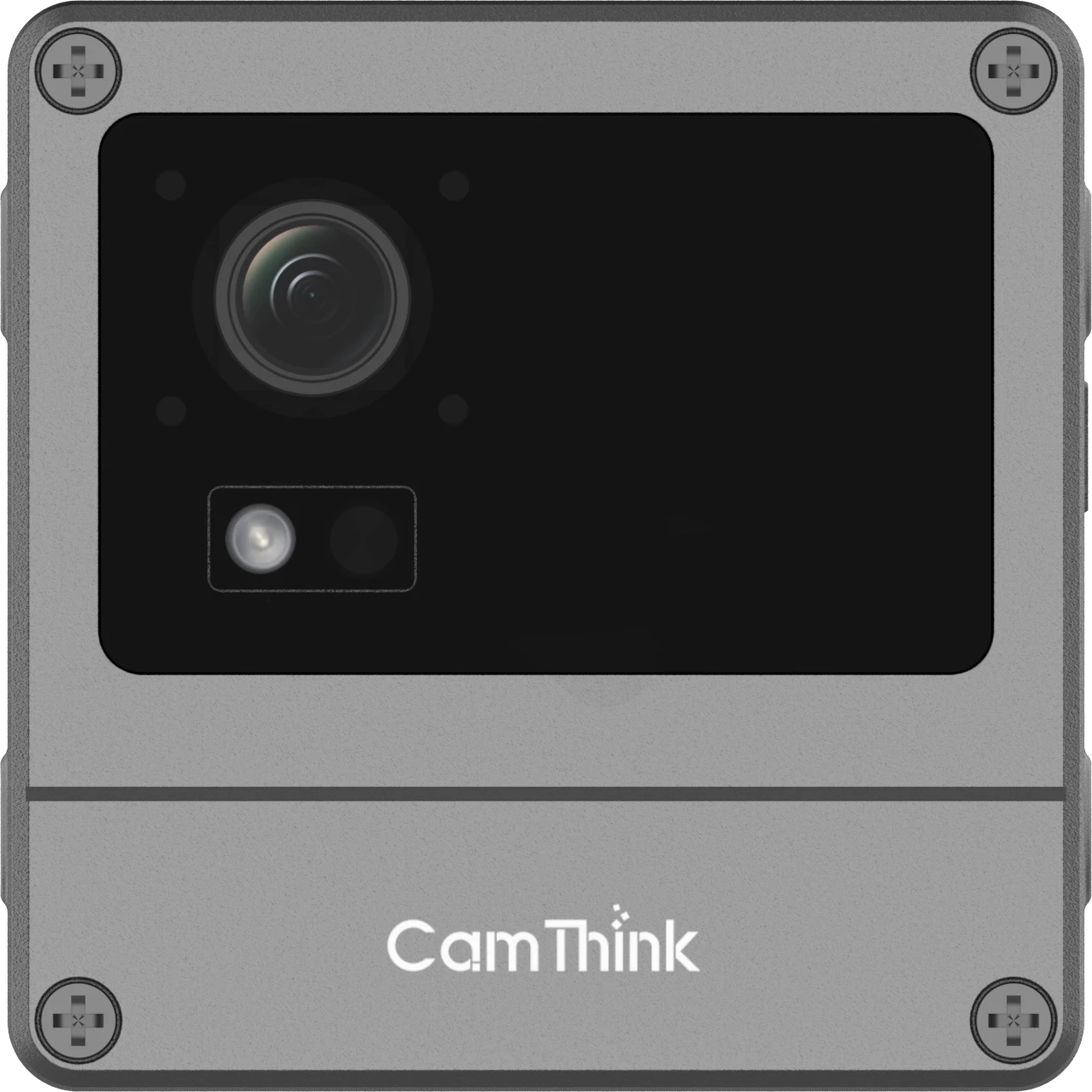
CamThink NE503 is the primary starting point for a new fixed site that needs continuous counting, occupancy state, per-track dwell, or richer zone rules. Its 20 TOPS Hailo-15H platform, PoE operation, containerized applications, and structured event output suit the continuous processing behind these metrics. The official person-detection application reports person_count and publishes events, providing a practical base for adding retail-specific counting, zone, and dwell logic.
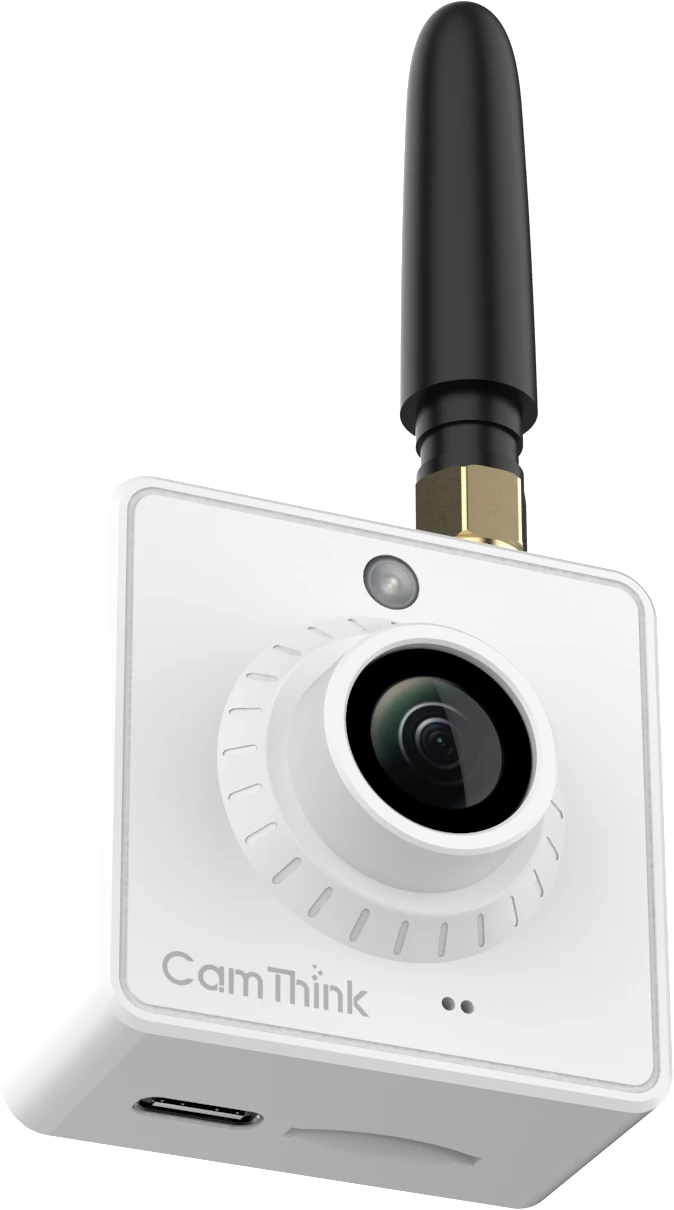
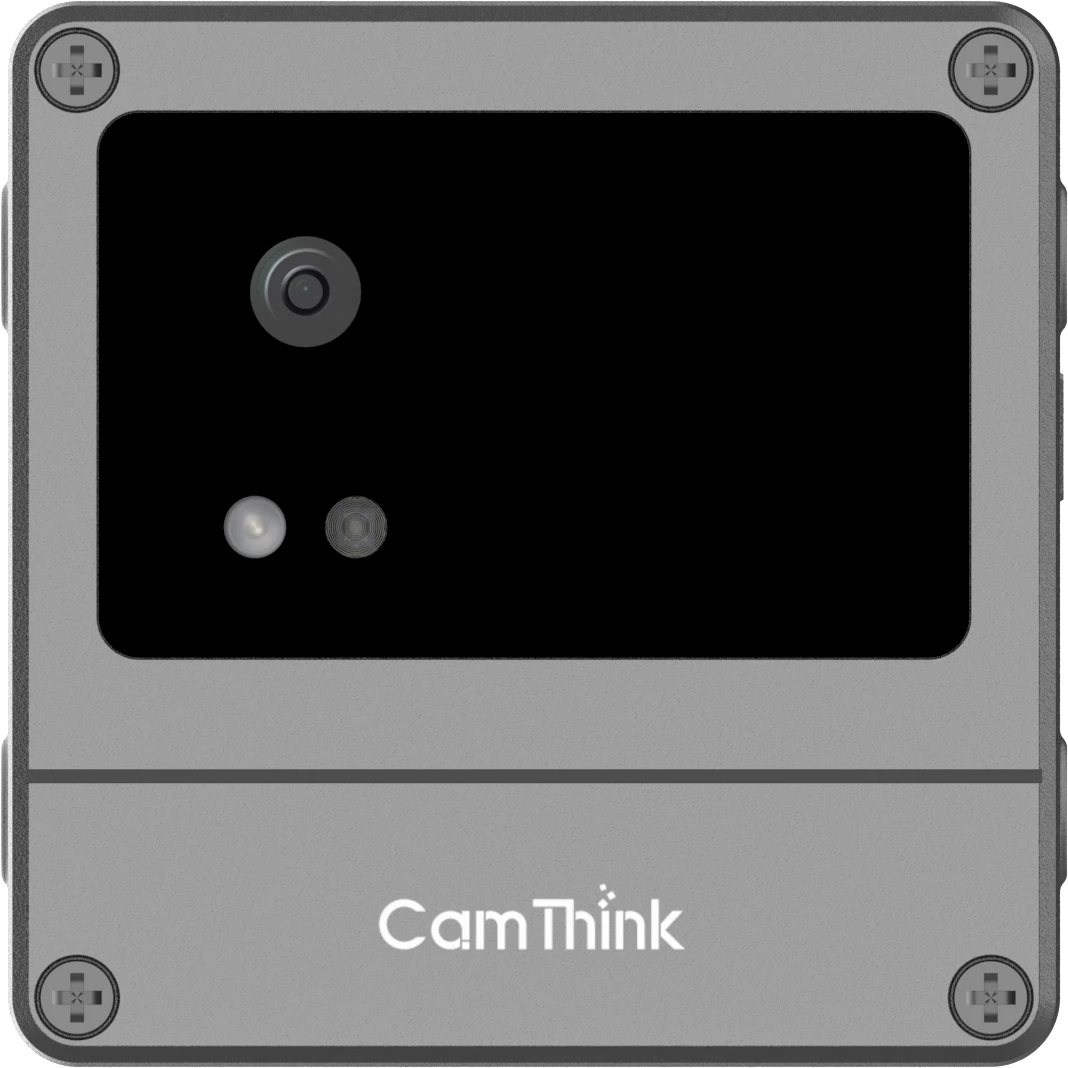
NE301 PoE is a lighter path for a simple directional count or zone count at one controlled point. Its continuous power, wired network, and 0.6 TOPS STM32N6 platform fit compact detection workloads. Application teams can implement and tune counting rules for the target entrance or zone. Battery-oriented NE301 variants are better suited to scheduled or triggered observations than continuous dwell measurement.
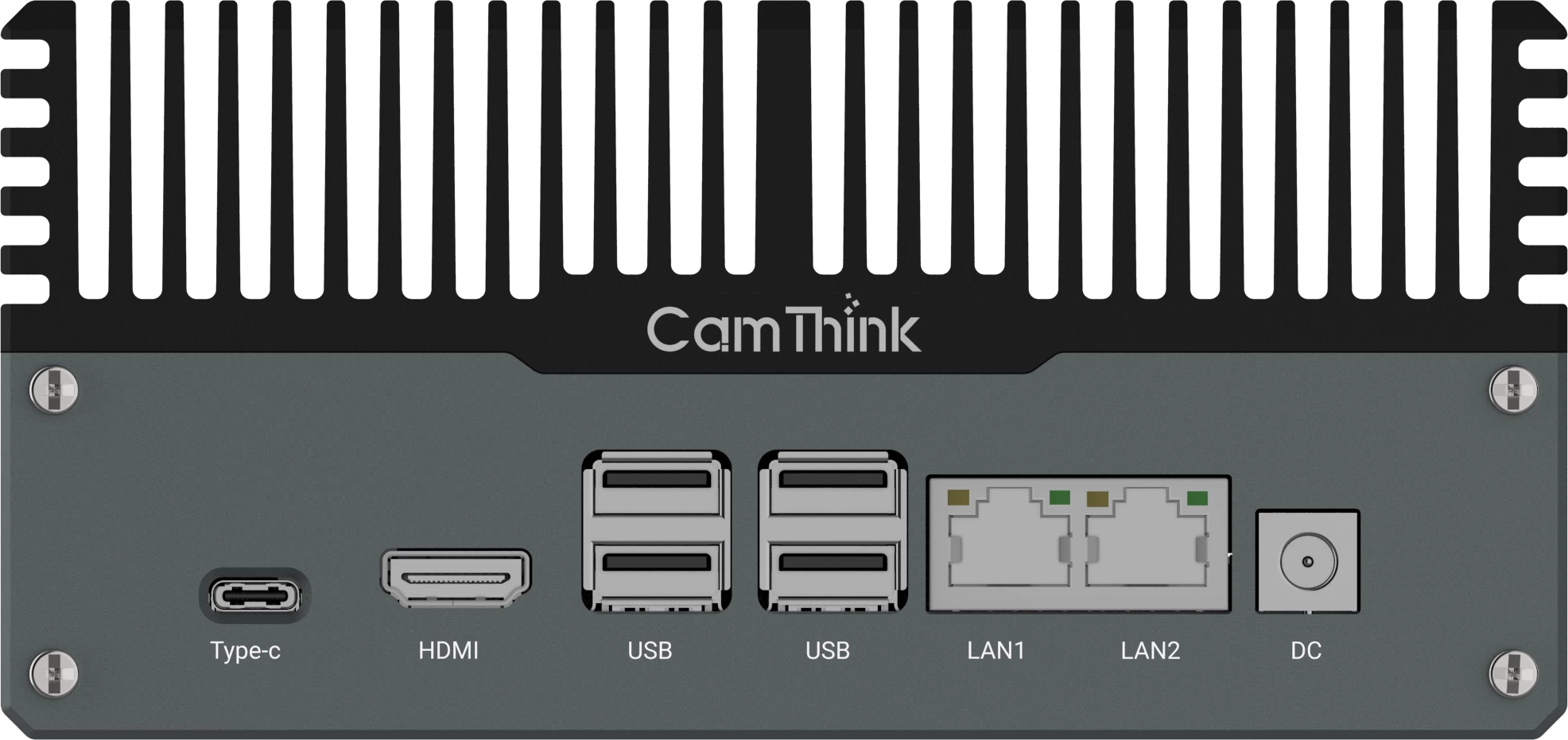
Sites that reuse several existing IP cameras may fit an edge box. CamThink NG4500 is based on NVIDIA Jetson Orin Nano or NX and supports JetPack, TensorRT, and DeepStream workflows for multi-stream vision applications. Benchmark the intended configuration with its module, codecs, resolutions, frame rates, models, tracking method, and output pipeline.
| Condition | Processing Direction | Validation Focus |
|---|
| A new fixed site with continuous occupancy, track-level dwell, or richer rules | NE503 primary path | Coverage, occlusion, track completion, and application behavior |
| One count line or simple zone with a compact model | NE301 PoE lightweight path | Crossing logic, zone errors, and continuous runtime |
| Several existing camera feeds at one site | Local edge AI box | RTSP stability, decode load, aggregate compute |
| One journey spans separate views | Multi-camera pipeline | Handoff, time alignment, identity uncertainty |
| Many stores report central trends | Local measurement plus central aggregation | Schema version, offline delivery, site comparability |
Validate Bias, Occlusion, and Peak Load
Validation begins with written annotation rules. Reviewers need to agree on whether staff, children, groups, partial bodies, re-entry, and boundary pauses count. Written rules keep human review consistent and make model comparisons easier to interpret.
- Sample normal, quiet, and peak periods instead of one convenient clip.
- Score entry and exit crossings separately when direction matters.
- For occupancy, compare both the current value and how quickly errors recover.
- For dwell, report completed tracks, incomplete tracks, and duration distributions.
- Test after layout, lighting, camera, model, or zone changes.
- Measure the full pipeline under expected stream load, not inference in isolation.
Investigate subgroup and scene bias with data appropriate to the deployment. Clothing, carts, mobility aids, body size, group movement, reflections, shadows, and lighting can change detection and tracking behavior. Keep aggregate accuracy results tied to the scenes and groups included in the test.
Report Metrics with Clear Definitions
A useful dashboard states the metric definition, zone, interval, exclusions, data freshness, and system status. A dwell report should include a distribution or percentiles rather than only an average, because a few very long tracks can distort the mean. Occupancy should show whether the value is current or recovered from delayed data.
On-device processing can reduce the need to send raw video to a remote service. Compliance also depends on jurisdiction, purpose, configuration, retention, access controls, and organizational policy. Decide whether clips, snapshots, or track-level records are necessary, and retain only what the use case and approved policy require.
The final specification should be readable as a measurement contract: what is observed, how it is calculated, what is excluded, how it is validated, and which decision it supports. That clarity is more valuable than a long list of analytics labels.