
Subtotal: $8.00
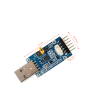
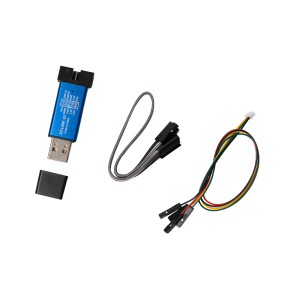
CP2102 USB-C / USB-A to UART TTL Serial Adapter
$11.90
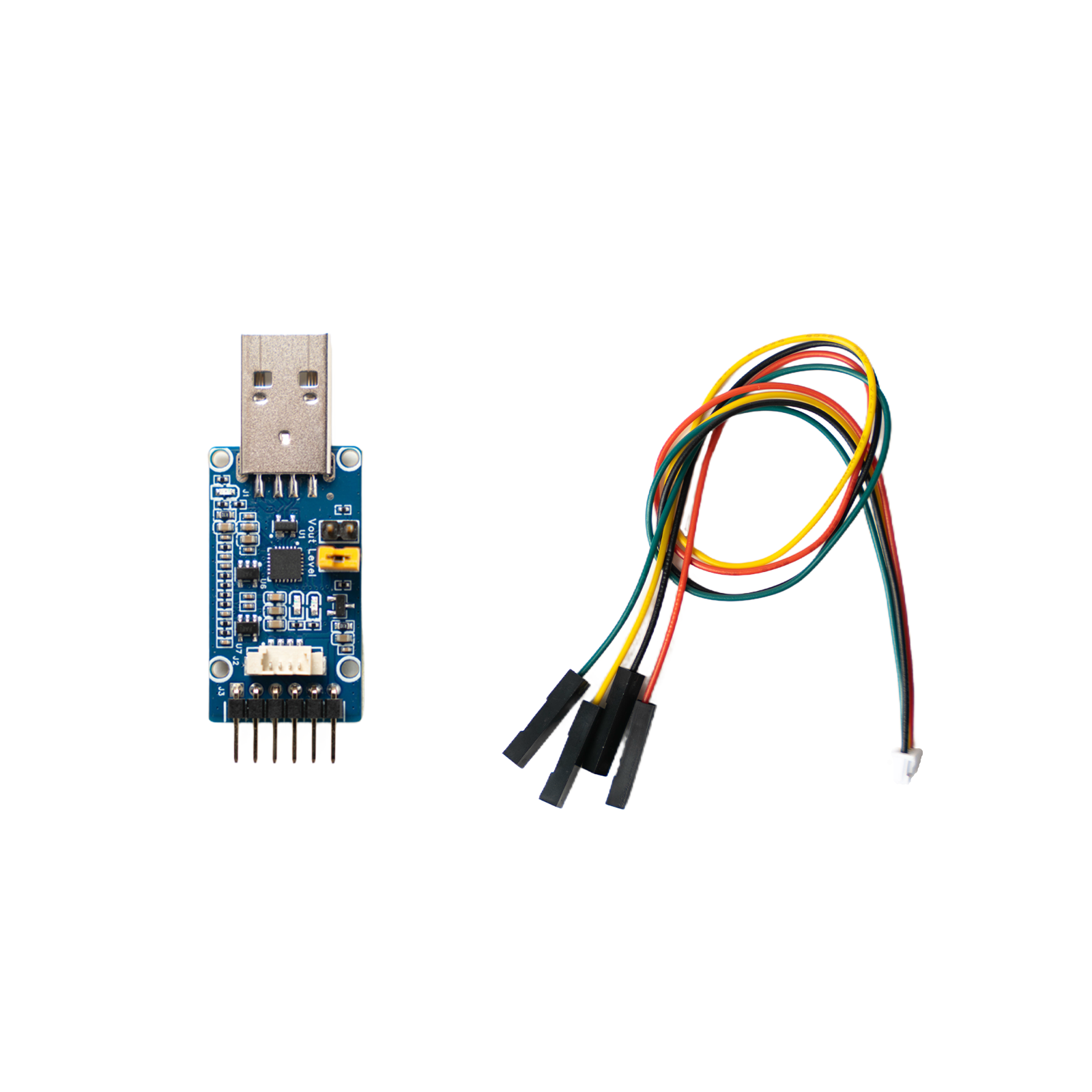
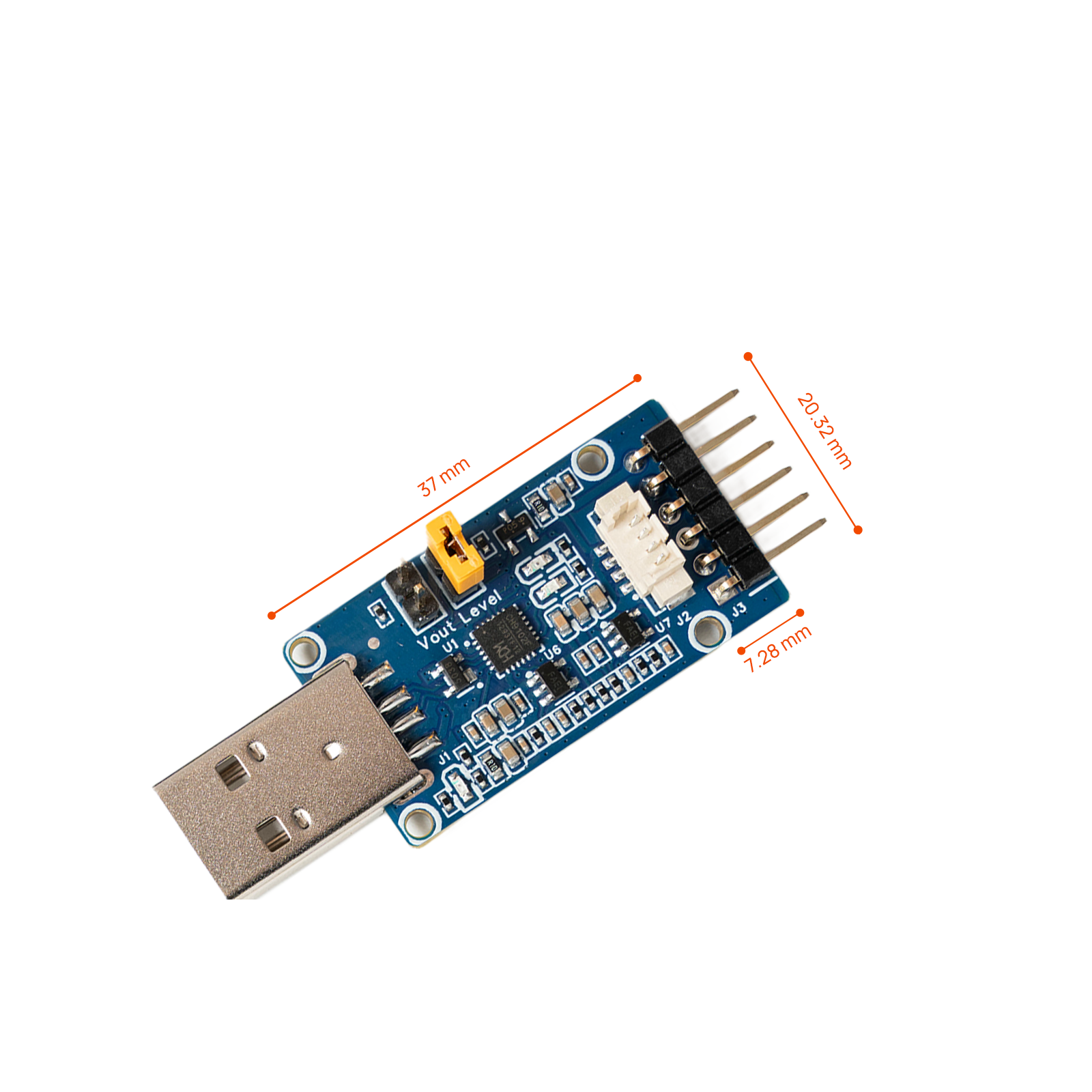
Connect a computer to 3.3 V TTL UART hardware through USB-C or USB-A. This CP2102 serial adapter exposes TXD, RXD, RTS and CTS, supports 300 bps to 3 Mbps, and includes a cable for NeoEyes NE101 and NE301 debugging. Check the serial adapter wiring and driver guide before connecting a target.
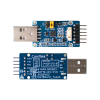
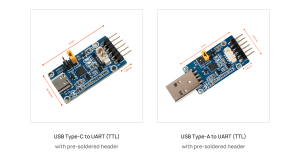
- Choose a USB-C or USB-A host connector to match your computer.
- Converts USB to 3.3 V TTL UART through the CP2102 bridge.
- Supports baud rates from 300 bps to 3 Mbps and RTS/CTS flow control.
- TX, RX and power LEDs make connection and traffic checks easier.
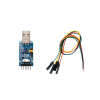
- Includes a UART cable for NeoEyes NE101 and NE301 debugging.
SKU: N/A
Category: Accessories
Tag: NE301
Pay with Ease
- Compatibility Guidance
- Bulk Order Pricing
- Project Purchase Support
- Warranty Coverage
- Worldwide Shipping
Contact us at sales@camthink.ai
Product Overview
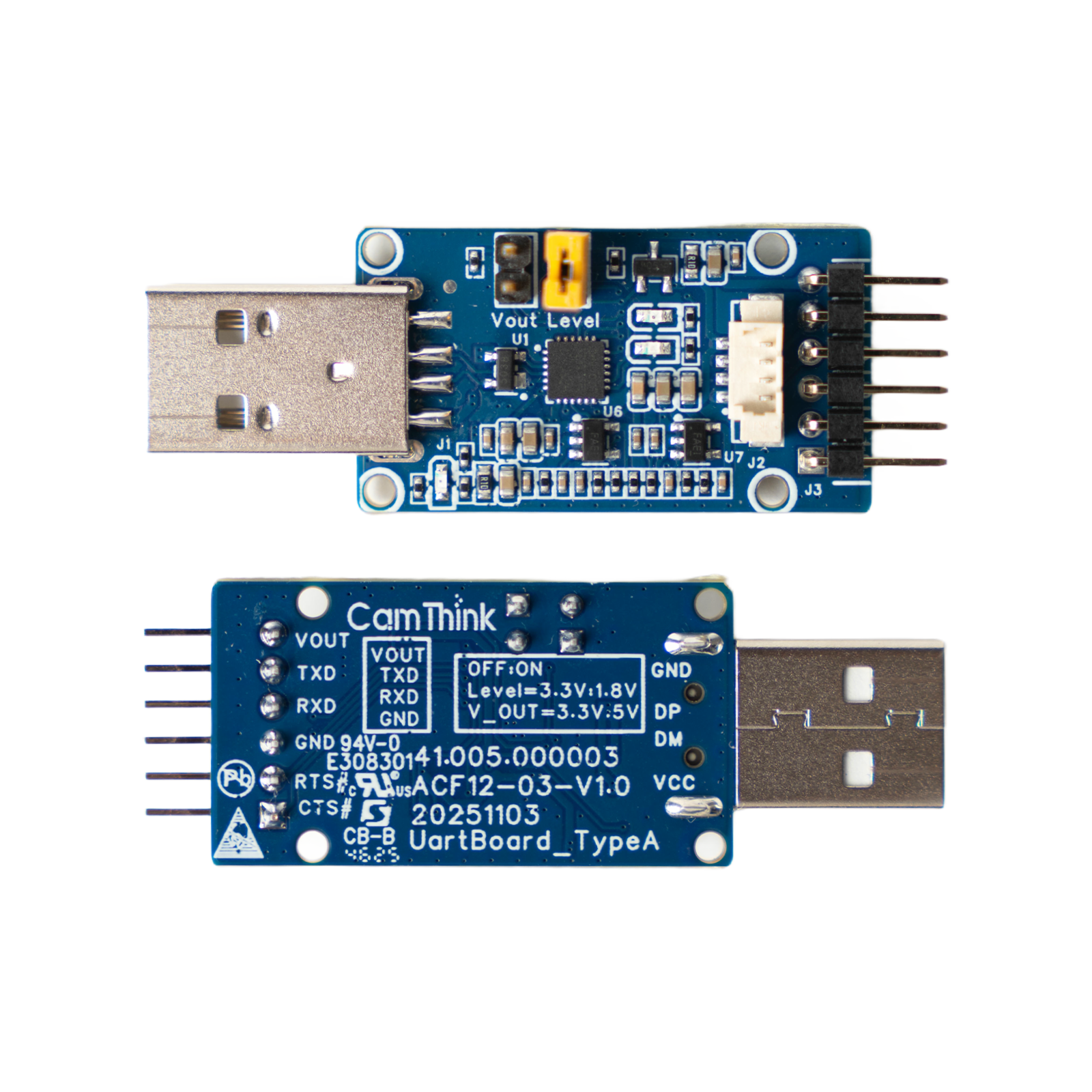
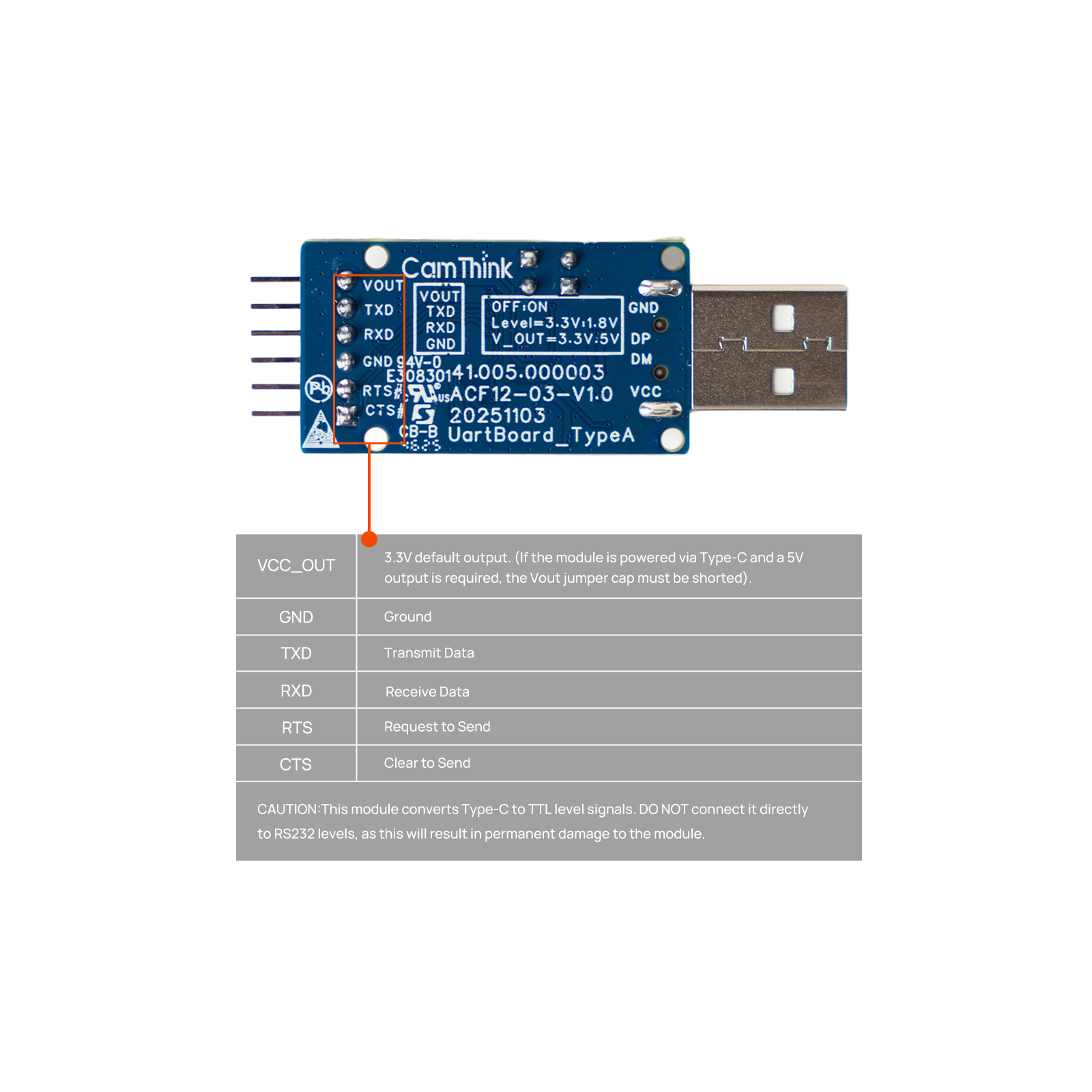
This CP2102 adapter adds a virtual COM port to a computer for serial logs, command-line access, firmware diagnostics and general embedded development. It exposes TXD, RXD, RTS, CTS, GND and VCC through a right-angle header, with separate LEDs for transmit, receive and power status.
Choose the connector version that fits the host computer. Both versions convert USB to 3.3 V TTL UART and use the same target-side signals. The adapter is suitable for NeoEyes development hardware and other 3.3 V TTL UART devices after you verify the pinout. It is not an RS-232 converter, and direct connection to RS-232 voltage levels can damage the adapter.
Select the USB-C or USB-A version according to the host computer. This adapter is for serial communication and debugging. It does not replace an ST-LINK programmer when the target workflow requires direct STM32 programming or hardware debugging.
Key Features
CP2102 virtual COM port
The CP2102 bridge presents the adapter to the host as a virtual serial port. It supports common serial formats with 5, 6, 7 or 8 data bits; 1, 1.5 or 2 stop bits; and odd, even or no parity.
Full UART signal access
TXD, RXD, RTS and CTS are available on the target-side header. Hardware RTS/CTS and X-On/X-Off software flow control support projects that need more than basic transmit and receive lines.
Visible communication status
Dedicated TX, RX and power LEDs help confirm that the adapter is powered and that serial traffic is active. This is useful when checking wiring, COM-port selection or baud-rate settings at the bench.
Selectable VCC output
VCC_OUT is 3.3 V by default. Short the Vout jumper only when the connected target specifically requires a 5 V supply output. This setting changes the power output, not the adapter’s stated 3.3 V UART logic level.
Host operating system support
The adapter supports Windows 7, 8, 10 and 11, macOS, Linux, Android and WinCE. A CP210x VCP driver may need to be installed before the device appears as a serial port.
Installation Notes
Connect the adapter to the target while the target is powered off. Check the ground and crossed TX/RX wiring, then connect the adapter to the computer. Install the CP210x VCP driver if the operating system does not create a serial port automatically.
For NE301, use a serial terminal at 115200 bps, 8 data bits, 1 stop bit and no parity. Check the NE301 UART header and pin reference before connecting the cable.
Choose the Right Connector
| Version | Host-side connector | Choose this version when |
|---|---|---|
| USB-C | USB Type-C | Your computer or development host has an available USB-C port. |
| USB-A | USB Type-A | Your computer or development host uses a standard USB-A port. |
The connector choice affects only the host-side plug. Confirm the selected option before adding the adapter to the cart.
Compatibility Notice
- Use this adapter only with 3.3 V TTL UART signals. Do not connect it directly to an RS-232 port or RS-232 voltage levels.
- Confirm the target pinout before wiring. Connect GND to GND, adapter TXD to target RXD, and adapter RXD to target TXD.
- The included cable supports UART debugging with the NE101 ESP32-S3 Development Board and NE301 STM32N6 Vision Development Board.
- Use the target board’s documented power source unless its instructions specifically allow power from VCC_OUT.
- Driver installation and serial-port permissions depend on the host operating system.
Multiple Systems Support
Works with Windows 7 / 8 / 10 / 11, macOS, Linux, Android, and WinCE.

Package Includes
- 1× CP2102 UART adapter in the selected USB-C or USB-A version
- 1× UART jumper cable for NeoEyes NE101 and NE301 debugging
Specifications
USB and UART
| Item | Specification |
|---|---|
| Product type | USB-to-UART TTL serial adapter |
| Bridge controller | CP2102 |
| Host connector options | USB Type-C or USB Type-A |
| USB interface | USB 2.0 full-speed, 12 Mbps |
| UART logic level | 3.3 V TTL |
| Baud rate | 300 bps to 3 Mbps |
| UART signals | TXD, RXD, RTS, CTS, GND, VCC_OUT |
| Hardware flow control | RTS / CTS |
| Software flow control | X-On / X-Off |
| Data bits | 5 / 6 / 7 / 8 |
| Stop bits | 1 / 1.5 / 2 |
| Parity | None / odd / even |
| Receive buffer | 576 bytes |
| Transmit buffer | 640 bytes |
Power, protection and environment
| Item | Specification |
|---|---|
| VCC_OUT | 3.3 V default; 5 V after shorting the Vout jumper |
| Status indicators | Power, TX and RX LEDs |
| USB protection | ESD5V0L3 |
| Operating temperature | -40°C to +85°C |
| Supported operating systems | Windows 7 / 8 / 10 / 11, macOS, Linux, Android and Win |
Related products
-
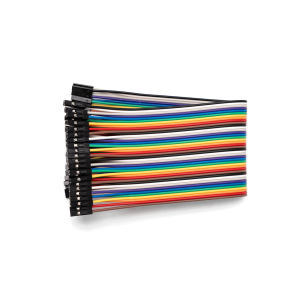
2.54mm 40P Dupont Jumper Wires – 20cm
$2.00Select options This product has multiple variants. The options may be chosen on the product page -
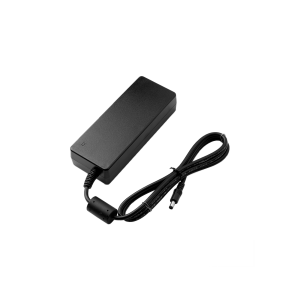
Power Supply for NeoEdge AI Box
Price range: $12.00 through $80.00Select options This product has multiple variants. The options may be chosen on the product page -
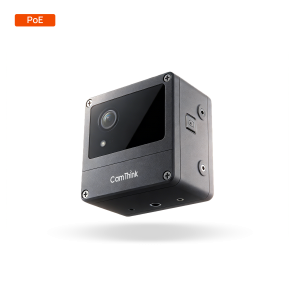
NeoEyes NE301 PoE Edge AI Camera
$258.00Select options This product has multiple variants. The options may be chosen on the product page -
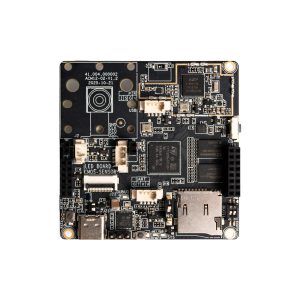
NE301 STM32N6 Vision Development Board
$110.00
Reviews
There are no reviews yet.