What is an Edge AI Camera? Architecture, Capabilities, and Product Fit
An edge AI camera captures images and runs vision models on the device, but that label covers very different compute, power, video, and integration designs. This guide shows what belongs inside the camera and when another architecture is a better fit.
An edge AI camera is a camera that runs a vision model on the device that captures the image. It can turn frames into detections, counts, classifications, or other structured results before those results reach a remote server.
That definition is useful, but it is not enough for product selection. A low-power camera that wakes for a scheduled image and a fixed 4K camera that analyzes continuous video are both edge AI cameras. Their compute budget, power model, software environment, and output paths are very different. Start with the workload, not the label.
What an Edge AI Camera Actually Does
A conventional IP camera usually captures and encodes video for another system to store, display, or analyze. An edge AI camera adds a local inference stage. Depending on the hardware and software, it may also track objects, apply rules, create events, store selected media, or operate a relay.
The camera does not need to keep every function local. It can analyze the scene on-device and still send an RTSP stream to a VMS. It can publish an event to an IoT platform while keeping most video at the site. It can also forward selected frames to a central service for review or a heavier model. “Edge” describes where the first useful computation happens, not where all data must remain forever.
Camera Input
Local Work
Possible Output
Continuous video
Detection, tracking, zone logic, OCR, or classification
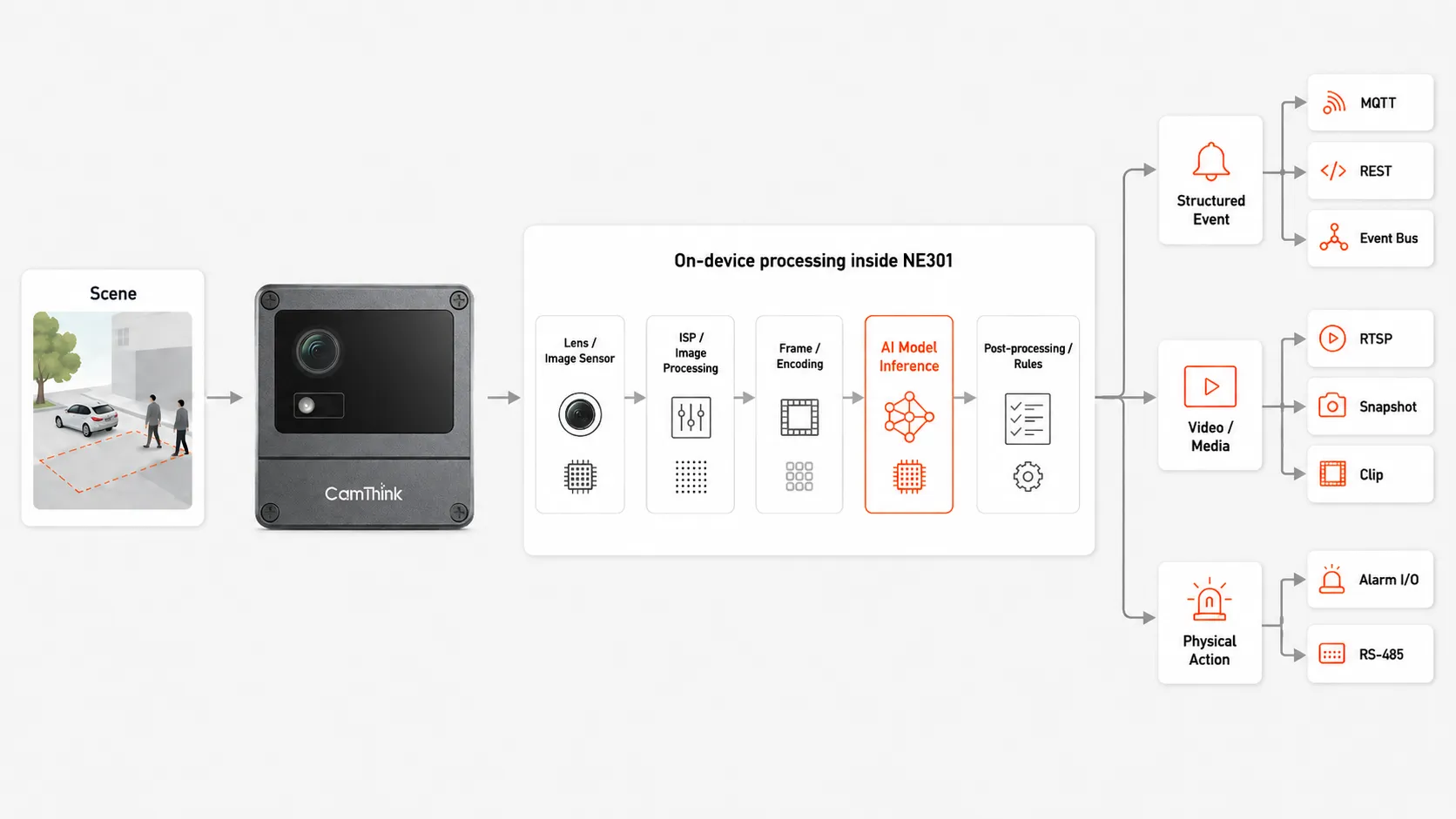
The edge AI camera data path: from sensor capture and image processing to on-device model inference and event output.
Capture and image processing
The sensor, lens, exposure control, image signal processor, and encoder determine what the model can see. A larger accelerator cannot recover a helmet, face, plate, defect, or gauge value that is too small, blurred, blocked, or outside the useful field of view.
Model inference
The processor prepares a frame, runs a compatible model, and post-processes the output. Some camera platforms are designed around a compact quantized model and a small memory budget. Others support Linux, containers, several models, tracking, and application logic. Model format, input resolution, memory, thermal limits, and inference frequency all matter.
Event and action
A raw detection is rarely the final business output. The camera or its application may apply a zone, persistence rule, schedule, threshold, or state change before publishing an event. The result can enter software through MQTT, REST, Event Bus, or another supported interface, or reach field equipment through alarm I/O or serial integration.
This data path is the main value of the architecture: the camera can make a useful first decision close to the scene. It does not mean the camera owns the entire VMS, dashboard, model lifecycle, or business workflow.
The Capability Boundaries That Matter
Terms such as “on-device AI” and “smart camera” say little about what a product can sustain. Evaluate the platform across the boundaries below.
Boundary
Question to Ask
Why It Changes the Fit
Imaging
Does the scene provide enough usable pixels, dynamic range, focus, and low-light detail?
The model only receives what the imaging pipeline captures.
Compute and memory
Which model format, input size, inference rate, and concurrent tasks fit?
A quoted TOPS figure does not describe the complete pipeline.
Application runtime
Can the device run custom code, containers, rules, tracking, and post-processing?
Model inference may be only one part of the required application.
Power mode
Is the camera always on, scheduled, event-triggered, battery-powered, or PoE?
Continuous video and deep-sleep capture are different system designs.
Outputs
Does the project need video, events, media clips, local relays, or API access?
An accurate detection has little value if the receiving workflow cannot use it.
Operations
How are models, applications, credentials, logs, health, and firmware managed?
A successful demo still needs a maintainable deployment path.
Build the Workflow Around the Event
Define the event before selecting the camera. “Detect people” is an incomplete requirement. A deployment needs to state where a person matters, how long the condition must remain true, what confidence or review rule applies, and which system receives the result.
For a safety zone, the useful output may be a person entering a polygon during an active shift, followed by a local relay and a VMS event. For a remote inspection point, it may be one scheduled image, a local classification, and an MQTT message only when the state changes. The same model family can sit inside both workflows, but the camera hardware and operating mode will not be the same.
Choose the camera for the capture, inference, event, and operating path together. Selecting from model speed alone leaves the difficult integration work unresolved.
Choose the CamThink Camera Platform by Workload
NE503 for fixed, higher-compute camera points
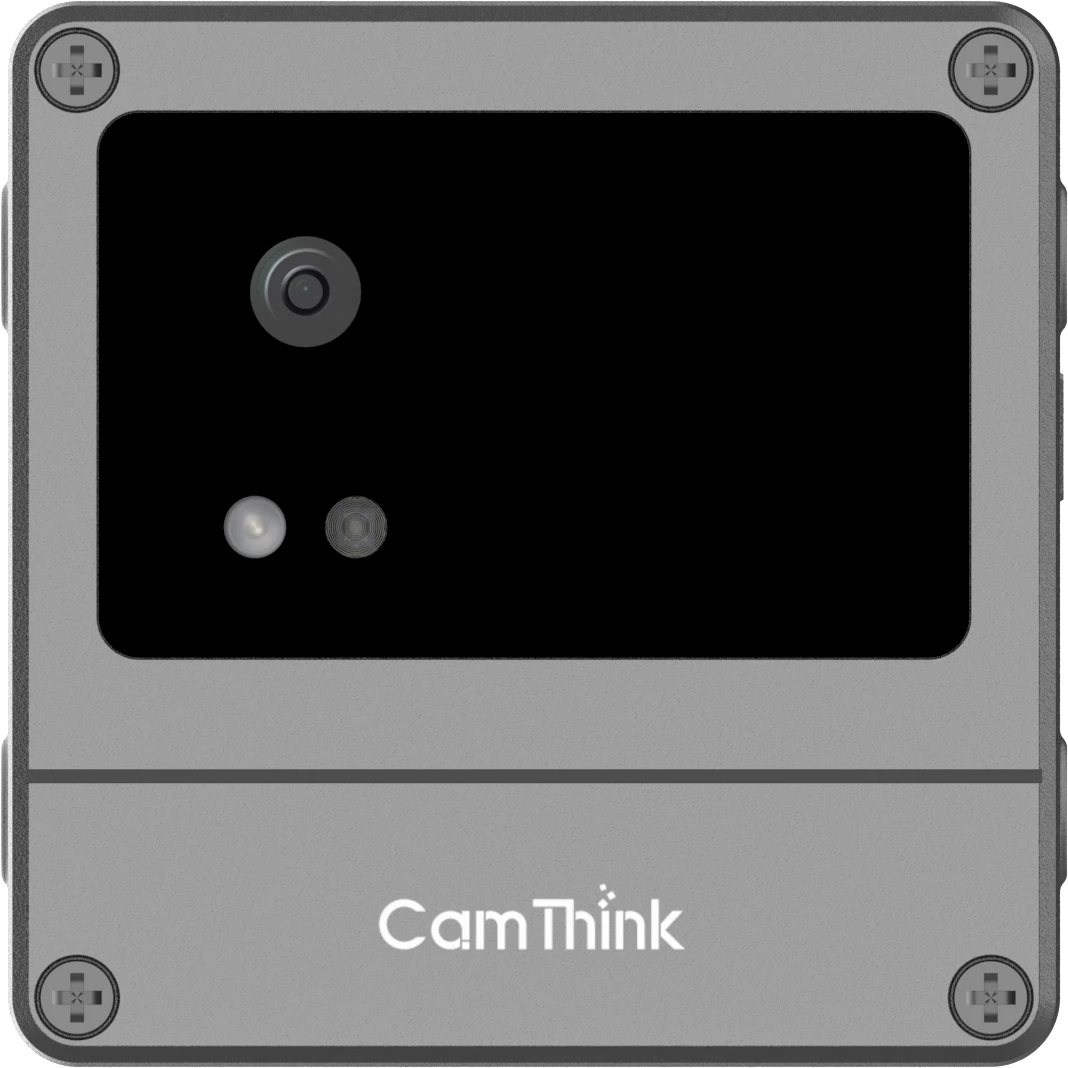
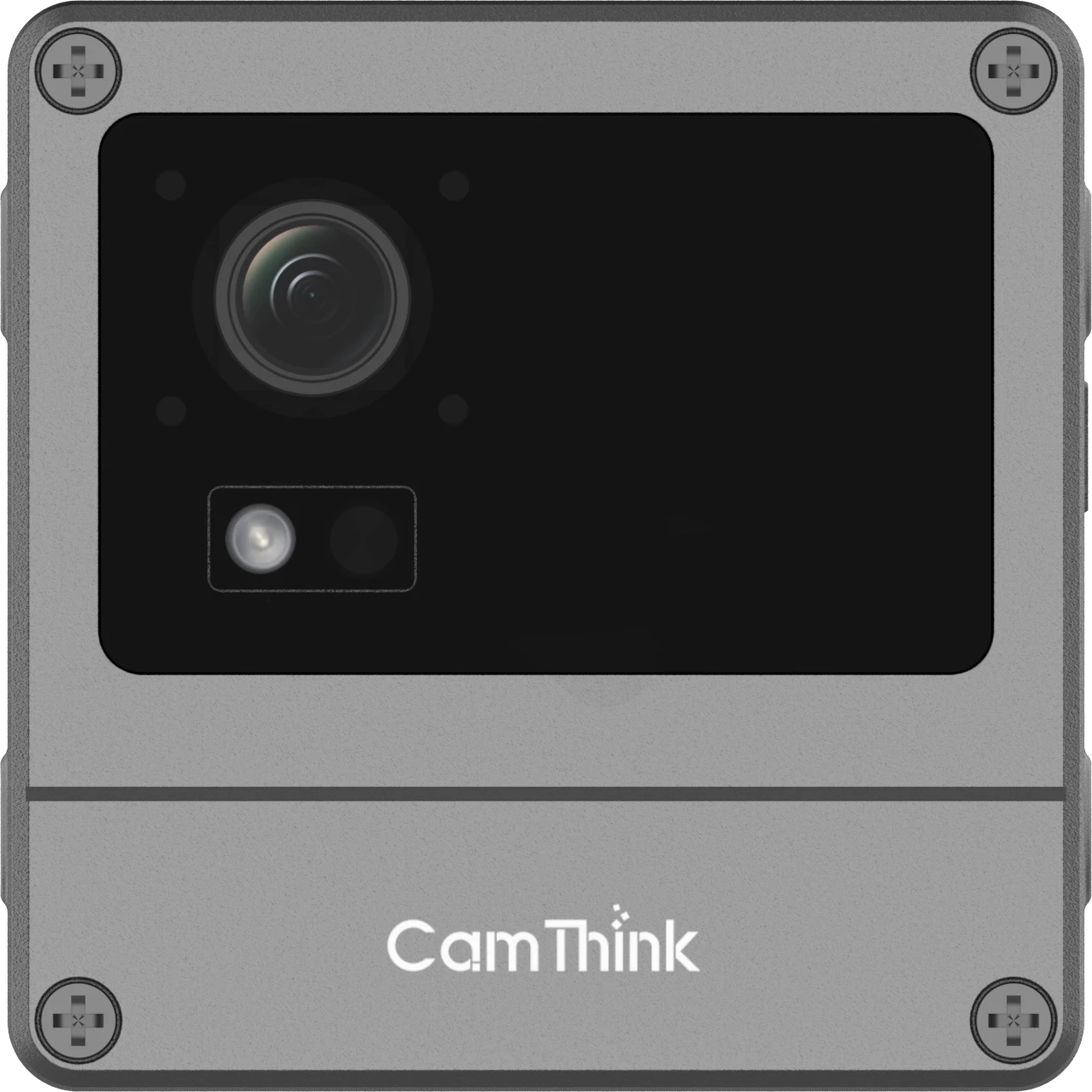
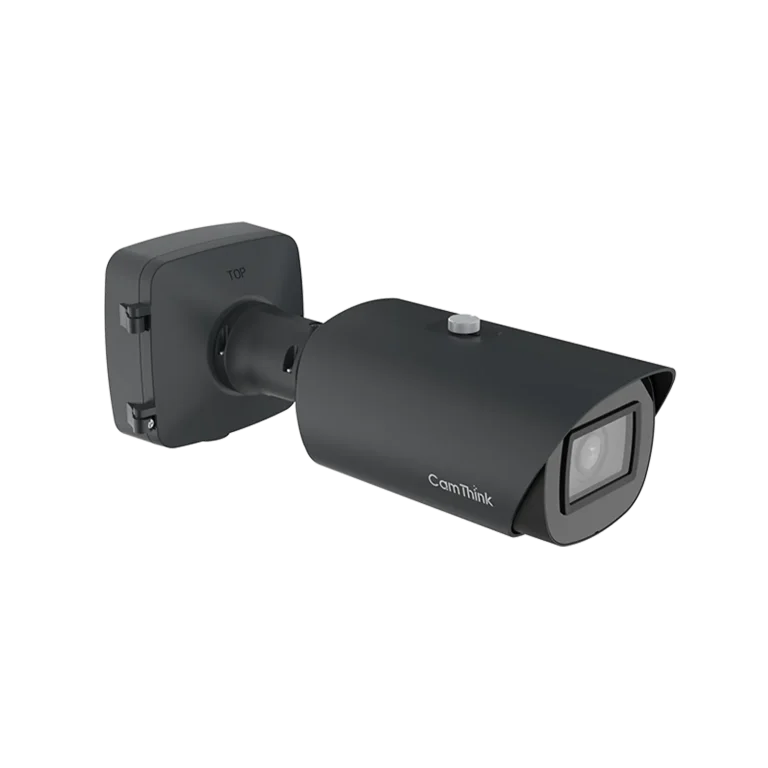
NeoEyes NE503 combines a Sony IMX678 4K imaging system with a Hailo-15H accelerator rated at 20 TOPS INT8. It supports PoE, IP67 protection, containerized applications, RTSP, structured event paths, REST-based management, and local alarm or RS-485 integration.
Use this route when a fixed point needs sustained video, stronger local compute, custom applications, or tighter integration between imaging, inference, and field action. The detailed platform design belongs in the NE503 open camera platform guide; this page only defines its role within the product category.
NE301 for lightweight and power-sensitive workloads
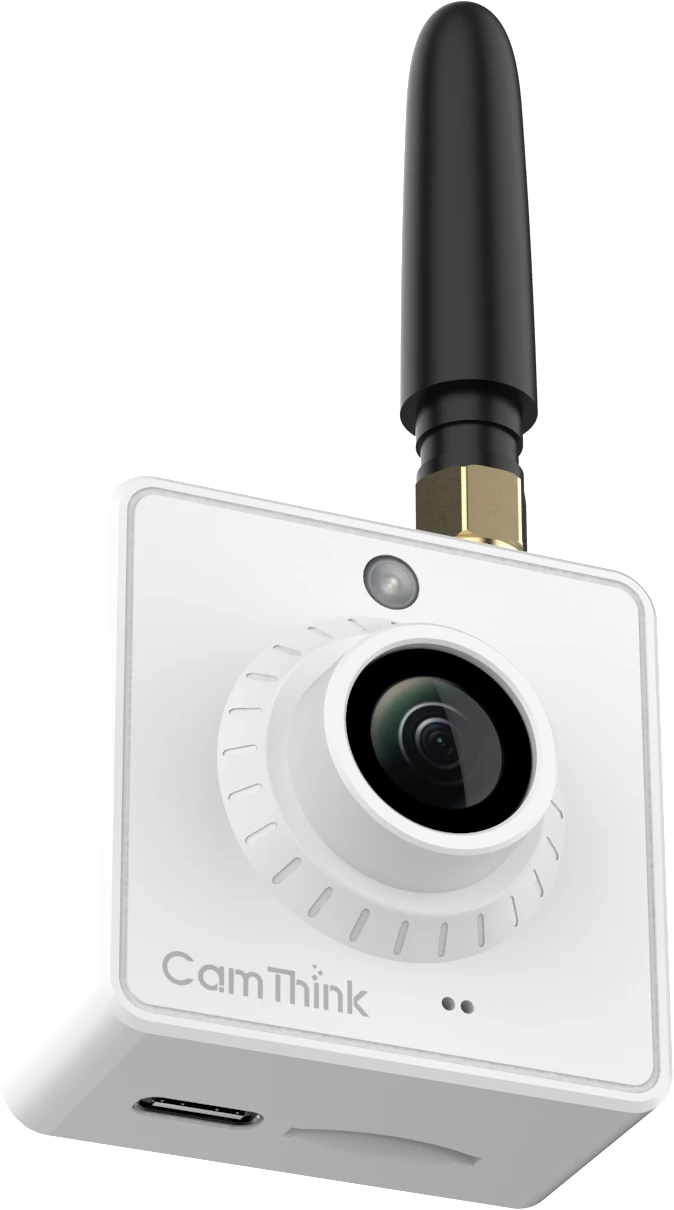
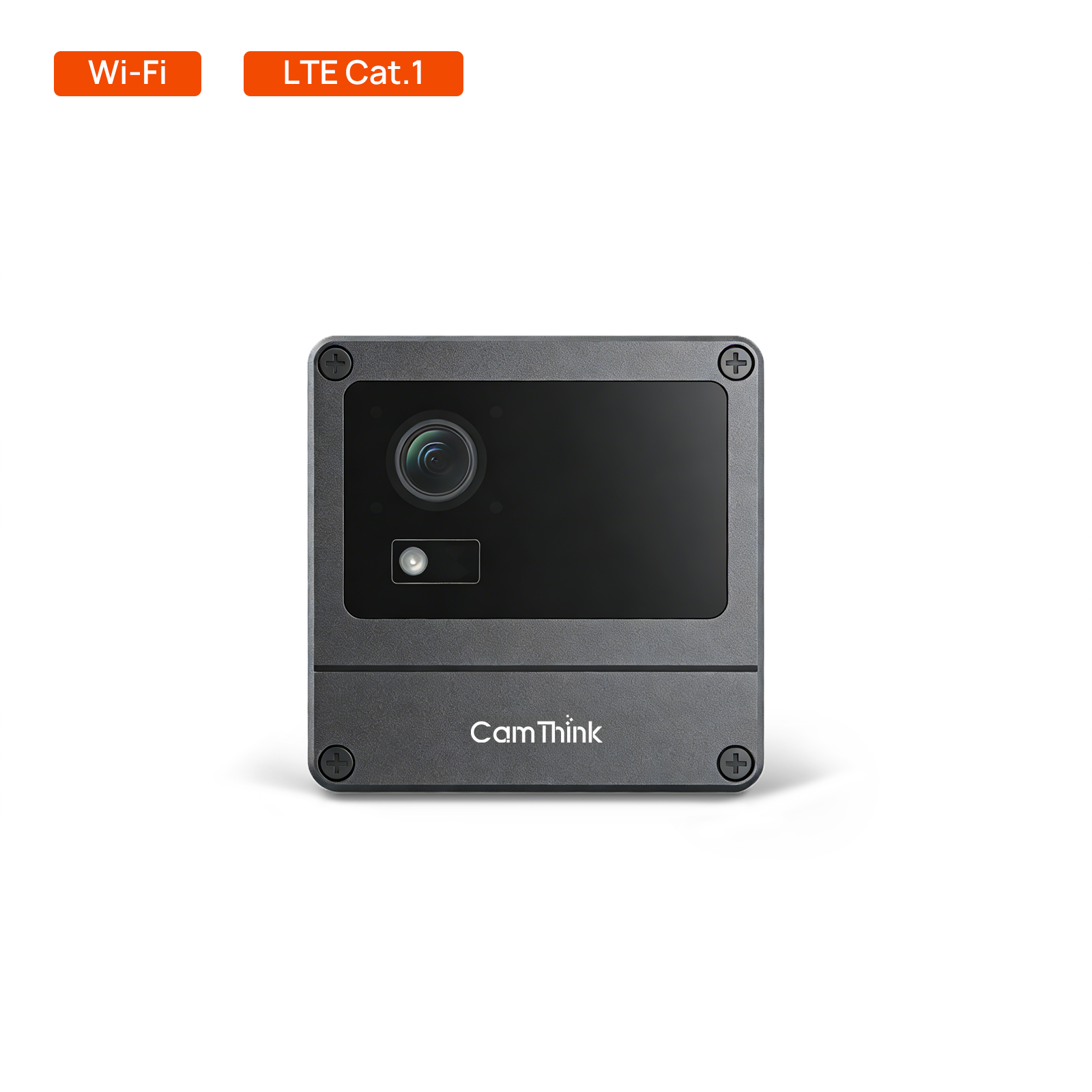
NeoEyes NE301 uses the STM32N6 platform with up to 0.6 TOPS of on-device compute. Its modular design supports different camera, communications, sensor, and power options. Battery-oriented configurations suit scheduled or triggered capture, while the PoE configuration supports stable wired power and continuous operation.
Use NE301 when the model and application fit its memory and compute envelope and the project benefits from a compact, open, lower-power camera. Do not treat it as a drop-in substitute for a Linux camera with container applications or a Jetson system running heavier multi-stream pipelines.
When an Edge AI Camera Is Not the Right Architecture
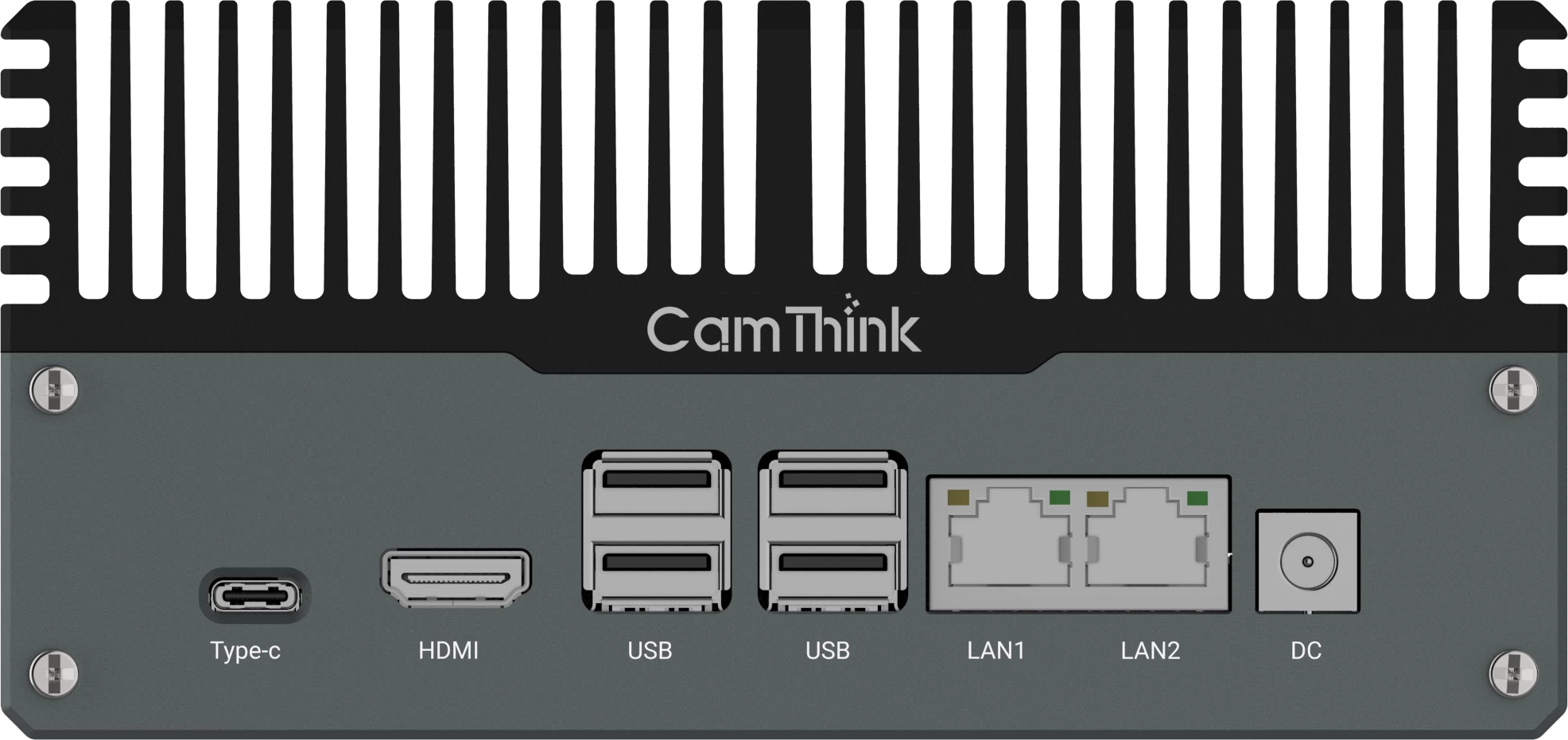
An edge AI camera is a poor starting point when the project already has many usable IP cameras and the main requirement is to add shared compute. Replacing each camera would discard working imaging and network infrastructure. In that case, an NG4500 edge AI box can process selected network streams locally and keep the existing camera estate in place.
A camera is also not the automatic answer for a large or frequently changing model that exceeds the device’s local resources. A site server, central GPU, cloud service, or hybrid pipeline may fit better. The separate Edge AI vs Cloud Vision comparison owns that processing-location decision.
Finally, no camera architecture fixes an unsuitable view. If the target is too small, the angle is wrong, or night illumination removes useful detail, change the lens, position, lighting, or camera point before increasing compute.
Validate the Camera as a Complete System
A useful PoC tests the actual scene and the full event path. It should include ordinary footage and the difficult conditions most likely to change the result.
Measure target size, angle, blur, occlusion, backlight, and low-light detail.
Run the intended model format and input resolution on the selected device.
Test the required inference rate together with encoding, tracking, rules, and applications.
Measure end-to-end response through the receiving VMS, IoT platform, relay, or operator workflow.
Check thermal behavior, storage, network interruption, restart, and event recovery.
Document model update, credential, log, device-health, and remote-support procedures.
The result should describe a working range for the tested camera, model, scene, and workflow. It should not become a universal latency or accuracy promise for unrelated installations.
Select the Product Role Before the Product
Choose an edge AI camera when one point needs capture and inference designed as one system. Choose NE503 when that point needs fixed 4K imaging, higher local compute, containerized applications, and structured event or field integration. Choose NE301 when a validated lightweight model and a lower-power or modular operating path matter more than a large application runtime.
Choose an edge AI box when existing network cameras should stay or several streams need shared compute. Choose cloud or central processing when the workload needs resources that do not belong at every camera. The product decision becomes much easier once those roles are separated.
HH
Harry Hua
Technical Director at CamThink
Harry works on edge AI camera platforms, video analytics deployment, and the integration of embedded vision systems with real operational workflows. Connect with Harry on LinkedIn.
Evaluate an Edge AI Camera
Share the scene, sample media, model, power mode, connectivity, and required event output. CamThink can help define the camera platform and validation path.