Choose the Output Your Platform Can Use
A truck enters a depot. A detector sees it in several frames, the tracking software records one inbound crossing, and the next five-minute report adds one to the inbound total. Each record serves a different purpose.
Start with one record your platform already accepts. If your software tracks vehicles, check what detections it needs per frame. If operators open a specific crossing, request one event per crossing and a way to find the footage. For a flow chart that shows directional totals, a count per interval may be enough.
| Request | What the Record Needs | Who Calculates the Count |
|---|
| Frame detections | Source, frame ID and time, class and bounding box. Match the coordinates to the frame your tracker uses. | Your application follows the vehicle across frames and applies the crossing rule. |
| Crossing events | Event ID, source, counting line, direction, class and time of crossing. Add an evidence reference if operators review video. | The application that publishes the event tracks the vehicle and decides whether it crossed. Your platform can sum the events. |
| Interval counts | Source, line, window start and end, counts by direction and class as required, and a completeness flag. | The publishing application tracks, counts and adds up crossings for each window. |
If the same system serves both live operations and reporting, it can build interval totals from a crossing feed. Check whether your current receiver already does that before you pay for a second output or write another adapter.
Read a Sample Payload Before You Order
Ask for a message exported by the proposed app and firmware version. For a custom app still in development, agree on the expected payload and who will implement it. This example shows one way an app could report a truck entering a depot. The field names are illustrative.
In this example, gate-1 has an orientation configured at the site. An inbound event at the gate can then become the correct direction in your platform. Agree on what happens when a truck noses over the line and backs up, and whether you need a lane ID when several lanes share a camera. Map the source and line IDs to a location in your platform, especially if several sites use the name gate-1. If staff review recordings, test that the evidence reference opens the right clip.
For interval totals, ask for a sample with known start and end times. Check whether the reported numbers are counts for that window or cumulative counters. A running total needs a defined reset rule before the receiver can turn it into five-minute counts. For frame detections, check the bounding-box format, whether coordinates are pixels or normalized values, and how the detections are matched to the video.
Define What Happens When Data Arrives Late
Store observation time and receipt time separately. A delayed crossing belongs to the time it happened. A delayed report belongs to the interval it covers. If the source uses milliseconds since startup, agree on how to map each boot session to UTC before combining data across sites.
Give each crossing or report an ID that stays the same if the publisher retries delivery. Scope it to the source if IDs can repeat across devices. The receiver should store one logical record, even if it receives the message twice. Ask how long the sender can buffer records and what it reports if the buffer fills.
A quiet five-minute window should appear as zero only when the source confirms complete observation. A report marked incomplete should stay partial. If an expected report is absent once the agreed delivery time passes, show it as missing. For an event-only feed, use source health or a heartbeat to tell a quiet gate from an offline device. A complete report can still contain counting errors. Compare the result with a labelled clip.
Agree on Delivery and Acceptance Before the Order
Use the transport your platform can receive. For MQTT, agree on the topic, authentication and delivery settings. For an HTTP webhook, specify which response counts as success and when the sender retries. Check that the source is allowed to reach the broker or endpoint from the site network. The Axis counting data guide shows how one vendor maps device analytics to MQTT.
Put the output type, sample payload and software version in the evaluation brief. Name who supplies tracking, direction logic and any adapter. If an operator needs to act on a crossing while the vehicle is still at the gate, agree on how many seconds may pass between crossing and visibility in the platform. For interval reports, set the deadline from the end of the window.
Ask for a normal sample and a retry or recovery sample. Replay both into a test copy of the current receiver. The team can see which fields already map, which need translation and whether the required timing can be tested on a sample unit. An exported message can prove that a parser works. Use the hardware test to measure timing and recovery.
Check Which Application Supplies the Data
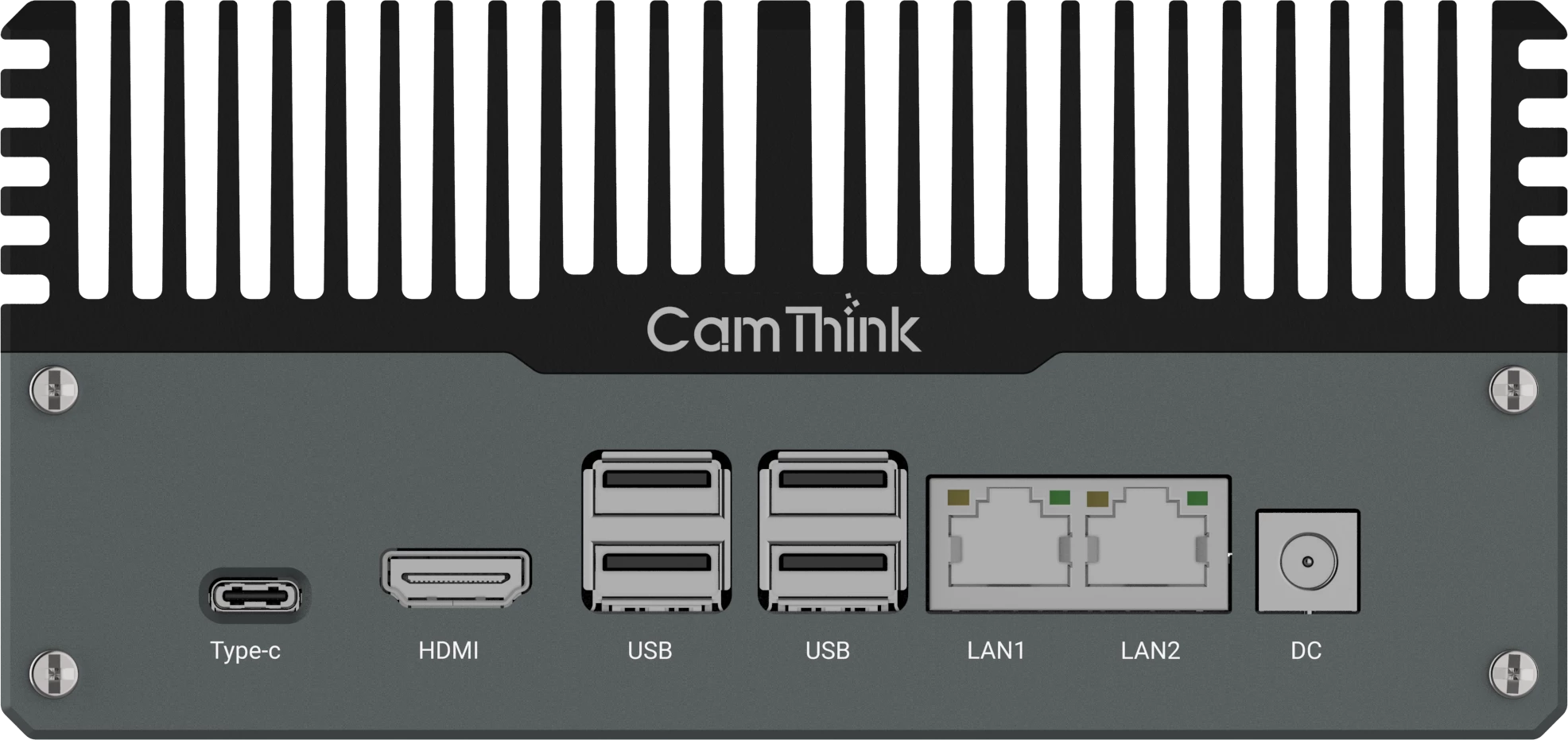
With NeoEdge NG4500, your analytics app runs on the edge box and publishes the data your platform expects. If your team can reuse its tracker and publisher, ask for an output from that build and test it against the current receiver.
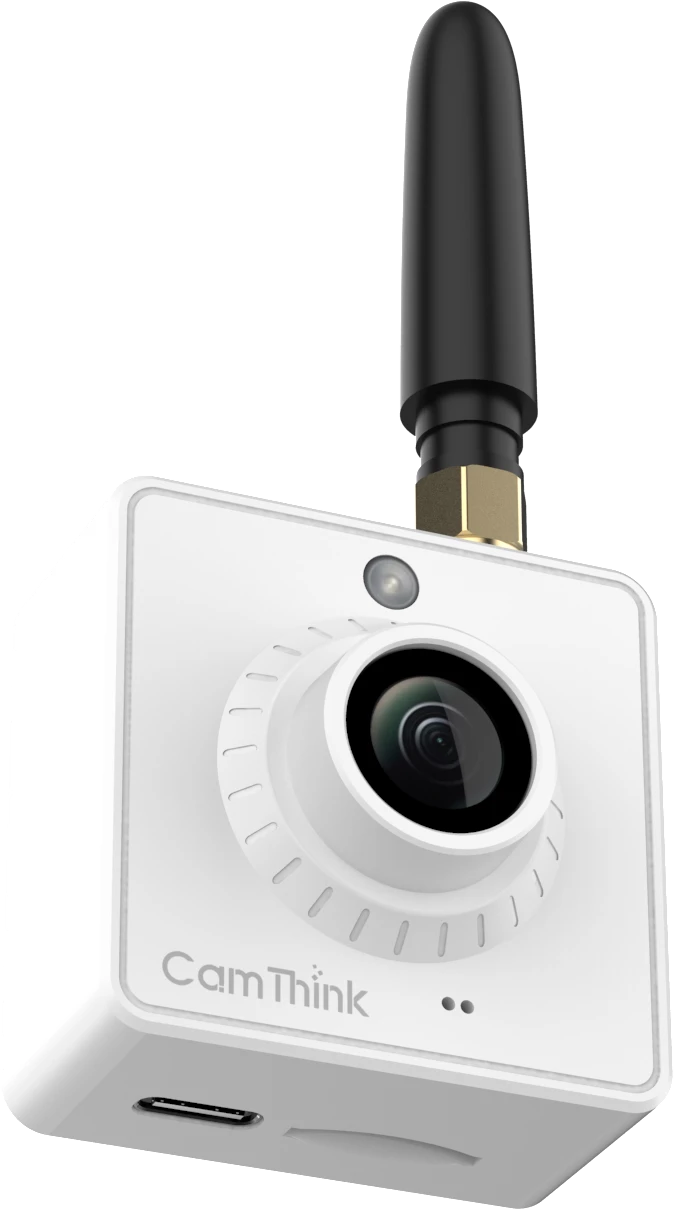
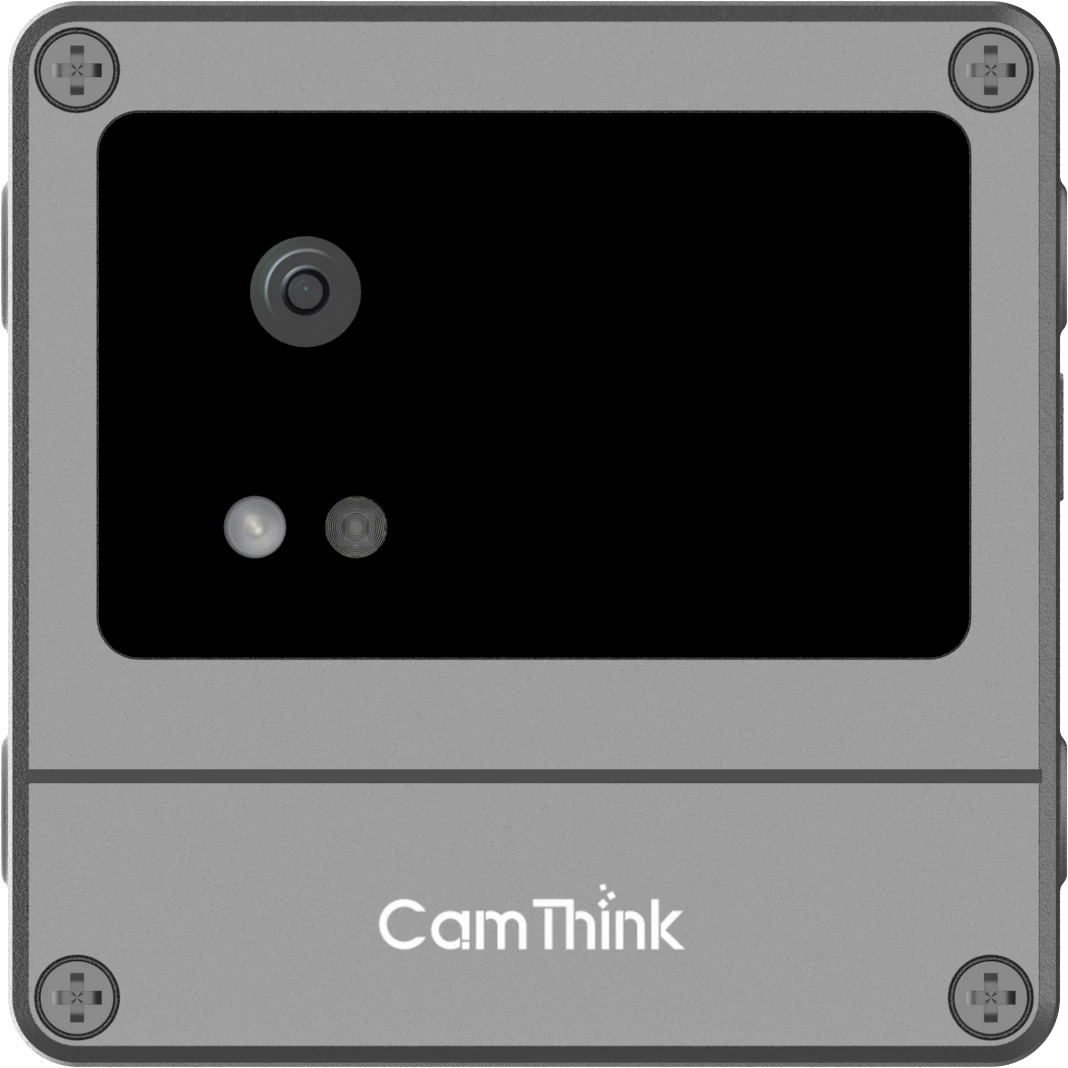
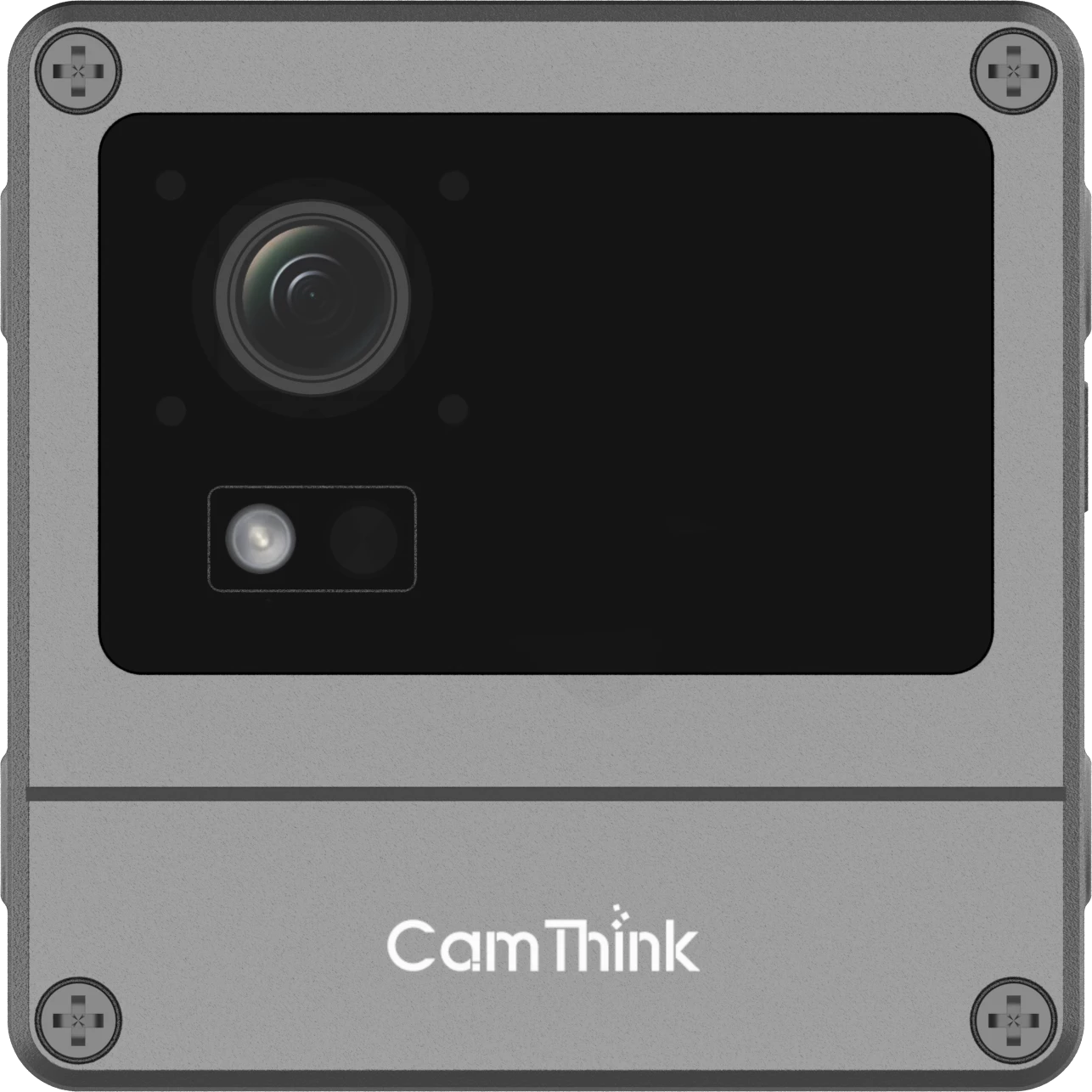
On NeoEyes NE503, a camera-side app can apply the crossing rule and forward the event. The NE503 integration guide shows how an app can use the Event Bus and forward messages via MQTT. Check the event fields and retry behavior in the app you plan to deploy.
For directional totals, NeoEyes NE301 has a line-crossing app for compatible firmware. The v4.2.8 engineering guide documents window.in, window.out, a completeness flag, and device-scoped boot_id and report_seq for deduplication. Window times are based on uptime. The documented example uses a person model. Confirm the app version and test the model with your target vehicles. Optional track details travel with the window report.
Once the data and application fit, check pilot hardware in the CamThink Store. For decisions about what equipment to keep and where to add AI, use our traffic flow monitoring upgrade guide.
Run a Receiver PoC on One Counting Line
Use one line, a short labelled clip and a test copy of your receiver. Include known crossings in both directions and a quiet period. Capture the outgoing messages and check the result in the dashboard, API or record store your team actually uses.
- Confirm the normal run. Check direction and class against the clip. For counts, compare each direction and class within the same window so errors in opposite directions stay visible.
- Replay and reorder messages. Send a record twice, then send two records out of order. Check that a crossing appears once and late data lands in its original interval.
- Break the connection and restore it. Interrupt the link long enough to miss an expected delivery. Verify which messages return and how the receiver shows any gap that remains.
- Restart the app or device. Watch the first records after the restart. Make sure new records are accepted and that renewed sequences or clocks map to the right session.
Record the counting error by direction and the end-to-end delivery delay. For a reporting feed, measure delay from the end of each window. Compare them with the limits in your evaluation brief. If the platform imports data correctly but crossings are miscounted, investigate the model or counting rule. If the payload is right and the platform files it under the wrong minute, fix the timestamp mapping before the next test.