Define the Traffic Data You Need
Keep any existing camera or sensor that provides the traffic data you can verify. Then decide where coverage or measurement falls short. You might add processing behind a usable camera, install a new camera for a blind approach, or put a dedicated counter at a dispersed site. Test that change at one representative point before you price the rest of the rollout.
Consider a junction where the system already reports the number of vehicles passing each hour, but the planning team needs to know how many turn left during the school run. The total still has value. To measure the turn, your chosen view has to follow the vehicle far enough to establish its movement. If a pole, bus stop or adjacent queue hides that part of the path, the pilot needs a different view, a second source or a narrower measurement.
The FHWA Traffic Monitoring Guide distinguishes volumes, vehicle classification and turning movements, among other traffic measurements. Turn that distinction into a short specification before you choose hardware. Agree which approaches or lanes matter, the categories staff can consistently label, the reporting interval and whether staff need to review an individual crossing. A five-minute report for trend analysis and a per-vehicle record for a turning study call for different data and validation.
Keep the Assets That Still Do Their Job
An upgrade can be as small as using an existing stream to add one missing measurement. Walk the site with a drawing of the approaches and mark where each camera, loop or radar reports usable data. Put the required count line or turn path on a sample frame. For an existing camera, ask for footage at the camera’s normal operating settings from a busy period and a difficult light condition. A clear live preview in the middle of the day tells you little about whether a turn remains visible through headlight glare or a queue.
Keep the original source for measurements it already makes reliably. A loop or radar may continue to supply the totals or speed data you use today while video adds a movement or a visible category. The National Academies guide to reusing traffic signal assets discusses the limits of existing video and other detectors for volume and movement data. When you compare an old sensor with a new camera, match the detection location and time period. A loop upstream and a line across the stop bar can legitimately report different totals during the same interval when traffic queues between them.
Choose Where the Traffic Analysis Runs
Once the scene and the desired output are clear, choose the hardware by what is missing at that site. These are evaluation paths. The camera view, the model or counting application, and the receiver all need to work together.
| What You Have | What to Evaluate | First Site Check |
|---|
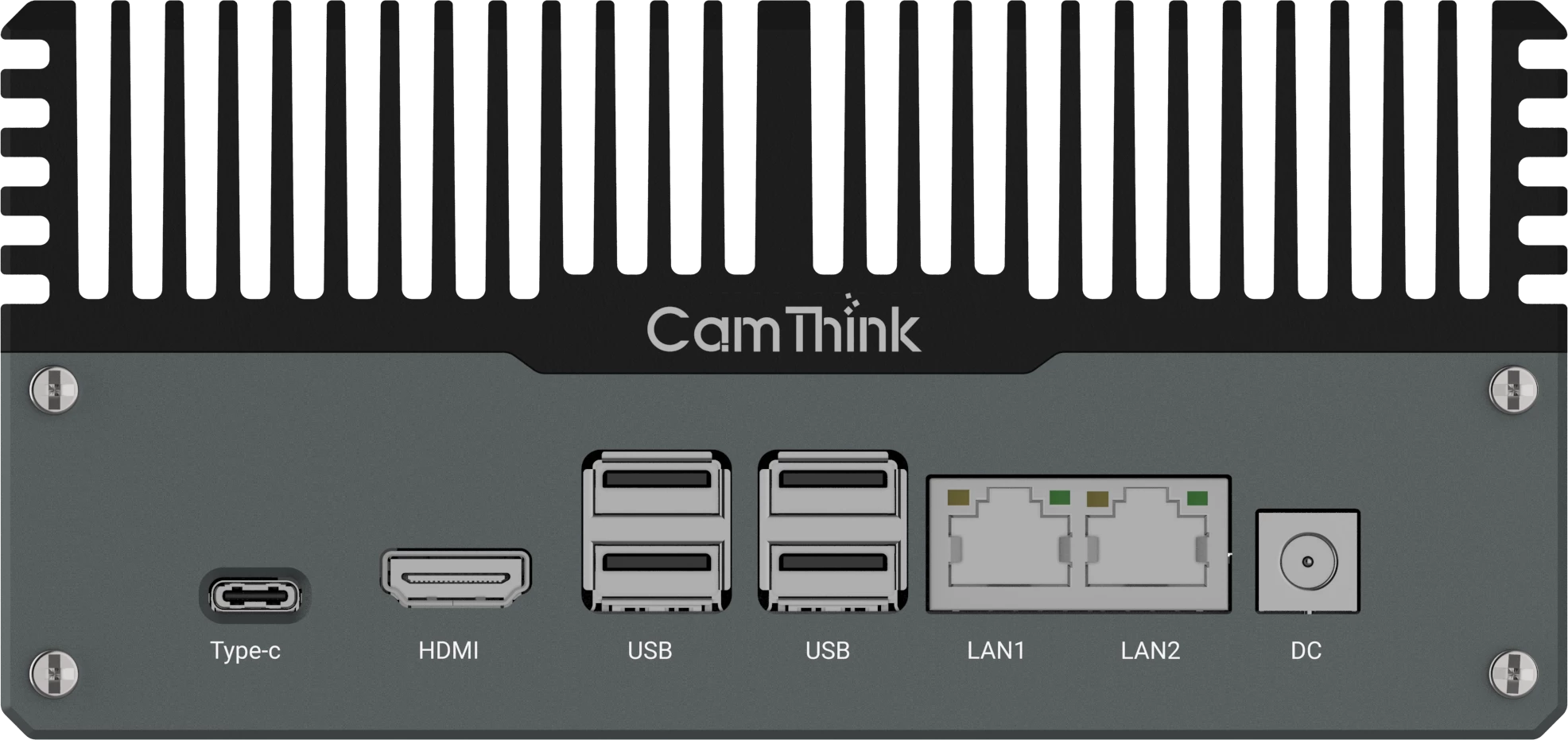
| A usable live stream shows the full movement. | NeoEdge NG4500 as a local host for the traffic application. | Open the production stream on the host. Confirm that it shows the movement at busy times. |
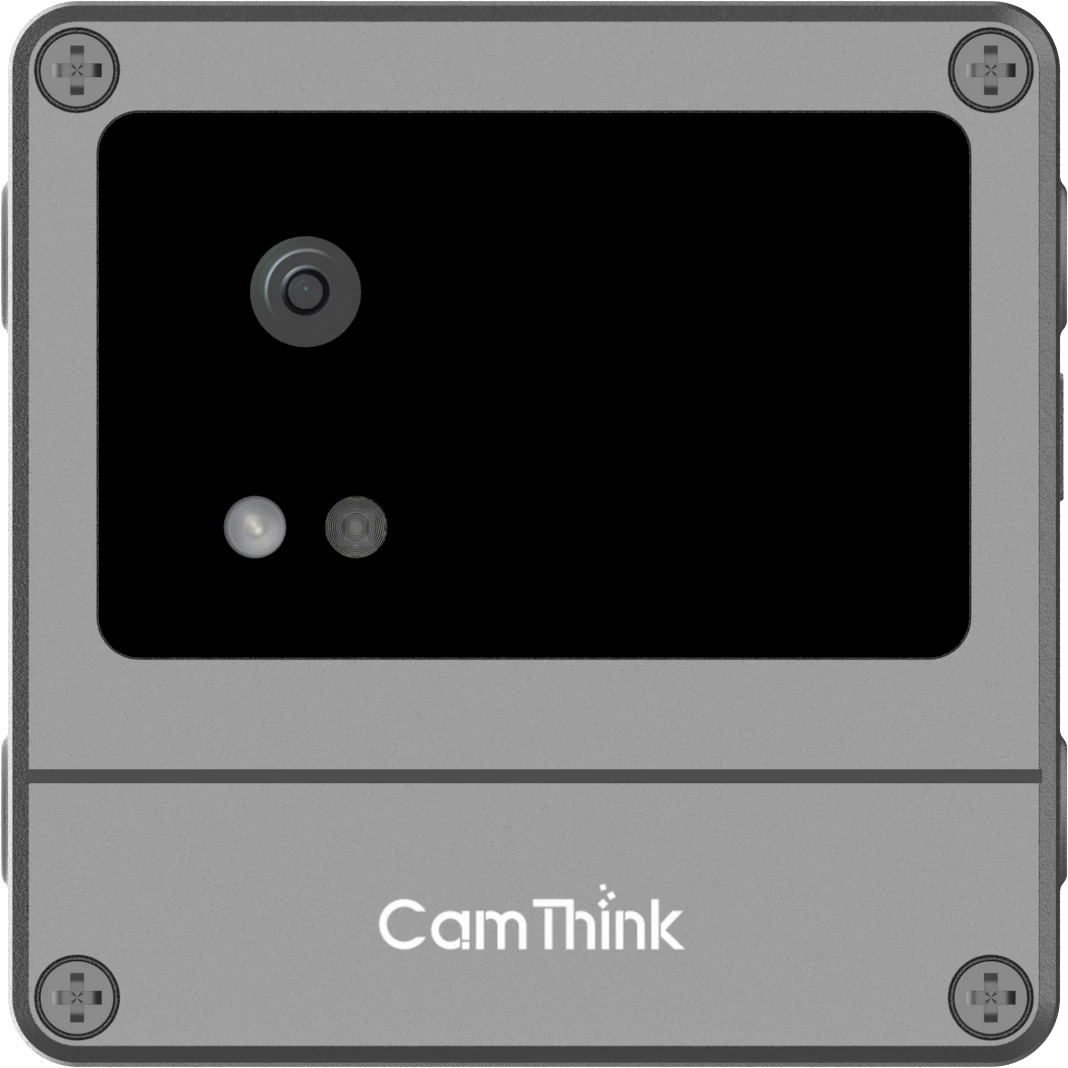
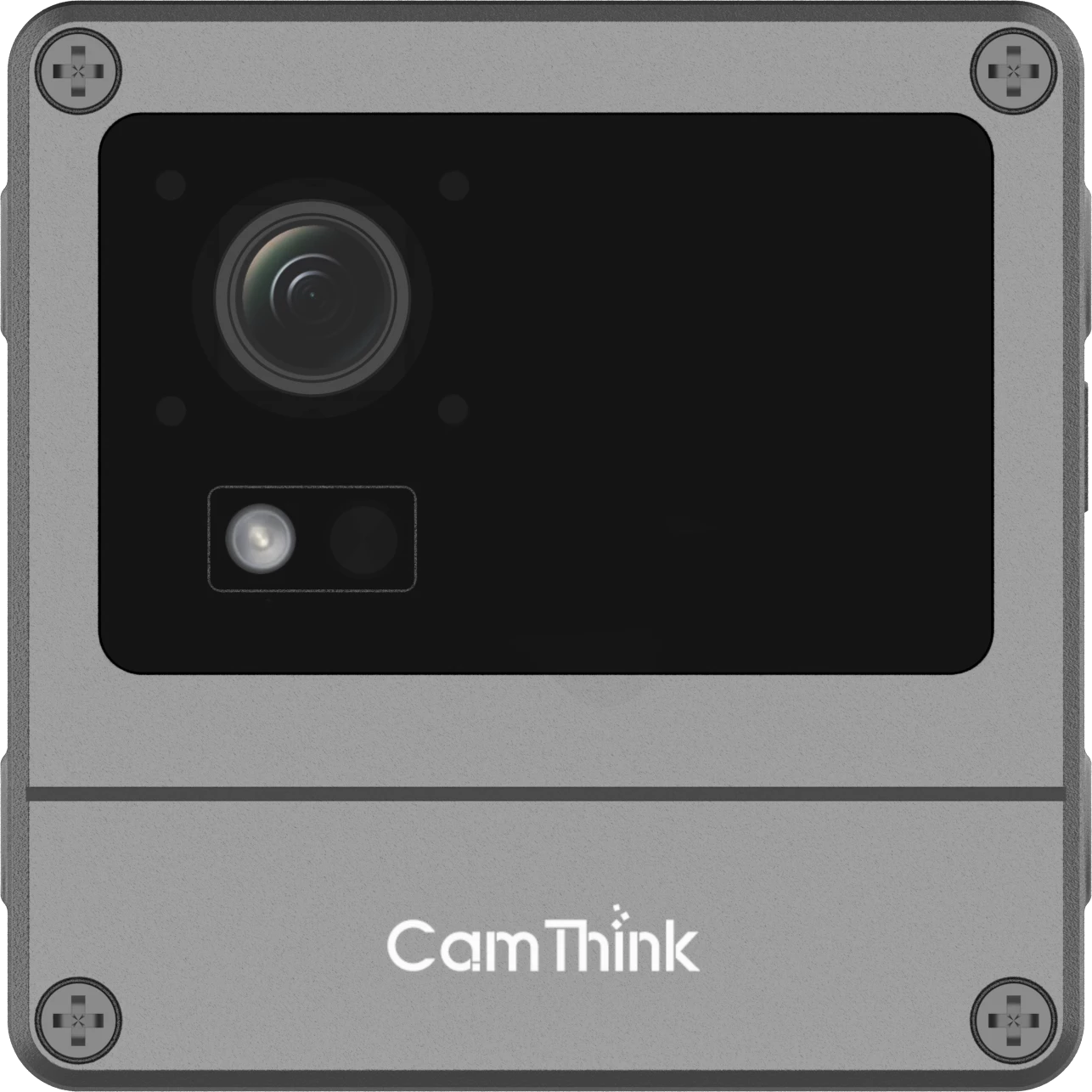
| The critical approach or relevant movement is obscured. | A dedicated NeoEyes NE503 for a new fixed view and a camera-side application. | Test the proposed mounting position with representative footage and verify that the application can run and deliver its result. |
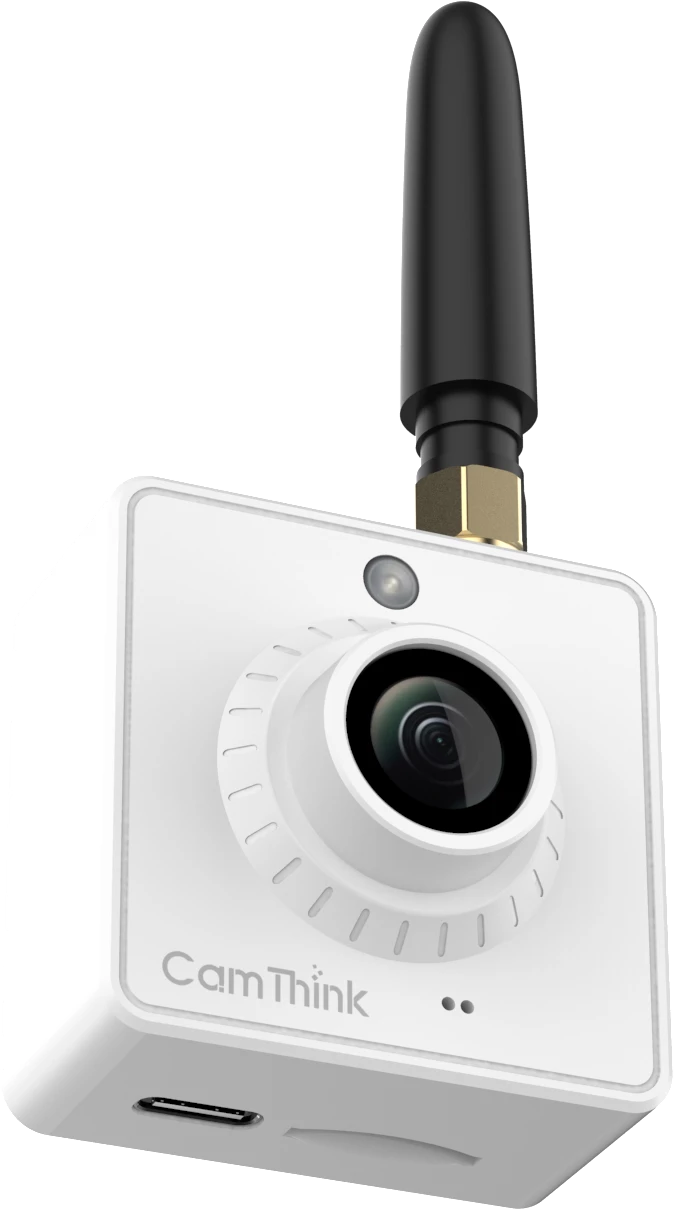
| A dispersed site needs a simple directional count at a defined crossing. | NeoEyes NE301 with the compatible line-crossing application and a validated model. | Run the app during the intended observation period and check that window reports arrive after a link interruption. |
For existing IP cameras, our camera compatibility checklist and edge AI box sizing guide cover the stream and workload checks. On NG4500, use the intended video profile and your target detection, tracking and counting logic in the pilot. If several streams share the box, test the expected busy-period load rather than sizing it by camera count alone. For a new fixed point, NE503 gives integrators a camera-side runtime for their own application. Validate the chosen model and event delivery with the new view.
For a simple crossing, our NE301 line-crossing engineering guide documents the app-host firmware, line-crossing app and bundled person-detection example. A vehicle or bicycle trial needs an appropriate model and a field check of the target class, tracking and direction. Verify that the power plan covers the full observation period and the network plan covers the reports you need. Check those loads separately if you also intend to transmit continuous video.
Check the View Before You Buy
Before you choose a new mount, watch a vehicle approach, cross the proposed line and leave the measurement area. For a basic directional count, place the line where tracks can be seen on both sides and where drivers seldom stop or turn back across it. For a turning-movement count, test whether the view can follow vehicles between the specific entry and exit zones you plan to report. In the junction example, watching the stop bar alone may support approach volume while the turn itself needs another view.
Use footage with traffic conditions that can change the result. A large vehicle may cover a cyclist from one angle. Headlights can obscure the lane after dark. A queue may cause traffic to stop on the line or hide a crossing in the next lane. If the clip shows these failures, try adjusting the view or changing the measurement before buying compute for that point. Where staff need axle-based categories or an established speed measurement, use the sensing method that supports those requirements and validate the new visible categories independently.
Decide What Your System Should Receive
A detector can describe what it sees in a frame. A count also needs a rule that follows the object across frames, decides whether it crossed the line and assigns a direction. Put that logic in the camera application, the edge box or your existing backend, depending on what the project can run and maintain. If your backend already owns tracking, inspect a sample of the detection data with that team before you agree on the device configuration.
For a reporting system that needs trends, a completed interval with totals for each direction may be enough. Define the site, approach, direction names, class and time window with the receiving team. Decide how that system should display an empty interval, a missing report and an incomplete count. A quiet five minutes and five minutes with lost video are different observations.
For example, the NE301 engineering guide’s versioned report reference documents directional totals, a completeness flag, a boot identifier and a sequence number for line-crossing reports in app v4.2.8. Its window times use device uptime. If your report aggregates across sites by local time, check how the receiver maps each interval to a wall-clock period, especially after a reboot or delayed delivery. Run that check on the version installed for the pilot. Set each source’s orientation explicitly so an IN count becomes the intended road or site direction in your downstream system.
Run a One-Site Traffic Monitoring Pilot
Use a site with a representative workload and at least one condition you expect to encounter after rollout. Keep the current reporting source running while you test the new path. Log the camera position, video profile, software and model versions, reporting interval and time basis so the teams can explain any changes in the result.
- Create a manual reference. Mark a sample of visible crossings by direction and target class. Include a busy period and the difficult condition that matters at that site, such as dusk, overlapping traffic or a slow turn.
- Compare at the level you will use. Score each direction and class in the agreed intervals. The total can agree while errors in opposing directions cancel each other out. Review missed crossings, false counts and misclassified objects separately.
- Test what the receiver gets. Observe a planned link interruption and recovery in the pilot setup. Record late, duplicate and missing reports and check how the receiving system displays partial data.
- Decide what qualifies the site for rollout. Agree on acceptable error by direction and class, reporting delay and completeness for your use. Record which failures require changing the view or sensor, which require a model or counting-rule change, and which belong in the receiving system.
For an existing-camera pilot with a stable view and a defined workload, you can compare the NG4500 configuration options before choosing a test unit. Keep the pilot scoped to the actual footage and required traffic data. One reviewed clip and a sample report from the receiver give your team a practical basis for the next equipment decision.