Start with the Recognition Software You Will Deploy
Your access platform already manages vehicles and permissions. The next hardware needs to capture local plates, run the selected recognition software and return records your platform can use while the internet is unavailable. Start the sample order with that software path in hand.
List the plate detector, character reader, regional formatting rules and event publisher. Name the team or software partner supplying each part. If you are still selecting a recognition package, ask its provider which processor targets, operating systems and licence modes it supports before choosing a camera. This identifies the hardware you can actually test.
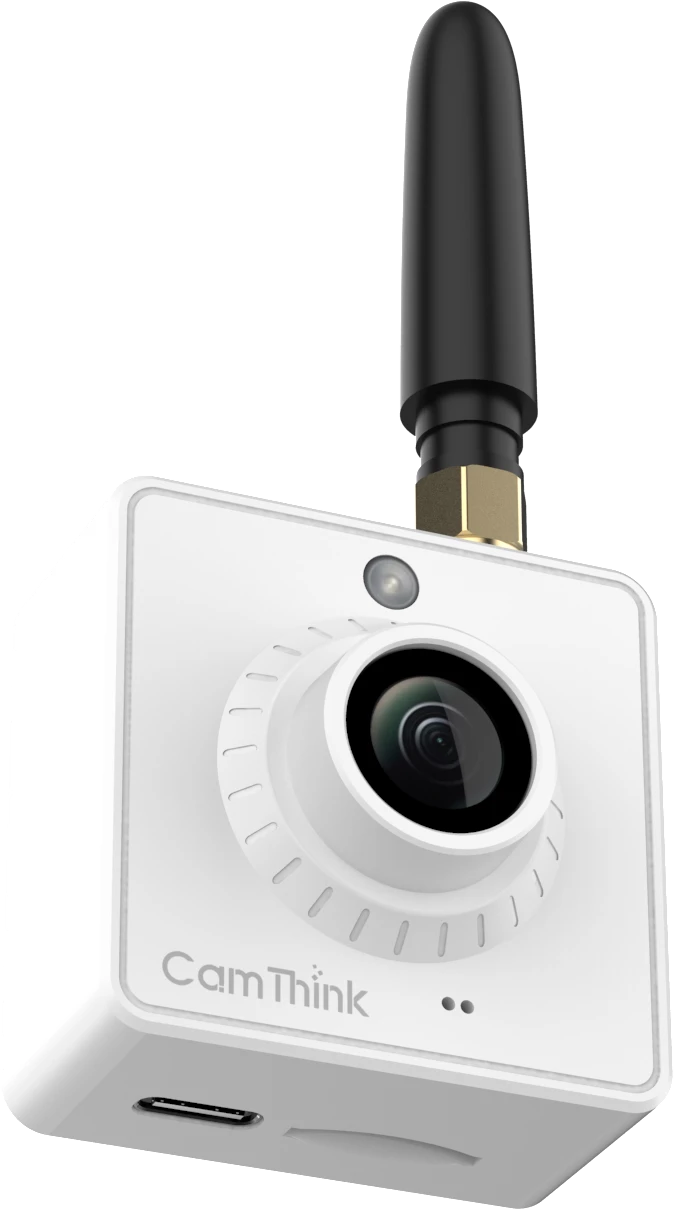
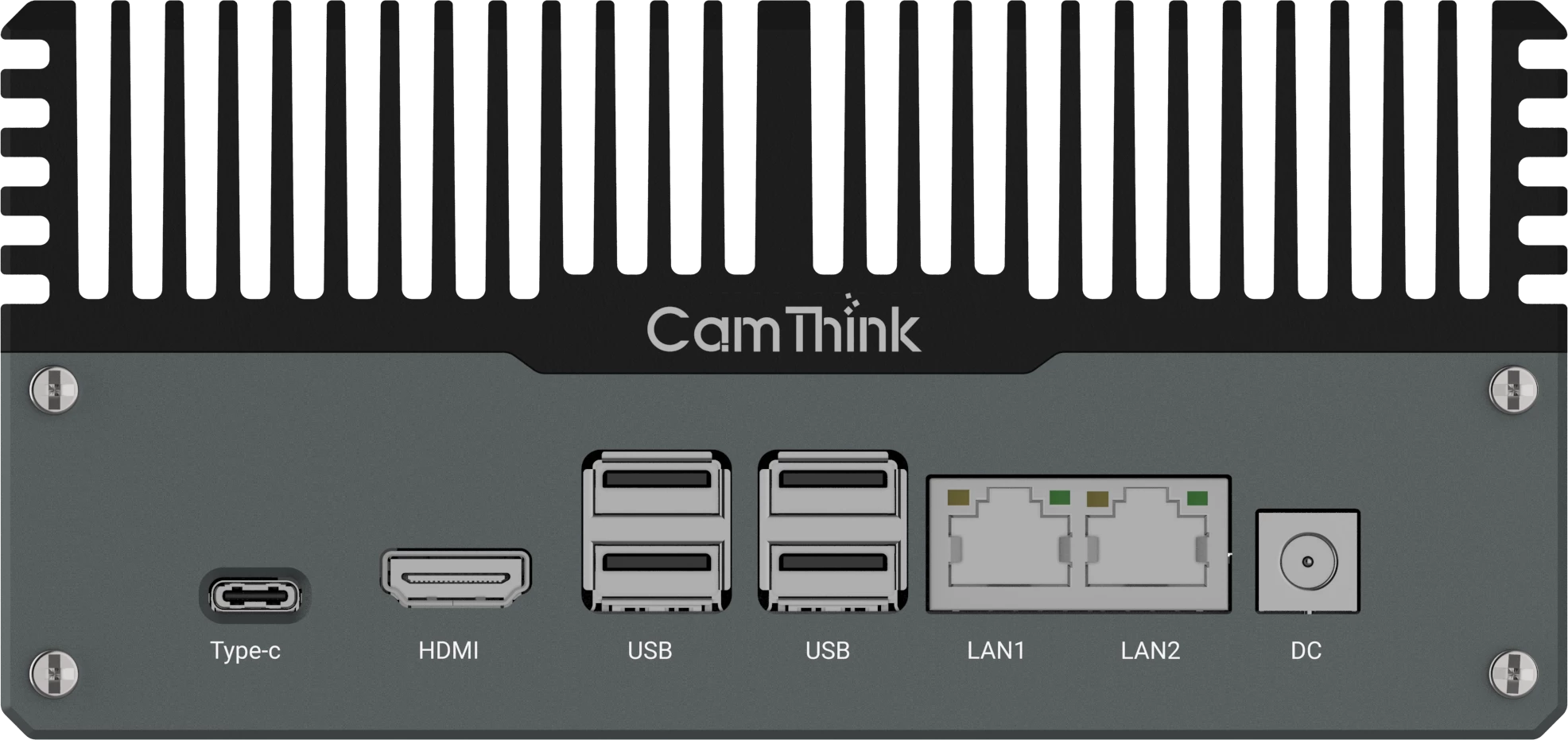
CamThink gives product teams a camera-side application platform with NE503 and a local video-processing host with NG4500. You can evaluate capture, runtime and integration on a standard unit, then discuss the configuration gaps that remain for your product. A useful first result is one complete passage recorded correctly in your existing platform.
Draw the local route from capture through recognition, storage and the access controller. Keep the site LAN and WAN separate on that drawing. Your platform owns permissions, appointments and the action taken on a read. Include its offline decision rules in the trial so a successfully recognised plate produces the intended system behaviour.
Match the Recognition Package to the Hardware
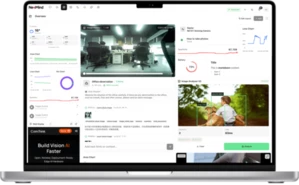
For a fixed entrance with recognition in the camera, evaluate NeoEyes NE503. It provides a Hailo-15H application platform with a containerd runtime. Check the detector and character reader as separate workloads, including image preprocessing, post-processing and the libraries needed by your chosen package.
Our NE503 model compilation guide documents a static YOLOv8 detection-model conversion path to HEF. Use it to review the detector build. The OCR stage needs its own compatibility check and timing measurement. A package running on another accelerator has to be evaluated against the NE503 software environment.
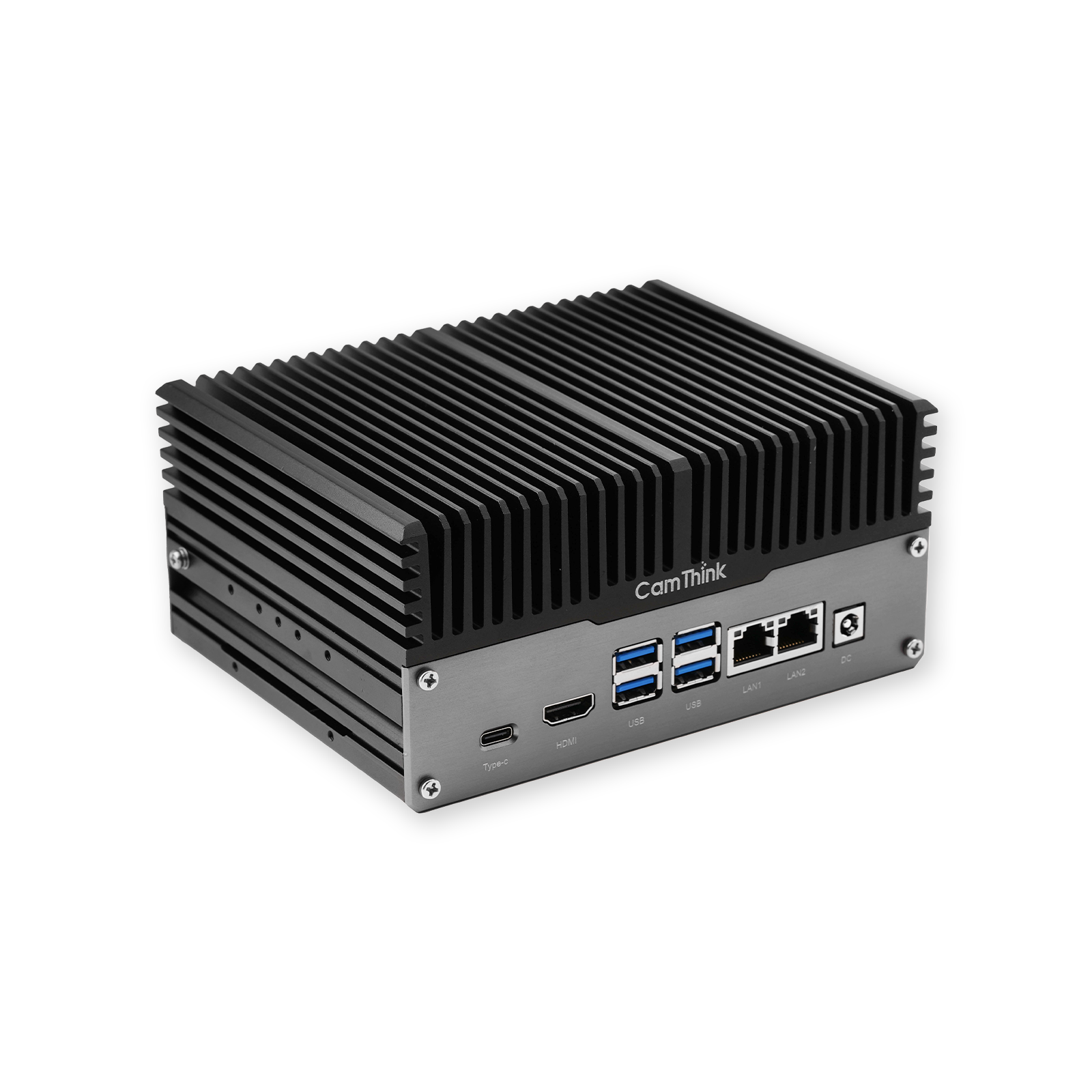
If your recognition application already targets NVIDIA Jetson and your entrance video is suitable, evaluate NeoEdge NG4500 as the local host. Run the complete build with decoding, recognition, evidence recording and event publishing active together. Reusing the current event publisher can reduce changes to the access backend.
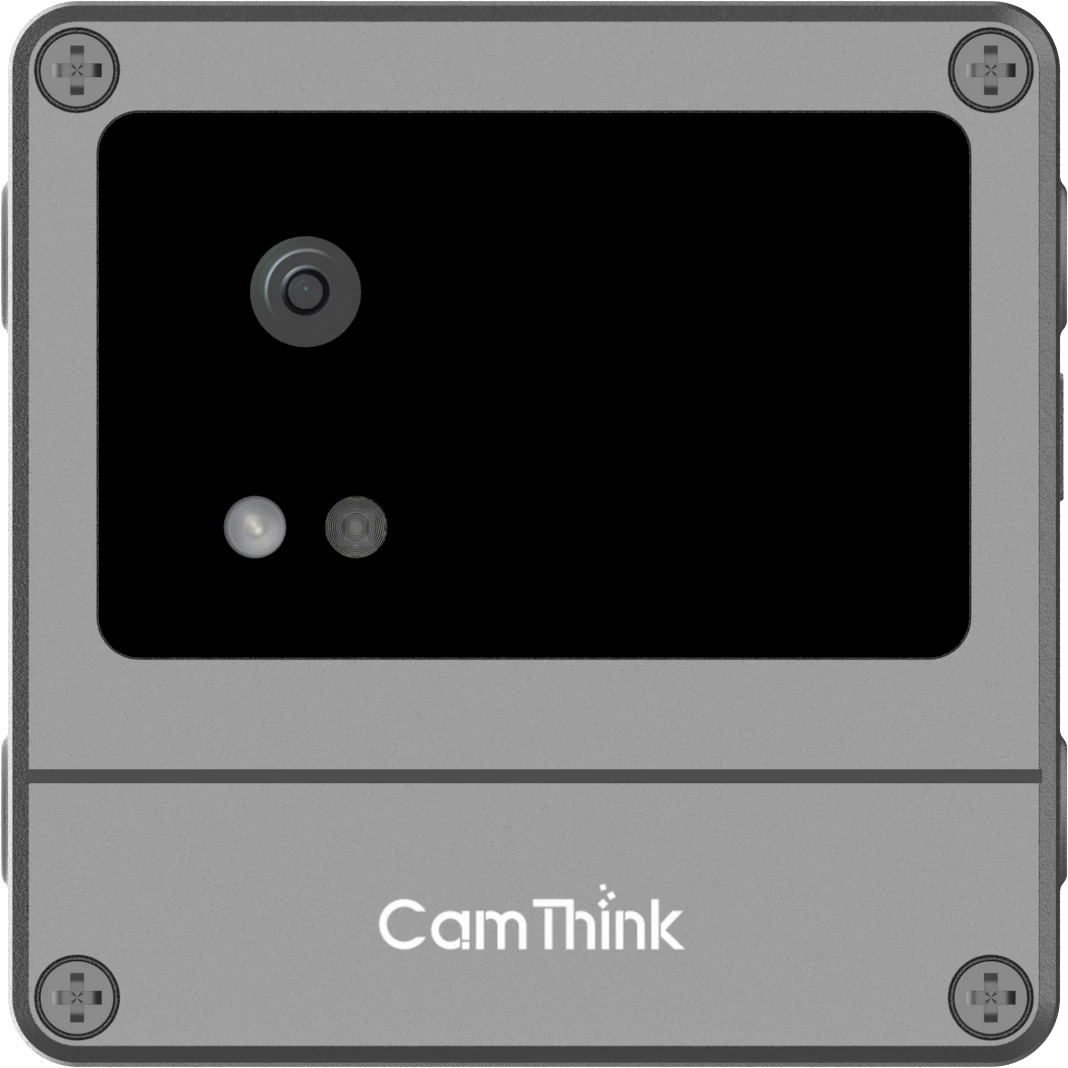
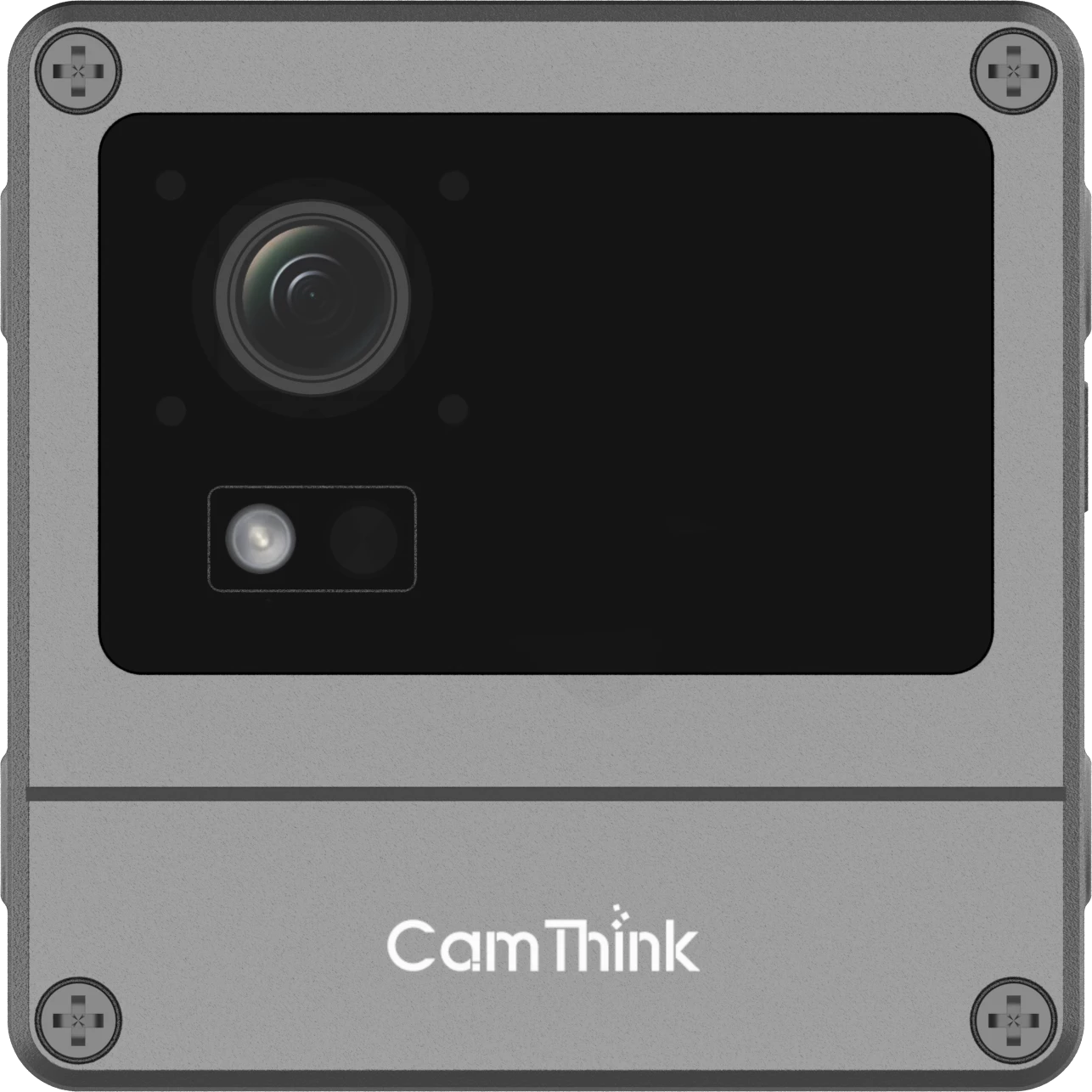
For an NE301 proposal, request a working build of the complete detector, character reader and reporting application on the intended firmware. Use your local plates to establish its fit before adding it to the pilot order. General object-detection support provides a starting point for development, while the ANPR pipeline determines the configuration to buy.
Compare the required input resolution, memory use and peak concurrent work against the selected unit. Check that the application starts with the network disconnected, including any licence dependency. Use our ANPR hardware guide for the broader entrance configuration and our NE503 evaluation guide for application bring-up.
Send your software target, plate region and receiver sample when you review an offline ANPR hardware evaluation with CamThink.
Prove That Your Local Plates Are Readable
Start with images from the proposed position and lens, using the settings intended for operation. Include headlights, night lighting and vehicles entering from the edge of the lane. A plate must remain readable in the frames the model actually receives after resizing and compression.
Use the local plate formats that matter to the project. Motorcycle plates may have a different layout and sit in a different part of the image. Check whether the chosen view captures the relevant side of the vehicle and whether the recognition model supports those layouts. A detector that locates a plate still needs a character recognition stage.
Keep a manually transcribed reference for each passage, including unreadable plates. Report results separately for cars and motorcycles and for day and night. Excluding all difficult passages from the denominator would hide a buying problem. The Axis recognition manual illustrates how region, capture settings and event storage form distinct parts of a deployable application.
Before a model test, compare the image saved for recognition with the original frame. Cropping can improve plate detail, but a crop based on a missed detection produces no useful character input. Keep the original passage in the manual reference when this occurs. During night tests, verify the chosen exposure freezes the moving plate and preserves its characters under the site’s illumination. Re-run the same route after any image-setting change, since a setting that improves plate contrast may alter the evidence view the operator uses.
Separate the Failures You Need to Test
| Condition | Keep Running | Observe |
| WAN disconnected, LAN intact | Local image processing and any local controller connection | Recognition results and records retained during the outage |
| Backend endpoint unreachable | Recognition and local record creation | Retry timing, backlog growth and evidence retention |
| Camera video lost | Device health and explicit unavailable status | Missing capture periods and how the operator sees them |
| Power interrupted | Recovery after power returns | Saved records, application startup and clock continuity |
Use these conditions as separate test cases and keep the affected link visible in the test record. Disconnecting the cloud receiver leaves a different local system available from unplugging the camera’s network cable. Record whether video, recognition, the local event store and the controller were still reachable during each run.
Keep an Event Until the Platform Accepts It
Specify what the application saves when it reads a plate. A useful project record includes a stable event ID, source and lane, observation time, plate string and region where available, plus the evidence reference needed by the operator. Keep the same ID when the sender retries. These are proposed integration fields for your application.
Define acknowledgement at the receiving end. A successful network send may occur before the platform commits the record. Use the agreed acknowledgement to decide when the local application may remove its pending copy. Size retention against the expected event rate and evidence size, then test the full condition as well as a short outage.
After reconnection, the platform should place delayed records at their observation time. It should also distinguish the original entry decision from later synchronisation. Replaying a stored plate event into the business database needs a different treatment from issuing a new gate command. Have the access team test that boundary in a controlled setup.
Separate pending metadata from images when estimating retention. As an illustrative sizing exercise, 2,000 passages at 300 kB of evidence each require about 600 MB before database and filesystem overhead. Use measured evidence size from your encoder and leave room for logs and update packages. Then fill the application store deliberately in the test environment to observe its documented overflow policy.
Licensing and timekeeping also deserve a restart test. Ask whether the recognition package can start without reaching a licence service and how it timestamps records before clock synchronisation returns. Save both the original device time and the receiver time where necessary. Treat uncertain time as a quality condition so delayed records remain explainable.
Run the Same Lane Through Three Conditions
First run with the normal connection and save the recognition output alongside the labelled footage. Measure readable capture coverage, exact plate matches among all expected passages, missed events and duplicate records. Keep false reads visible because the downstream consequences differ from a missed read.
Disconnect the WAN while keeping the intended local path powered. Repeat representative passages and verify records directly at the local application. Where the project needs local access decisions, have the controller team confirm those decisions separately. Record the software version and which network segment was disconnected.
Restore the connection and reconcile the local record list against the platform. Check IDs, original timestamps and evidence links. Repeat with a longer outage and a restart to establish the tested storage and recovery limits. Choose acceptance thresholds with the buyer before the run so a promising demo becomes a usable procurement result.
Use a reconciliation sheet with one row per expected passage. Include the reference plate, camera read, local event ID, backend ID and evidence availability. A record can pass recognition and still fail integration because its image expired before synchronisation. Score those outcomes separately. The sheet gives procurement a practical comparison between two candidate builds.
Repeat the test using the power and storage configuration you intend to order. An internet outage with a mains-powered camera proves a different operating condition from an off-grid installation. For solar projects, measure the recognition workload and illumination over the required operating hours, then size the energy system through the separate power evaluation.
After the run, attach the application, firmware, lens and storage configuration to the purchase decision. Keep a record of the remaining integration work and who will deliver it. Confirm any changes needed for the next hardware batch against that tested baseline so your sample results remain useful when the product expands.