
No products in the cart.


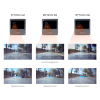
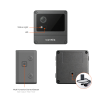
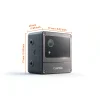
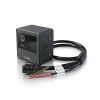
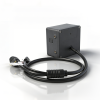
NeoEyes NE301 PoE Edge AI Camera
$258.00
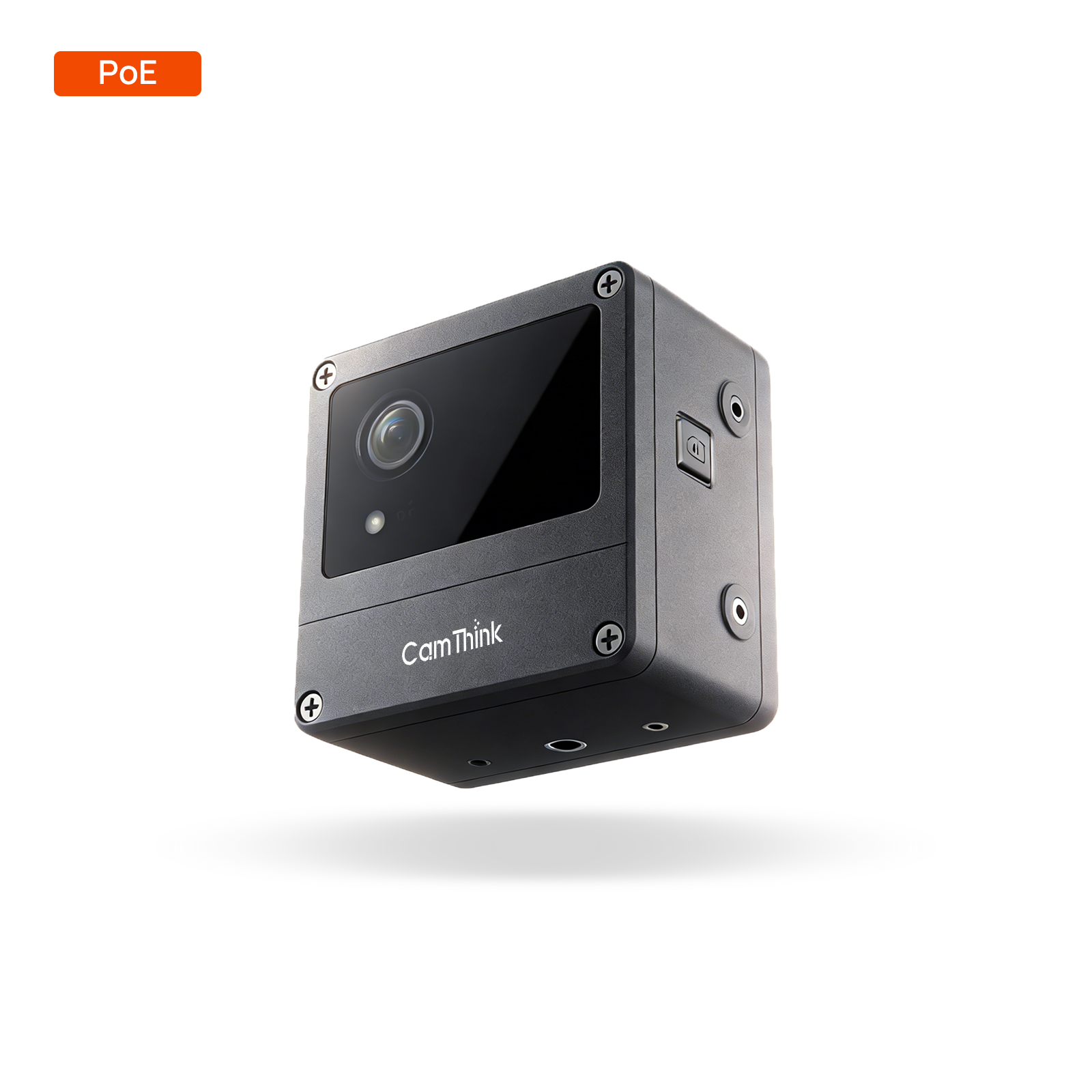
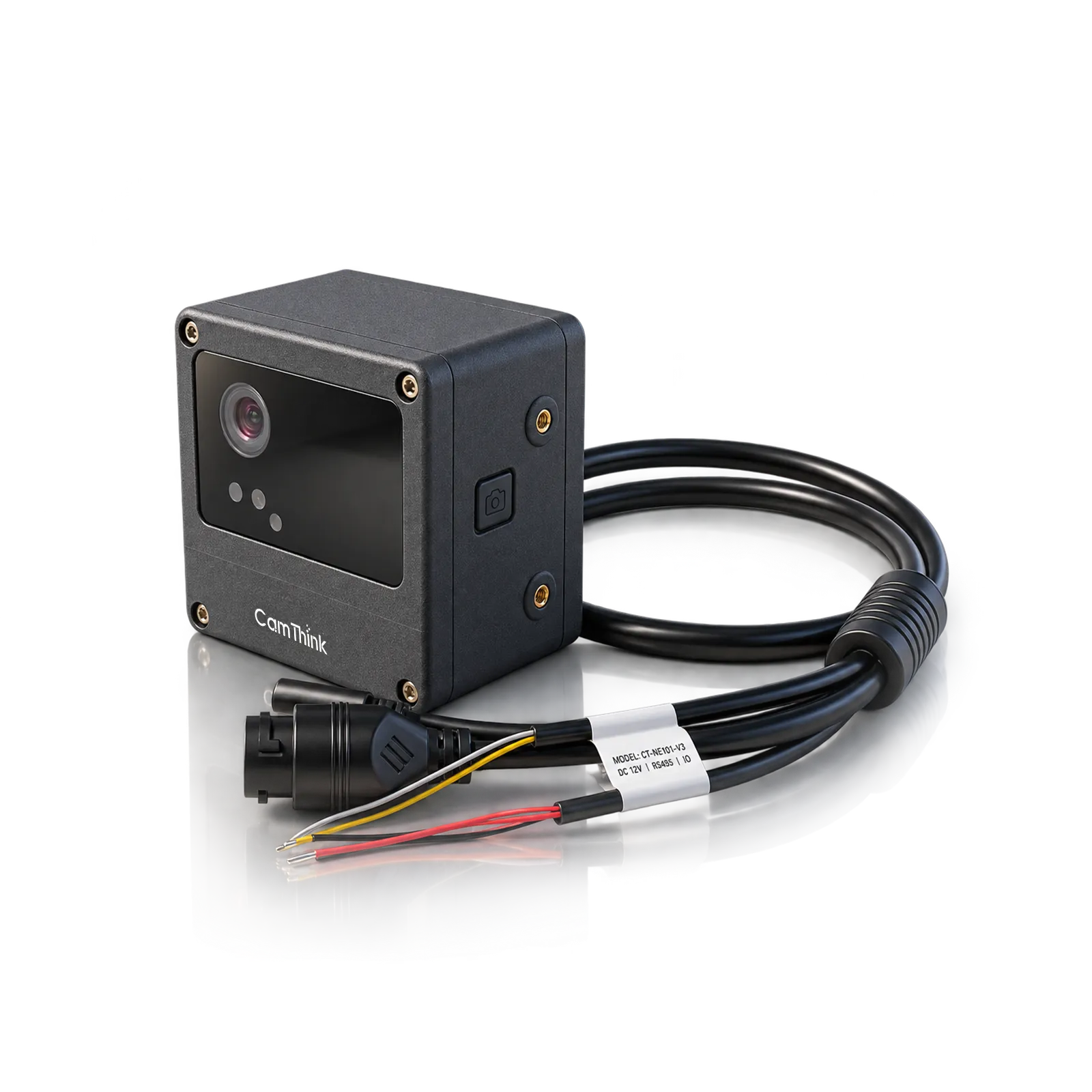
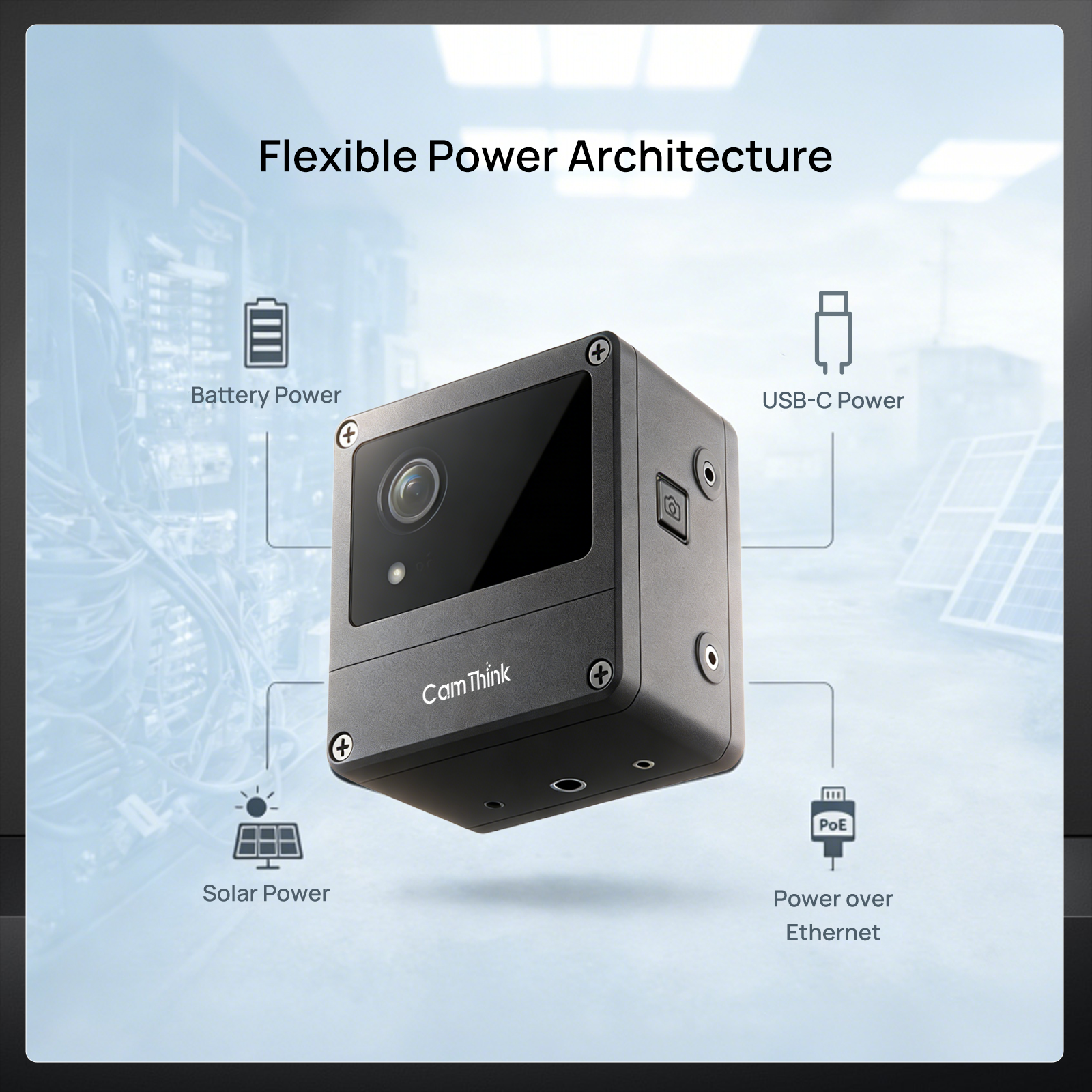
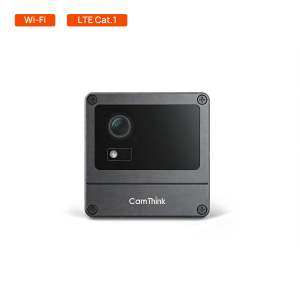
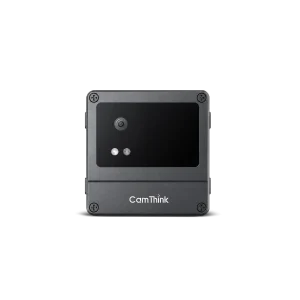
NeoEyes NE301 PoE is an STM32N6 edge AI camera for fixed monitoring points. One IEEE 802.3af Ethernet connection supplies power and network access, while the camera runs visual inference locally and reports results to your system.
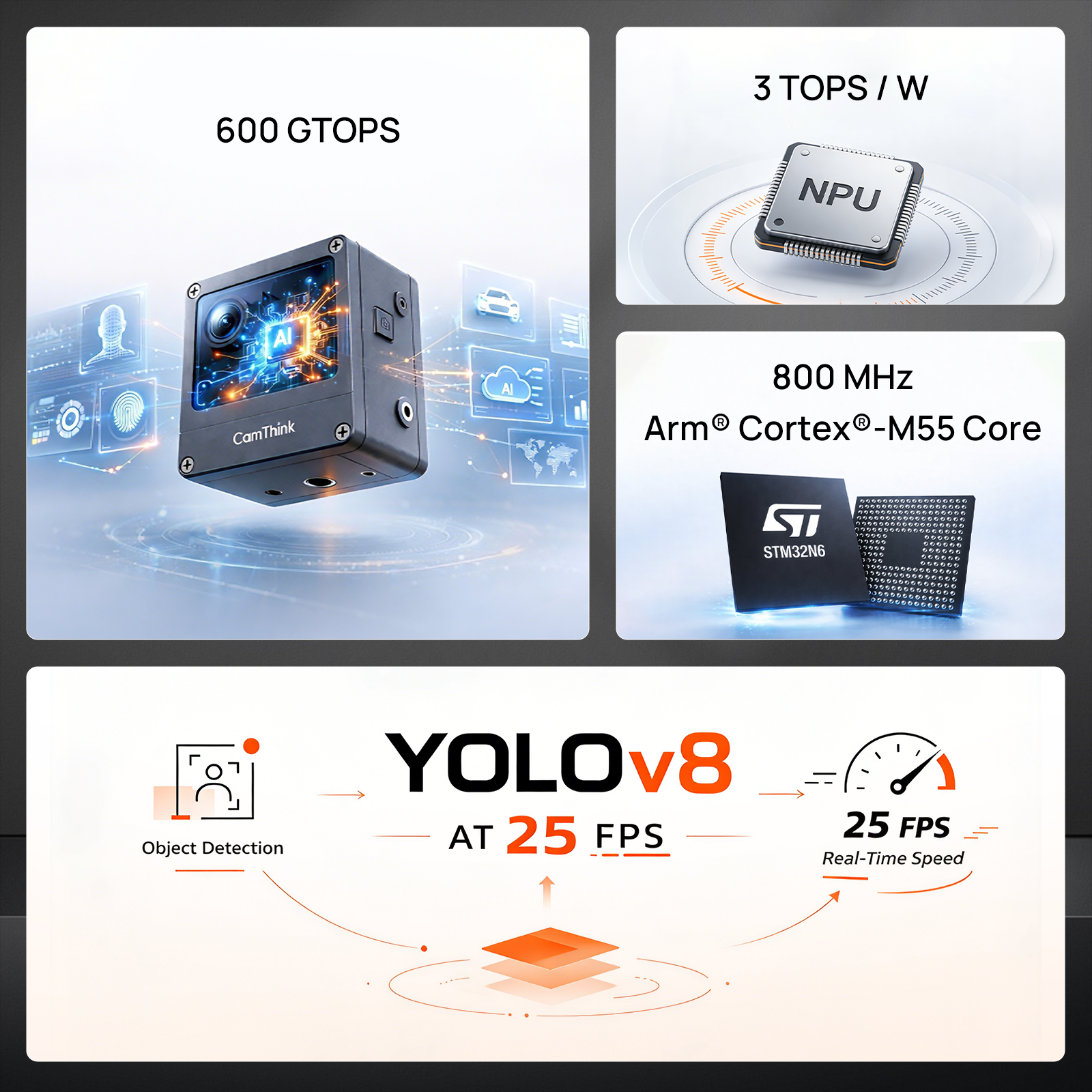
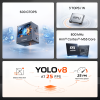
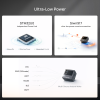
- Up to 0.6 TOPS with a factory-installed YOLOv8 Nano detection model.
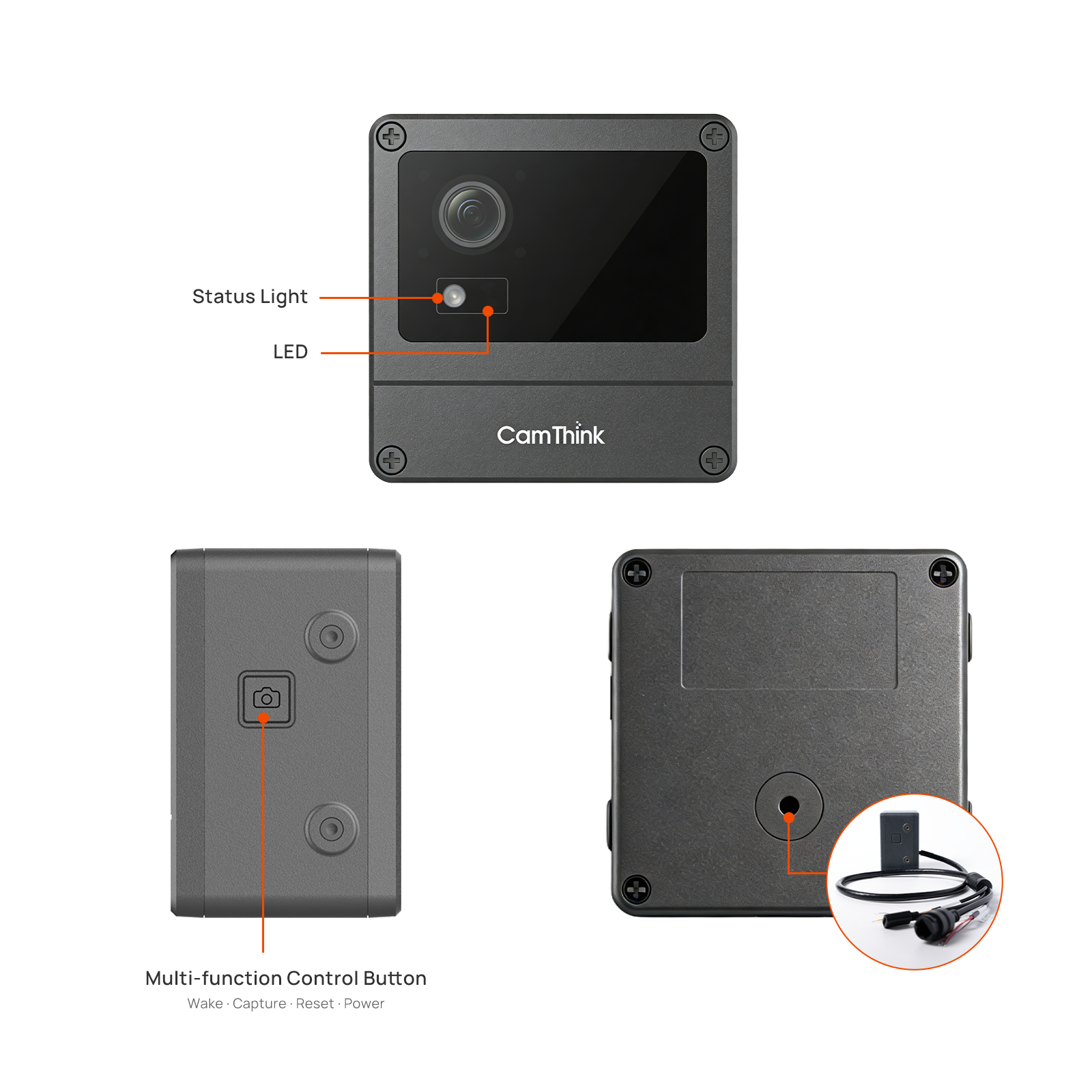
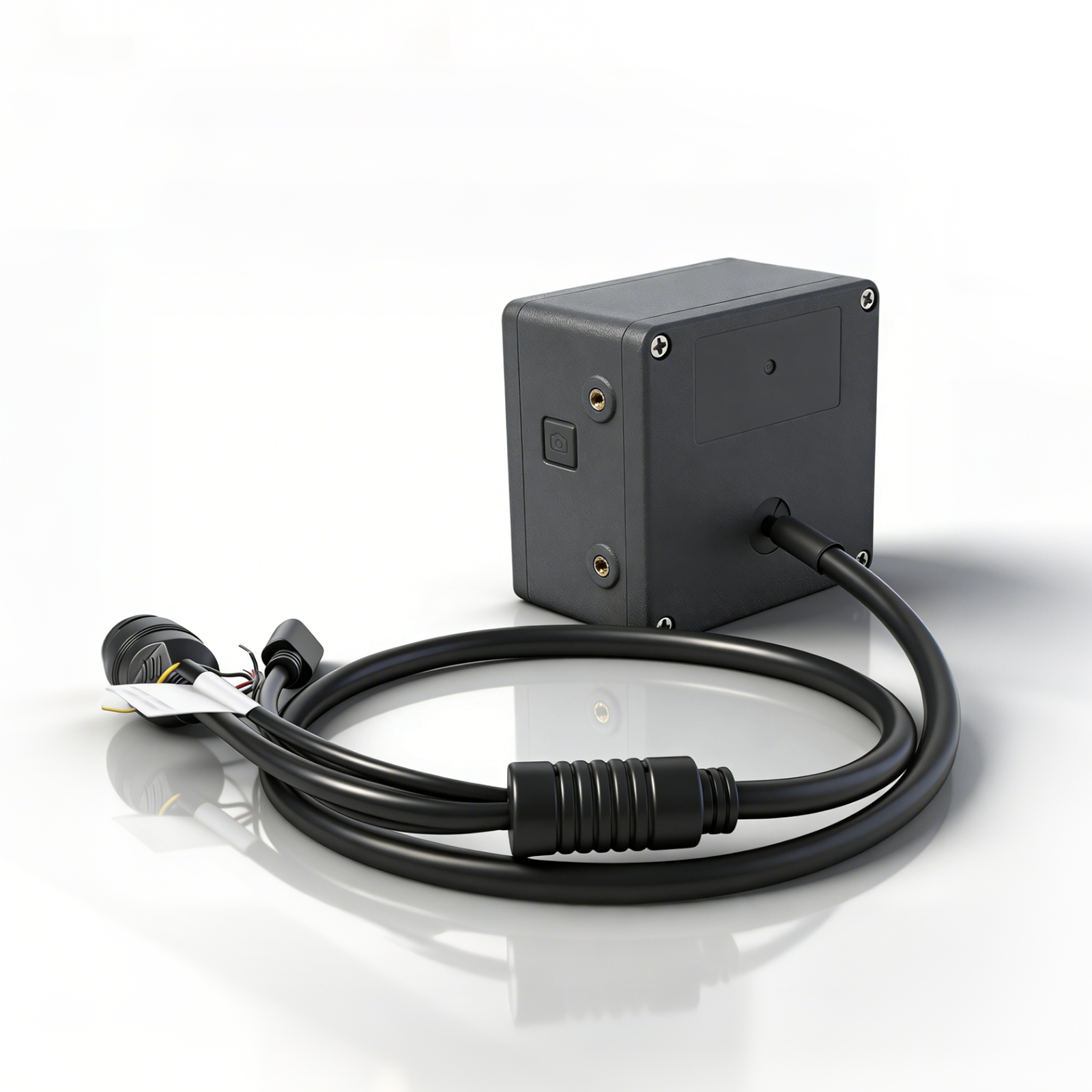
- 4-in-1 cable: PoE Ethernet, USB-C power input, RS485, and Alarm I/O.
- MQTT/MQTTS and Webhook reporting; RTMP/RTSP video streaming.
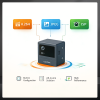
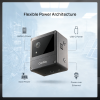
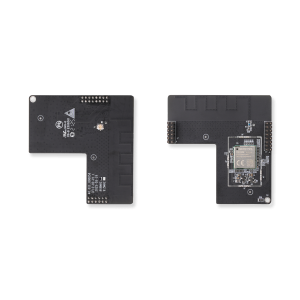
- Evaluate Wi-Fi, PoE Ethernet, and LTE Cat.1 with an optional Cat.1 communication board.
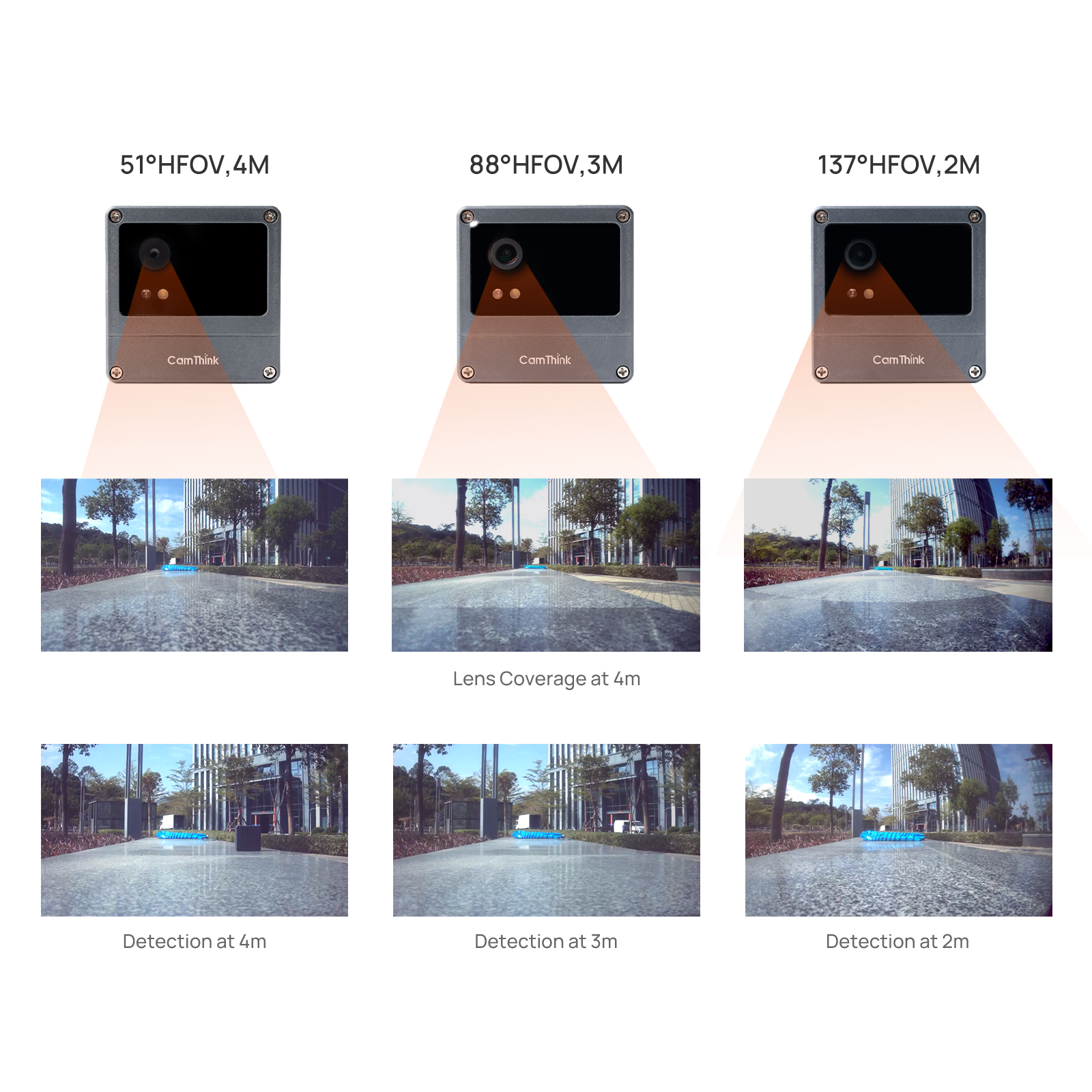
Choose 51°, 88°, or 137° HFOV. For PoE operation, provide an IEEE 802.3af PoE switch or injector and Cat5e or better cable. See the NE301 PoE setup guide.
12% OFF
26HOLIDAY12
Applicable on selected products
SKU: N/A
Categories: AI Cameras, NE301
Tag: NE301
Pay with Ease
- Customization Service
- OEM / ODM Support
- Bulk Order Pricing
- Worldwide Express Delivery
- Warranty Coverage & Lifetime Support
Contact us at sales@camthink.ai
Local AI for fixed monitoring points
NeoEyes NE301 PoE combines a camera, STM32N6 processor, and Ethernet connectivity in an IP67 enclosure. It captures images, runs object detection on the device, and sends results to an IoT or monitoring platform. Continuous wired power suits scheduled inspection and video streaming at locations where an Ethernet cable can reach the camera.
For PoE operation, prepare an IEEE 802.3af PoE switch or injector and Cat5e or better Ethernet cable; neither is included with the camera. For outdoor installation, protect the cable connection and maintain enclosure sealing.
For battery-powered installations, compare the standard NE301 Wireless camera and the NE301 with Weather Shield & Antenna. The weather-shield version includes a rain hood and offers Wi-Fi, LTE Cat.1, or Wi-Fi HaLow connectivity; LTE Cat.1 and HaLow configurations add an adjustable antenna.
Configure, detect, and connect to your system
A 4-in-1 cable for deployment and POC testing
The supplied 4-in-1 cable brings out PoE Ethernet, USB-C power input, RS485, and 4-pin Alarm I/O. For proof-of-concept (POC) evaluations, use the USB-C input to test external power. A 5 V / 1 A USB-C power supply is recommended; provide your own supply and compatible cable.
The camera also supports Wi-Fi networking. Add an LTE Cat.1 communication board, sold separately, to evaluate Wi-Fi, PoE Ethernet, and cellular connectivity with one NE301 camera. Fit the appropriate communication module and select the network mode in the Web UI for each test. For cellular evaluation, choose the North America or Global (Excl. NA) board to match the deployment region and carrier, and prepare a SIM card, data plan, and APN settings.
Start with the supplied model
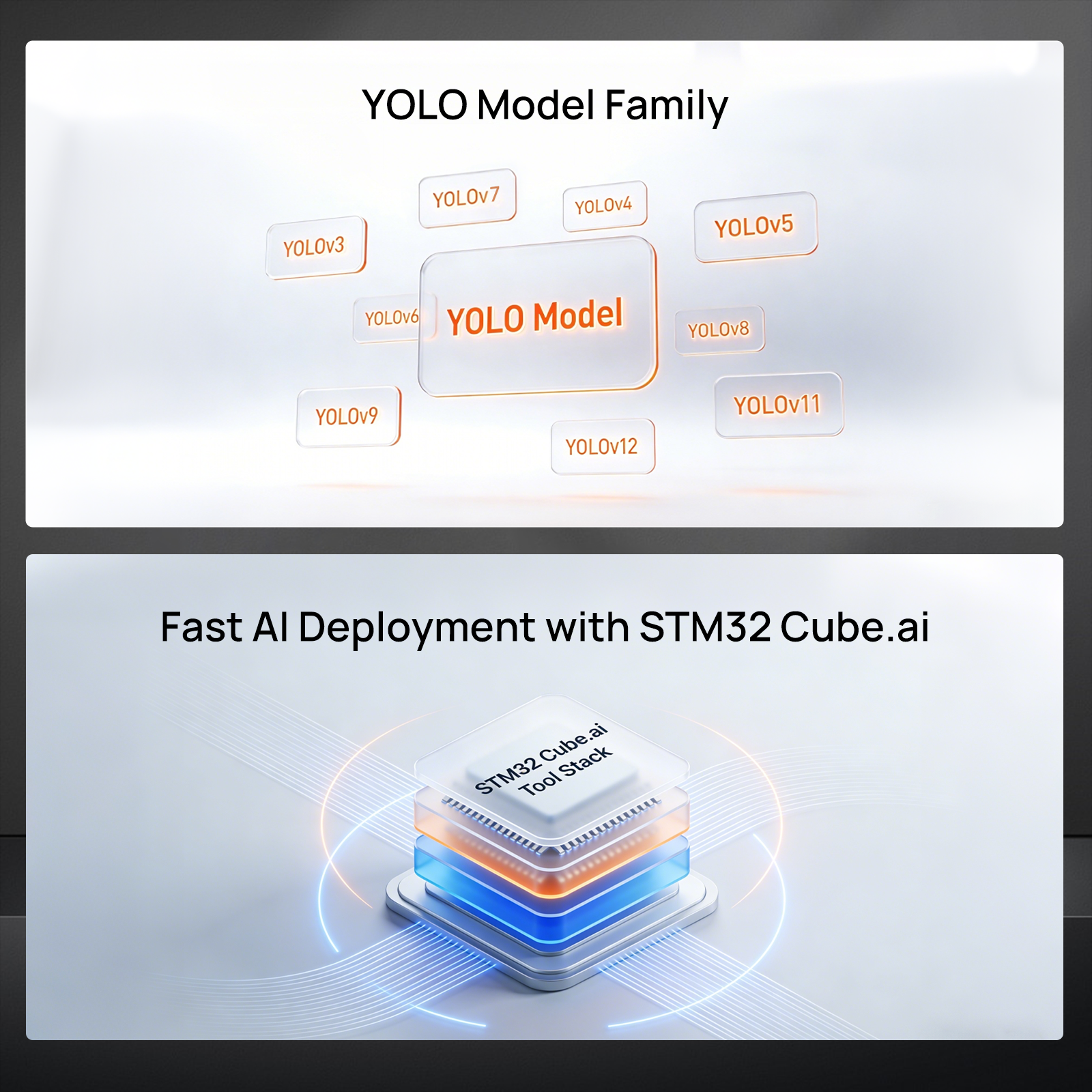
The camera ships with core firmware and a YOLOv8 Nano model for COCO 80-class object detection. Use the Web UI to preview the scene, view detection overlays, adjust confidence and NMS thresholds, and validate results before installation. The STM32N6 Neural-ART accelerator provides up to 600 GOPS / 0.6 TOPS for local inference, without a separate AI computer at the camera.
Initial setup uses the built-in Wi-Fi access point. Ethernet supports DHCP and static IP configuration; after network setup, the Web UI is also accessible through the camera’s LAN IP. The PoE connection and first-time setup guide covers these steps.
Report detections or stream video
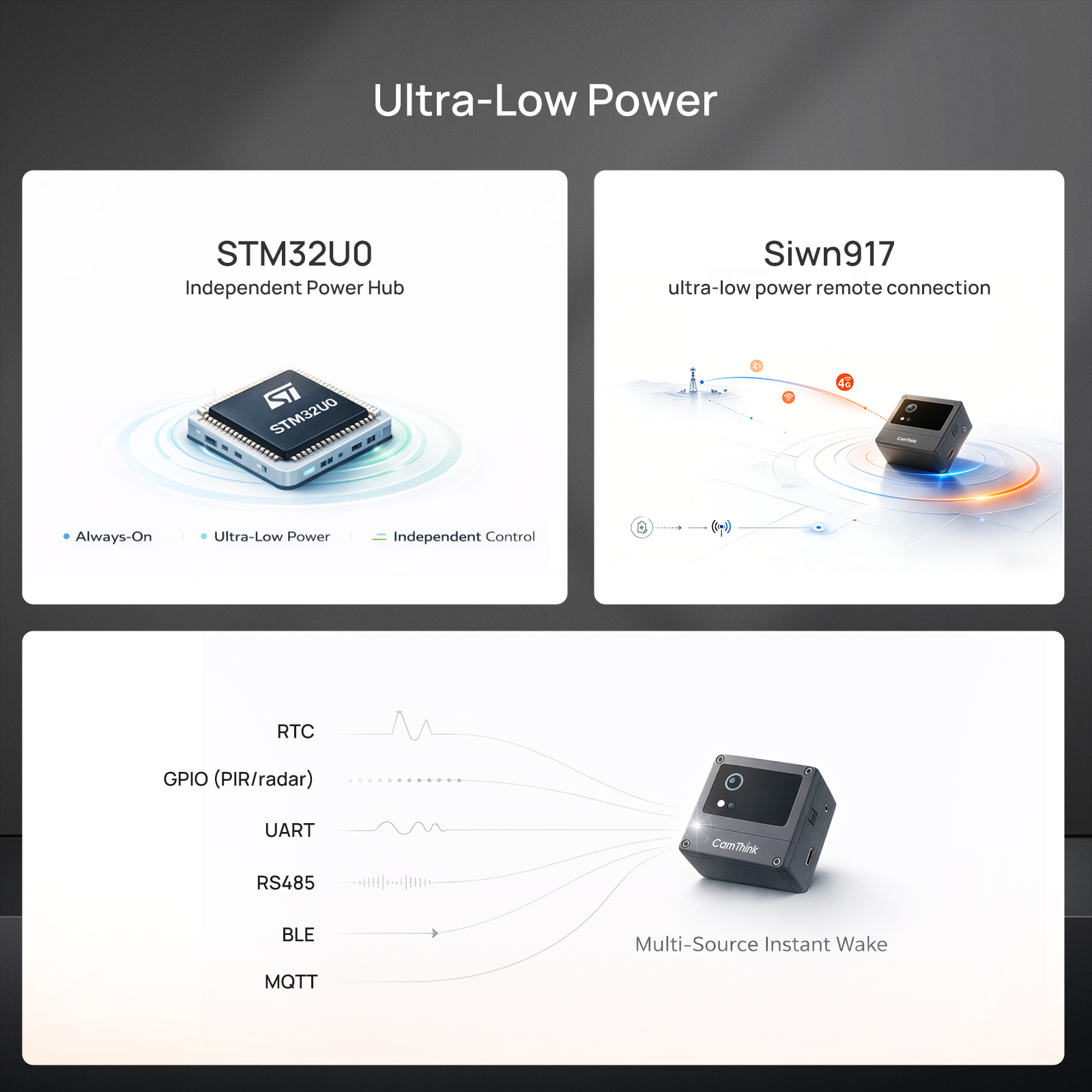
Send device information, images, and inference results to your backend through MQTT/MQTTS or Webhook. MQTT also supports remote capture commands; Webhook provides one-way HTTP(S) reporting. Your system handles dashboards, notifications, and application rules. Use the MQTT topics and JSON payload reference to plan the integration.
For live viewing, configure RTMP or RTSP streaming to a customer-provided server. PoE supplies continuous power for sustained streaming workloads. The RTMP streaming setup guide shows a receiving-server example.
Adapt models and application logic
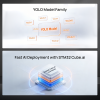
Replace the factory model with a device-compatible package through the Web UI. Start with models verified on NE301, or use CamThink AI Tool Stack for image annotation, training, and quantization on your own computer or server. Custom models need conversion and packaging for NE301; an arbitrary model file is not ready for direct upload.
The NE301 firmware and Web UI repository provides source code for custom application logic and peripheral integration, with licensing details. The PoE board provides Alarm I/O and RS485 for external devices. Check the hardware interfaces and pinouts against your hardware revision; new peripherals and device protocols may require wiring and firmware development.
Applications to evaluate
People and vehicle monitoring
Evaluate person or vehicle detections at entrances, work areas, or fixed outdoor viewpoints. Send detections to your platform for occupancy or event workflows. Counting across frames, tracking, and site-specific alert rules require application logic beyond the factory object detector.
Warehouse and retail inventory
Train a model for the items at a fixed shelf or stock location, then report detections to an inventory dashboard. The NE301 warehouse rack example demonstrates custom training and MQTT integration with Home Assistant. It is an NE301 application reference; a PoE deployment uses Ethernet for reporting and still requires its own model and backend setup.
Choose your lens
| Lens option | Focus distance | Selection guide |
|---|---|---|
| 51° HFOV | 4 m | Narrower framing when target detail matters more than scene width. |
| 88° HFOV | 3 m | Balanced coverage for general monitoring. |
| 137° HFOV | 2 m | Wider coverage when the camera is closer to the scene. |
These distances describe the supplied focus settings, not detection-range guarantees. Check target size, sharpness, and lighting at the planned mounting position. Wider coverage makes individual objects smaller in the image.
Package and installation requirements
What’s included
- 1 × NeoEyes NE301 PoE Edge AI Camera, including its PoE module, CPI OS04C10 camera module with the selected fixed-focus lens, and 4-in-1 cable for PoE Ethernet, USB-C power input, RS485, and 4-pin Alarm I/O.
Recommended products, sold separately
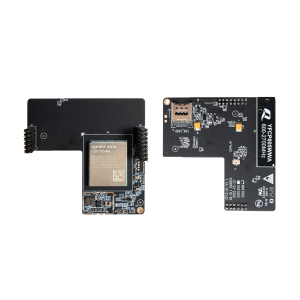
- LTE Cat.1 communication board: Add cellular connectivity for POC comparisons with the camera’s Wi-Fi and PoE Ethernet options. Choose the regional board for your carrier; SIM card and data plan are customer-provided.
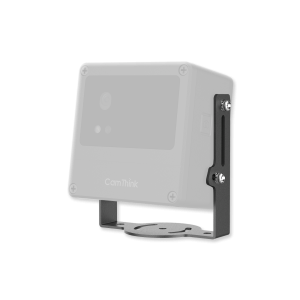
- NE101 and NE301 mounting brackets: Choose wall, pole, meter, adjustable-angle, or base mounting to suit the site. A bracket is not included with the camera.
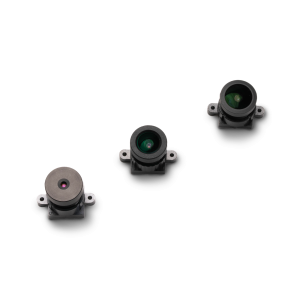
- M12 optical lens for NE301: For testing alternative framing on the existing camera module. The camera already includes its selected lens; replacements require manual focusing.
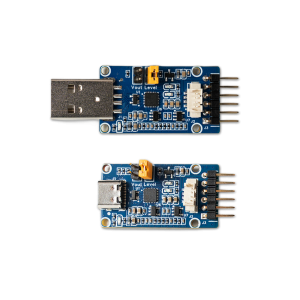
- CP2102 USB-C / USB-A UART adapter: For serial logs and CLI access during development. Uses 3.3 V TTL and includes an NE301 debugging cable; choose the host connector for your computer.
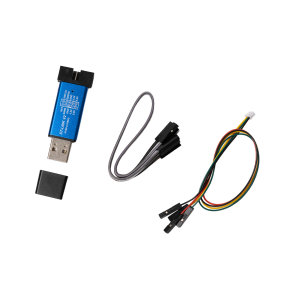
- ST-LINK V2-compatible programmer: For SWD flashing, recovery, and hardware debugging, with an NE301 cable included. It is not required for normal Web UI model uploads.
Customer-provided requirements
- For PoE operation: an IEEE 802.3af PoE switch or injector, Cat5e or better cable, and a network connection at the installation point.
- For USB-C power testing: a USB-C power supply (5 V / 1 A recommended) and compatible cable. For Wi-Fi reporting, provide access to a Wi-Fi network.
- For LTE Cat.1 testing: the separately purchased regional communication board, a compatible SIM card, data plan, and APN settings.
- A Wi-Fi-capable phone or computer for initial Web UI access.
- An MQTT/MQTTS broker, HTTP(S) endpoint, or RTMP/RTSP server for the reporting or streaming features you use.
- A MicroSD card for local storage, and mounting hardware suited to the site, if required. These items are not included.
Resources and project support
- NE301 platform and camera-module overview
- NE301 Web UI settings and model management
- NE301 custom model training and deployment
For help selecting a lens or planning an integration, email CamThink Sales with your target, working distance, network setup, and expected quantity.
NeoEyes NE301 PoE specifications
Models and variants
| Model / lens | HFOV | Focus distance |
|---|---|---|
| NE301 PoE, 51° lens | 51° | 4 m |
| NE301 PoE, 88° lens | 88° | 3 m |
| NE301 PoE, 137° lens | 137° | 2 m |
All three configurations are complete PoE cameras with a CPI OS04C10 camera module. HFOV means horizontal field of view. Focus distances are reference settings, not detection-range guarantees. The shared specifications apply to these three lens configurations.
Processing and imaging
| Parameter | Specification |
|---|---|
| Main processor | STM32N657L0H3, Arm Cortex-M55 at 800 MHz with Arm Helium |
| AI accelerator | ST Neural-ART, up to 600 GOPS / 0.6 TOPS |
| Memory | 4.2 MB SRAM; 64 MB external PSRAM; 128 MB HyperFlash |
| Supplied camera module | CPI OS04C10, MIPI CSI-2 interface |
| Lens options | 51° HFOV / 4 m; 88° HFOV / 3 m; 137° HFOV / 2 m |
| Factory AI model | YOLOv8 Nano, COCO 80-class object detection |
| Model workflow | TFLite INT8 inference; compatible NE301 model packages deployed through the Web UI |
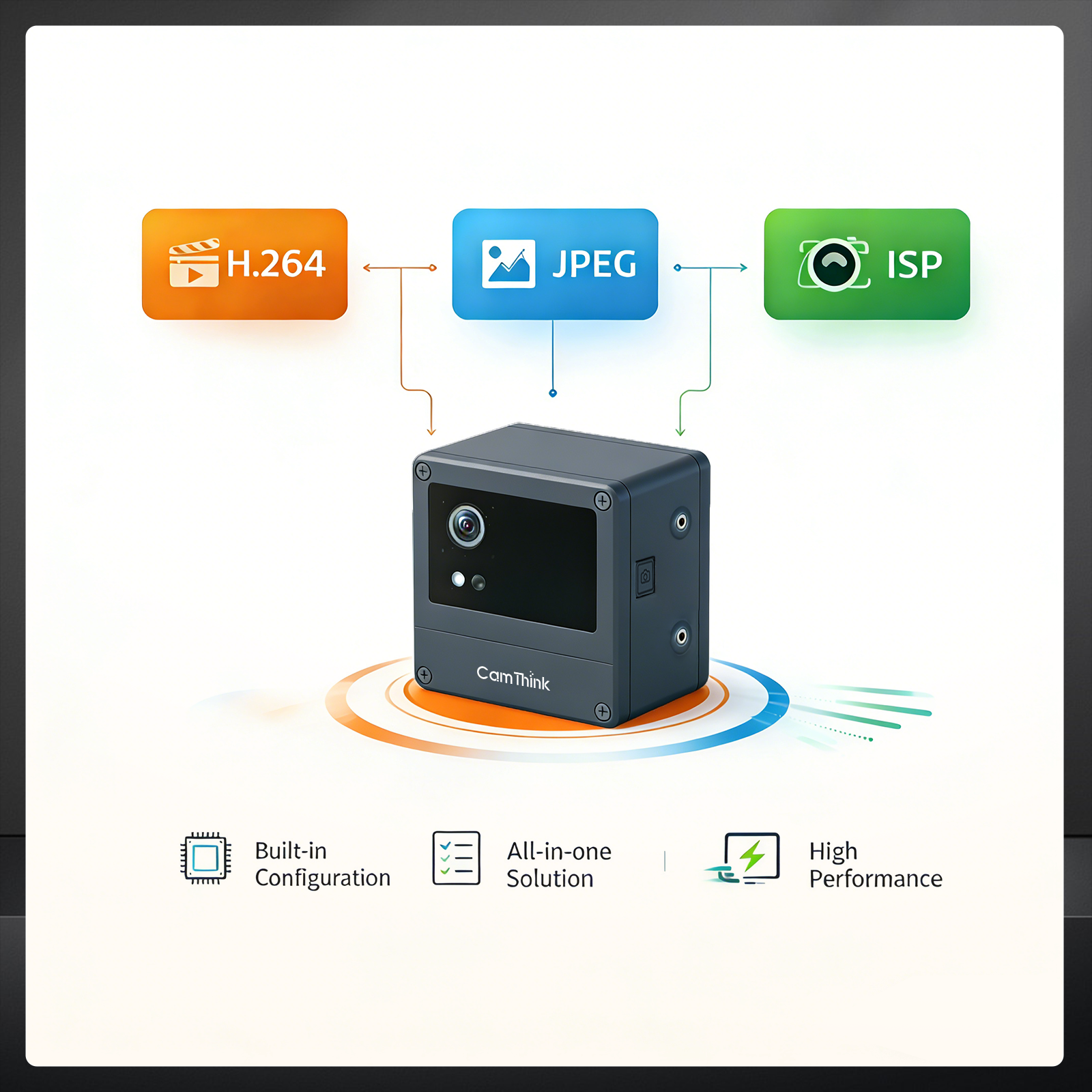
| Video encoding | Hardware H.264 and JPEG; maximum encoding capability: 1080p at 30 fps. AI inference rate depends on the model and settings. |
Connectivity, power, and software
| Parameter | Specification |
|---|---|
| Power and wired networking | IEEE 802.3af PoE through the supplied PoE module |
| PoE power source | Customer-provided IEEE 802.3af PoE switch or injector |
| Alternative power input | USB-C input on the supplied 4-in-1 cable; 5 V / 1 A power supply recommended. Power supply and USB cable are customer-provided. |
| Network cable | Customer-provided Cat5e or better; protect connections for outdoor use |
| Wi-Fi networking | Built-in Wi-Fi for wireless network access and POC evaluation |
| Optional cellular networking | LTE Cat.1 with a separately purchased North America or Global (Excl. NA) communication board; match carrier support and provide SIM card, data plan, and APN settings |
| Network selection | Wi-Fi, PoE Ethernet, or LTE Cat.1 through Web UI settings with the corresponding communication hardware fitted |
| IP configuration | DHCP by default; static IP supported |
| Initial setup | Built-in Wi-Fi AP and browser-based Web UI |
| LAN management | Web UI accessible through the camera's Ethernet IP after network configuration |
| Data reporting | MQTT / MQTTS / Webhook; customer-provided broker or HTTP(S) endpoint required |
| Video streaming | RTMP / RTSP to a customer-provided streaming server |
| Capture control | Scheduled capture, manual capture, MQTT remote commands, and compatible wired triggers |
Interfaces and installation
| Parameter | Specification |
|---|---|
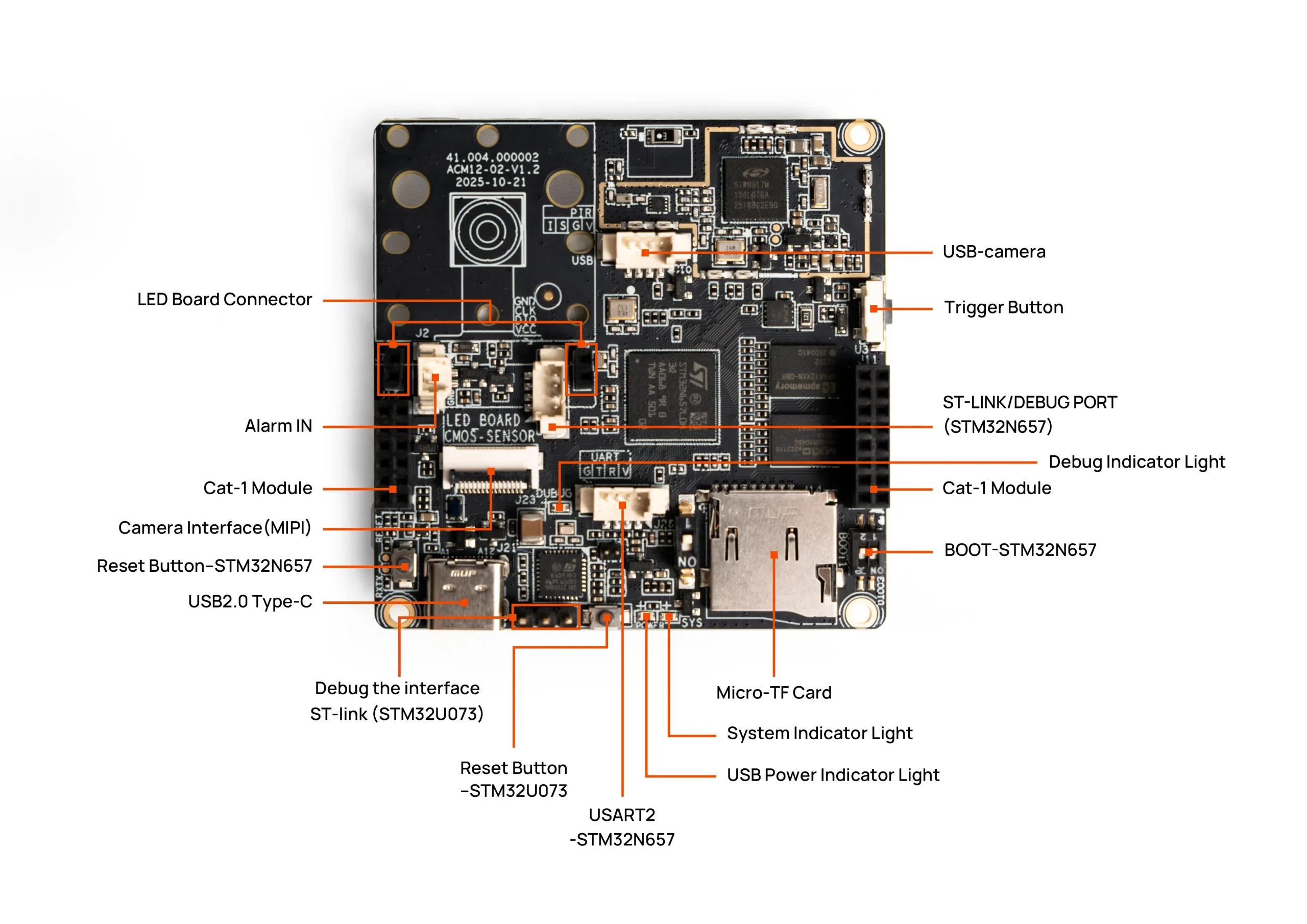
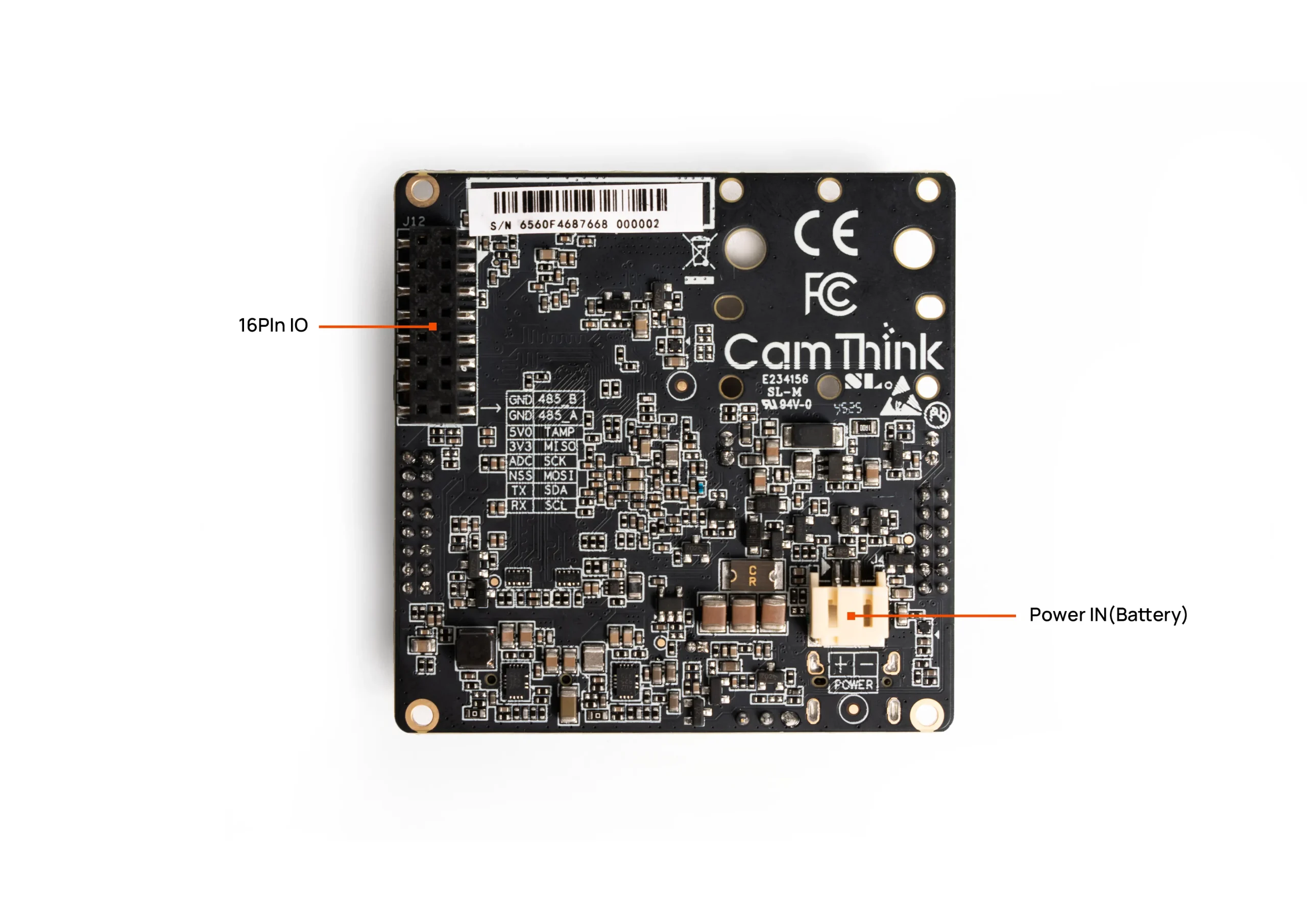
| PoE board interfaces | PoE Ethernet, USB Type-C power, Alarm I/O, RS485 |
| Supplied 4-in-1 cable | IEEE 802.3af PoE Ethernet port, USB-C power input, RS485, and 4-pin Alarm I/O |
| Alarm interface | 4-pin input/output with 5 V supply; supports compatible 2-pin non-smart PIR sensors, sold separately |
| RS485 | Serial bus interface; attached-device protocol support may require firmware development |
| Development access | UART and SWD headers; check pinouts for the actual hardware revision |
| Local storage | MicroSD / TF card slot; card not included |
| Enclosure protection | IP67; maintain enclosure sealing and protect external cable connections |
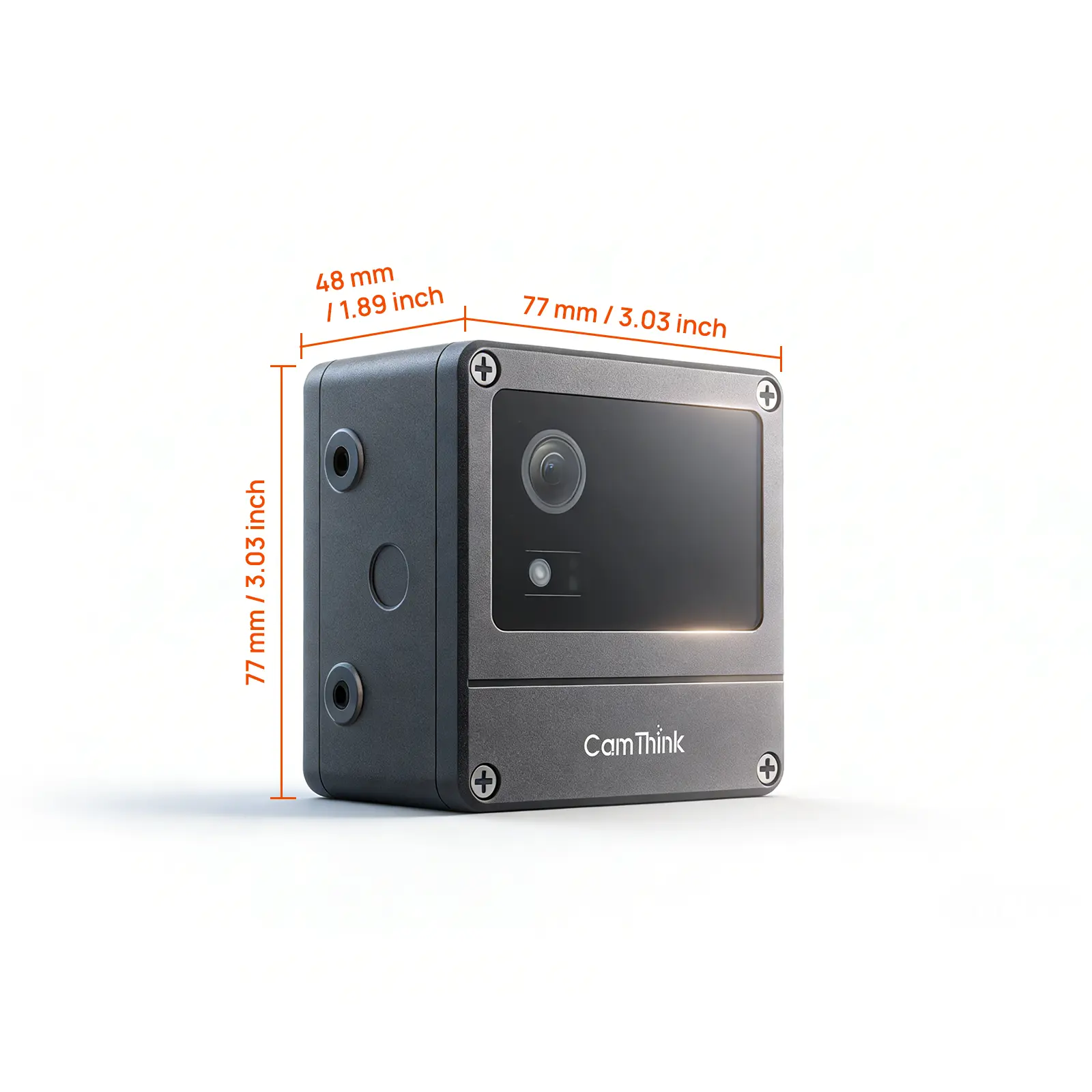
| Dimensions | 77 × 77 × 48 mm |
| Mounting | Wall, pole, meter, adjustable-angle, and base options with suitable accessories, sold separately |
- NE301 platform and camera-module overview
- NE301 Web UI settings and model management
- NE301 custom model training and deployment
For NE301 related downloadable files, please see CamThink's Download Center
Related products
-

NeoEyes NE503 4K PoE Edge AI Camera
Price range: $949.00 through $1,199.00Select options This product has multiple variants. The options may be chosen on the product page -

10W Solar Panel & 7Ah Outdoor Battery Kit with 5V Type-C Output
Price range: $109.00 through $119.00Select options This product has multiple variants. The options may be chosen on the product page -
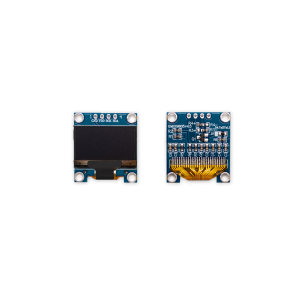
0.96″ OLED Display Module, I2C Interface, SSD1315 Driver (128×64 / 3.3V–5V / 4-Pin / Ultra-High Contrast)
$3.00 -
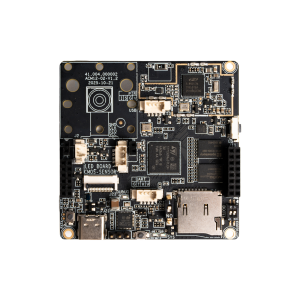
NE301 STM32N6 Vision Development Board
$110.00